182050 User manual.pdf - 第71页
semi automatic 0$&+,1 (352*5 $00,1 * 67$*( 9,6 ,216<6 7(06 (783 Software Version 07SP02 User Manual 1.61 The screen displ ays the following: 10. Use the Next , Previous , Incr . and Decr . keys (F4 - F7), …
semi automatic
0$&+,1(352*5$00,1*
67$*(9,6,216<67(06(783
1.60 User Manual Software Version 07SP02
4. Select Run (F1).
5. Select Step (F1).
6. Select Step (F1).
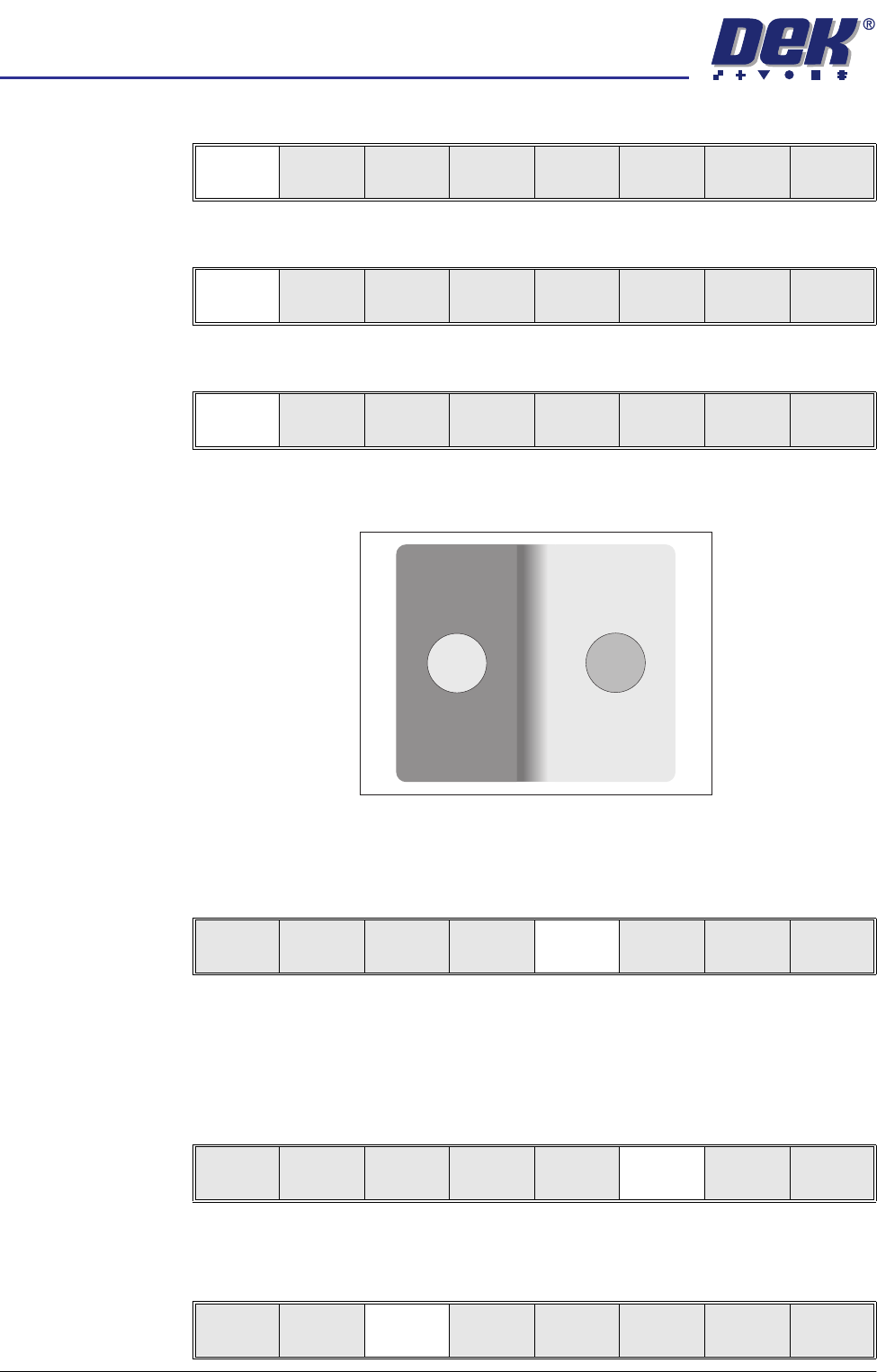
The board fiducial should now be visible on the vision data window.
If the fiducial is in the field of view go to Step 10. If the fiducial is not in the
field of view, continue with Step 8.
7. Select Search Step (F5).
For each press of Search Step the camera conducts an increasing spiral
search to enable the operator to locate the fiducial. If this search is not
successful the camera can be returned to its origin. Re-check the fiducial
co-ordinates set in the product file.
8. Select Search Reset (F6).
When the fiducial is located move it to the centre of the screen.
9. Select Fiducial Setup (F3).
Run
Open
Cover
Paste
Load
Clean
Screen
Setup Monitor Maint.
Step
Open
Cover
Single Exit
Step
Open
Cover
Inspect
Setup
Single Exit
Step
Open
Cover
Fiducial
Setup
Adjust
Search
Step
Search
Reset
Single Exit
Step
Open
Cover
Fiducial
Setup
Adjust
Search
Step
Search
Reset
Single Exit
Step
Open
Cover
Fiducial
Setup
Adjust
Search
Step
Search
Reset
Single Exit
semi automatic
0$&+,1(352*5$00,1*
67$*(9,6,216<67(06(783
Software Version 07SP02 User Manual 1.61
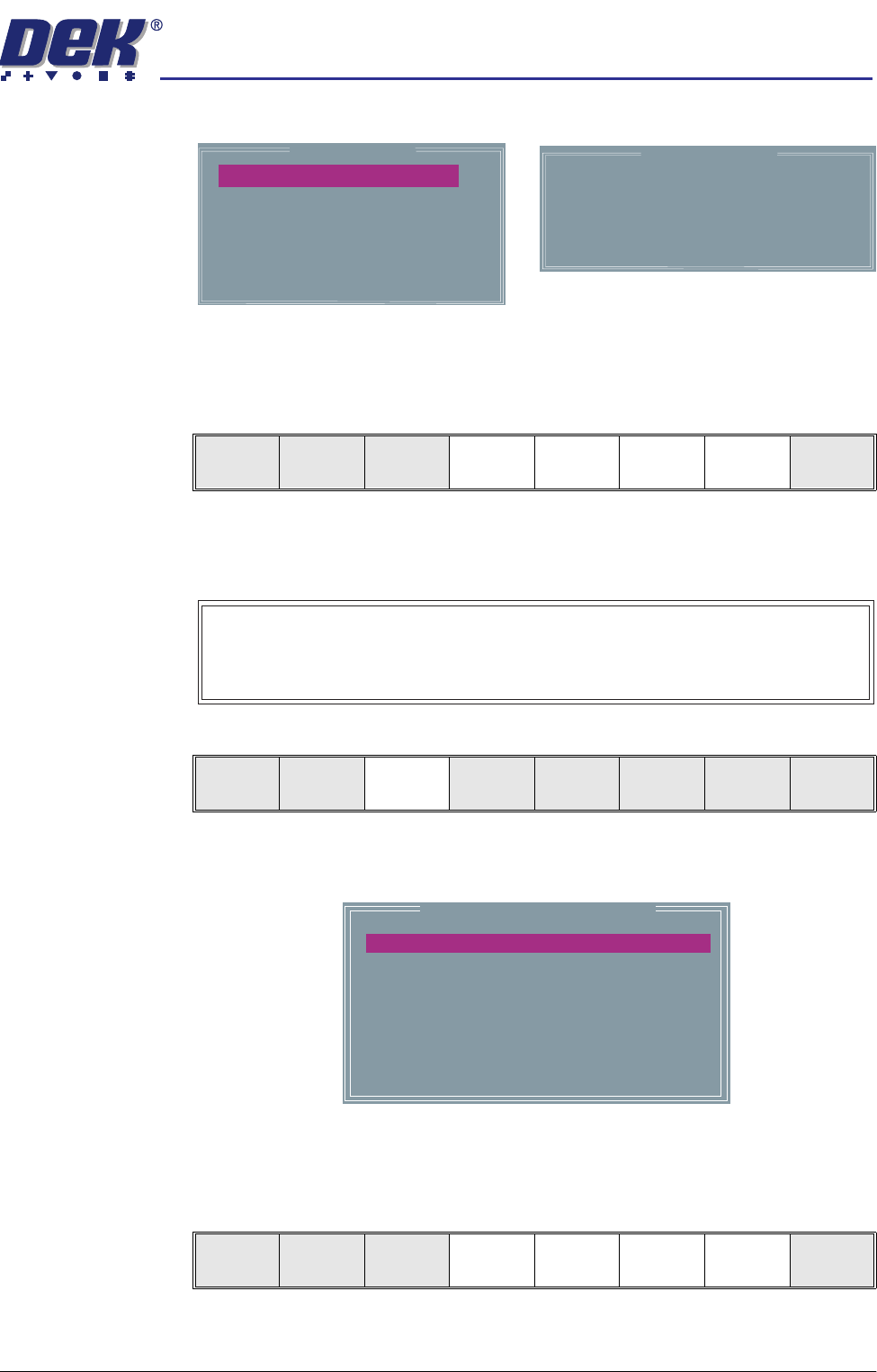
The screen displays the following:
10. Use the Next, Previous, Incr. and Decr. keys (F4 - F7), to highlight and
adjust each of the parameters in the left hand box, to set the fiducial type,
background, accept score and to position the fiducial in the approximate
centre of the monitor.
NOTE
Ensure no part of the fiducial is outside the box.
11. Select Set Light (F3).
A histogram is displayed on the monitor and the Fiducial Lighting Parame-
ters window is displayed on the status page.
12. Use the Next, Previous, Incr. and Decr. keys (F4 - F7), to highlight and
adjust the lighting parameters to a level whereby the fiducials are just whiting
out, without blooming, default level 8 is usually adequate for the majority of
setups.
Background
Dark
Accept Score
Fiducial X
Fiducial Y
800
184.4
77.9
Circle Parameters
Board Fiducial 1
mm
mm
mm
Diameter
Inner Contour
Outer Contour
1.80
0.40
0.40
Fiducial Type
Circle
Learn
Fiducial
Locate
Fiducial
Set
Light
Next Previous Incr. Decr. Exit
Video Model
To setup a video model, choose Video Model from the Fiducial Type
Parameter.
Learn
Fiducial
Locate
Fiducial
Set
Light
Next Previous Incr. Decr. Exit
Fiducial Lighting Parameters
SCREEN VERTICAL
BOARD VERTICAL
WINDOW LEFT
WINDOW TOP
WINDOW WIDTH
WINDOW HEIGHT
8
8
-1.0
-1.5
2.0
2.0
Next Previous Incr. Decr. Exit
semi automatic
0$&+,1(352*5$00,1*
67$*(9,6,216<67(06(783
1.62 User Manual Software Version 07SP02
13. Select Exit (F8).
14. Select Learn Fiducial (F1).
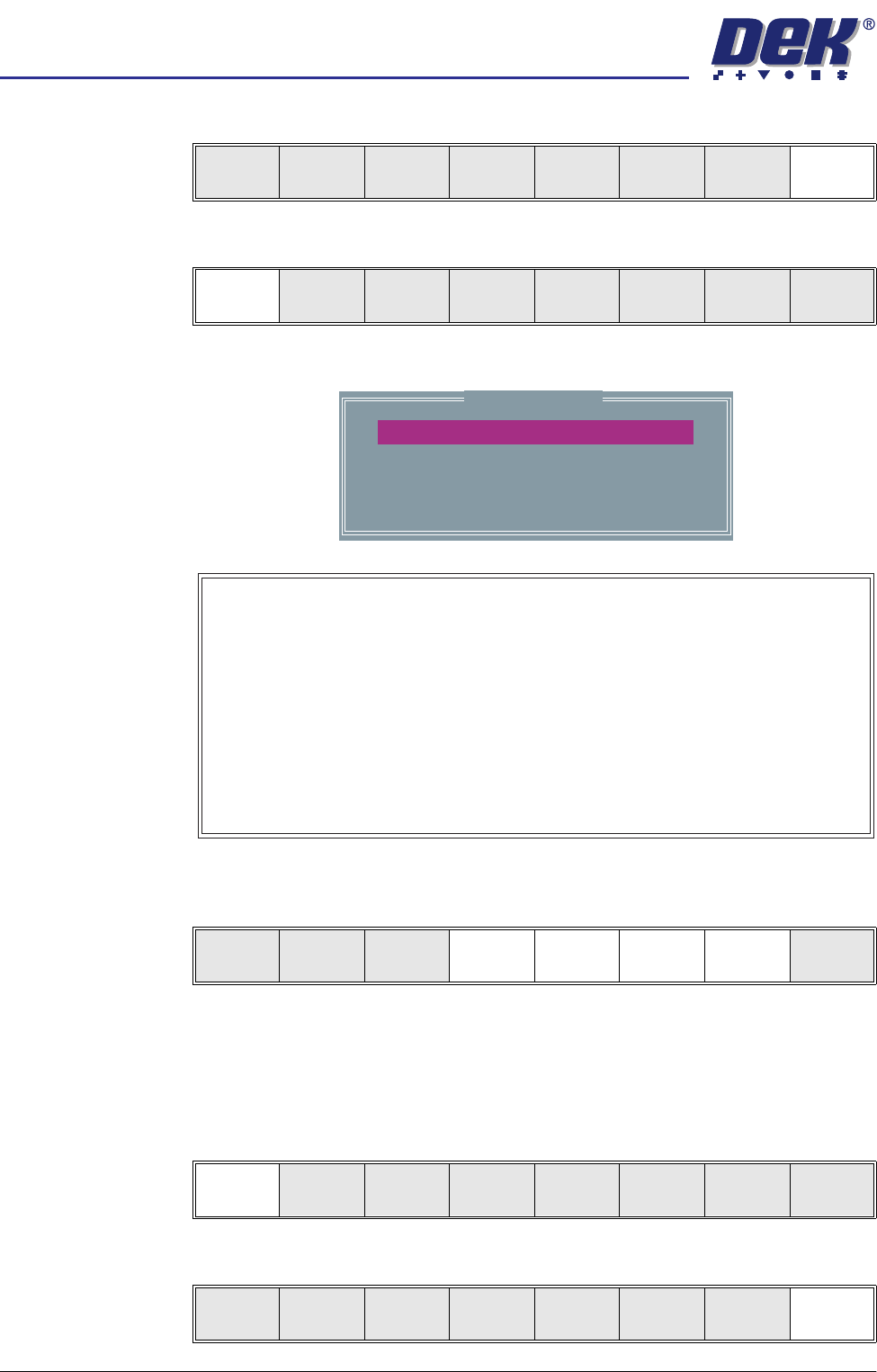
Setup the fiducials appearing in the right hand box on the monitor.
15. Use the Next, Previous, Incr. and Decr. keys (F4 - F7), to highlight and
adjust each circle parameter in turn to obtain the best fit over the fiducial.
NOTE
Once aligned it may be necessary to change the line fiducial dimension to
achieve a better fit.
16. Select Learn Fiducial (F1). The message ‘Learning Fiducial - Please
Wait’ is displayed in the message prompt bar.
17. Select Exit (F8).
Next Previous Incr. Decr. Exit
Learn
Fiducial
Locate
Fiducial
Set
Light
Next Previous Incr. Decr. Exit
Circle Parameters
mm
mm
mm
mm
mm
xxx
xxx
xxx
xxx
xxx
Position X
Position Y
Diameter
Inner Contour
Outer Contour
Video Model
When using video model the Video Model Parameters are as follows:
Position X, Position Y, Height, Width and Video Model Type.
Video Model Type has three options as follows:
Uses a video model type best suited to the type of fiducial being learnt.
Auto
Type 1
Type 2
Uses a DEK standard video model making a synthetic model of the
feature to be learnt. Best suited to features that are not replicated in
the camera field of view. A unique pattern is ideal for this model.
Normalised Correlation, makes a note of all features and board
background in the bounding rectangle. This is ideally suited to regular
arrays such as a corner of a BGA device or a QFP pad.
Learn
Fiducial
Next Previous Incr. Decr. Exit
Learn
Fiducial
Next Previous Incr. Decr. Exit
Learn
Fiducial
Next Previous Incr. Decr. Exit