182050 User manual.pdf - 第76页
semi automatic 0$&+,1( 352*5$ 00,1* 67$*( 35,17 ,167( 302'( 1.66 User Manual Software Ve rsion 07SP02 5. Lower the print head cover . 6. Press the System butto n. 7. Select Continue ( F1). 8. Select Exi…
semi automatic
0$&+,1(352*5$00,1*
67$*(35,17,167(302'(
Software Version 07SP02 User Manual 1.65
STAGE 9 - PRINT IN STEP MODE
If using squeegees with paste dispenser continue with Auto Paste Dispense. If
using squeegees without paste dispenser go to Manual Paste Load. If using
ProFlow go to Run a Product in Step Mode.
Auto Paste
Dispense
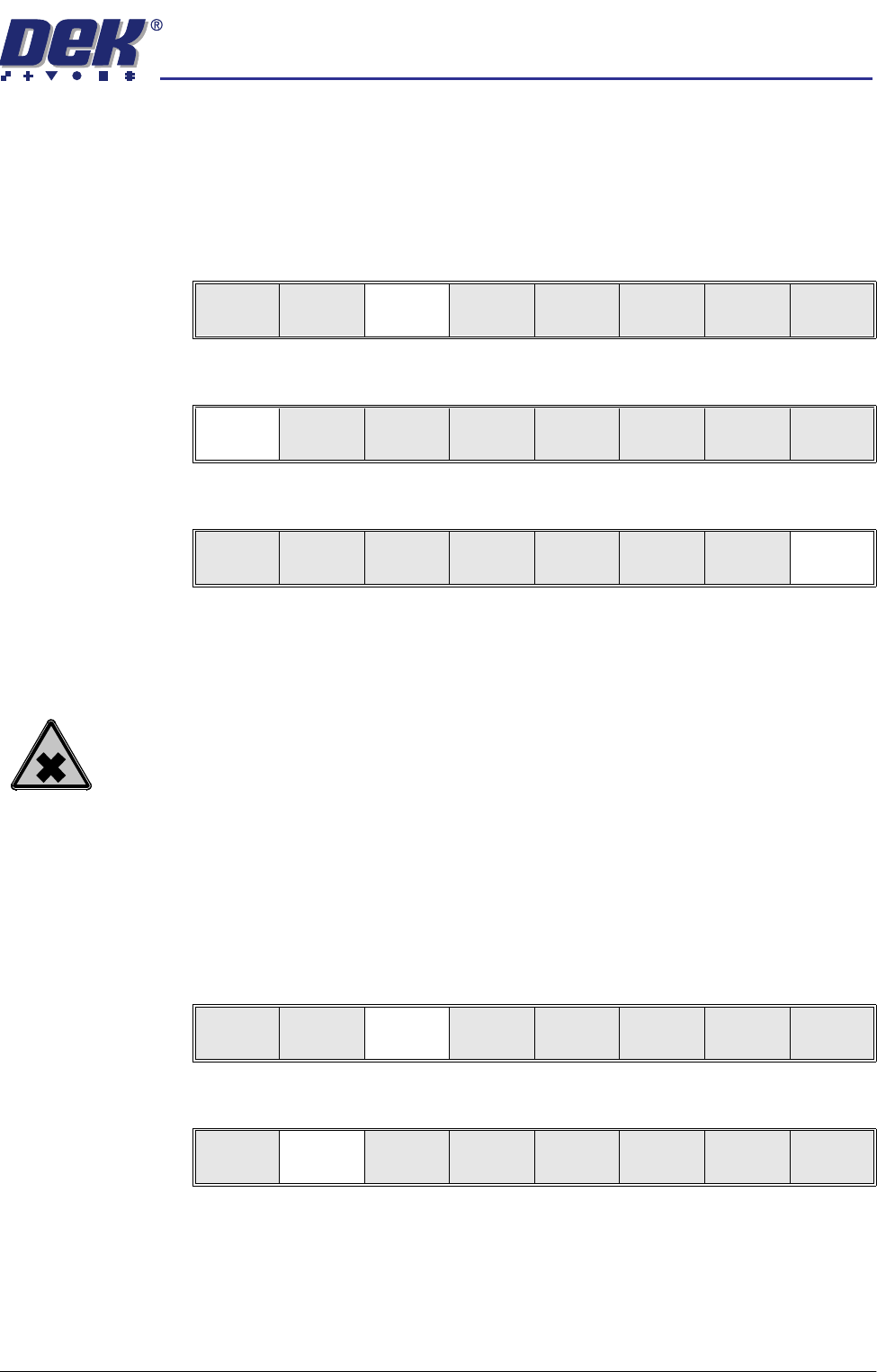
1. Select Paste Load (F3).
2. Select Auto Dispense (F1).
3. Select Exit (F8).
4. Go to Run a Product in Step Mode.
Manual Paste Load
WARNING
SOLDER PASTE AND SOLVENTS. WHEN USING OR HANDLING ANY SOLDER
PASTE OR SOLVENT FORMULATION THE MANUFACTURERS’ RECOMMEND
SAFETY PRECAUTIONS MUST BE STRICTLY ADHERED TO.
Paste
Replenishment Off
NOTE
With the Paste Dispenser not fitted, the paste dispense rate (in the product file)
pauses the machine after printing the amount of boards specified. This allows
the operator to open the printhead to load paste on to the stencil. The paste
dispense rate can be set from 1 to 100 boards. If 0 (zero) is entered, the
operator is not be reminded to replenish the paste.
1. Select Paste Load (F3).
2. Select Manual Load (F2).
3. Raise the printhead cover.
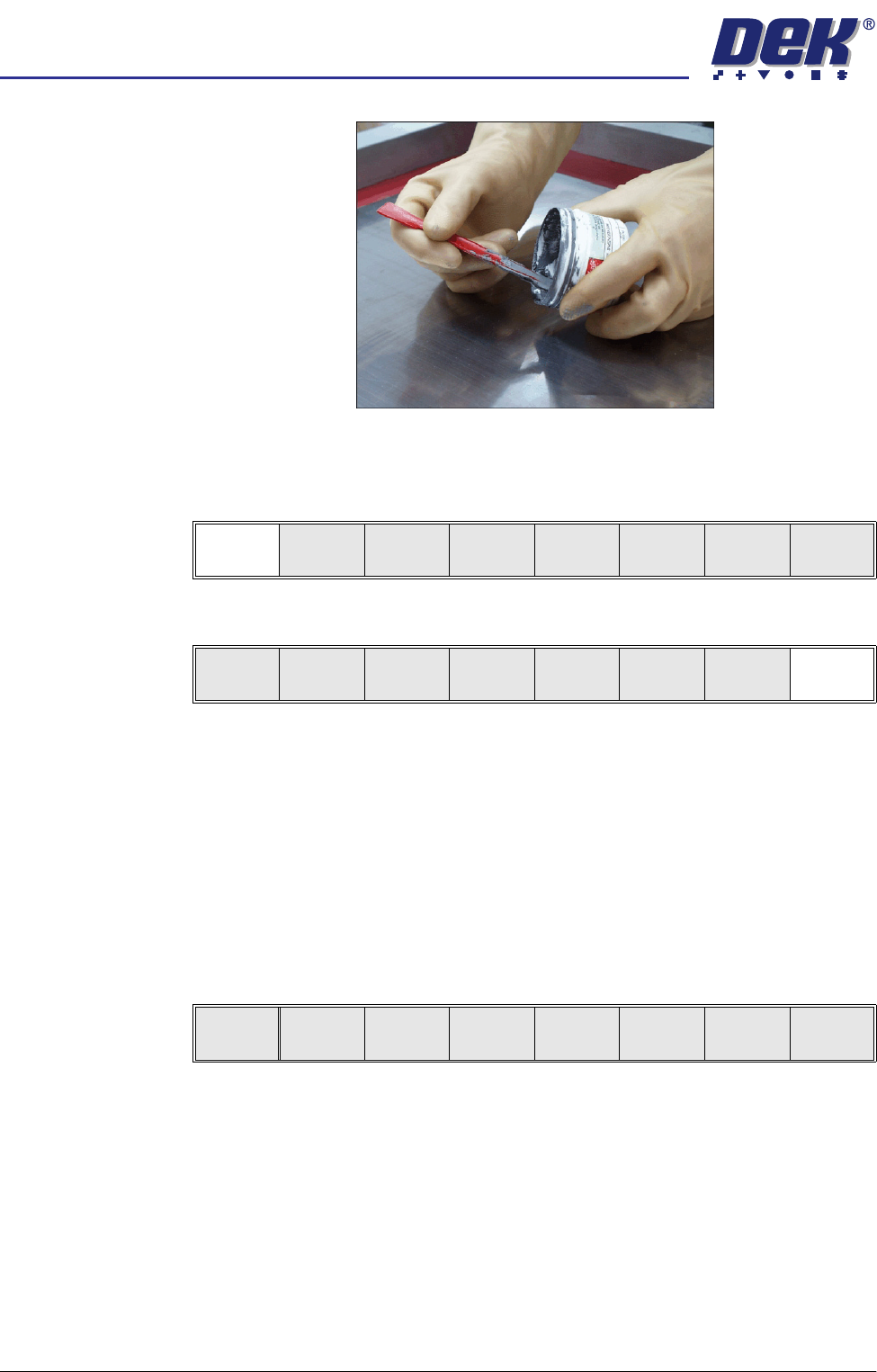
4. Load the solder paste onto the stencil.
Run
Open
Cover
Paste
Load
Clean
Screen
Setup Monitor Maint.
Auto
Dispense
Manual
Load
Load
Cart.
Print
Directn
Exit
Auto
Dispense
Manual
Load
Load
Cart.
Print
Directn
Exit
Run
Open
Cover
Paste
Load
Clean
Screen
Setup Monitor Maint.
Auto
Dispense
Manual
Load
Load
Cart.
Print
Directn
Exit
semi automatic
0$&+,1(352*5$00,1*
67$*(35,17,167(302'(
1.66 User Manual Software Version 07SP02
5. Lower the printhead cover.
6. Press the System button.
7. Select Continue (F1).
8. Select Exit (F8)
Paste
Replenishment On
NOTE
With the Paste Dispenser not fitted, the paste dispense rate (in the product file)
pauses the machine after printing the amount of boards specified. This allows
the operator to open the printhead to load paste on to the stencil. The paste
dispense rate can be set from 1 to 100 boards. If 0 (zero) is entered, the
operator is not be reminded to replenish the paste.
1. When the machine has printed the amount of boards specified in the Paste
Dispense Rate setting, the machine is paused and the message ‘Open
cover and load paste’ is displayed in the Message Prompt Window of the
MMI. The following menu bar is displayed.
NOTE
Selecting the Continue (F1) button restarts the printing without the oppor-
tunity to replenish the paste.
2. Raise the printhead cover.
3. Load the solder paste onto the stencil.
4. Lower the printhead cover.
5. Press the System button.
Continue
Auto
Dispense
Manual
Load
Load
Cart.
Print
Directn
Exit
Continue
semi automatic
0$&+,1(352*5$00,1*
67$*(35,17,167(302'(
Software Version 07SP02 User Manual 1.67
6. Press the Continue (F1) button.
Run a Product in
Step Mode
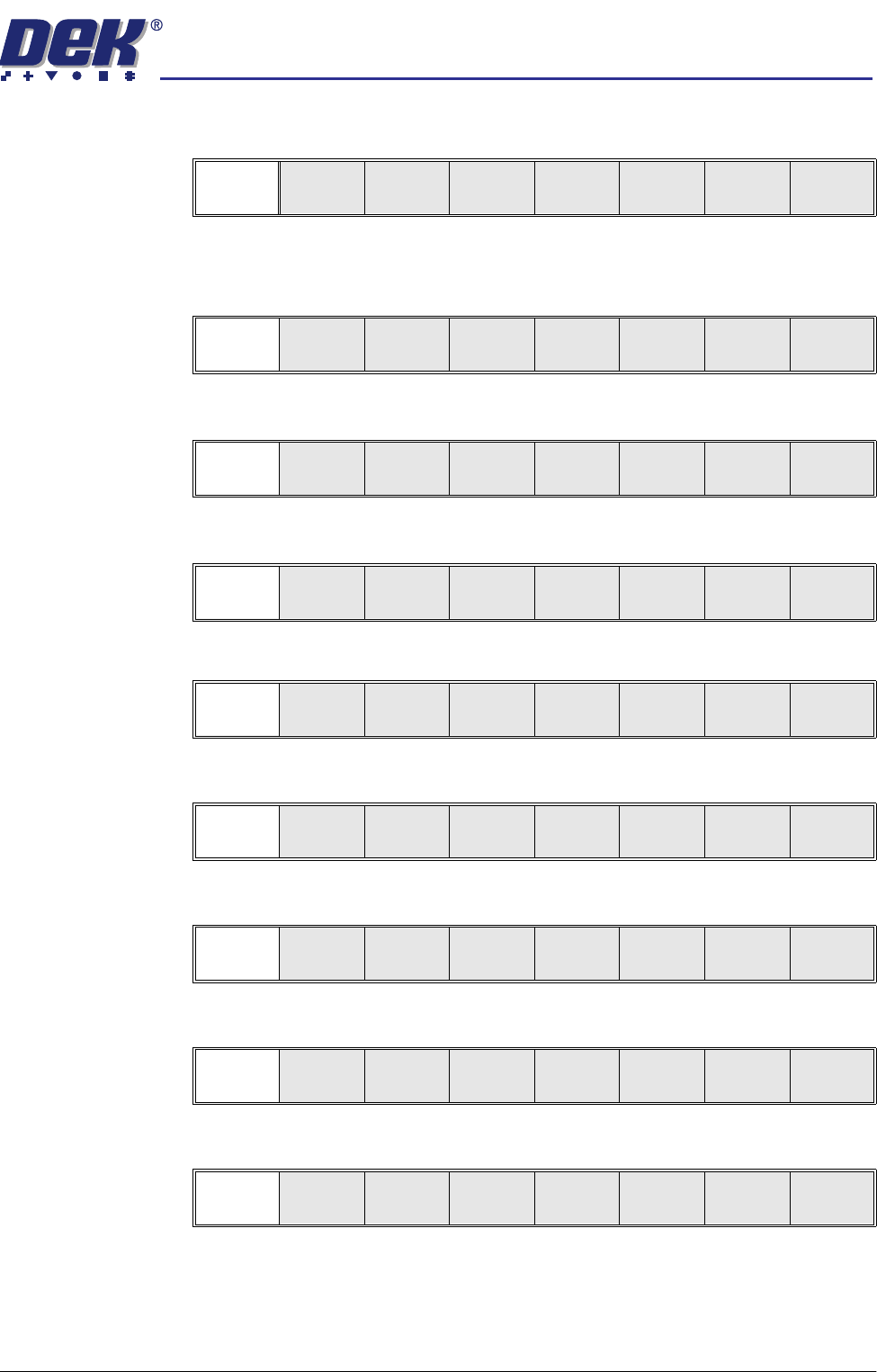
1. Load a board on to the conveyor.
2. Select Run (F1).
3. Select Step (F1).
4. Select Step (F1).
5. Select Step (F1).
6. Select Step (F1).
7. Select Step (F1).
8. Select Step (F1).
9. Select Step (F1).
10. Remove the board from the conveyor and inspect the print for alignment. If
the alignment is satisfactory go to Step 14, if the alignment needs adjusting,
calculate the following:
X Offset, Y Offset and θ Offset.
Continue
Run
Open
Cover
Paste
Load
Clean
Screen
Setup Monitor Maint.
Step
Open
Cover
Inspect
Setup
Single Exit
Step
Open
Cover
Inspect
Setup
Single Exit
Step
Open
Cover
Fiducial
Setup
Adjust
Search
Step
Search
Reset
Single Exit
Step
Open
Cover
Fiducial
Setup
Adjust
Search
Step
Search
Reset
Single Exit
Step
Open
Cover
Fiducial
Setup
Adjust
Search
Step
Search
Reset
Single Exit
Step
Open
Cover
Fiducial
Setup
Adjust
Search
Step
Search
Reset
Single Exit
Step
Inspect
setup
Single Exit