182050 User manual.pdf - 第90页
semi automatic 0$&+,1( 352*5$ 00,1* 0(183$5$ 0(7(5 6 1.80 User Manual Software Ve rsion 07SP02 Paste While Clean Thi s parameter enables t he machine t o carry out a paste dispense while cleaning the screen. Availa…
semi automatic
0$&+,1(352*5$00,1*
0(183$5$0(7(56
Software Version 07SP02 User Manual 1.79
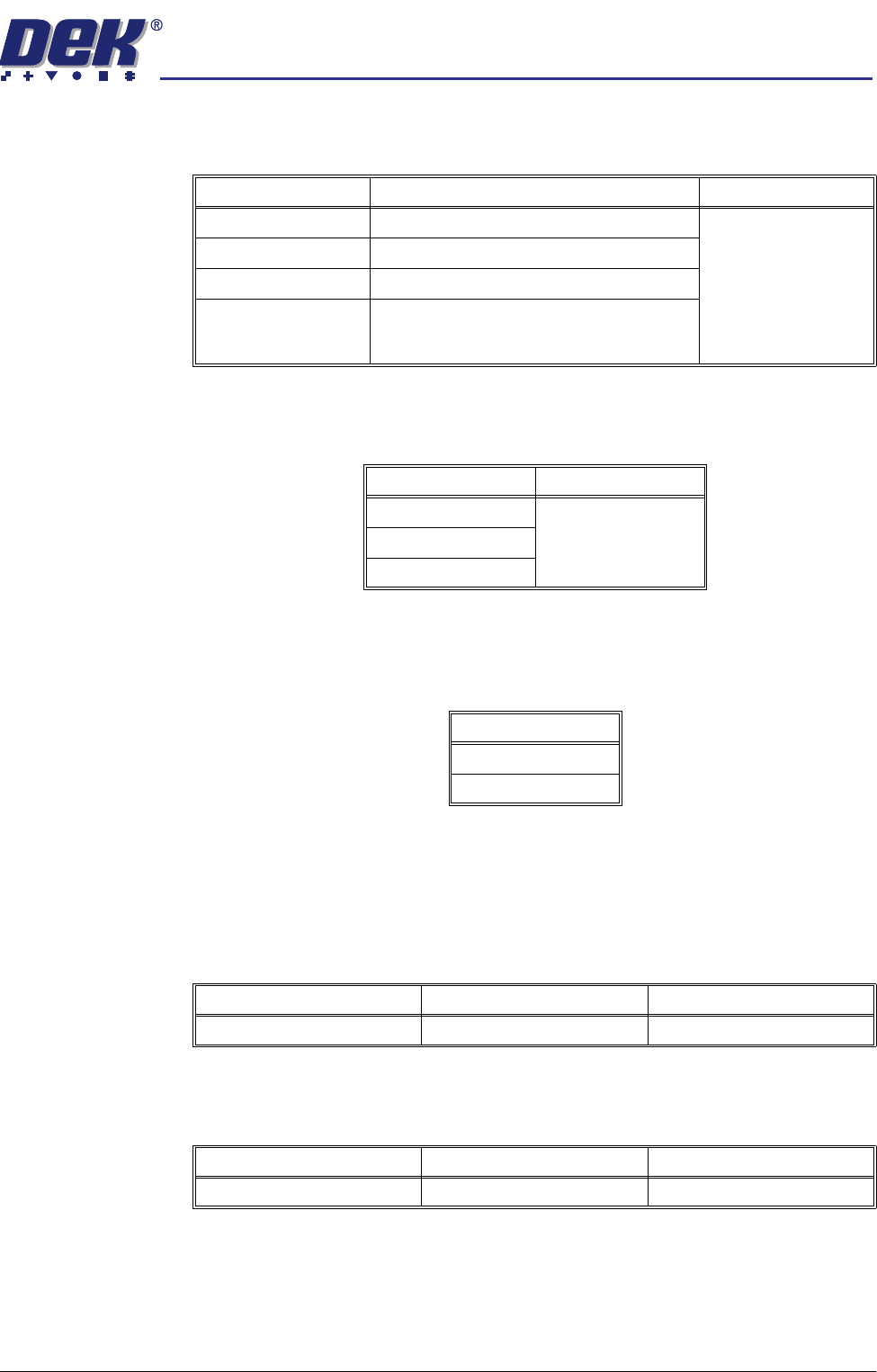
Print Mode This parameter sets the mode of operation of the machine. Available modes
are:
Print Deposits This parameter sets the number of consecutive print strokes carried out on one
substrate.
Print Vacuum
Mode
This parameter determines the state of the vacuum during the print and flood
stages of the cycle. The parameter is only available if Adhesive has been
selected in the Print Mode parameter.
Paste Dispense
Rate
With the Paste Dispenser fitted, this parameter sets the number of print cycles
which occur between cycling of the paste dispense system.
Without the Paste Dispenser fitted, this parameter sets the number of print
cycles which occur before stopping, allowing the operator to manually replenish
the paste.
Paste Dispense
Speed
This parameter sets the speed at which the paste dispenser moves across the
stencil thereby determining the amount of paste deposited on the stencil.
Modes Available Note Default
Print / Print Print / Print
Print / Flood
Flood / Print
Adhesive Selecting Adhesive from this parameter
opens the separation delay and print vacuum
mode
Select Default
11
2
3
Mode
ON
OFF
Minimum Maximum Increment
0 (Dispenser switched off) 100 1
Minimum Maximum Increment
10.0mm/sec 100.0mm/sec 1.0mm/sec
semi automatic
0$&+,1(352*5$00,1*
0(183$5$0(7(56
1.80 User Manual Software Version 07SP02
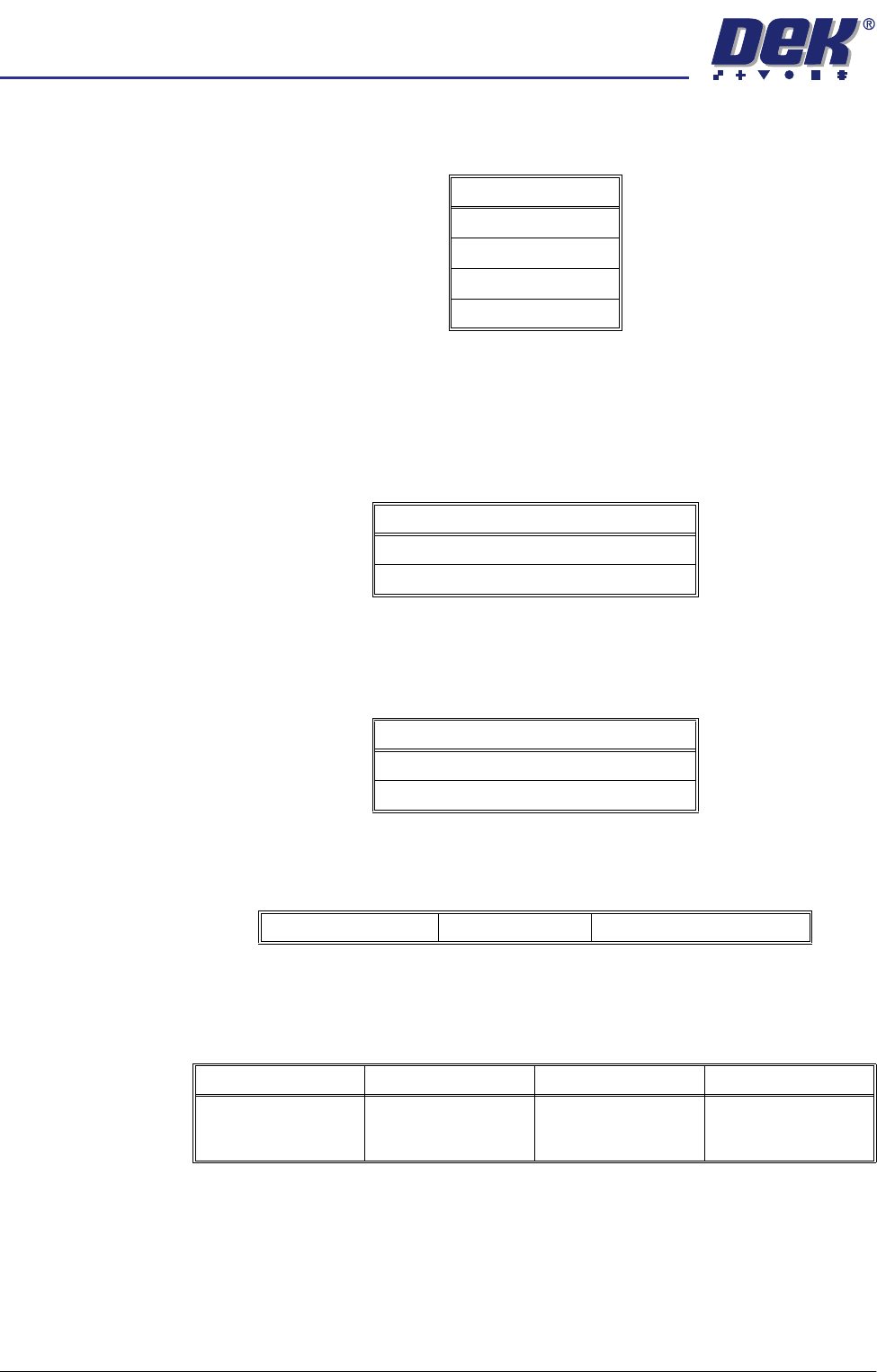
Paste While Clean This parameter enables the machine to carry out a paste dispense while
cleaning the screen. Available modes are:
Paste With Board This parameter gives the option to dispense paste with a board loaded and held
at print height. This prevents paste dropping through the image on the screen.
Options are:
NOTE
With enabled selected the parameter Paste While Clean is removed.
Alternate Disp This parameter gives the option to dispense at either ENDS or CENTRE. ENDS
dispenses at the outer 25% of the squeegees. CENTRE dispenses along an
area of 25% either side of the centre line.
Alternate Disp
Rate
This parameter enables the user to select the ratio of alternate dispenses to
standard dispenses.
Paste Recovery
Rate
This parameter sets the frequency, measured in print strokes completed in
either direction, at which paste roll recovery occurs in both directions, when
using squeegees.
Mode
Disabled
Mode 1
Mode 2
Both Modes
Options Available
Enabled
Disabled
Options Available
Ends
Centre
No Alternate Dispense Every Dispense Every Second Dispense etc.
Minimum Maximum Increment Default
0
(This disables paste
roll recovery)
500 1
semi automatic
0$&+,1(352*5$00,1*
0(183$5$0(7(56
Software Version 07SP02 User Manual 1.81
Front Paste
Recovery
This parameter sets the extent of paste roll recovery movement while beginning
the rearward print stroke. The movement is measured forward from the print
stroke start position.
Rear Paste
Recovery
This parameter sets the extent of paste roll recovery movement while beginning
the forward print stroke. The movement is measured rearward from the print
stroke start position.
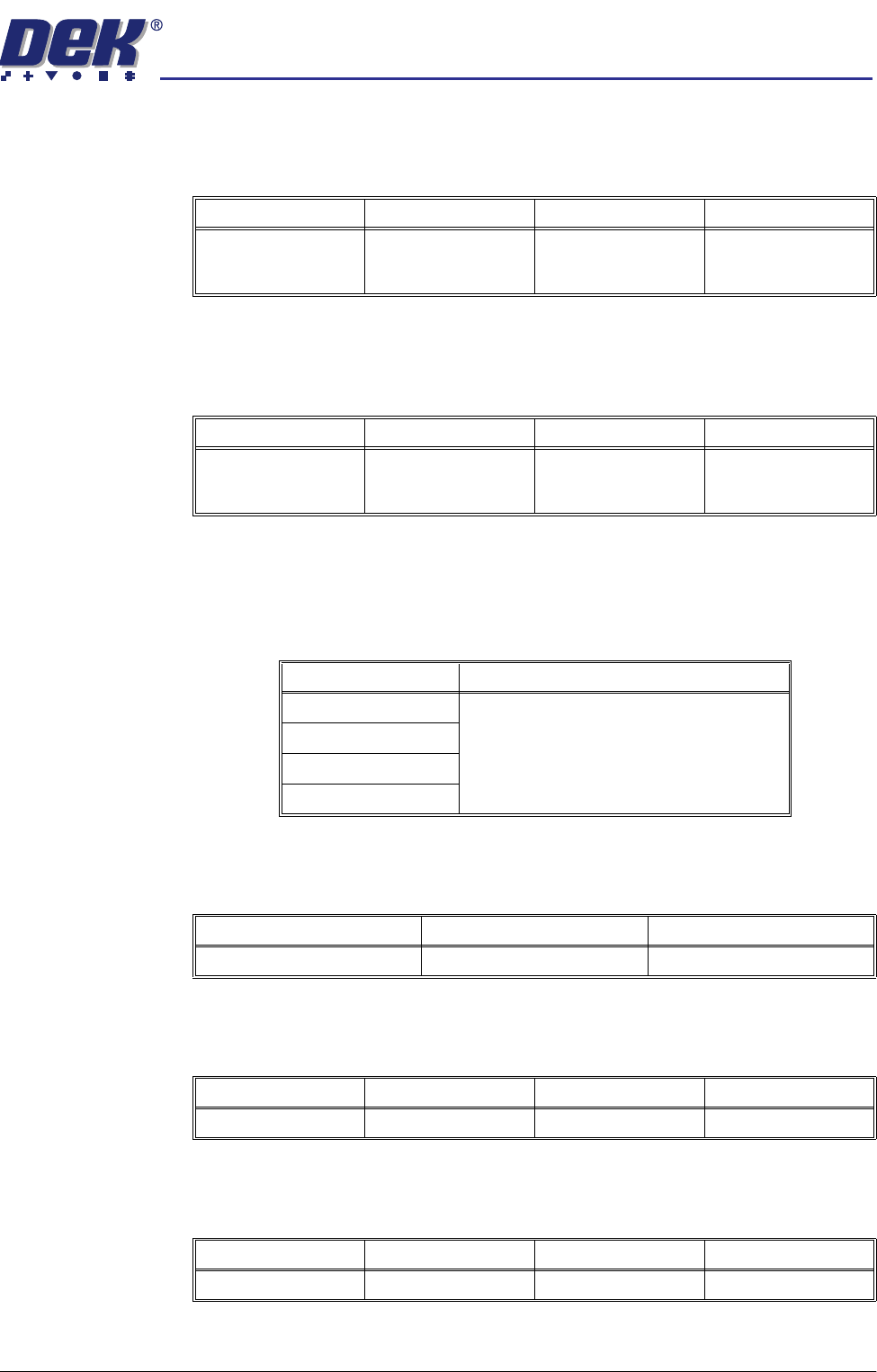
Screen Clean
Mode 1 (including
Vacuum)
This parameter sets the mode of operation of the screen cleaner for the first
clean mode. When selected this parameter opens a window that allows a
screen clean option sequence to be chosen. The sequence includes six stages,
each of which may be one of the following cleaning operations:
Screen Clean
Rate 1
This parameter sets the number of print cycles between the cycling of the
screen cleaner for the first screen clean rate.
Vortex Cassette
Life (Vortex USC)
This parameter sets the number of cleaning strokes that are applied before a
cleaning cassette is replaced.
Vortex Clean Rate
(Vortex USC)
This parameter sets the frequency (in print cycles) at which screen cleaning
occurs.
Minimum Maximum Increment Default
0.0mm 15.0mm
(Subject to front turn-
around envelope)
1.0mm 5.0mm
Minimum Maximum Increment Default
0.0mm 15.0mm
(Subject to rear turn-
around envelope)
1.0mm 5.0mm
Cleaning Operation Note
Wet A warning is given if the end stroke is wet.
Dry
Vac
None
Minimum Maximum Increment
0 (Screen cleaner off) 200 1
Minimum Maximum Increment Default
0.0 200.0 1.0 20.0
Minimum Maximum Increment Default
0.0 200.0 1.0 0.0