80S-20贴片机.pdf - 第319页
SIPLACE 80S-20/F4 Service Manual 9 12-Segment Revolver Head (10000) Edition 07/97 9.5 Z Axis Unit 9 - 23 9.5.4 Replacing the T oothed Belt for the Z Axis PLEASE NOT E This wor k may o nly be c arried out by Sieme ns ser …
9 12-Segment Revolver Head (10000) SIPLACE 80S-20/F4 Service Manual
9.5 Z Axis Unit Edition 07/97
9 - 22
● Carefully pull the motor to the rear and away.
● To reinstall proceed in the reverse sequence of operations.
ATTENTION ∆
!
∆
!
When fitting the z motor, make sure that the toothed belt is correctly seated on the motor pinion.
Adjustment work
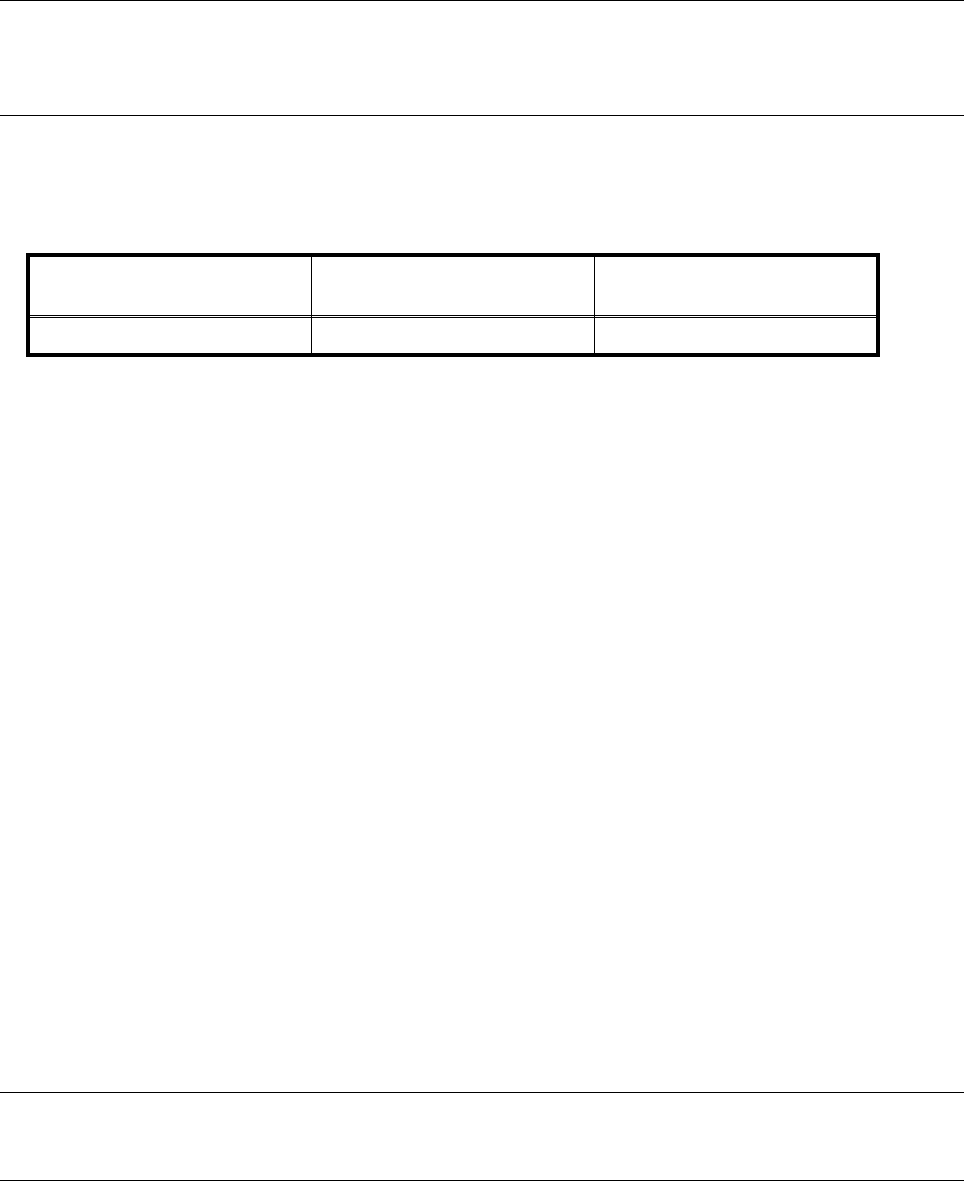
● Using the belt tension measuring device, check the belt tension in accordance with the values specified
below:
9.5.3 Recording the Zero Point Correction for the Revolver Head
ZAxis
● Sitest menu → Axes → Z axis → Modify axis data → Positions → Zero point correction.
● Type 0 into the zero point correction line and carry out a reference run with the axes.
● Disable the z axis and move it upwards by hand by the toothed belt.
● Hold the z axis firmly in its top position.
● Sitest menu → Axes → Star axis → Move axis.
● Position the star axis at 9500 ± 2500 digits.
● Sitest menu → Axes → Z axis → Read actual position.
● Press the z axis lightly with your hand against the upper stop. Read off the actual position and make a note
of it.
● Now press the z axis lightly by hand against the lower stop. Once again read off and note down the actual
position.
● Calculate the average of these two values (zero point correction) (X1 + X2) / 2.
● Sitest menu → Axes → Z axis → Modify axis data → Positions → Zero point correction.
● Type in the new zero point correction value.
● Carry out a reference run with the star axis.
● Switch the z axis back on and carry out a reference run with it.
● Check the upper and lower stop once again. Both values should approx. be the same.
● Sitest menu → Store MA file → AXMA.DAT.
PLEASE NOTE
The zero point correction must have a negative value.
Prior to continuous operation
frequency (Hz)
After continuous operation
frequency (Hz)
Z axis toothed belt 185 ± 10 185 ± 10
SIPLACE 80S-20/F4 Service Manual 9 12-Segment Revolver Head (10000)
Edition 07/97 9.5 Z Axis Unit
9 - 23
9.5.4 Replacing the Toothed Belt for the Z Axis
PLEASE NOTE
This work may only be carried out by Siemens service technicians or by the customer’s appropriately trained
personnel.
Spare parts
Toothed belt Synchroflex 8AT3/201, from item no. 00320001-01
Test equipment
Belt tension measuring device TSM, from item no. 00326015-01
’Measure Belt Tension’ Instructions
Gauge for z axis, from item no. 00331308-01
● Undo the two hexagon socket screws (M2.5 x 8) and remove the toothed belt fastening (see Fig. 9.5.1,
Pos. 5).
● Undo the four hexagon socket screws (M3 x 5) of the motor mounting (see Fig. 9.5.1, Pos. 5).
● Position the new toothed belt over the motor pinion and the counterbearing.
ATTENTION
When you fit the toothed belt holder make sure that you position the belt correctly on the motor pinion.
● When installing, proceed in the reverse sequence of operations.
Adjustment work
● Remove the front part of the placement head (see Section 9.1.6, Page 9 - 7).
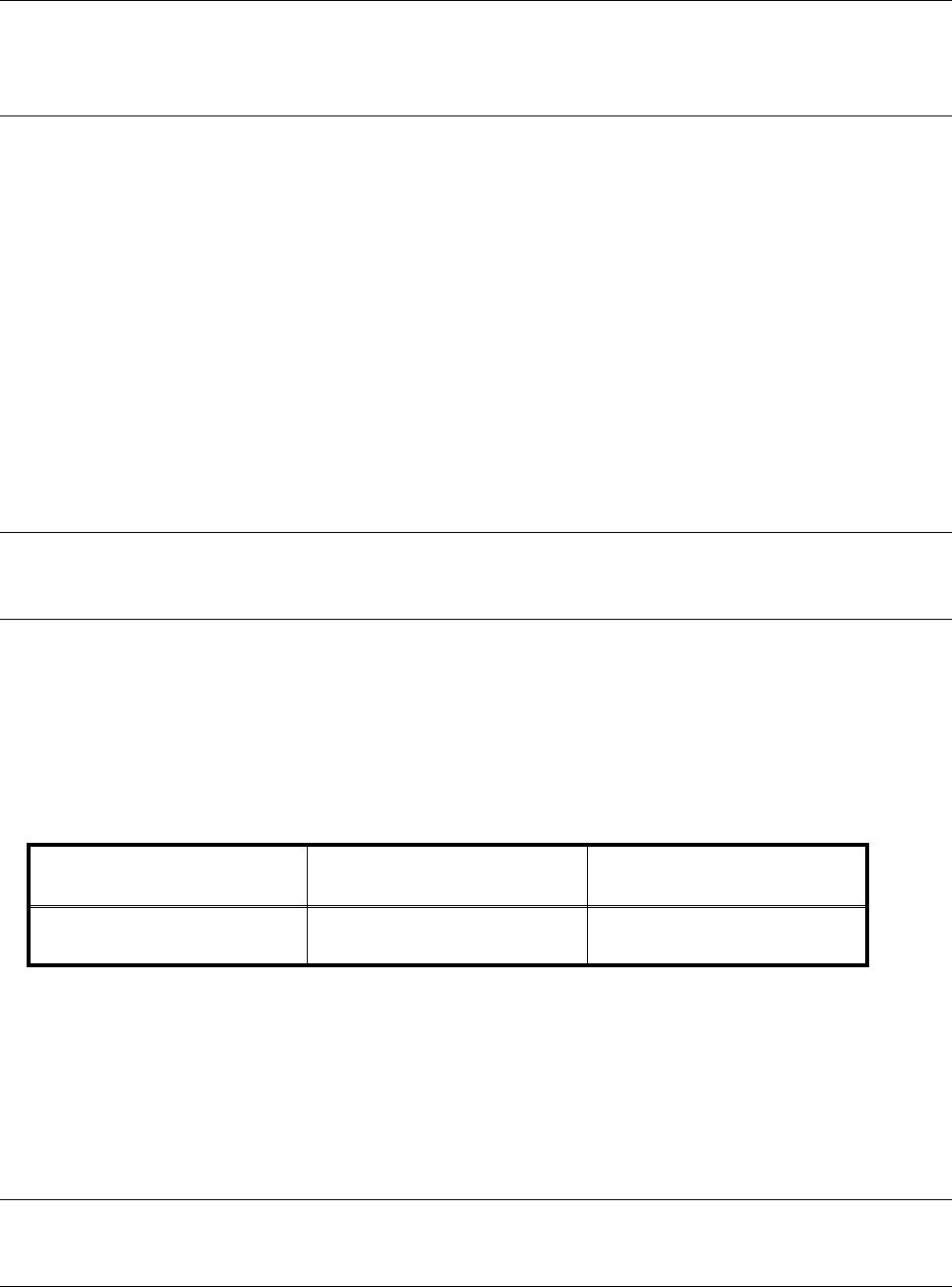
● Using the belt tension measuring device, check the belt tension in accordance with the values specified
below:
● Using your fingers lift the z axis a little and insert the z-axis gauge in pos. (A) in the bearing race
(see pos. 8, Fig. 9.5.1, Page 9 - 25).
The z axis is located 0.3 mm above the bearing race.
● Adjust the upper stop (pos. 7) in a way, that it will touch the toothed belt fastening (pos. 5).
● Fit the front part of the placement head (see Section 9.1.6, Page 9 - 7).
● Determine the zero point correction value for the z axis (see Section 9.5.3, Page 9 - 22).
PLEASE NOTE
After installing the placement head, determine the star zero point correction as described in section 9.6.3.
Prior to continuous operation
frequency (Hz)
After continuous operation
frequency (Hz)
Z-axis toothed belt of
revolver head
185 ± 10 185 ± 10

9 12-Segment Revolver Head (10000) SIPLACE 80S-20/F4 Service Manual
9.5 Z Axis Unit Edition 07/97
9 - 24
9.5.5 Replacing the ’Z Axis Bottom’ Sensor
PLEASE NOTE
This work may only be carried out by Siemens service technicians or by the customer’s appropriately trained
personnel.
Spare parts
Sensor ’Z-Axis bottom’, from item no. 00321524S03
Test equipment
Precision test pin, dia. 1.3
, from item no. 00326163-01
● Disconnect plug-in connection X11 from the distributor board.
● Undo the three hexagon socket screws (1 x M2 x 8 and 2 x M2 x 5) of the ribbon cable holders and remove
the ribbon cable.
● Undo the two slotted head screws (M1.6 x 4) and remove the ’Z axis bottom’ sensor.
● Using the precision test pin set the lateral clearance between the light barrier and the nozzle ring to
1.3 mm.
● When re-installing, proceed in the reverse sequence of operations.
NOTE
Be careful when routing the ribbon cable.