3OM-1751-002w_G5S.pdf - 第141页
3OM-1751 1-87 1303-001 (3) Farmware When the [Farmware] button is pressed in the "List" window, the "Farmware" window appears. F3A70 6.2 "MOTOR" Window
3OM-1751
1-861303-001
[2] Status Indicator
Displayed is the status of each section.
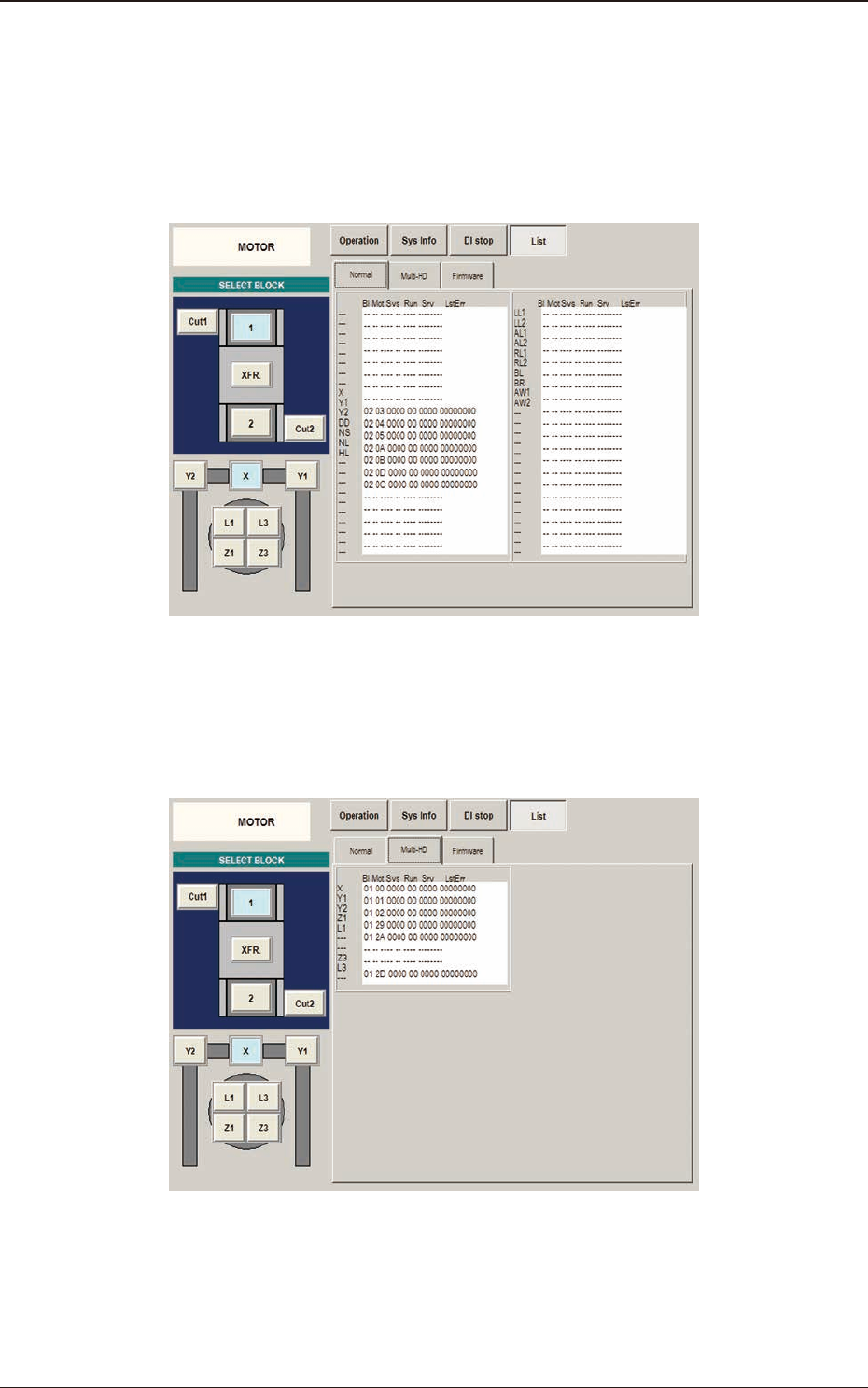
(1) Normal
When the [Normal] button is pressed in the "List" window, the
"Normal" window appears.
F3A68
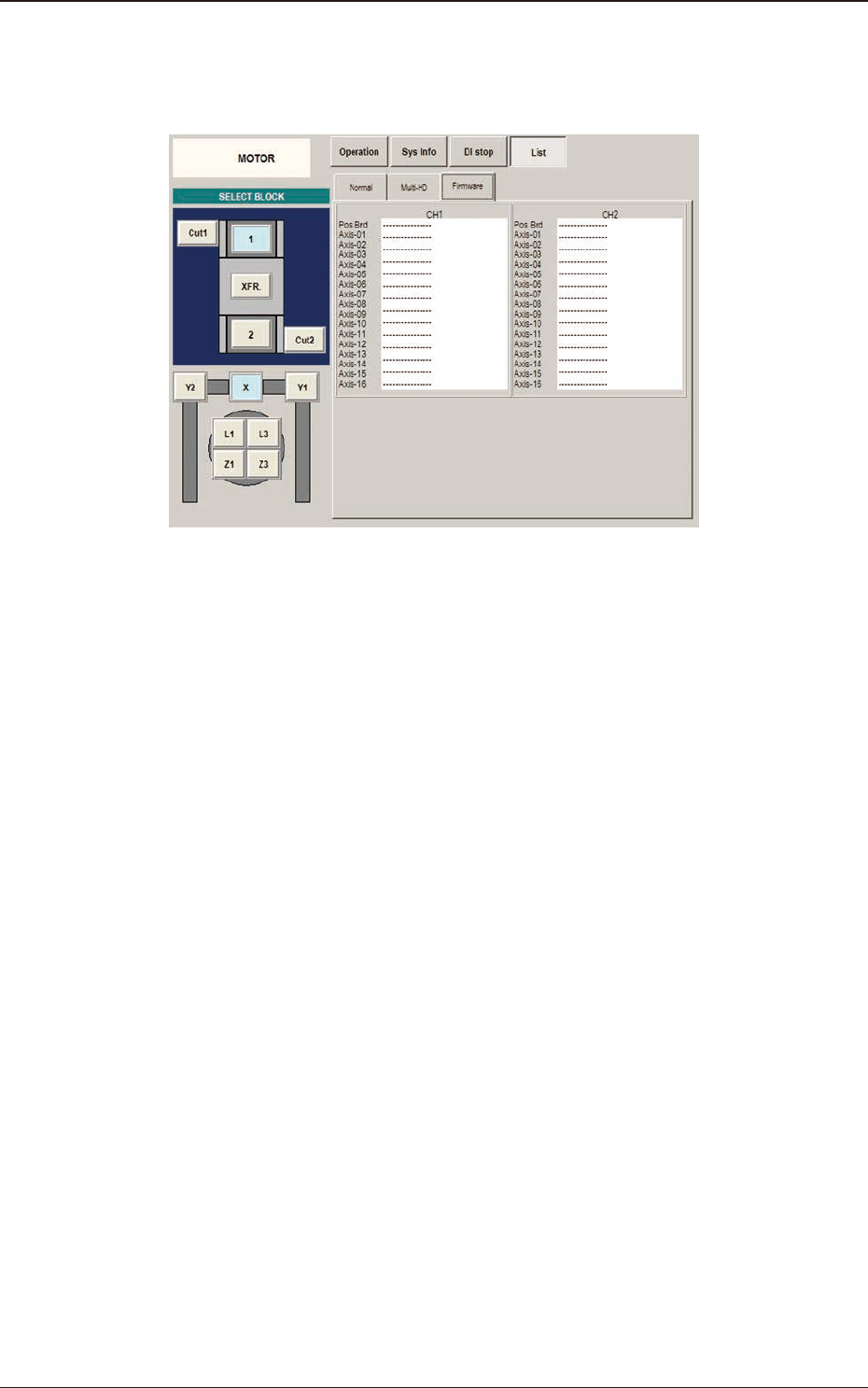
(2) Multi-HD
When the [Multi-HD] button is pressed in the "List" window, the
"Multi-HD" window appears.
F3A69
6.2 "MOTOR" Window
3OM-1751
1-871303-001
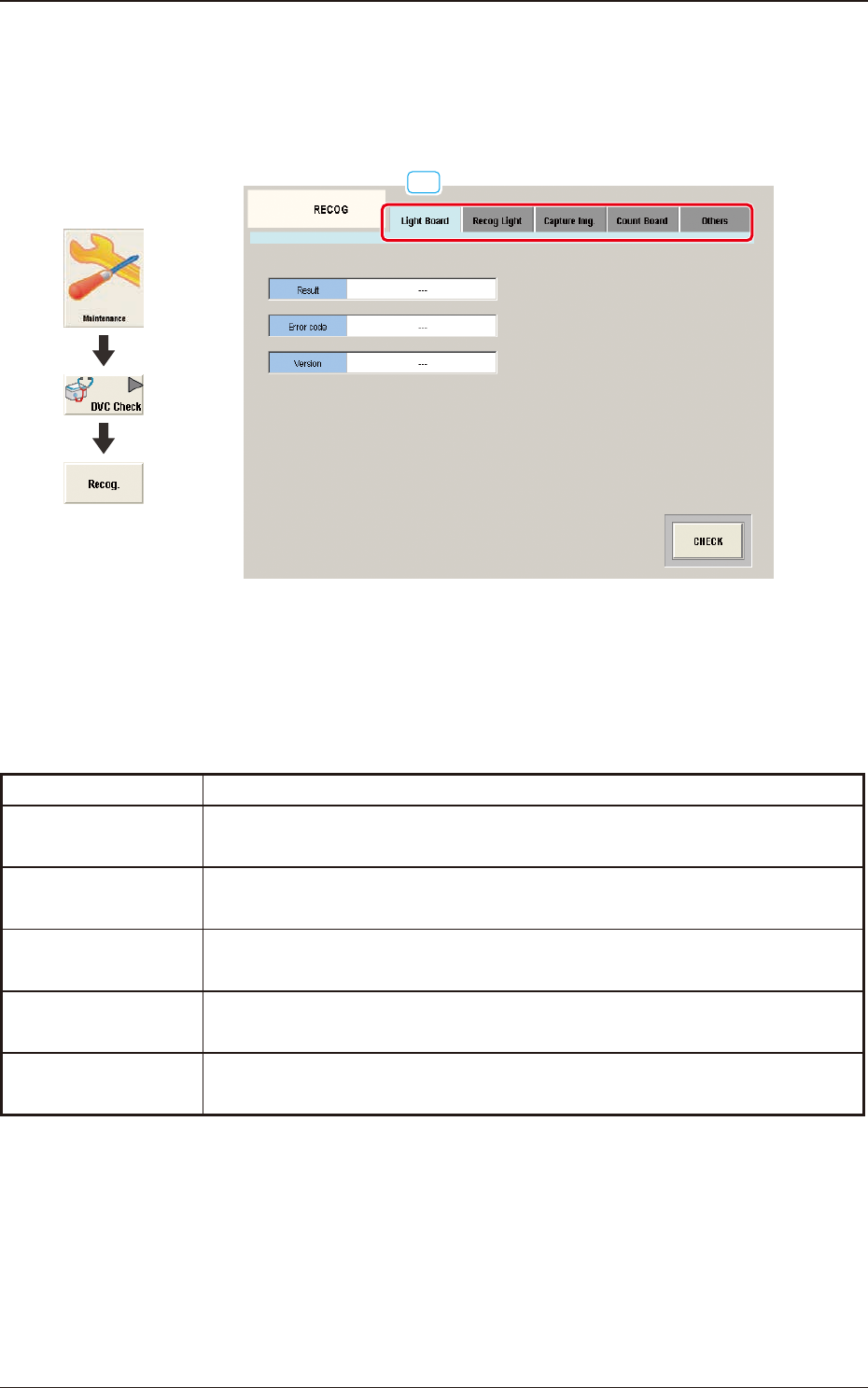
(3) Farmware
When the [Farmware] button is pressed in the "List" window, the
"Farmware" window appears.
F3A70
6.2 "MOTOR" Window
3OM-1751
1-881303-001
6.3 "RECOG" Window
This window enables you to check the I/O signals for the component and PEC
recognition operations.
[1]
F3A71
[1] Tabs
The "RECOG" window is provided with the following ve tabs.
When each tab is pressed, the corresponding tab sheet appears.
Tabs Description
Light Board
The corresponding tab sheet enables the operator to diagnose the lighting.
Recog Light
The corresponding tab sheet enables the operator to check the component
recognition lighting or PEC recognition lighting.
Capture Img.
The corresponding tab sheet enables the operator to check the component
recognition camera or PEC recognition camera.
Count Board
In this tab sheet the beam count value is checked and the wire connection
condition and counter board condition are conrmed.
Others
In this tab sheet, the optional 2-D bar code read license (GS-DL100) check is
performed.
T3A11
6.3 "RECOG" Window
Graphic
Development