00197973-10_SM_MaterialTower.pdf - 第201页
0019797 3 - 10 / 02 , 2016 Electronics SIPLACE Mat. Towe r St ora ge Serv ice Manual © ASM 9-3 9.1.4 Exchange steps Step 1 All connectors have t o be unplugged. Make sure to label the cables or mark their proper slot in …

Electronics 00197973-10 / 02 , 2016
9-2 © ASM SIPLACE Mat. Tower Storage Service Manual
Time needed
Schedule around 20 to 30 minutes for this task.
9.1.3 Prerequisites
For a safe and efficient maintenance, the following prerequisites have to be fulfilled:
Personnel:
• Any work with or at the equipment must be carried out by skilled and
trained personnel in accordance with the locally applicable
regulations.
• Inform all involved persons regarding the currently running
maintenance works.
Machine loading:
• Stored items do not have to be unloaded.
Machine operating
condition:
• Shut down
Main electrical
power:
• Equipment disconnected from power supply system. The Main Switch
(switched off) locked by means of a padlock to secure the main switch
against unintentional switching on.
Compressed air /
Nitrogen (if used):
• Equipment disconnected from nitrogen.
Access:
• Open the door on the left side of the machine.
•
The electrical units are located in the bottom right corner.
00197973-10 / 02 , 2016 Electronics
SIPLACE Mat. Tower Storage Service Manual © ASM 9-3
9.1.4 Exchange steps
Step 1
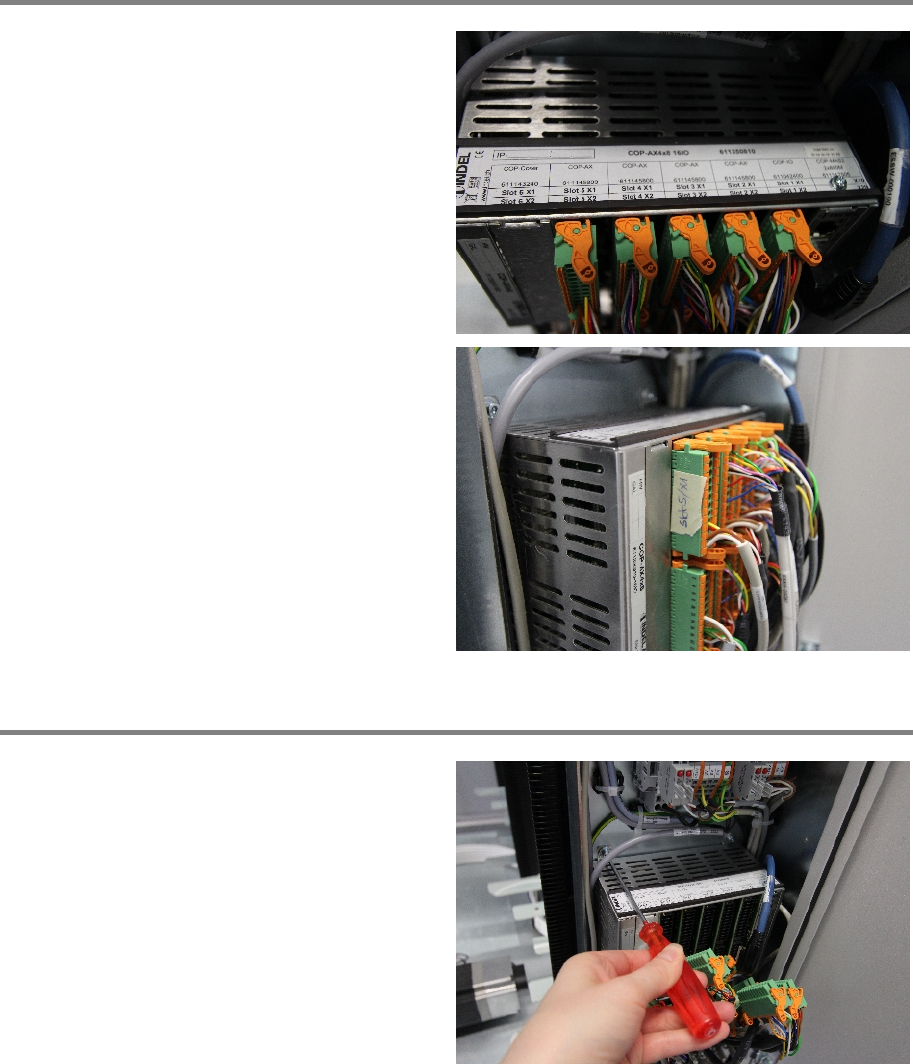
All connectors have to be unplugged.
Make sure to label the cables or mark their
proper slot in the power supply. Use the slot
number and position to mark each plug.
Step 2
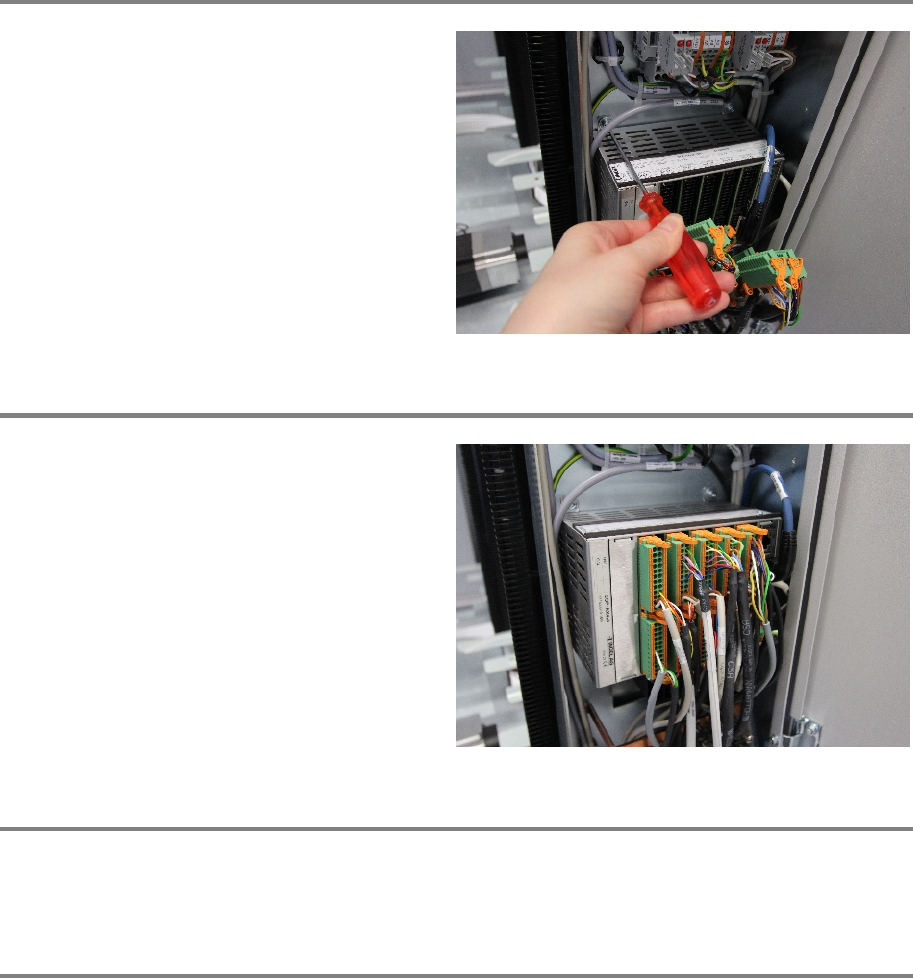
Loosen the four screws an
d remove the Indel
controller.
Electronics 00197973-10 / 02 , 2016
9-4 © ASM SIPLACE Mat. Tower Storage Service Manual
Step 3
Reinsert the new Indel controller. And fix the
screws.
Step 4
Fasten all cable connection in their correct slots.
Step 5
Remove all tools, close the door of the machine, plug in the power connector and switch on the
machine.
Step 6
In the software, in System - Storage Devices/Units select the appropriate machine in the table
and press Load.
In tab Axes calibration calibrate the Y axis and follow the instructions given by the software.