00197973-10_SM_MaterialTower.pdf - 第246页
Option Air Dryer 0019797 3 - 10 / 02 , 2016 11 - 32 © ASM SIPLACE Mat. Tower St ora ge Serv ice Manu al Step 3 Reassembl e the two body parts and screw ti ght. Reattach a c able tie to fixate the dr ier lower part. Push …
00197973-10 / 02 , 2016 Option Air Dryer
SIPLACE Mat. Tower Storage Service Manual © ASM 11-31
11.6.4 Exchange steps
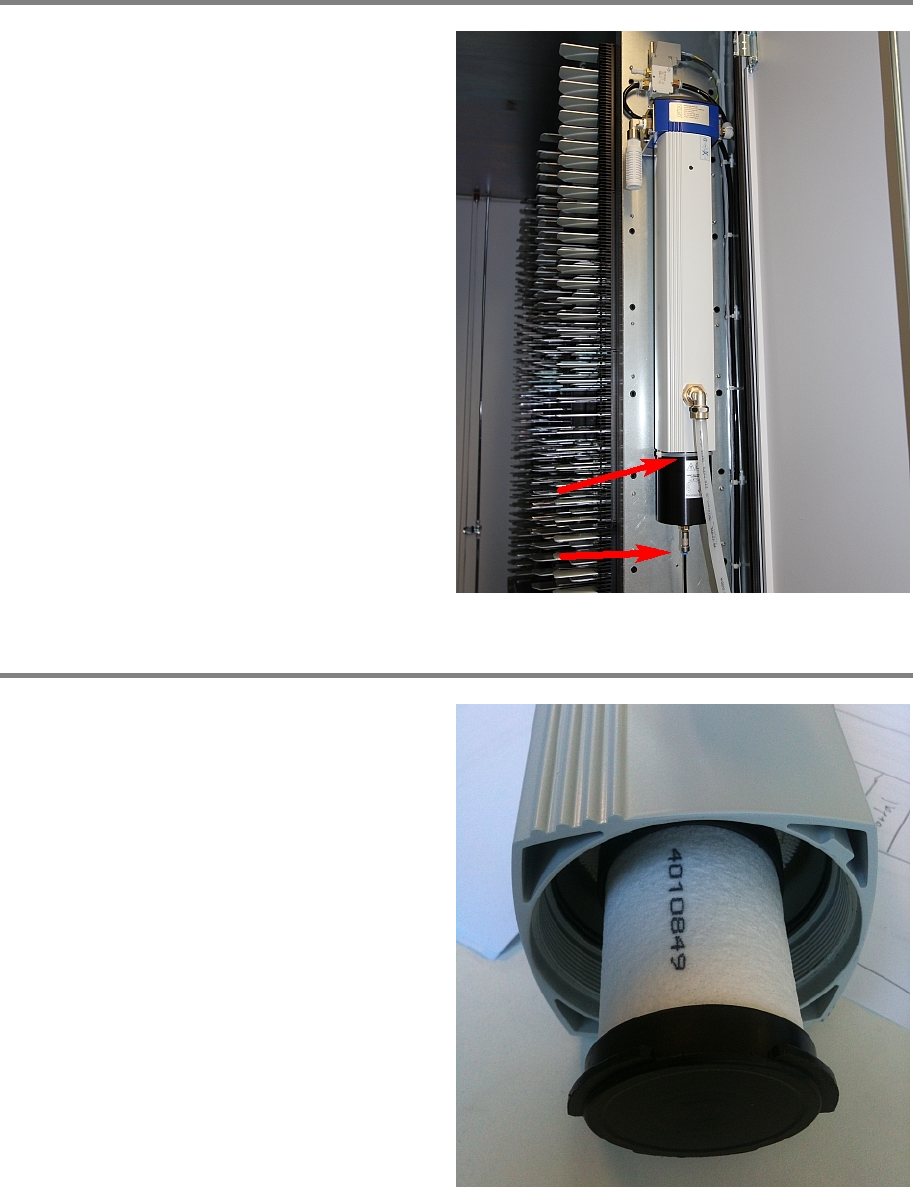
Step 1
Remove the cable tie which fixates the dryer's
lower part and the 4mm hose (simple push
-in
connection).
Step 2
By turning clockwise, remove the
bottom part of
the membrane dryer housing (fine thread).
Exchange the filter element by pulling out the
old one and pushing in the new one.
Option Air Dryer 00197973-10 / 02 , 2016
11-32 © ASM SIPLACE Mat. Tower Storage Service Manual
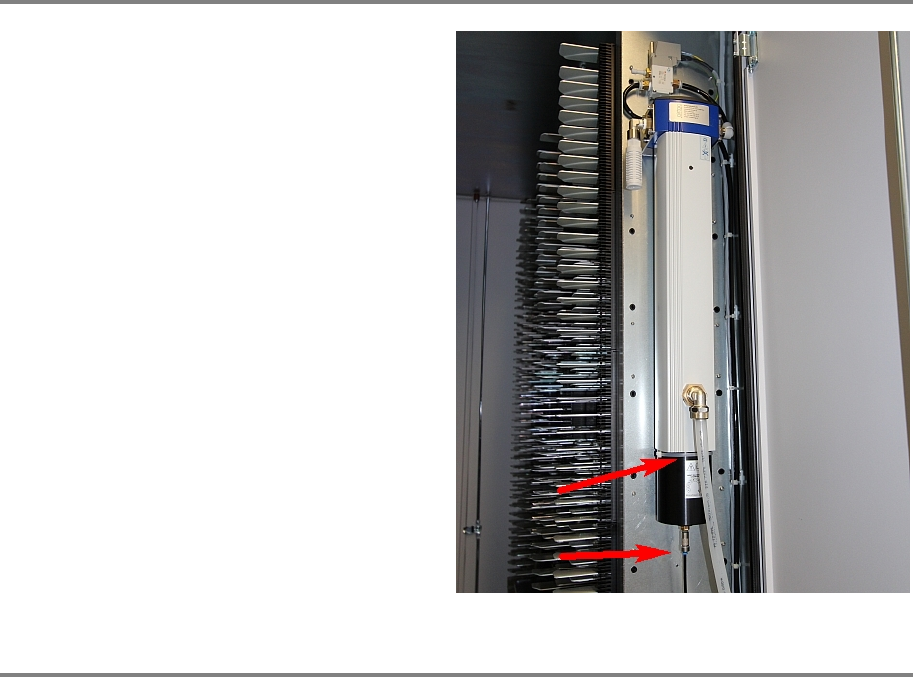
Step 3
Reassemble the two body parts and screw tight.
Reattach a cable tie to fixate the drier lower part.
Push in the 4mm hose.
Step 4
Remove all tools and close the doors of the machine.
Plug in the power connector, connect the compressed air supply and switch on the machine.
Initialize the machine by means of the software.

00197973-10 / 02 , 2016
SIPLACE Mat. Tower Storage Service Manual © ASM 12-1
12 Service Door Monitoring
12.1 Retrofit Service Door Monitoring
12.1.1 Introduction
This instruction describes how to install the Service Door Monitoring on a SIPLACE Material Tower
at customer site.
Spare part number: RFNS-150196-1
Before starting the installation, read the Safety instructions carefully.