00197973-10_SM_MaterialTower.pdf - 第81页
0019797 3 - 10 / 02 , 2016 Y Axis SIPLACE Mat. Towe r St ora ge Serv ice Manual © ASM 5- 15 Step 10 In the software, in System - Sto rag e Device s/Units select the a ppropriate machine in the table and p ress Load . In …
Y Axis 00197973-10 / 02 , 2016
5-14 © ASM SIPLACE Mat. Tower Storage Service Manual
Move the Y belt fixation to the right, push the
gri
pper over it and fix the Y belt fixation to the
gripper through the holes in the Y plate. (Two
screws from Bossard B3_M4x12)
Make sure that the belt cannot slip. Hold the
gripper and slightly pull the Y belt to check this.
Step 7
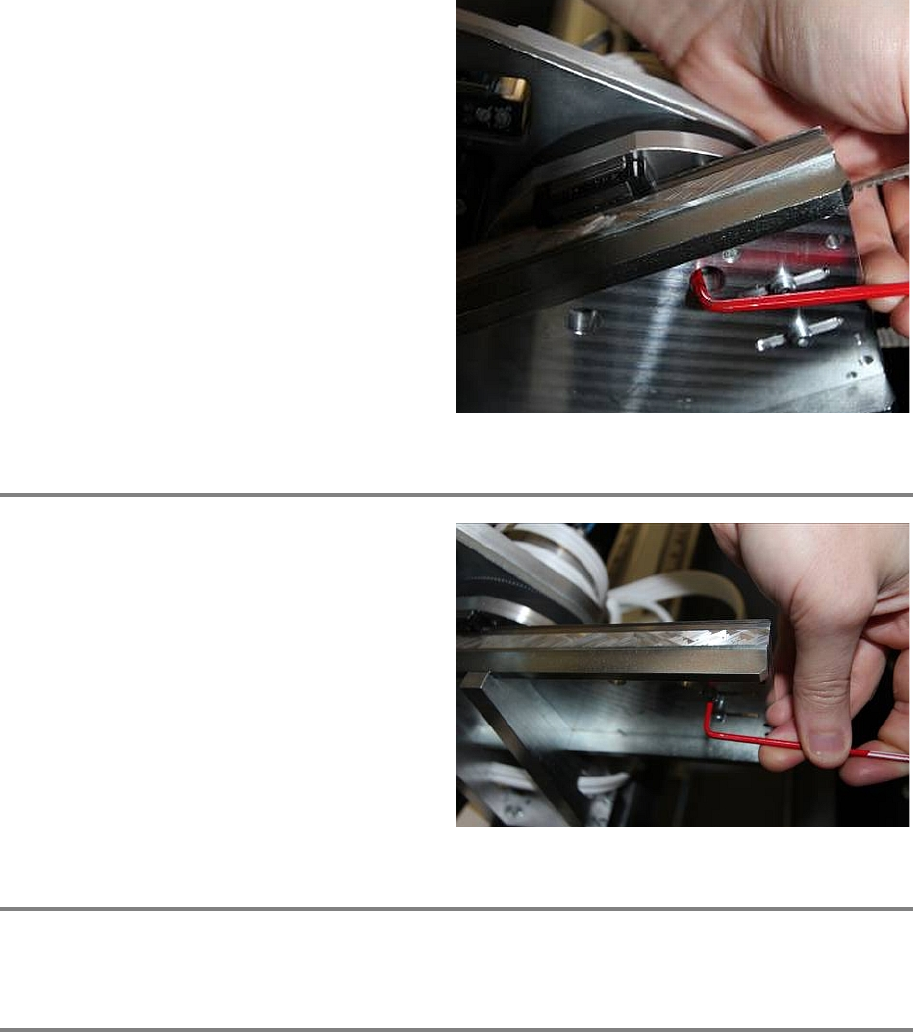
Use Loctite on all screws.
Once the tension of the belt is correct, fix the
pulley by tightening the screws from below.
Check if the tension of the Y belt is still
120Hz ±
2 Hz
Step 8
Manually pull and push the gripper from left to right to check if the gripper can freely move.
Step 9
Remove all tools and close the doors of the machine.
Plug in the power connector and switch on the machine.
Initialize the machine by means of the software.
00197973-10 / 02 , 2016 Y Axis
SIPLACE Mat. Tower Storage Service Manual © ASM 5-15
Step 10
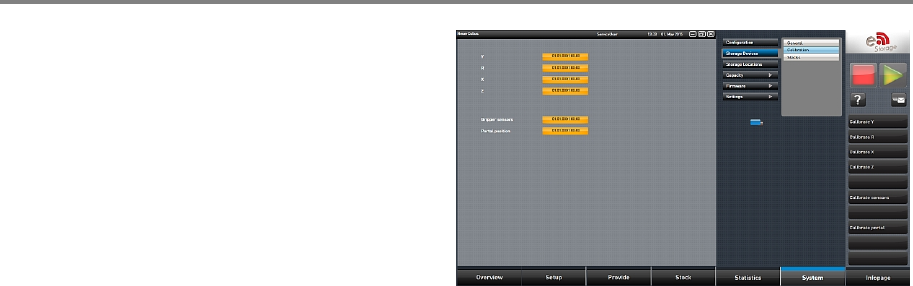
In the software, in
System - Storage
Devices/Units
select the appropriate machine in
the table and press
Load.
In tab
Calibration calibrate the Y axis and follow
the instructions given by the software.