IM7585A987-02.pdf - 第10页
6 Overview of Communication Screen Displayed while Setting Interfaces When you set an interface , the icon for the set interface is displayed on the right side of the screen. When USB is set When GP-IB is set When RS-232…
5
2
Connection and Setting
2.1 Overview of Communication
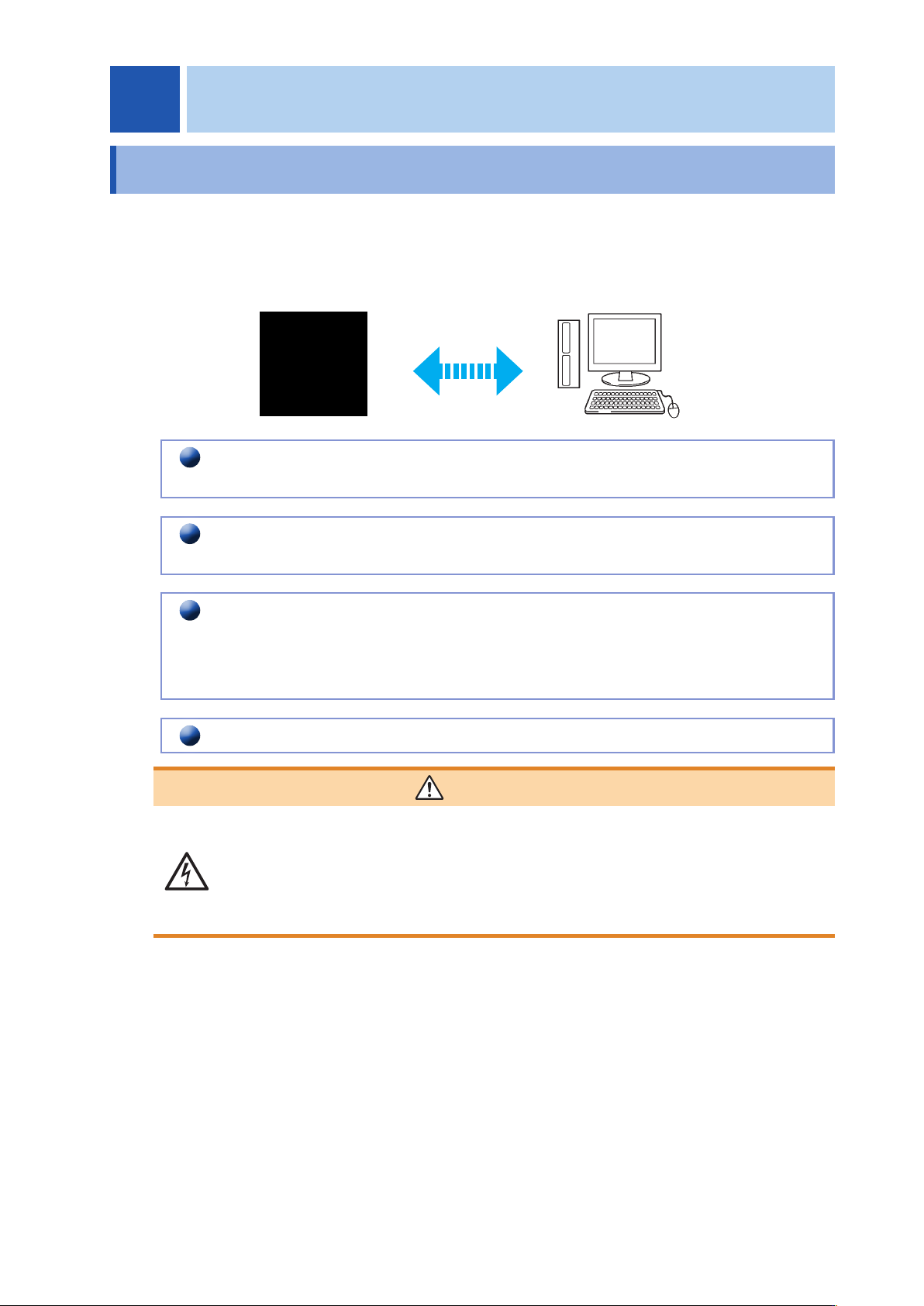
You can control the instrument with communication commands from a computer via the USB
,
GP-IB
,
RS-
232C and LAN interfaces.
There are the following four communication methods. To enable communication
,
the communication
conditions need to be set on the instrument.
USB communication (p. 7)
The instrument is communication class compatible.
LAN communication (p. 9)
Command control using the TCP/IP protocol is possible.
GP-IB communication (when the Z3000 is connected) (p. 14)
• Commands common to IEEE-488-2 1987 (requirement) can be used.
• The instrument has been designed with reference to the following standard.
(Reference standard: IEEE-488.2 1987)
RS-232C communication (when the Z3001 is connected) (p. 16)
WARNING
• Always turn both devices OFF when connecting and disconnecting an interface
connector. Otherwise
,
an electric shock accident may occur.
• To avoid damage to the instrument
,
do not short-circuit the terminal and do not
input voltage to the terminal.
• Failure to fasten the connectors properly may result is sub-specication
performance or damage to the equipment.
2 Connection and Setting
2
6
Overview of Communication
Screen Displayed while Setting Interfaces
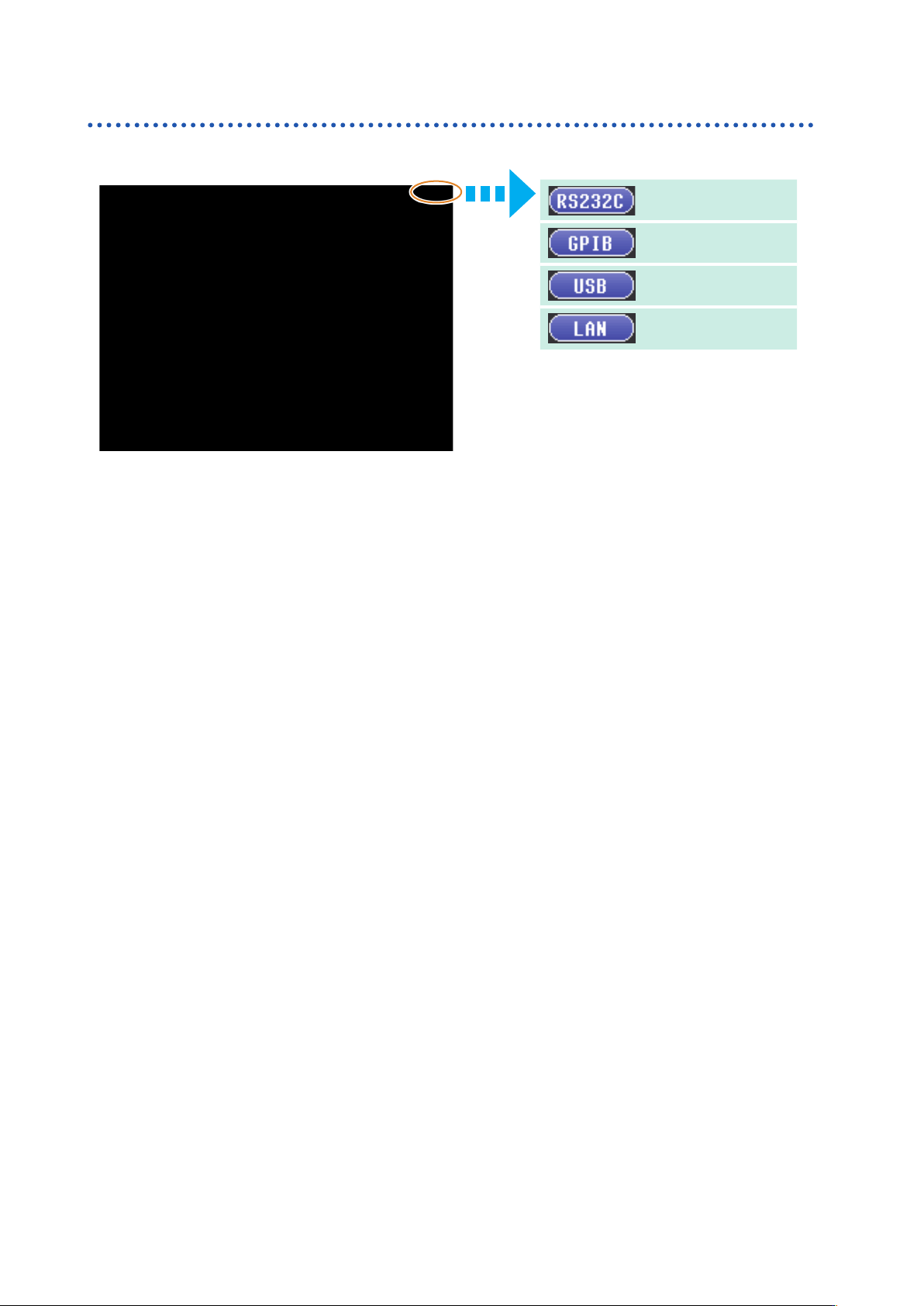
When you set an interface
,
the icon for the set interface is displayed on the right side of the screen.
When USB is set
When GP-IB is set
When RS-232C is set
When LAN is set