IM7585A987-02.pdf - 第11页
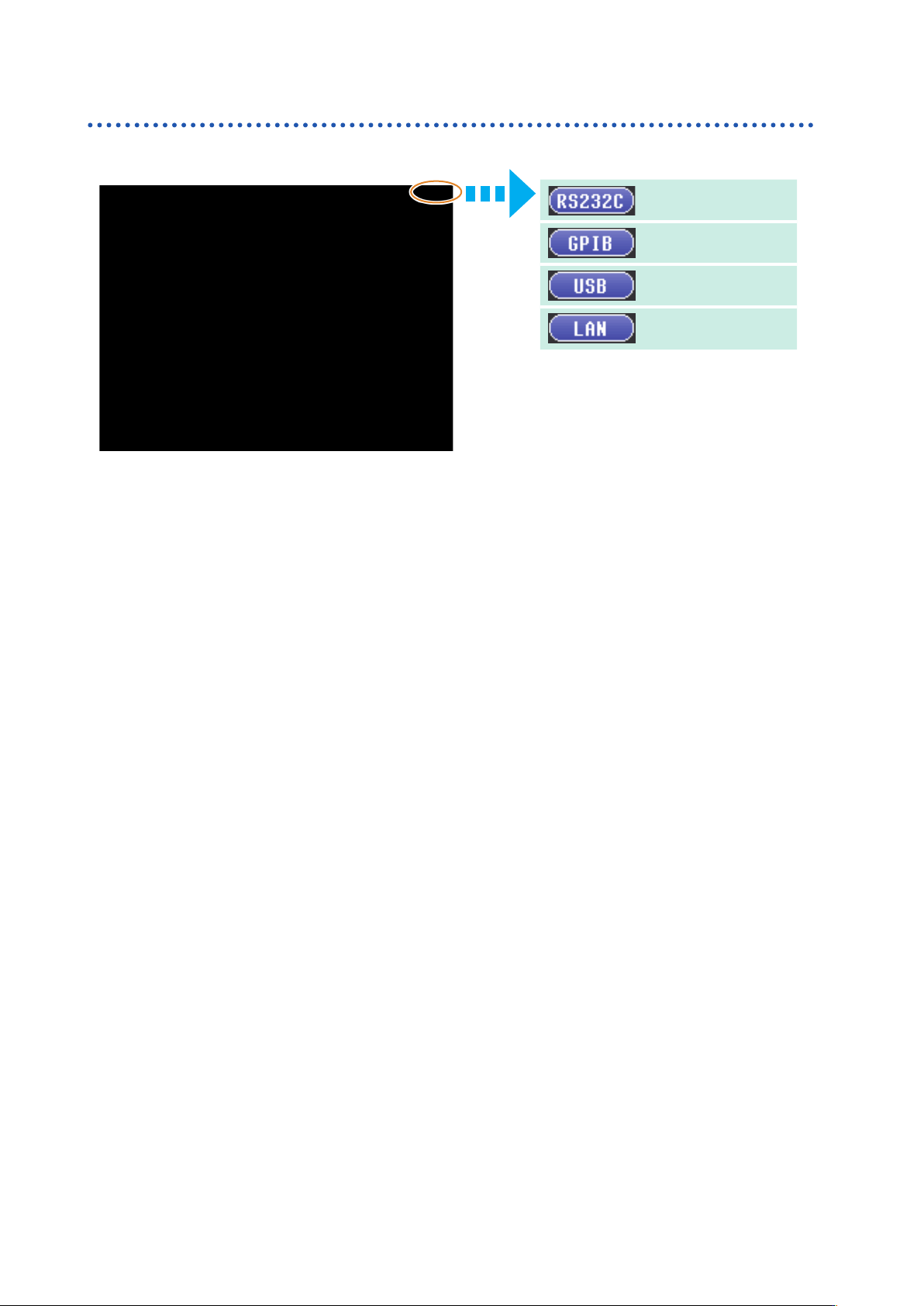
6 Overview of Communication Screen Displayed while Setting Interfaces When you set an interface , the icon for the set interface is displayed on the right side of the screen. When USB is set When GP-IB is set When RS-232…
6
Overview of Communication
Screen Displayed while Setting Interfaces
When you set an interface
,
the icon for the set interface is displayed on the right side of the screen.
When USB is set
When GP-IB is set
When RS-232C is set
When LAN is set
8
USB Settings and Connection
3
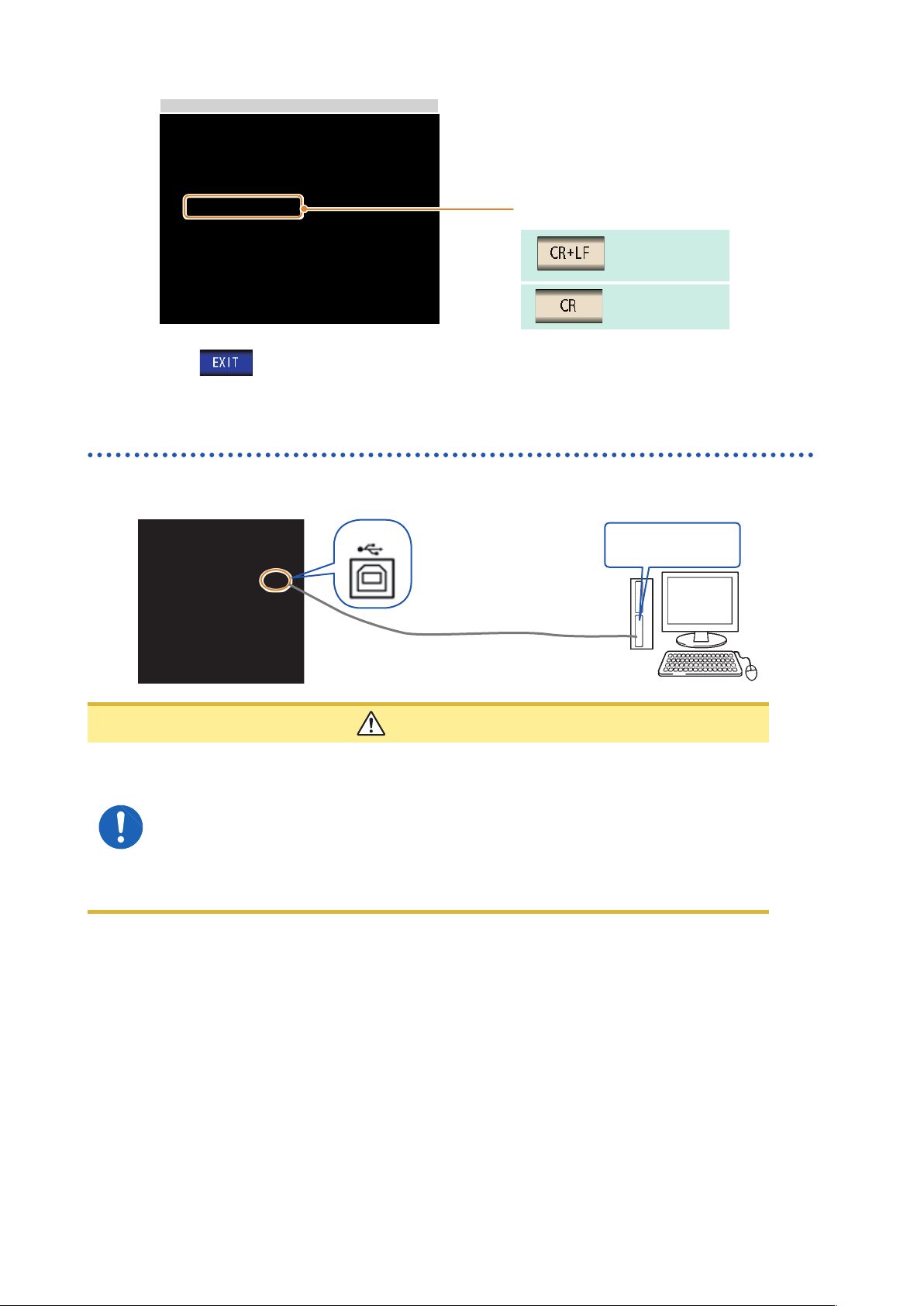
USB Setting
Select the terminator setting.
CR+LF
CR
4
Press to conrm the setting.
Connecting the USB Cable
Connect a USB cable (commercially available USB cable) to the USB port of the instrument.
USB cable (commercially
available product)
USB interface port of
computer
Type B
CAUTION
• To avoid faults
,
do not disconnect or reconnect the USB cable during instrument
operation.
• Connect the instrument and the computer to a common earth ground. Using different
grounds could result in potential difference between the instrument and the computer.
Potential difference on the USB cable can result in malfunctions and faults.
• Do not disconnect or connect other USB devices from or to
,
respectively
,
PC during
USB communications between instrument and computer. The USB communications
between instrument and PC may stop.