IM7585A987-02.pdf - 第16页
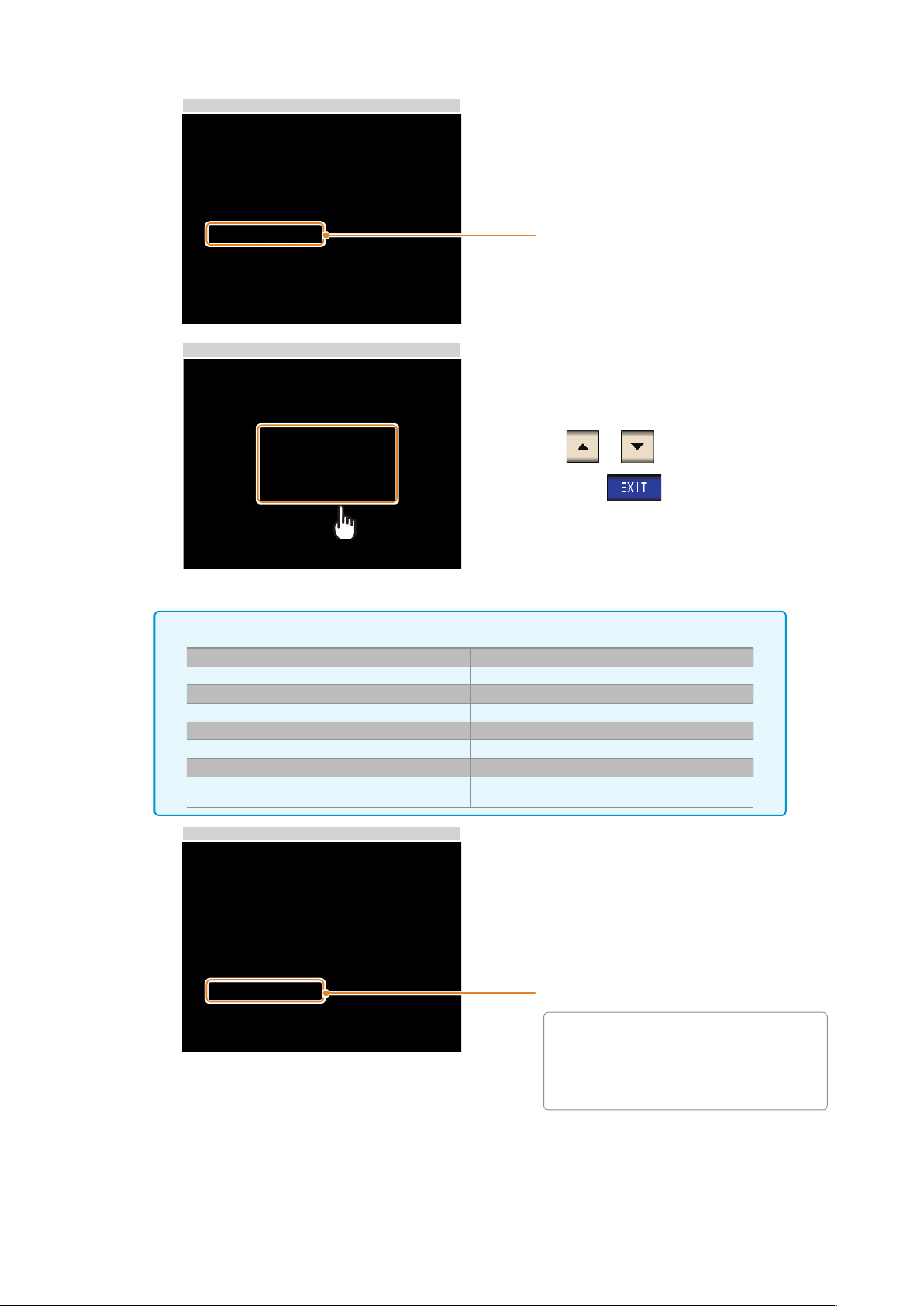
11 LAN Settings and Connection 5 LAN Settings Select the subnet mask. 6 Subnet mask Settings Use or to set the subnet mask , and press to conrm the setting. Any of the following 30 subnet masks can be set for the instru…
11
LAN Settings and Connection
5
LAN Settings
Select the subnet mask.
6
Subnet mask Settings
Use or to set the subnet mask
,
and press
to conrm the setting.
Any of the following 30 subnet masks can be set for the instrument.
128.000.000.000 255.128.000.000 255.255.128.000 255.255.255.128
192.000.000.000 255.192.000.000 255.255.192.000 255.255.255.192
224.000.000.000 255.224.000.000 255.255.224.000 255.255.255.224
240.000.000.000 255.240.000.000 255.255.240.000 255.255.255.240
248.000.000.000 255.248.000.000 255.255.248.000 255.255.255.248
252.000.000.000 255.252.000.000 255.255.252.000 255.255.255.252
254.000.000.000 255.254.000.000 255.255.254.000
255.000.000.000 255.255.000.000
255.255.255.000
(Initial setting)
7
LAN Settings
Select the default gateway.
If the default gateway does not need to
be set
,
for example
,
when connecting the
instrument and computer on a one-to-one
basis using a cross cable
,
leave this set
to OFF.
2
13
LAN Settings and Connection
Connecting a LAN Cable
Use a LAN cable to connect the instrument and computer.
Required items:
When connecting the instrument to an existing network (prepare any of the following):
• Straight-through Cat 5
,
1000BASE-T-compliant Ethernet cable (up to 100 m
,
commercially available).
For 100BASE/10BASE communication
,
a 100BASE-TX/10BASE-T-compliant cable may also be used.
• Hioki 9642 LAN Cable (option)
(A cross adapter cannot be used.)
When connecting one instrument to a single computer (prepare one of the following):
• 1000BASE-T-compliant cross-over cable (up to 100 m)
• 1000BASE-T-compliant straight-through cable with cross-over adapter (up to 100 m)
• Hioki 9642 LAN Cable (option)
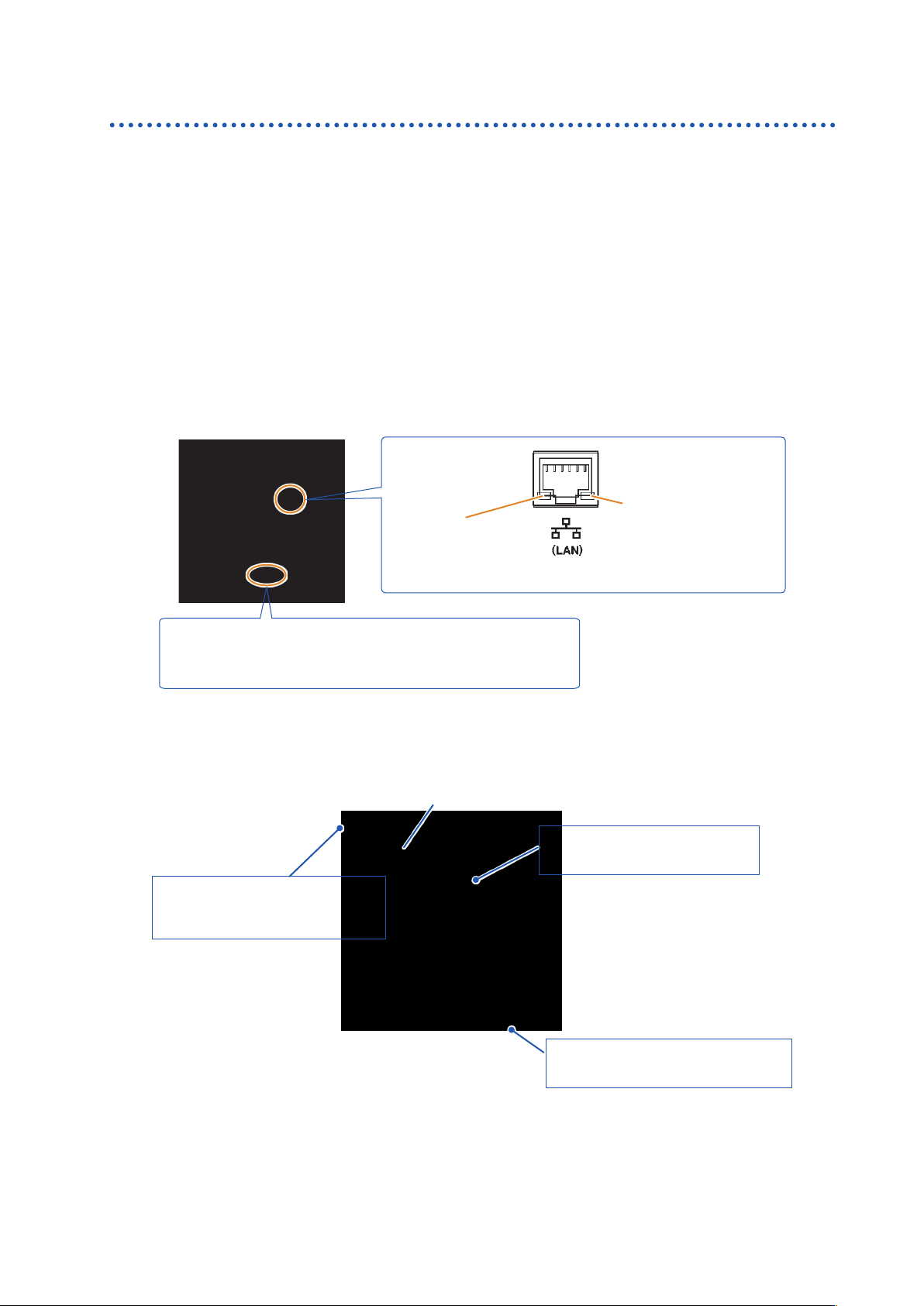
SPEED LED
On (Green) :1000BASE
On (Orange) :100BASE
Off:10BASE
LINK UP LED
On: Link up
Off: Link down
Blinking: Sending or
receiving data
The MAC address of the LAN is displayed below the serial number.
You can also check it on the instrument screen.
See: “Checking the Version of the Instrument” in the instruction manual.
When connecting the instrument to a single computer (connect the instrument to the computer)
Connecting with the 9642 LAN Cable and crossover adapter (supplied with the 9642)
Connect the LAN Cable to the
crossover adapter.
LAN interface
Crossover adapter
Connect the LAN Cable to the
100BASE-TX connector on the PC.
Connect the crossover adapter
to the LAN interface on the
instrument.
1
2
3
2