IM7585A987-02.pdf - 第6页
2 Safety Information
1
Introduction
Introduction
This instruction manual provides details on the communication interfaces of the IM7580A series
,
IM7581
series
,
IM7583 series
,
IM7585 series and IM7587 series Impedance Analyzer.
In this document
,
the “instrument” means the IM7580A series
,
IM7581 series
,
IM7583 series
,
IM7585
series and IM7587 series.
Safety Information
This manual contains information and warnings essential for safe operation of the instrument and for
maintaining it in safe operating condition. Before using it
,
be sure to carefully read the following safety
precautions.
Notation
In this manual
,
the risk seriousness and the hazard levels are classied as follows.
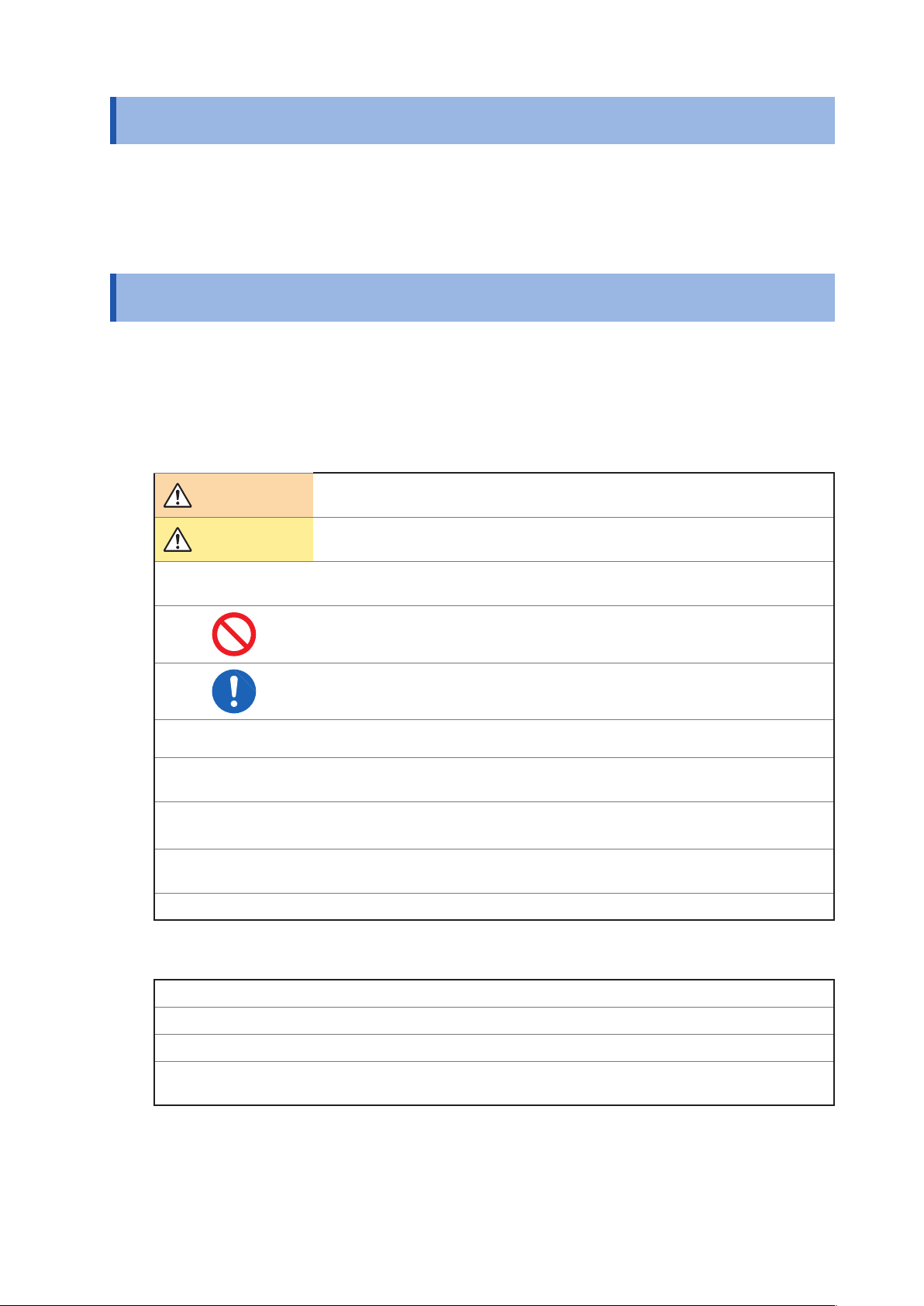
WARNING
Indicates a potentially hazardous situation that may result in death or serious
injury to the operator.
CAUTION
Indicates a potentially hazardous situation that may result in minor or moderate
injury to the operator or damage to the instrument or malfunction.
IMPORTANT
Indicates information related to the operation of the instrument or maintenance
tasks with which the operators must be fully familiar.
Indicates prohibited actions.
Indicates the action which must be performed.
*
Indicates the action which must be performed.
[ ]
Menus
,
commands
,
dialogs
,
buttons in a dialog
,
and other names on the screen
and the keys are indicated in brackets.
CURSOR
( Bold character)
Bold characters within the text indicate operating key labels.
Windows
Unless otherwise specied
,
“Windows” represents Windows Vista
,
Windows 7
,
Windows 8 or Windows 10.
Dialogue Dialogue box represents a Windows dialog box.
Mouse Operation
Click: Press and quickly release the left button of the mouse.
Right-click: Press and quickly release the right button of the mouse.
Double click: Quickly click the left button of the mouse twice.
Drag:
While holding down the left button of the mouse
,
move the mouse and then release the
left button to deposit the chosen item in the desired position.
10
9
8
7
6
5
4
3
2
1
付録索引

2
Safety Information
3
1
Specications
1.1 RS-232C Specications
Transmission Method Communication method: Full duplex
Synchronous method: Start-stop synchronization
Transmission Speed 9600 bps
,
19200 bps
,
38400 bps
,
57600 bps
Data Bits 8 bits
Parity None
Stop bit 1 bits
Message terminator (delimiter) CR+LF
,
CR
Flow control Software (XON/XOFF control)
“Handshake (About Buffer Flow Control)” (p. 3)
Electrical
Specications
Input voltage level
5 to 15 V ON
-15 to -5 V OFF
Output voltage level
5 to 9 V ON
-9 to -5 V OFF
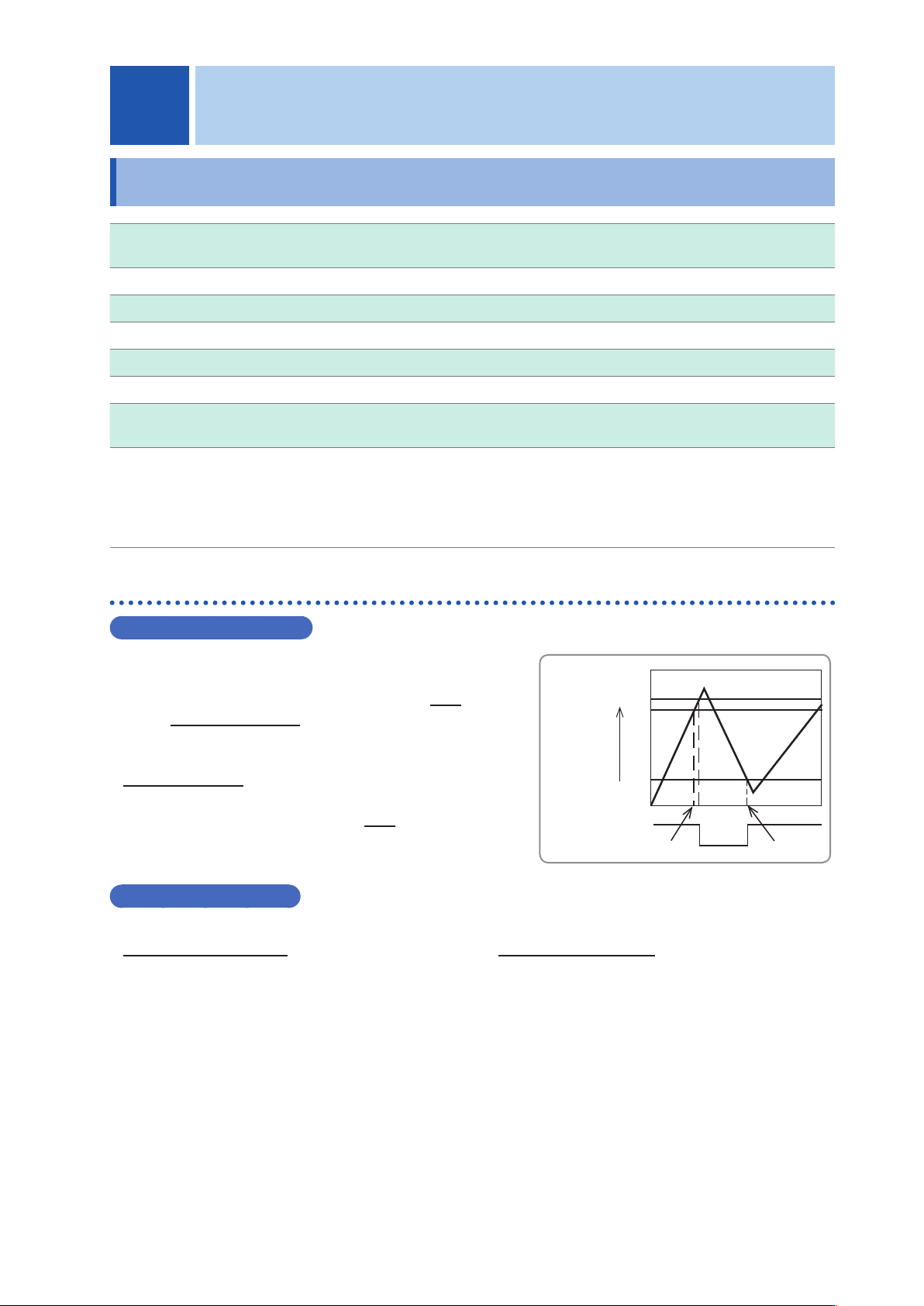
Handshake (About Buffer Flow Control)
Control during Receiving
Input Buffer
Usage
Amount
85%
75%
25%
Buffer Space
Send XON
Send XOFF
XON/XOFF control:
• When the data in the receive buffer exceeds 75% of the
buffer
,
XOFF(13H) is sent and the controller is notied
that there is not much space remaining in the buffer.
• Processing of the data in the buffer continues
,
and then
XON(11H) is sent and the controller is notied that there
is sufcient remaining space in the buffer when the
amount of data becomes less than 25%.
Control during Sending
XON/XOFF control:
• When XOFF is received
,
the sending of data is halted. When XON is received
,
the sending of data is
resumed.
1 Specications
1