IM7585A987-02.pdf - 第9页
5 2 Connection and Setting 2.1 Overview of Communication Y ou can control the instrument with communication commands from a computer via the USB , GP-IB , RS- 232C and LAN interfaces. There are the following four communi…

4
GP-IB Specications
1.2 GP-IB Specications
SH1 Supports all source handshake functions.
AH1 Supports all acceptor handshake functions.
T6 Supports standard talker functions.
Supports serial poll functions.
Talk only mode is not supported.
Supports the talker cancel function by MLA (My Listen Address).
L4 Supports standard listener functions.
Listener only mode is not supported.
Supports the listener cancel function by MTA (My Talk Address).
SR1 Supports all service request functions.
RL1 Supports all remote/local functions.
PP0 Parallel poll functions are not supported.
DC1 Supports all device clear functions.
DT1 Supports all device trigger functions.
C0 Controller functions are not supported.
Code used: ASCII code
1.3 USB Specications
Connector Series B receptacle
Compliance tandard USB2.0 (Full Speed/High Speed)
No. of ports 1
Class Communication class
Supported OS Windows Vista
,
Windows 7
,
Windows 8
,
Windows 10
1.4 LAN Specications
Connector RJ-45 connector × 1
Compliance
standard
IEEE 802.3-compliant Ethernet
Transfer system 10BASE-T/ 100BASE-TX/ 1000BASE-T Auto detected
Protocol TCP/IP
Function Command control
5
2
Connection and Setting
2.1 Overview of Communication
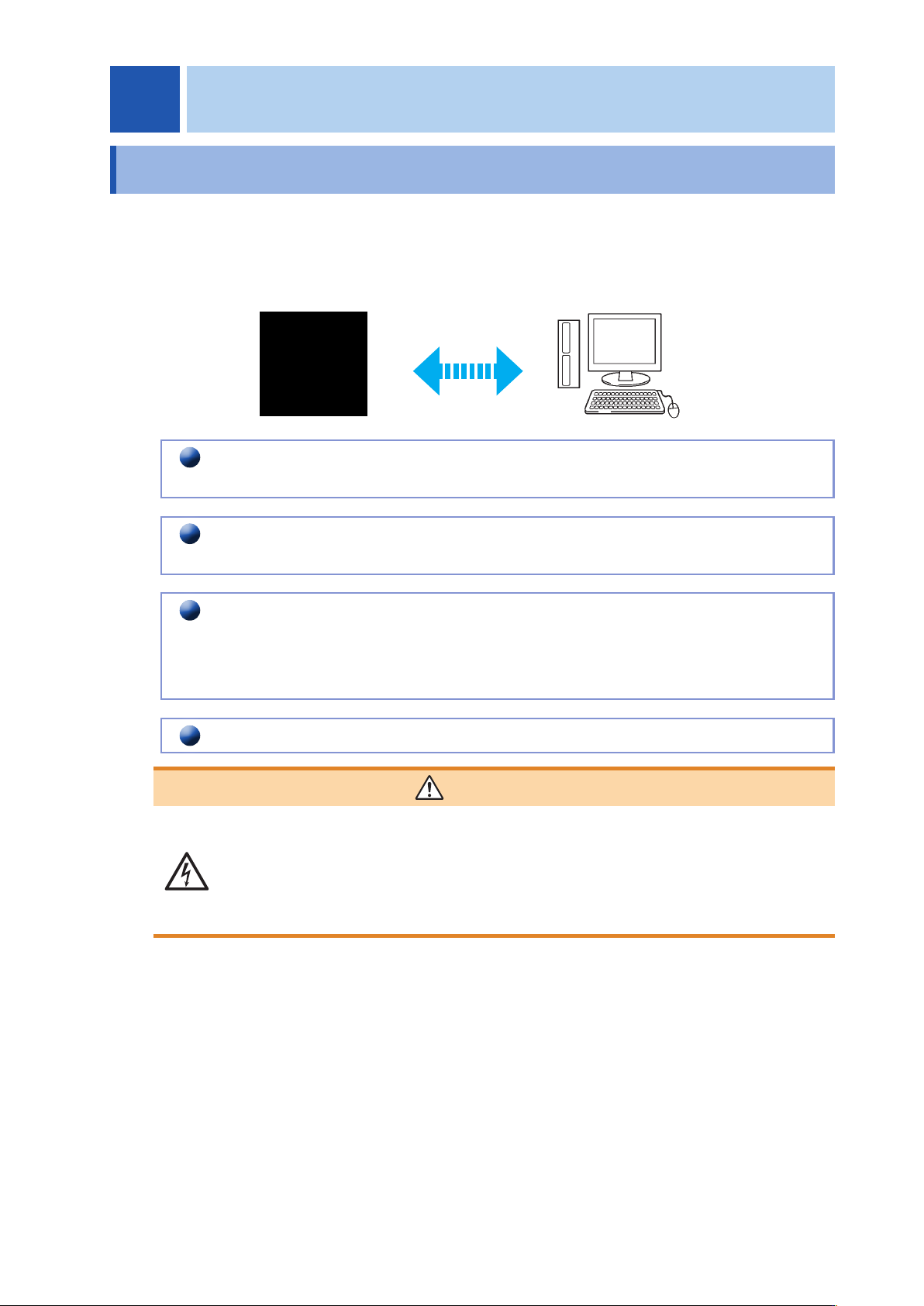
You can control the instrument with communication commands from a computer via the USB
,
GP-IB
,
RS-
232C and LAN interfaces.
There are the following four communication methods. To enable communication
,
the communication
conditions need to be set on the instrument.
USB communication (p. 7)
The instrument is communication class compatible.
LAN communication (p. 9)
Command control using the TCP/IP protocol is possible.
GP-IB communication (when the Z3000 is connected) (p. 14)
• Commands common to IEEE-488-2 1987 (requirement) can be used.
• The instrument has been designed with reference to the following standard.
(Reference standard: IEEE-488.2 1987)
RS-232C communication (when the Z3001 is connected) (p. 16)
WARNING
• Always turn both devices OFF when connecting and disconnecting an interface
connector. Otherwise
,
an electric shock accident may occur.
• To avoid damage to the instrument
,
do not short-circuit the terminal and do not
input voltage to the terminal.
• Failure to fasten the connectors properly may result is sub-specication
performance or damage to the equipment.
2 Connection and Setting
2
6
Overview of Communication
Screen Displayed while Setting Interfaces
When you set an interface
,
the icon for the set interface is displayed on the right side of the screen.
When USB is set
When GP-IB is set
When RS-232C is set
When LAN is set