Horizon UserManualV6.pdf - 第122页
Parameter Definition Tooling Deviation This parameter sets the extent of tooling deviation before a warning message is posted. Minimum 0% Maximum 50% Increment 0.25% Default 20% 1.106 User Manual Software Version 6 MACHI…
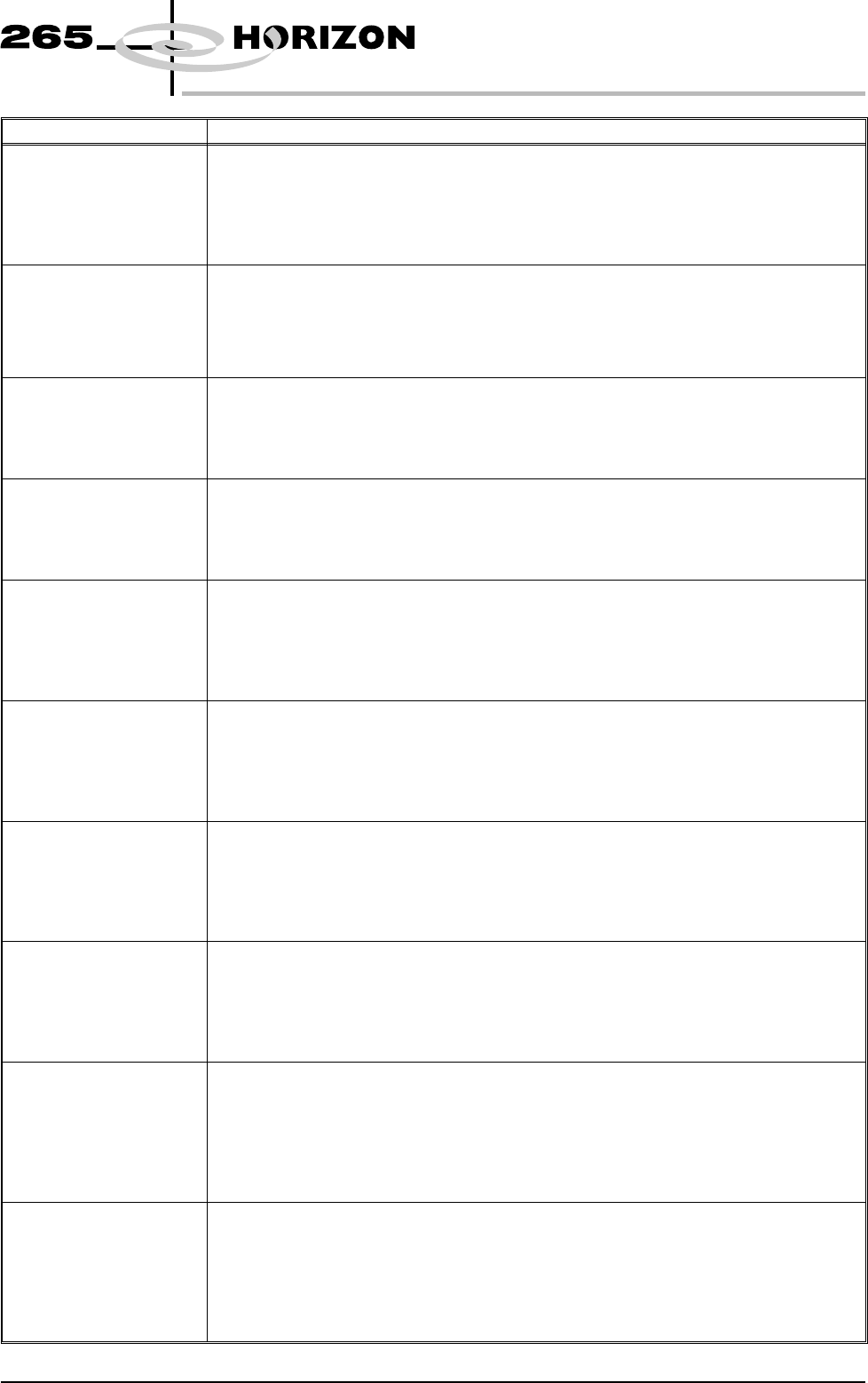
Parameter Definition
Barcode Y This parameter defines the dimension between the centre of the barcode to the outer rear
edge of the screen frame or adaptor.
Minimum 10mm
Maximum Screen Length - 10mm
Increment 0.1mm
Default 97mm
Paste Ridge
Removal
This parameter enables the cleaning option Paste Ridge Removal. This option removes
the ridge of paste that can delevop on the underside of the screen at the end of the under
screen cleaner stroke.
Disabled; Enabled.
Default Disabled
Front Knead Speed This parameter sets the speed of kneading in the forward direction
Minimum 2mm/sec
Maximum 150mm/sec
Increment 1mm/sec
Default 10mm/sec
Rear Knead Speed This parameter sets the speed of kneading in the rearward direction.
Minimum 2mm/sec
Maximum 150mm/sec
Increment 1mm/sec
Default 10mm/sec
Front Knead Pressure This parameter sets the pressure to be applied, while using squeegees, when kneading in
the forward direction.
Minimum 0kg
Maximum 20kg
Increment 0.2kg
Default 5kg
Rear Knead Pressure This parameter sets the pressure to be applied, while using squeegees, when kneading in
the rearward direction.
Minimum 0kg
Maximum 20kg
Increment 0.2kg
Default 5kg
ProFlow Knead Pressure This parameter sets the pressure to be applied, while using ProFlow, when kneading in
either direction.
Minimum 0kg
Maximum 20kg
Increment 0.2kg
Default 10kg
Paste Recovery Rate This parameter sets the frequency, measured in print strokes completed in either
direction, at which paste roll recovery occurs in both directions, when using squeegees.
Minimum 0 (This disables paste roll recovery)
Maximum 500
Increment 1
Default 1
Front Paste Recovery This parameter sets the extent of paste roll recovery movement while begining the
rearward print stroke. The movement is measured forward from the print stroke start
position.
Minimum 0mm
Maximum 15mm (Subject to the front turnaround envelope)
Increment 1mm
Default 5mm
Rear Paste Recovery This parameter sets the extent of paste rol recovery movement while begining the
forward print stroke. The movement is measured rearward from the print stroke start
position.
Minimum 0mm
Maximum 15mm (Subject to the rear turnaround envelope)
Increment 1mm
Default 5mm
Software Version 6 User Manual 1.105
MACHINE PROGRAMMING
MENU PARAMETERS
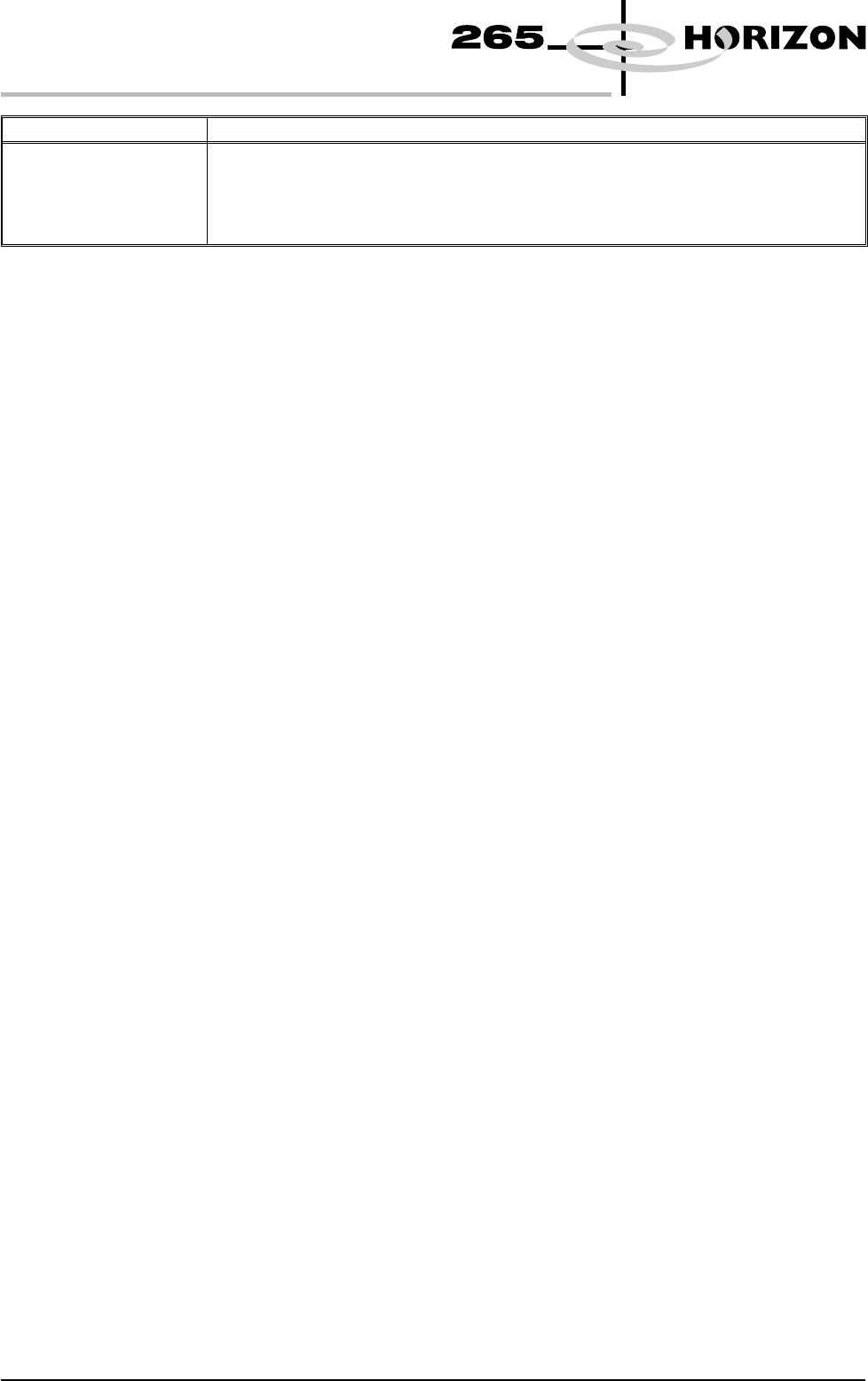
Parameter Definition
Tooling Deviation This parameter sets the extent of tooling deviation before a warning message is posted.
Minimum 0%
Maximum 50%
Increment 0.25%
Default 20%
1.106 User Manual Software Version 6
MACHINE PROGRAMMING
MENU PARAMETERS
SPC CONFIGURATION
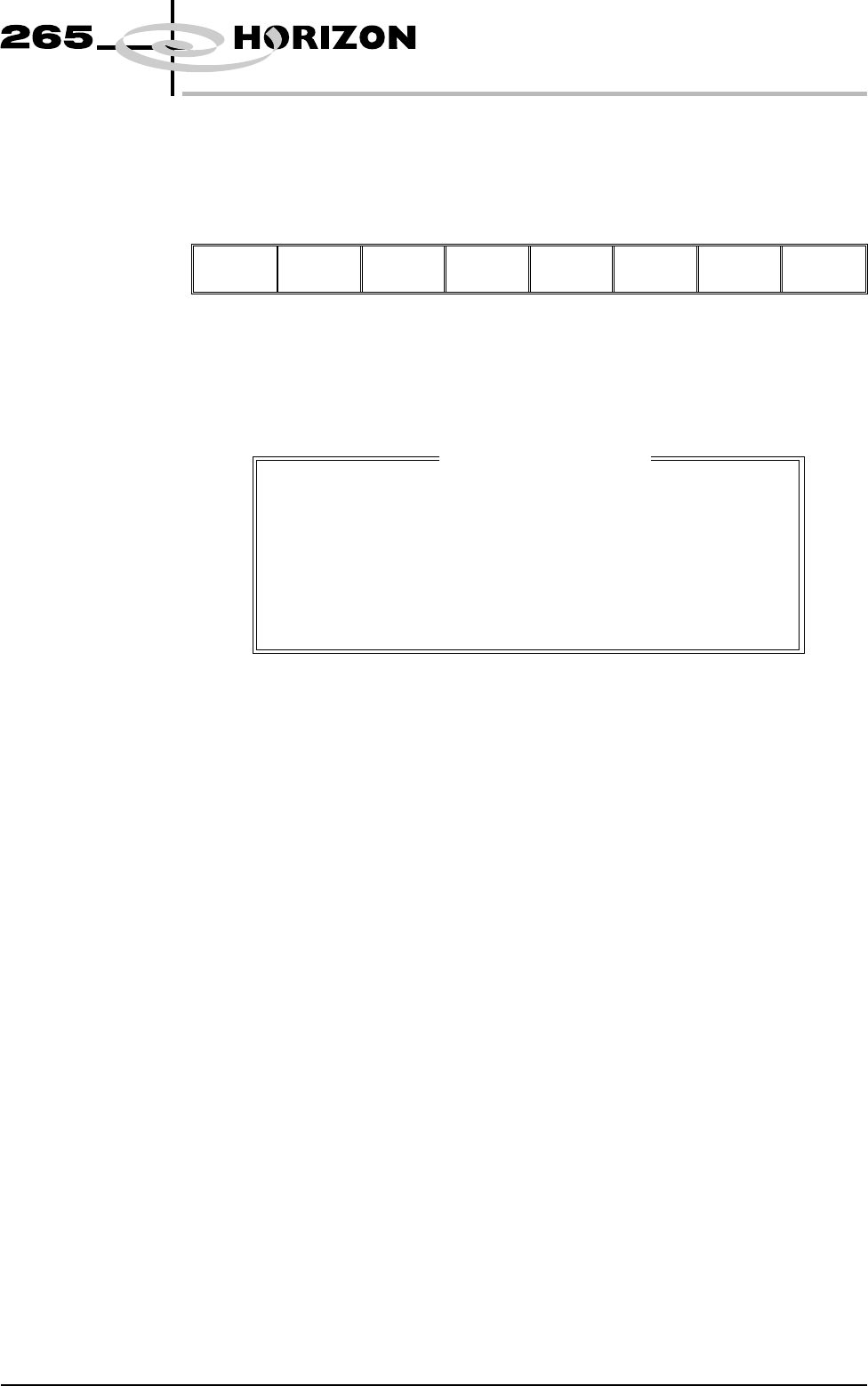
When the cursor on the Edit Current Process Parameters page highlights the SPC
Configuration option and Incr. or Decr. are pressed an SPC Configuration
Window opens and two extra menu options become available:
Edit
Outputs
Edit
Limits
Next Previous Incr. Decr. Exit
Configuration
Window
The configuration window allows the user to setup the Machines SPC operation.
Data Output Rate Two rates of data output are available as follows:
Every Cycle - Outputs SPC data every cycle except for the camera data, which is
output dependant upon the settings of the parameters start rate, sample rate and
start rate limit.
On Inspect - Outputs all SPC data at a rate dependant upon the settings of the
parameters start rate, sample rate and start rate limit.
Start Rate Sets the initial SPC output rate, for setting up a line. If start rate is set to 10, SPC
data is output every 10 cycles until the start rate limit is reached, when the rate
becomes that set in the sample rate parameter. The range is 1-100.
Sample Rate Sets the rate of SPC output after the start rate limit has been reached. The range
is 0-100, where 0 = use start rate until start rate limit is reached. If sample rate is
set to 15, SPC data is output every 15 cycles after the start rate limit is reached.
Start Rate Limit Sets the amount of SPC output cycles at the start rate. When this limit is reached
the sample rate parameter becomes the active SPC output rate. The range is
0-100, where 0 = continuous SPC output at the start rate.
NOTE
Setting both start rate limit and sample rate to zero causes continuous SPC
output at the start rate.
Software Version 6 User Manual 1.107
MACHINE PROGRAMMING
SPC CONFIGURATION
SPC Configuration Page.
DATA OUTPUT RATE
START RATE
SAMPLE RATE
START RATE LIMIT
SPC DATA MODE
SPC FORMAT
UPDATE ON START-UP
ALIGN INSPECT MODE
EVERY CYCLE
1
10
10
NONE
WINDOWS
NO
PRE PRINT
cycles
cycles
cycles