Horizon UserManualV6.pdf - 第219页
MONITOR INTRODUCTION The Monitor function allows for the setting of the following functions: • Log On • Host Comms • Clear Batch • Batch Limit • Perform Display • Event Display • System Disable To access the monitor func…
MONITOR
INTRODUCTION The Monitor function allows for the setting of the following functions:
•
Log On
•
Host Comms
•
Clear Batch
•
Batch Limit
•
Perform Display
•
Event Display
•
System Disable
To access the monitor functions proceed as follows:
Select the Monitor button from the run menu.
Run Open
Cover
Paste
Load
Clean
Screen
Adjust Setup
Monitor
Maint.
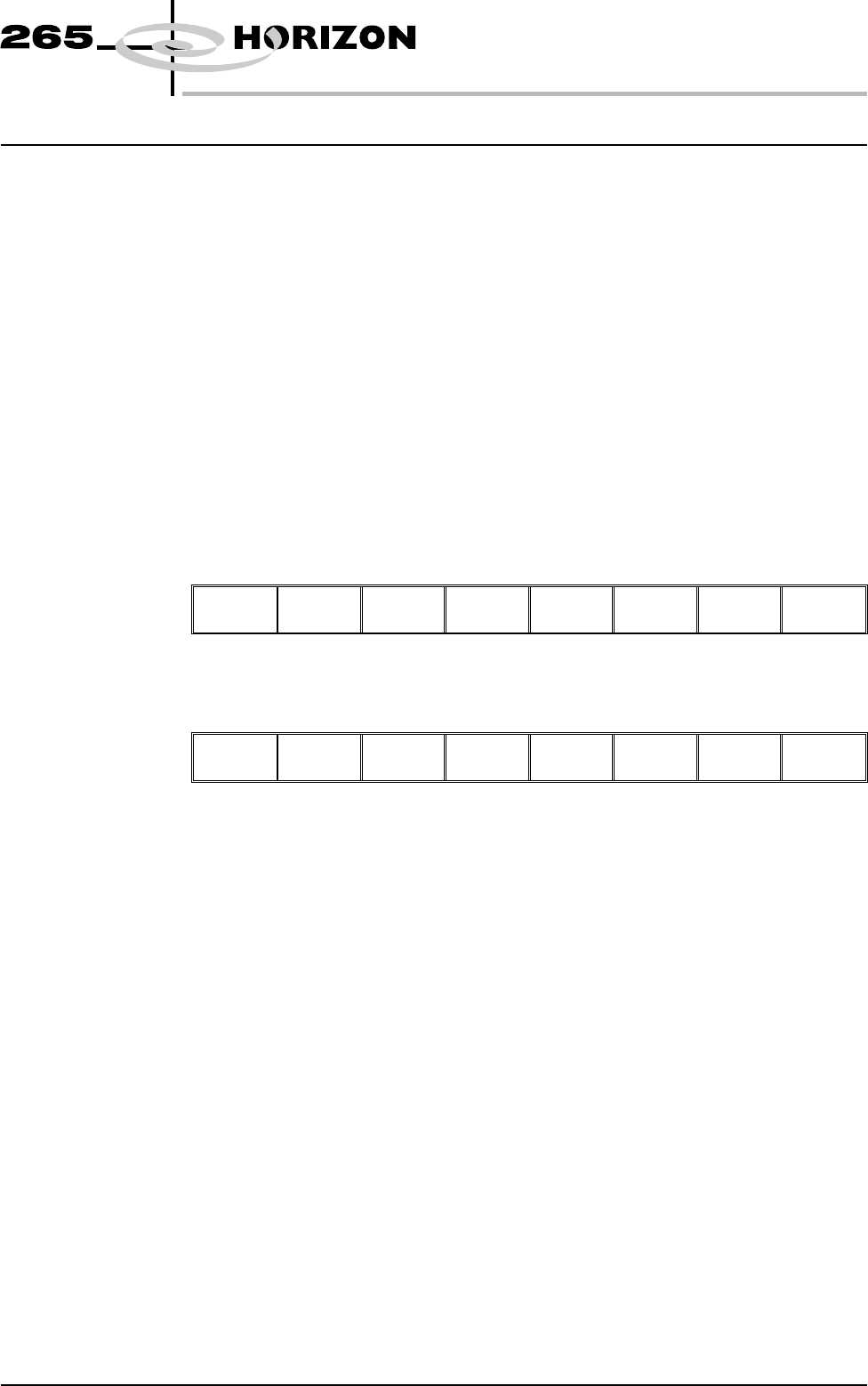
The menu bar displays the following options:
Log
On
Host
Comms
Clear
Batch
Batch
Limit
Perform
Display
Event
Display
System
Disable
Exit
Software Version 6 User Manual 6.1
MONITOR
INTRODUCTION
LOG ON/OFF
Log On This function identifies the user of the machine. To log on to the machine
proceed as follows:
1. Select Log On.
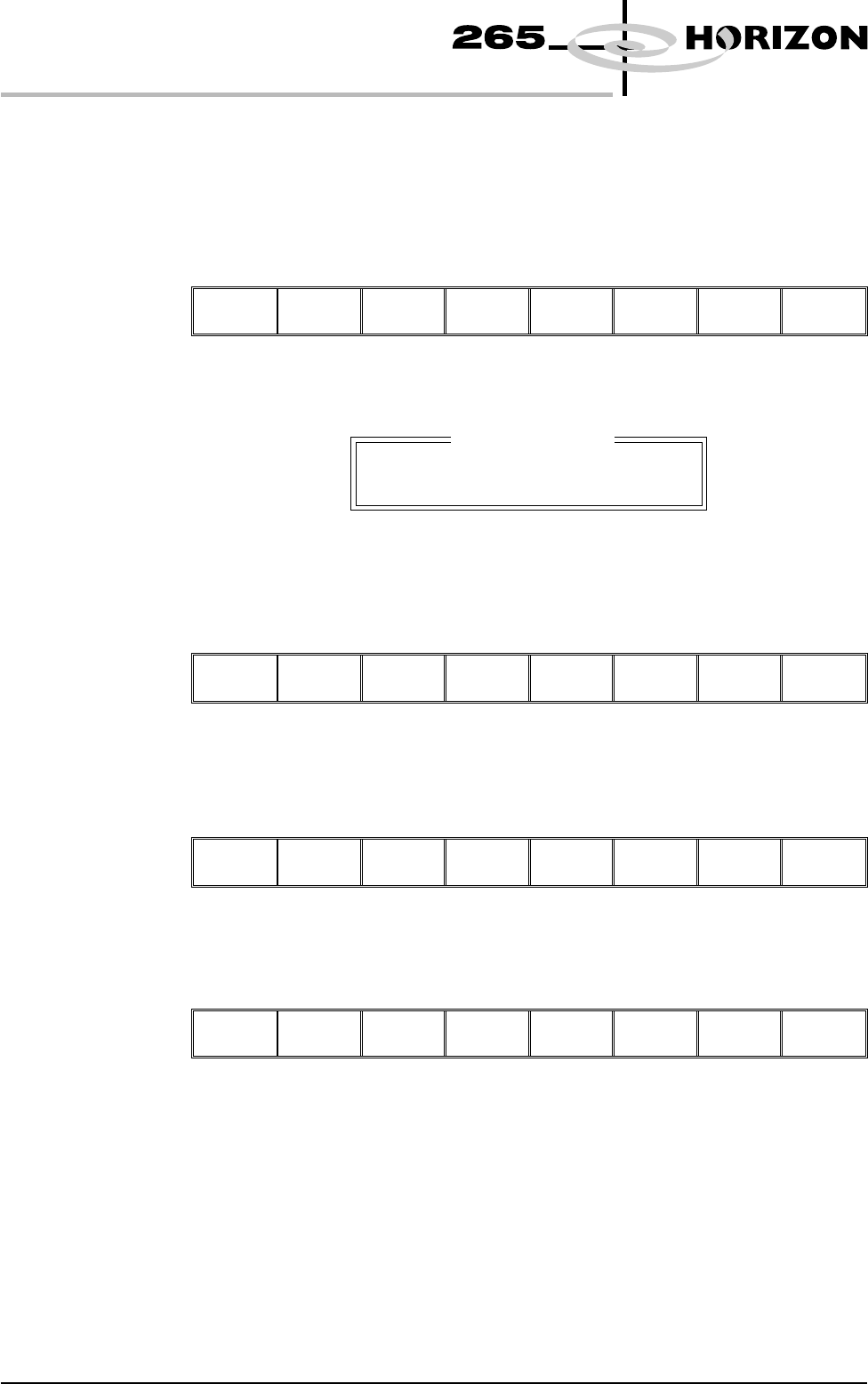
Log
On
Host
Comms
Clear
Batch
Batch
Limit
Perform
Display
Event
Display
System
Disable
Exit
The Operator Log On window is displayed as follows:
2. Using the keyboard enter the operator’s name/ID and press Enter, the
operator’s name/ID appears on the status page.
3. Select Exit.
Log
Off
Host
Comms
Clear
Batch
Batch
Limit
Perform
Display
Event
Display
System
Disable
Exit
Log Off To log off from the machine proceed as follows:
1. Select Log Off.
Log
Off
Host
Comms
Clear
Batch
Batch
Limit
Perform
Display
Event
Display
System
Disable
Exit
2. The operator’s name/ID is removed from the status page and the menu bar
changes to the following:
Log
On
Host
Comms
Clear
Batch
Batch
Limit
Perform
Display
Event
Display
System
Disable
Exit
6.2 User Manual Software Version 6
MONITOR
LOG ON/OFF
Operator Log On
Enter Operator ID: