Horizon UserManualV6.pdf - 第25页
5. Use either the Incr. and Decr. keys (F6 - F7) or the forward slash key (/) on the keyboard to change the parameter value. Save Next Previous Incr. Decr. Exit NOTE A definition of all editable parameters is contained a…
STAGE 3
Editing a
Product File
1. Select Edit Data (F3).
Mode Load
Data
Edit
Data
Setup
Squeegee
Change
Screen
Change
Tooling
Change
Language
Exit
The following Edit Current Process Parameters window is displayed:
2. Select Incr. (F6). Type in the required product name and press Enter using
the keyboard.
Save Next Previous
Incr.
Decr. Exit
3. Highlight Product ID using the Next key (F4). Select Incr. (F6). Type in the
required product ID and press Enter using the keyboard.
Save
Next
Previous
Incr.
Decr. Exit
4. Use the Next and Previous keys (F4 - F5) to highlight the relevant
parameter.
Save
Next Previous
Incr. Decr. Exit
1.8 User Manual Software Version 6
MACHINE PROGRAMMING
STAGE 3
PRODUCT NAME
PRODUCT ID
DWELL HEIGHT
DWELL SPEED
SCREEN ADAPTOR
SCREEN IMAGE
CUSTOM SCREEN
BOARD WIDTH
BOARD LENGTH
BOARD THICKNESS
PRINT SPEED
FLOOD SPEED
PRINT FRONT LIMIT
PRINT REAR LIMIT
Dek04
Dek04
30
24
NONE
EDGE
DISABLED
101.5
152.5
1.6
150
20
0.0
0.0
mm
mm/s
mm
mm
mm
mm/s
mm/s
mm
mm
.. more
Edit Current Process Parameters
5. Use either the Incr. and Decr. keys (F6 - F7) or the forward slash key (/) on
the keyboard to change the parameter value.
Save Next Previous
Incr. Decr.
Exit
NOTE
A definition of all editable parameters is contained at the end of this chapter.
6. Select Save (F2). The message ‘Saving fiducial data - Please wait
Board data file saved’ is displayed.
Save
Next Previous Incr. Decr. Exit
7. Repeat Steps 4 - 6 for the remaining parameters.
8. Select Exit (F8).
Save Next Previous Incr. Decr.
Exit
Software Version 6 User Manual 1.9
MACHINE PROGRAMMING
STAGE 3
STAGE 4A
Fit Squeegees
Fitting Squeegees If ProFlow was used when running the last product, carry out the ProFlow to
Squeegee Replacement Procedure, see Technical Reference Manual, Squeegee
Module Chapter - Replacement Procedures.
1. Select Setup (F6).
Run Head Paste
Load
Clean
Screen
Adjust
Setup
Monitor Maint.
2. Select Setup Squeegee (F4).
Mode Load
Data
Edit
Data
Setup
Squeegee
Change
Screen
Change
Tooling
Change
Language
Exit
3. Select Change Squeegee (F1).
Change
Squeegee
Calibrat
Heights
Exit
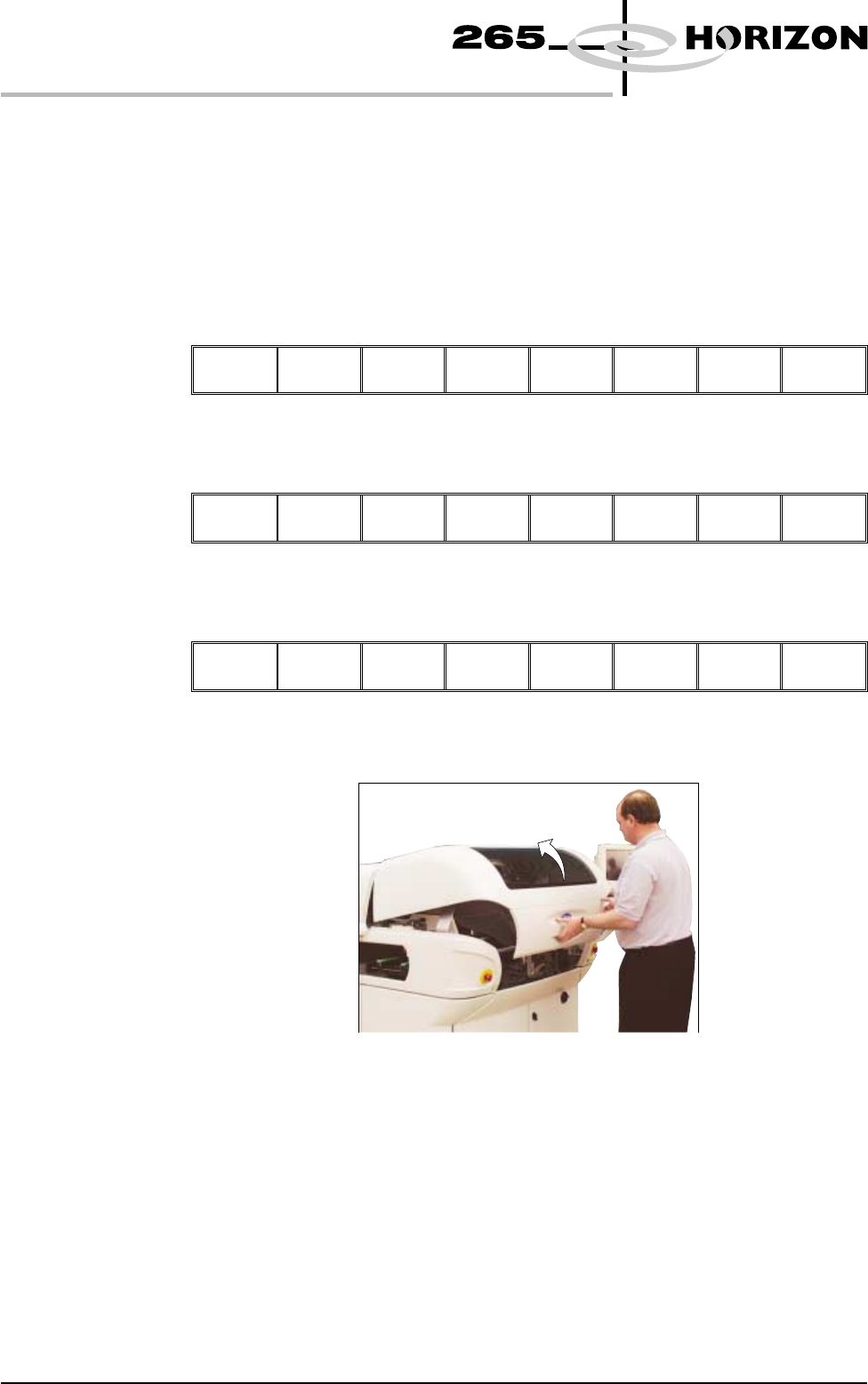
4. Lift the front printhead cover.
5. Before fitting the squeegees to the machine, fix the paste deflectors to each
end of the squeegee assemblies, using the screws supplied. Ensure that the
bottom edge of the deflector is above the lower edge of the squeegee blade.
The setting of the paste deflectors is carried out later in this chapter.
NOTE
The deflectors are handed so care must be taken to fix the correct deflector to
each end of the squeegee assemblies.
1.10 User Manual Software Version 6
MACHINE PROGRAMMING
STAGE 4A