Horizon UserManualV6.pdf - 第269页
These are usually set to enabled. If for any reason a particular inspection is not required, set to disabled. If any global limit options are disabled the corresponding limit sets and parameters are greyed out. These are…
Edit Global 1. Select Edit Global.
Edit
Global
Edit
Limits
Delete
Site
Next
Site
Previous
Site
Edit
Site
Inspect
Site
Exit
NOTE
Delete site is only available if at least one site exists already.
Next site and previous site are only available if at least two sites exist already.
2. Enter the parameter values below using the Next, Previous, Incr. and Decr.
keys.
Limit
Options
Next Previous Incr. Decr.
Exit
• Pre-image to Every
• Min Sites to 10
•
Warning Limit to 20, this can be reduced later in ‘adjust inspect’.
•
Blockage Action to Manual, this can be changed later in ‘adjust inspect’.
•
Smear Action to Manual, this can be changed later in ‘adjust inspect’.
A definition of all 2Di parameters and their values is given at the end of this
chapter.
On completion of successful setup, parameters can be adjusted to suit the
product.
3. Select Limit Options.
Limit
Options
Next Previous Incr. Decr. Exit
8.18 User Manual Software Version 6
2Di INSPECTION
2Di SETUP
Advanced
Advanced
Every
10
3
Manual
Mode 1
Manual
Mode 2
Manual
Enabled
Performed
Stencil Inspect Type
Board Inspect Type
Pre-image
Min. Sites/Cycle
Warning Limit
Blockage Action
Blockage Clean
Smear Action
Smear Clean
Low Paste Action
Inspect After Clean
Post Print Alignment
Edit Global Parameters
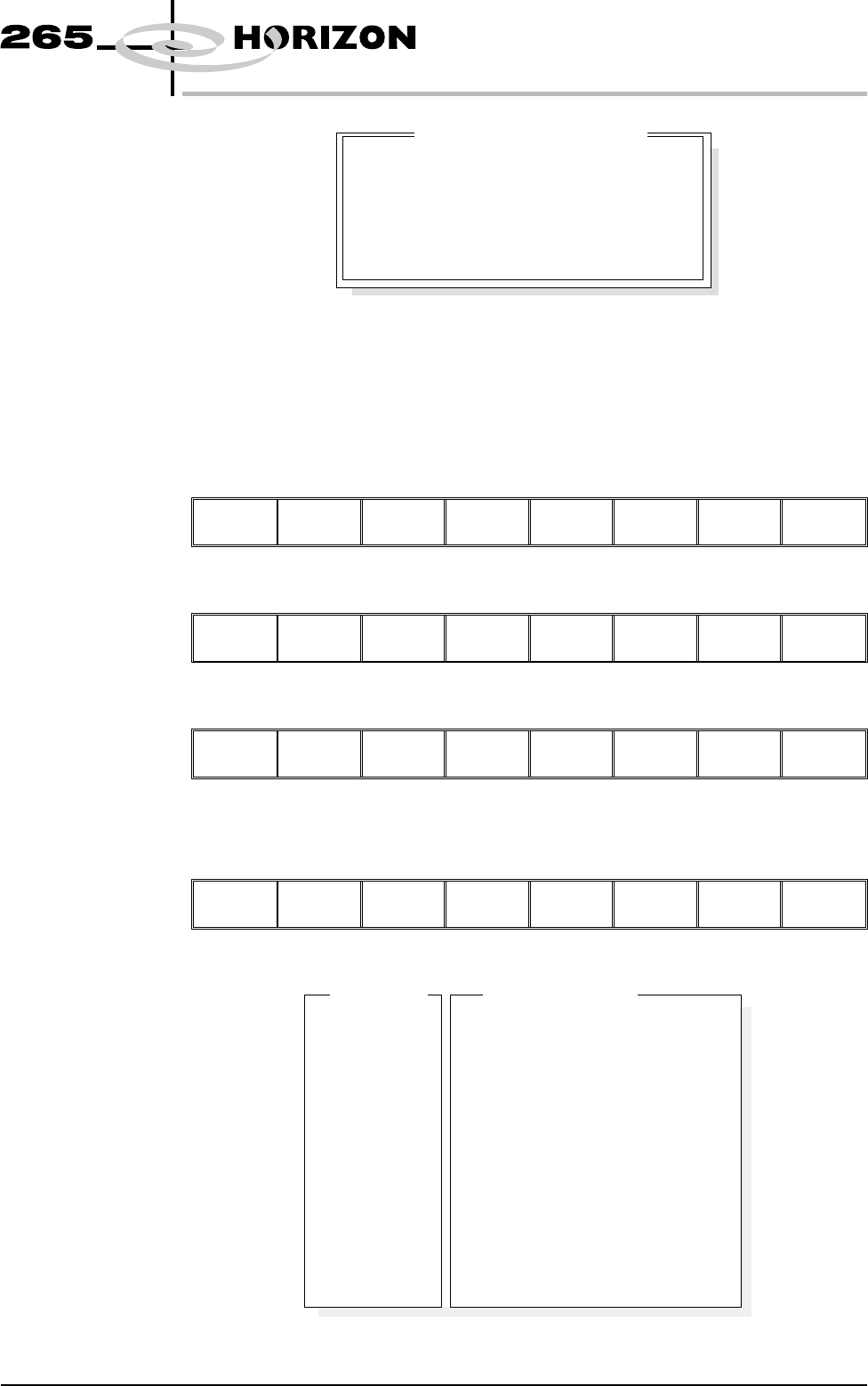
These are usually set to enabled. If for any reason a particular inspection is not
required, set to disabled. If any global limit options are disabled the
corresponding limit sets and parameters are greyed out. These are global limits,
therefore they are active for the whole product. If a particular inspection is not
required for a specific type of site, this can be achieved later in limit set options.
4. Enter global limit options using Next, Previous, Incr. and Decr. keys.
Next Previous Incr. Decr.
Exit
5. Select Exit.
Next Previous Incr. Decr.
Exit
6. Select Exit.
Limit
Options
Next Previous Incr. Decr.
Exit
Edit Limits 1. Select Edit Limits.
Edit
Global
Edit
Limits
Delete
Site
Next
Site
Previous
Site
Edit
Site
Inspect
Site
Exit
The following window is displayed:
Software Version 6 User Manual 8.19
2Di INSPECTION
2Di SETUP
Enabled
Enabled
Enabled
Enabled
Enabled
Enabled
Blockage
Smear
Paste
Alignment
Bridging
Volume
Global Limit Set Options
Default
Default
10%
15%
0.01 sq mm
0.15 sq mm
90%
80%
0.02 mm
0.03 mm
0.05 mm
0.04 mm
80%
70%
Limit Set ID
BlockageWarning
BlockageAlarm
SmearWarning
SmearAlarm
PasteWarning
PasteAlarm
AlignWarning
AlignAlarm
BridgeWarning
BridgeAlarm
VolumeWarning
VolumeAlarm
Limit Sets
Limit Parameters
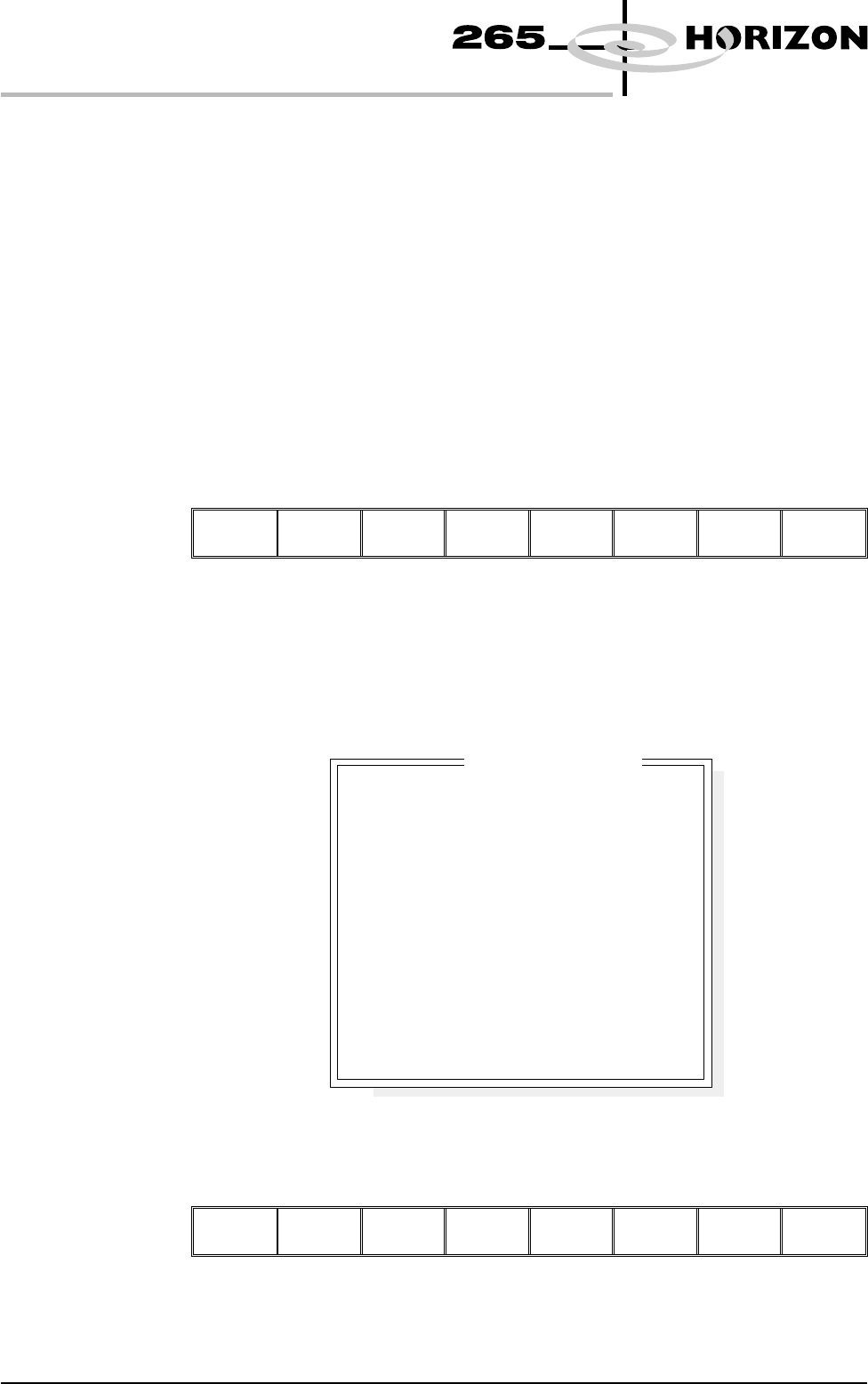
Limit sets list the different sets of limit parameters that are available, initially
only default is available. Limit parameters list the current limits for the
highlighted limit set.
2. At this point either:
a) Add limits to create a new limit set, continue with Add Limits below.
or
b) Edit limits to edit an existing limit set, go to Edit Limits over the page.
NOTE
It is recommended that during setup, parameters are set at a level that no alarms
occur (coarse). Once the inspection is correctly setup, the parameters can be
tightened during production in ‘adjust inspect’.
Add Limits 1. Select Add Limits.
Add
Limits
Edit
Limits
Next
Limit
Previous
Limit
Exit
NOTE
Next limit and previous limit are only available if at least one limit, plus the
default, exist already.
2. Use the keyboard to enter the ID of the new limit set and press Enter.
NOTE
Limit ID may be any name up to 20 characters in length including spaces.
3. Enter parameters using the Next, Previous, Incr. and Decr. keys. A coarse
set of values is shown above.
Save
Limits
Next Previous Incr. Decr.
Exit
8.20 User Manual Software Version 6
2Di INSPECTION
2Di SETUP
COARSE
20
25
1.00 sq mm
1.50 sq mm
70
65
0.200 mm
0.250 mm
0.015 mm
0.010 mm
80
70
Limit Set ID
BlockageWarning
BlockageAlarm
SmearWarning
SmearAlarm
PasteWarning
PasteAlarm
AlignWarning
AlignAlarm
BridgeWarning
BridgeAlarm
VolumeWarning
VolumeAlarm
Edit Limit Parameters