Horizon UserManualV6.pdf - 第303页
3. Open the front printhead cover. 4. Load the solder paste onto the screen. 5. Close the front printhead cover. Software Version 6 User Manual 9.3 CONSUMABLE REPLENISHMENTS PASTE LOADING
PASTE LOADING Two options are provided for loading paste onto the screen, Manual Load and
Auto Dispense. Manual load allows the operator to load paste by hand onto the
stencil. Auto dispense loads paste automatically onto the stencil in the correct
area, from the paste cartridge located in the paste dispenser on the print carriage.
Auto dispense can be programmed into a product file to take place automatically
during a print run or either option can be selected, directly from the MMI, to take
place at the operators discretion.
The print direction option allows the user to select the direction of the next print
stroke after paste loading. The option is available prior to pressing Run in all
machine modes, ie Auto/Single/Stop.
Manual Loading To load paste prior to print run:
1. Press Paste Load (F3).
Run Open
Cover
Paste
Load
Clean
Screen
Adjust Setup Monitor Maint.
2. Press Manual Load (F2).
Auto
Dispense
Manual
Load
Load
Cart.
Print
Directn
Exit
The message ‘Open cover and load paste’ is displayed.
9.2 User Manual Software Version 6
CONSUMABLE REPLENISHMENTS
PASTE LOADING
WARNING
SOLDER PASTE AND SOLVENTS. WHEN USING OR HANDLINGAN
Y
SOLDER PASTE OR SOLVENT FORMULATION THE
MANUFACTURERS' RECOMMENDED SAFETY PRECAUTIONS
MUST BE STRICTLYADHERED TO.
WARNING
PROTECTIVE CLOTHING. APPROVED PROTECTIVE CLOTHIN
G
SHOULD BE WORN BY SOLDER PASTE AND SOLVENT HANDLERS
AT ALL TIMES TO ELIMINATE FUME INHALATION, EYE
CONTACT, SKIN CONTACTAND INGESTION.
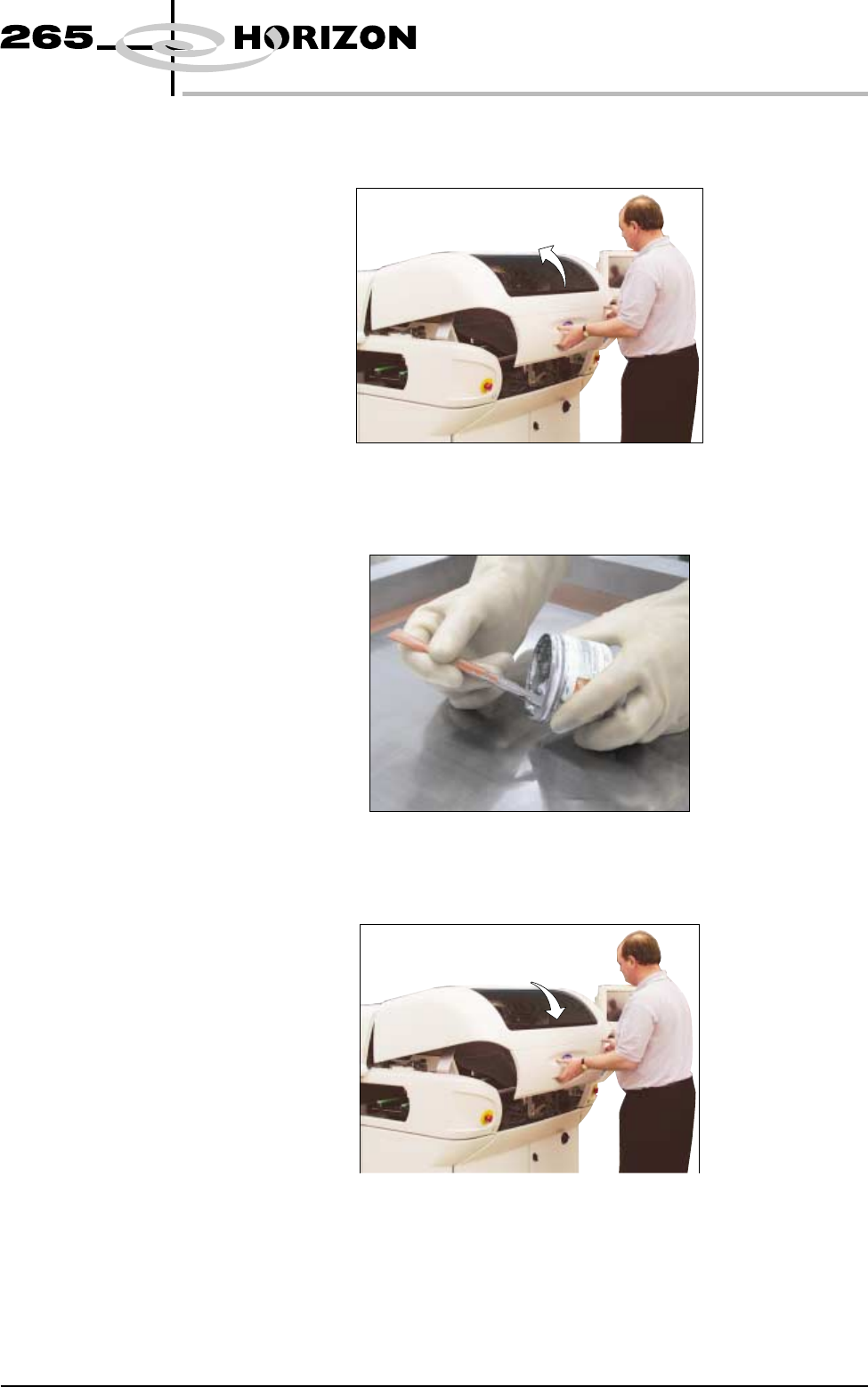
3. Open the front printhead cover.
4. Load the solder paste onto the screen.
5. Close the front printhead cover.
Software Version 6 User Manual 9.3
CONSUMABLE REPLENISHMENTS
PASTE LOADING
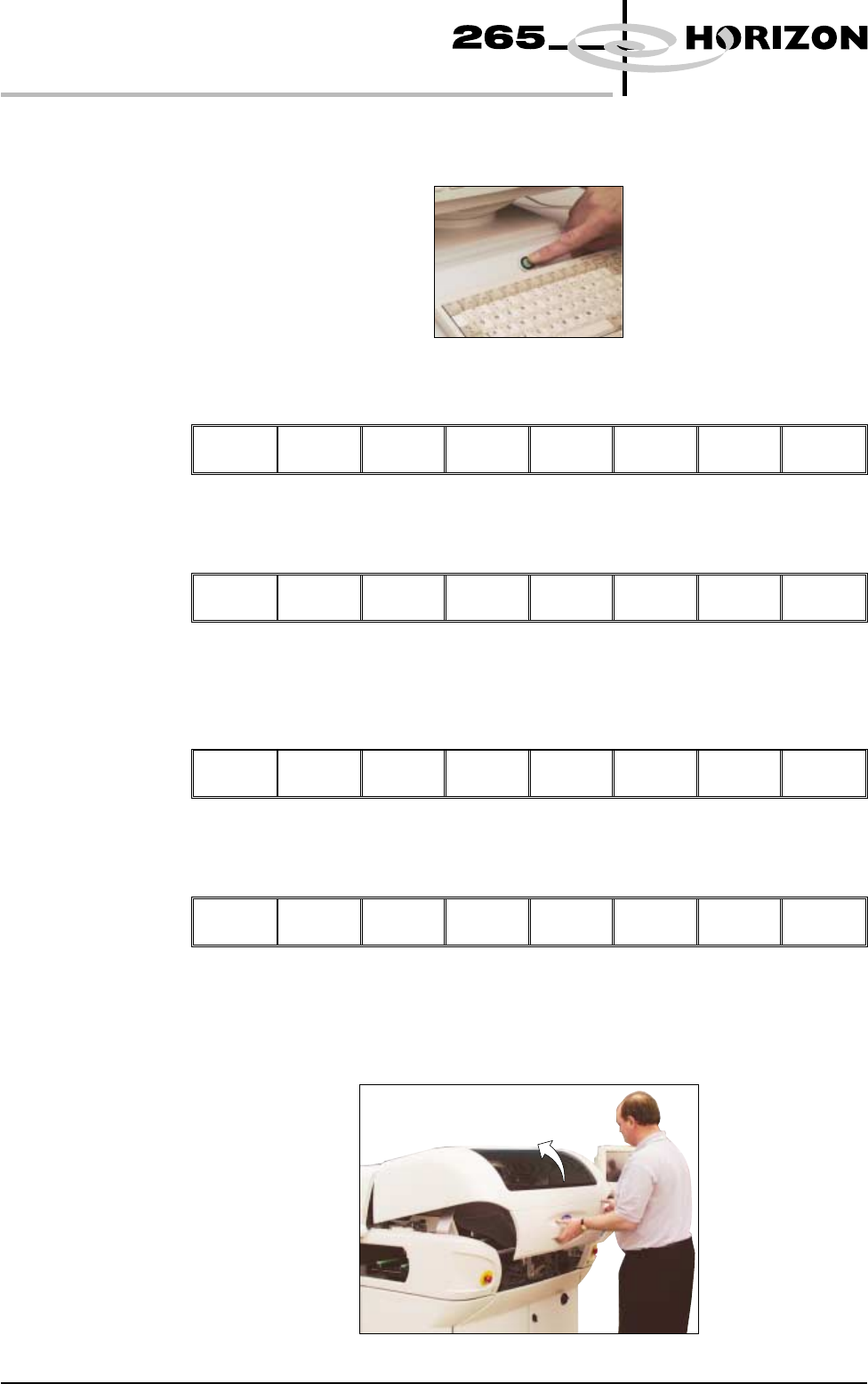
6. Press the System button.
7. Press Continue (F1).
Continue
8. Press Exit (F8).
Auto
Dispense
Manual
Load
Load
Cart.
Print
Directn
Exit
To Load Paste
During A Print Run
1. Press Paste Load (F3).
End
Run
Stop
Cycle
Paste
Load
Clean
Screen
Adjust Knead
Paste
2. Press Manual Load (F2).
Auto
Dispense
Manual
Load
Print
Directn
Exit
The message ‘Open cover and load paste’ is displayed.
3. Open the front printhead cover.
9.4 User Manual Software Version 6
CONSUMABLE REPLENISHMENTS
PASTE LOADING