Horizon UserManualV6.pdf - 第304页
6. Press the System button. 7. Press Continue (F1). Continue 8. Press Exit (F8). Auto Dispense Manual Load Load Cart. Print Directn Exit To Load Paste During A Print Run 1. Press Paste Load (F3). End Run Stop Cycle Paste…
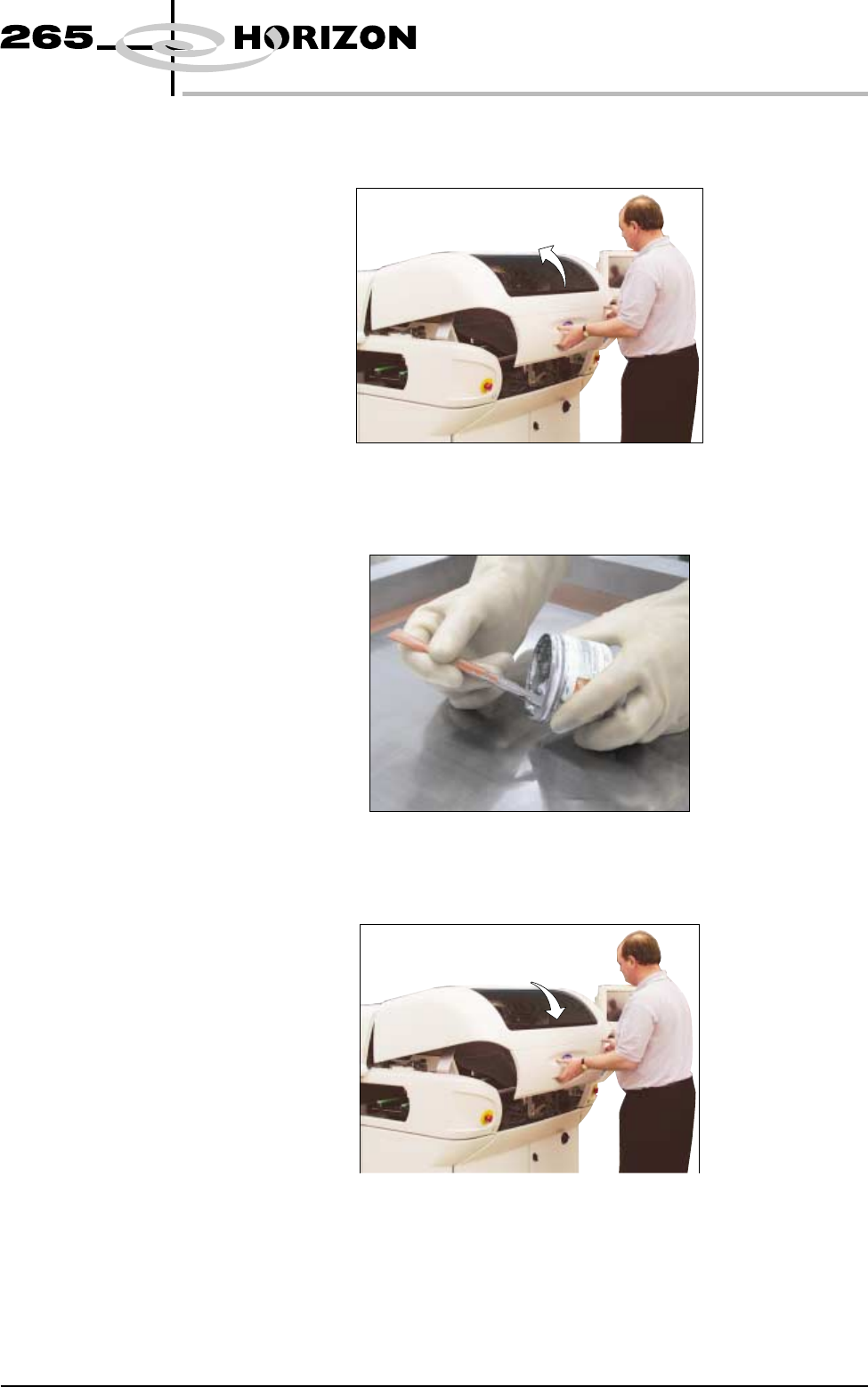
3. Open the front printhead cover.
4. Load the solder paste onto the screen.
5. Close the front printhead cover.
Software Version 6 User Manual 9.3
CONSUMABLE REPLENISHMENTS
PASTE LOADING
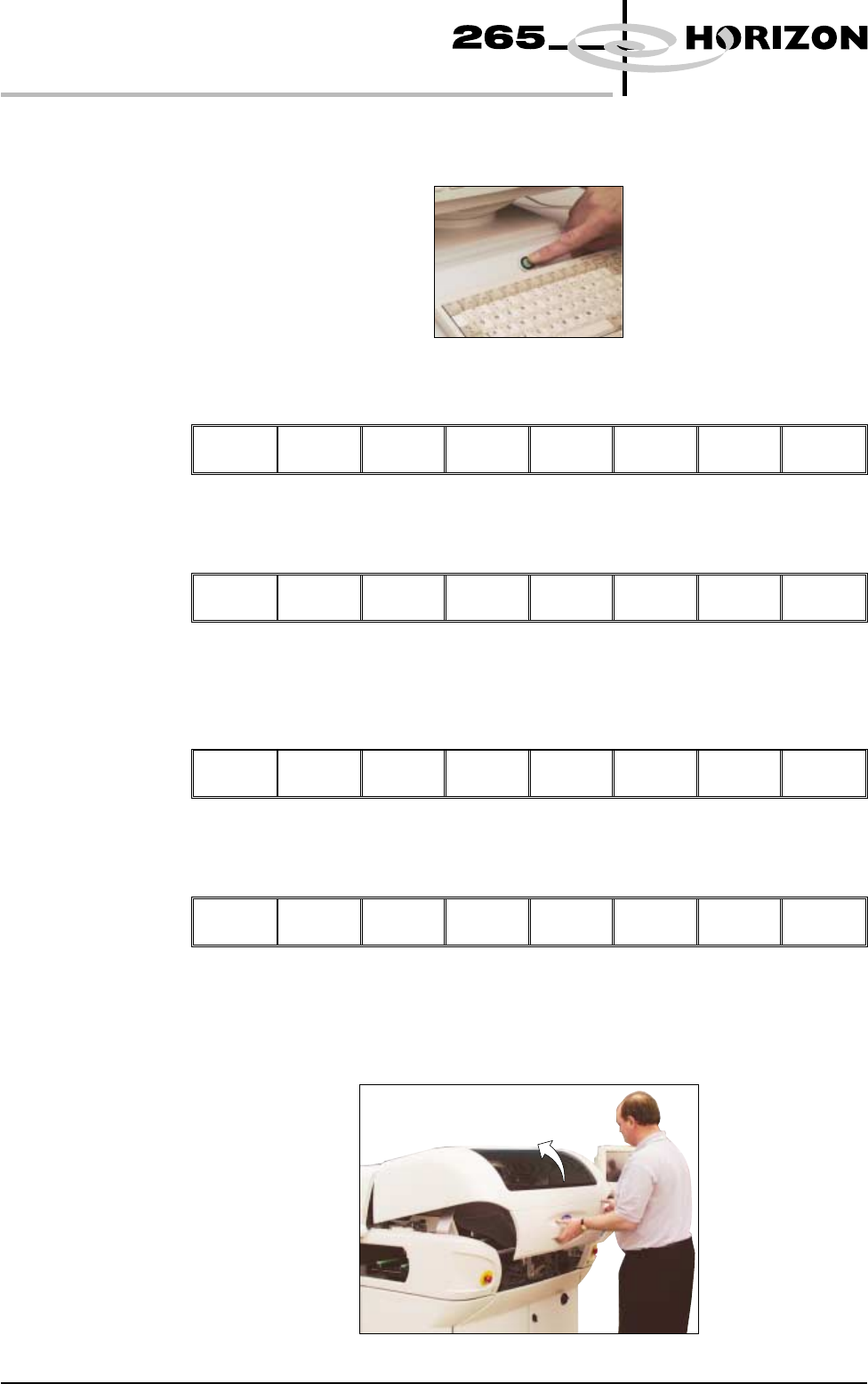
6. Press the System button.
7. Press Continue (F1).
Continue
8. Press Exit (F8).
Auto
Dispense
Manual
Load
Load
Cart.
Print
Directn
Exit
To Load Paste
During A Print Run
1. Press Paste Load (F3).
End
Run
Stop
Cycle
Paste
Load
Clean
Screen
Adjust Knead
Paste
2. Press Manual Load (F2).
Auto
Dispense
Manual
Load
Print
Directn
Exit
The message ‘Open cover and load paste’ is displayed.
3. Open the front printhead cover.
9.4 User Manual Software Version 6
CONSUMABLE REPLENISHMENTS
PASTE LOADING
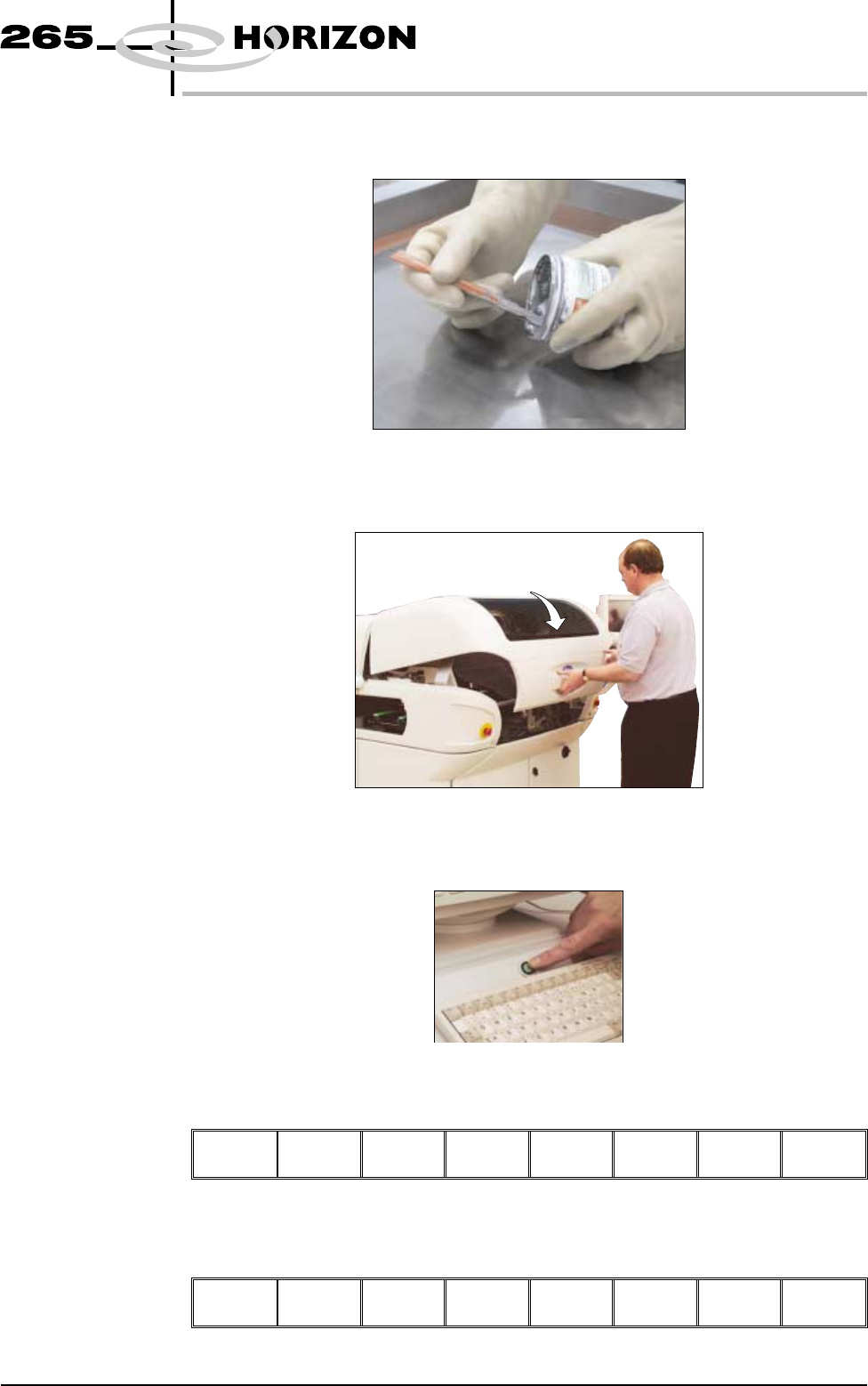
4. Load paste onto screen.
5. Close the front printhead cover.
6. Press the System button.
7. Press Continue (F1).
Continue
8. Press Exit (F8).
Auto
Dispense
Manual
Load
Print
Directn
Exit
Software Version 6 User Manual 9.5
CONSUMABLE REPLENISHMENTS
PASTE LOADING