Horizon UserManualV6.pdf - 第322页
1. If the set preference is set to warn, the following window is displayed: The tricoloured beacon shows amber/green. 2. Select Confirm (F1). Confirm 3. Go to Step 17. 4. If the set preference is set to pause, the follow…
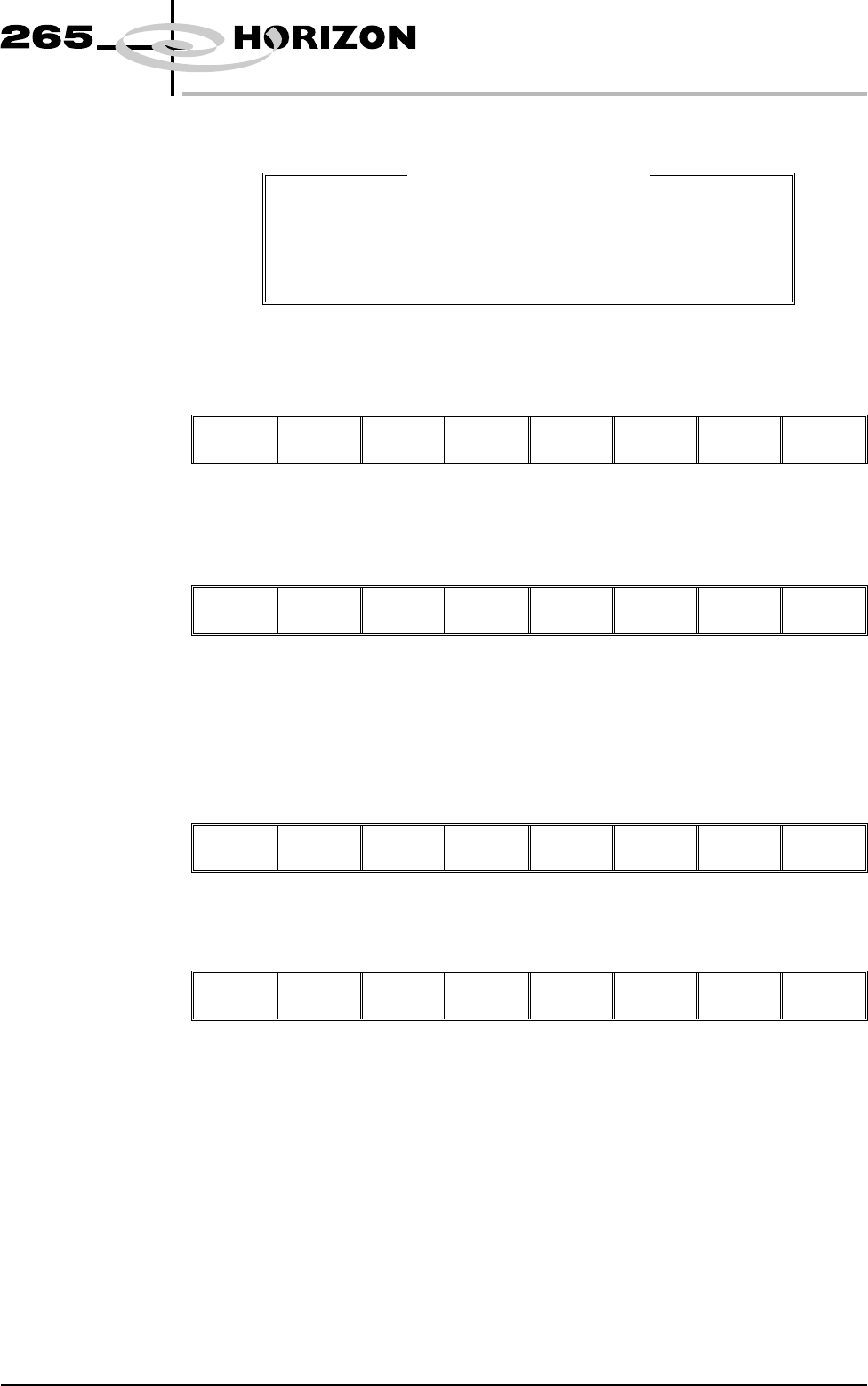
The Screen Clean Mode window is opened:
7. Use the Left and Right keys (F2 - F3) to highlight the next sweep number to
be changed.
Left Right
Incr. Decr. Exit
8. Use the Incr. and Decr. keys (F6 - F7) to select the operation required for the
highlighted sweep. The four options are: VAC, DRY, WET and NONE.
Left Right
Incr. Decr.
Exit
9. If the six stage sequence is setup as required, go to the next step, otherwise
return to Step 7.
10. Press Exit (F8).
Left Right Incr. Decr.
Exit
11. Press Exit (F8).
Mode Load
Data
Edit
Data
Setup
Squeegee
Change
Screen
Change
Tooling
Change
Language
Exit
Paper and Solvent
Replenishment
Paper and solvent replenishment can take place with the cleaner unit in the
printer. When paper or solvent needs replenishment a warning window is
automatically displayed on the monitor. The warning window varies, depending
on the setting of the consumable action option in set preferences. The message
in the warning window depends on whether the solvent or paper or both require
replenishment. The procedure varies, depending on whether the replenishment
is prior to a print run or during a print run.
Replenishment Prior to a Print Run:
If the set preference is set to warn, continue with Step 1. If the set preference is
set to pause or suspend go to Step 4.
Software Version 6 User Manual 9.21
CONSUMABLE REPLENISHMENTS
BLUE UNDERSCREEN CLEANER
Screen Clean Mode 1
1
WET
2
DRY
3
DRY
4
NONE
5
NONE
6
NONE
Sweep Number
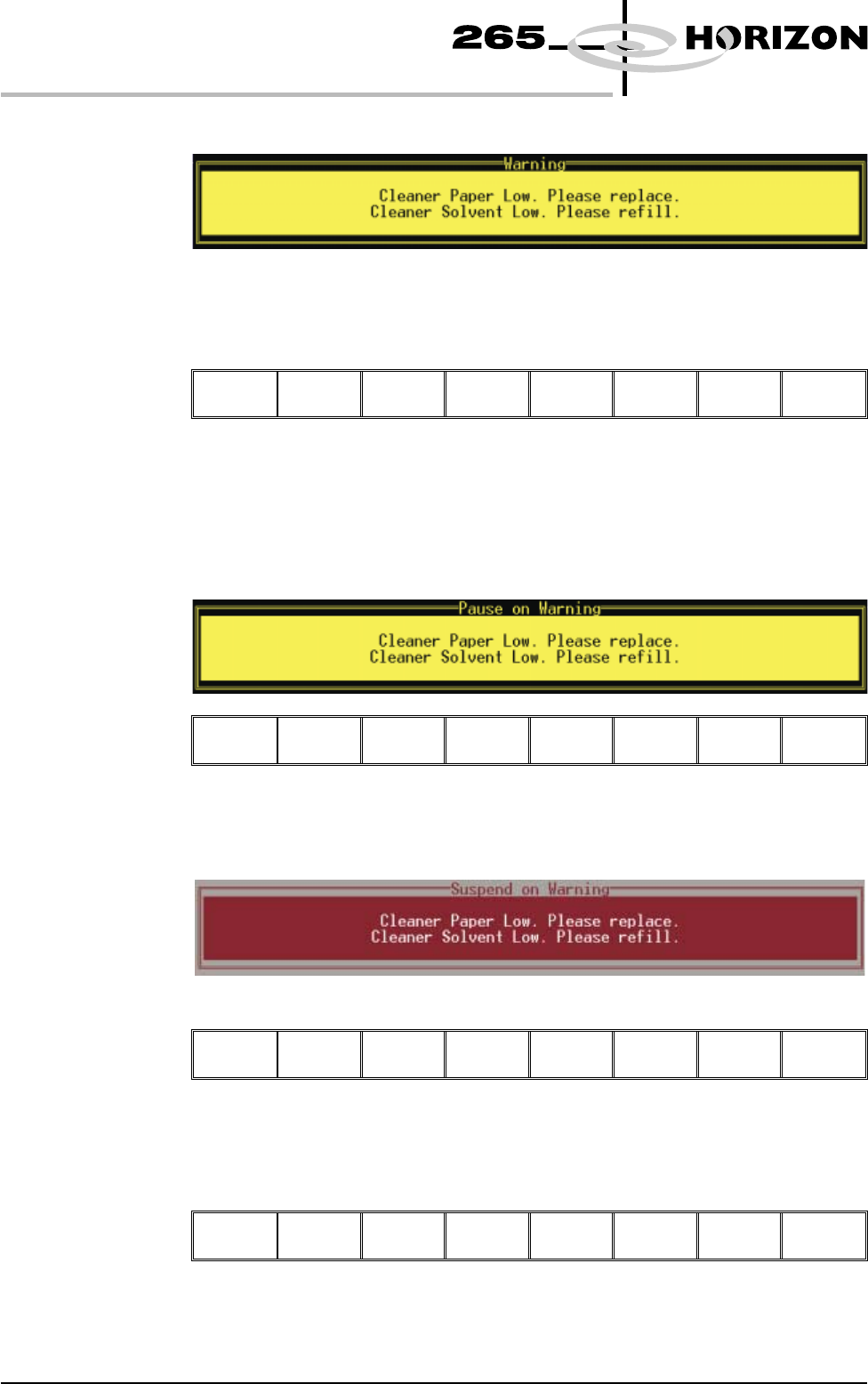
1. If the set preference is set to warn, the following window is displayed:
The tricoloured beacon shows amber/green.
2. Select Confirm (F1).
Confirm
3. Go to Step 17.
4. If the set preference is set to pause, the following window and menu bar is
displayed:
Cancel
If the set preference is set to suspend, the following window and menu bar is
displayed:
Cancel
In both cases the tricoloured beacon shows red.
5. Select Cancel (F8).
Cancel
9.22 User Manual Software Version 6
CONSUMABLE REPLENISHMENTS
BLUE UNDERSCREEN CLEANER
6. Go to Step 17.
Replenishment During a Print Run:
If the set preference is set to warn, continue with Step 7. If the set preference is
set to pause go to Step 11. If the set preference is set to suspend go to Step 15.
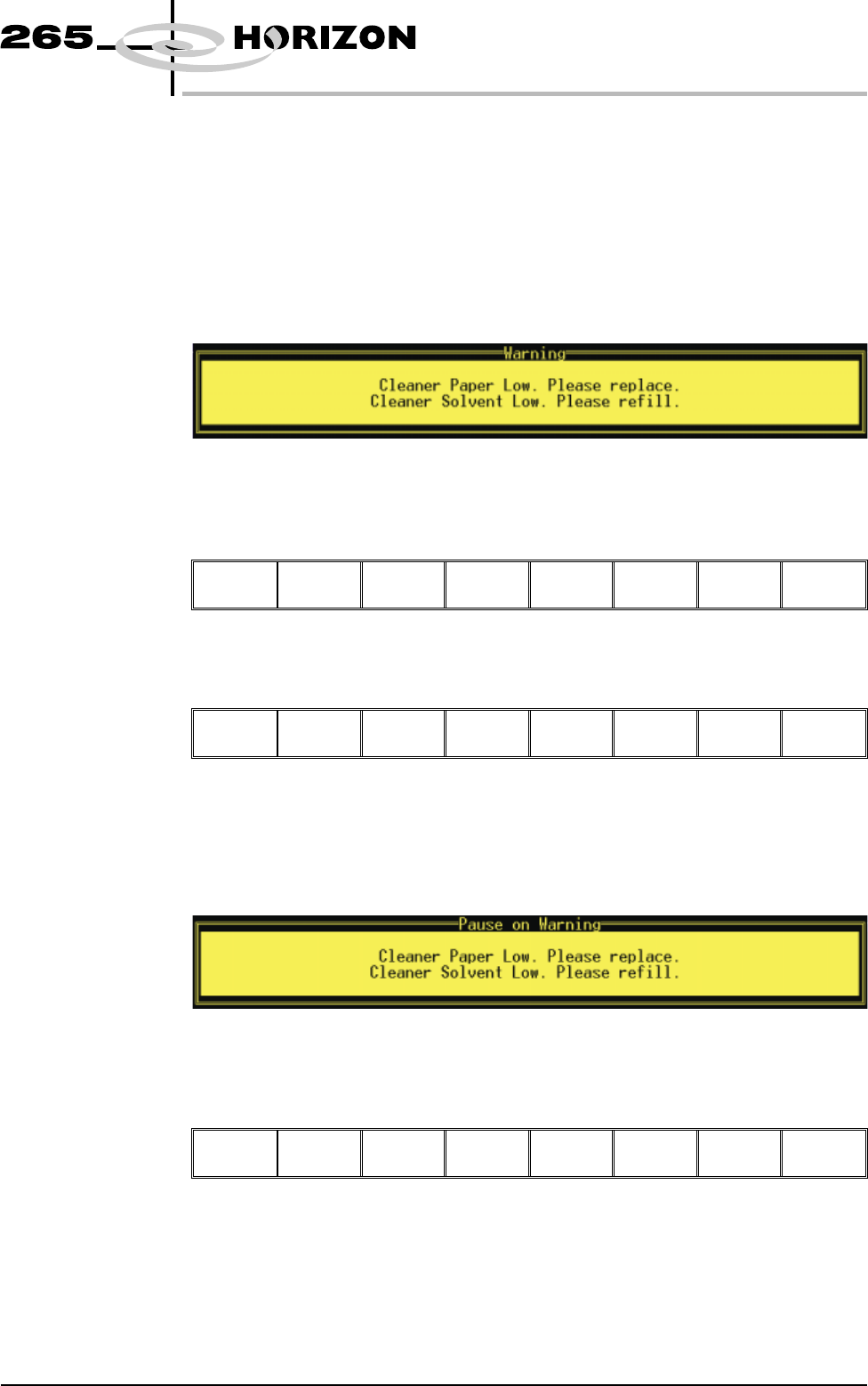
7. If the set preference is set to warn, the following window is displayed:
The tricoloured beacon shows amber/green.
8. Select Confirm (F1).
Confirm
9. Select End Run (F1).
End
Run
Stop
Cycle
Paste
Load
Clean
Screen
Adjust Knead
Paste
10. Go to Step 17.
11. If the set preference is set to pause, the following window is displayed:
The tricoloured beacon shows red.
12. Select Defer (F8).
Defer
The print run continues.
Software Version 6 User Manual 9.23
CONSUMABLE REPLENISHMENTS
BLUE UNDERSCREEN CLEANER