Horizon UserManualV6.pdf - 第361页
30. Select Setup ProFlow (F4). Mode Load Data Edit Data Setup ProFlow Change Screen Change Tooling Change Language Exit 31. Select Prime ProFlow (F6). Change ProFlow Load Cassette Prime ProFlow Exit If it is possible to …
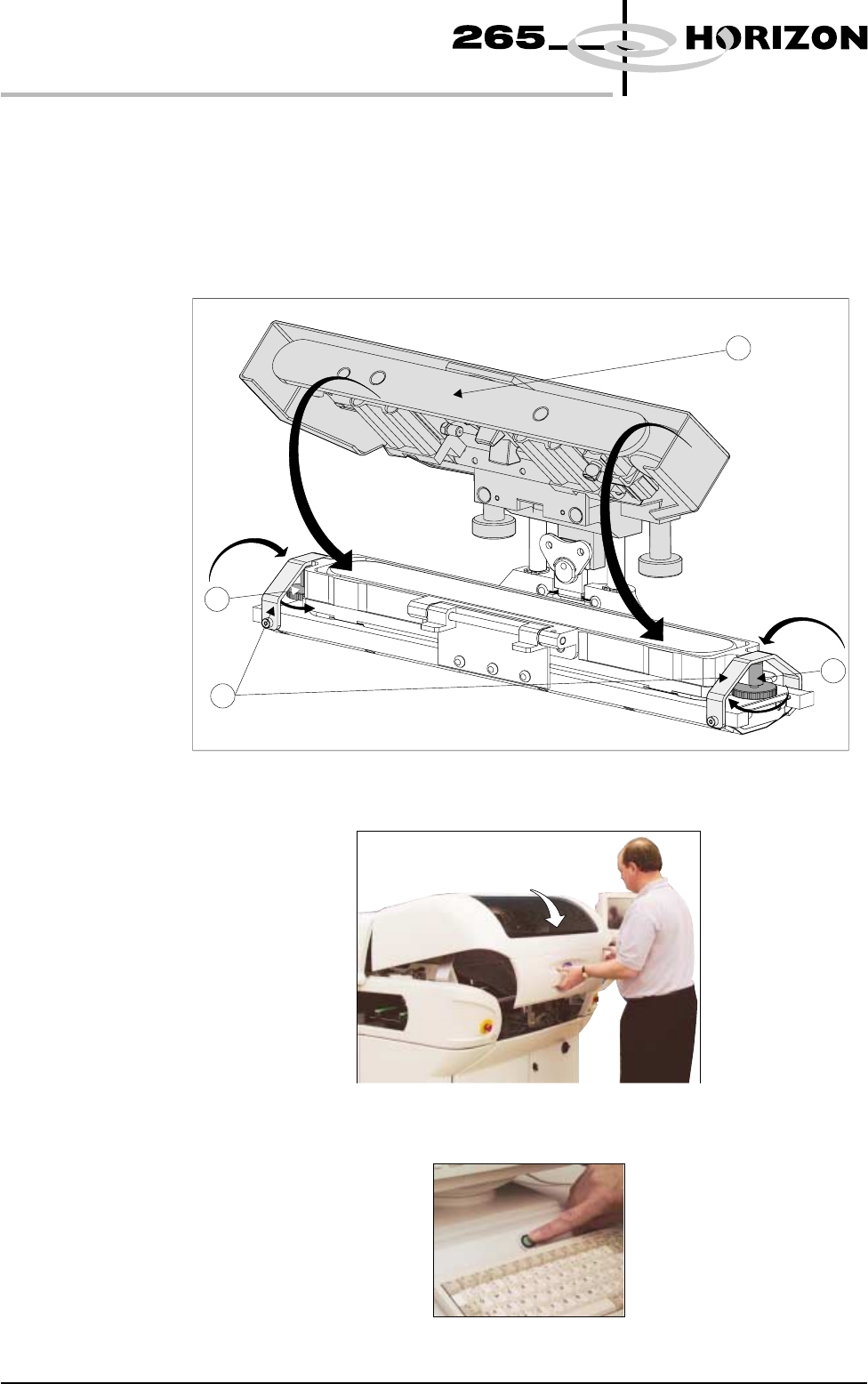
25. Remove the sealing foil from the top of the new paste cassette.
26. Hinge the clamp brackets (1) inwards to position the cassette onto the
transfer head, secure in place by tightening the thumbwheels (2).
27. Lower the pressure mechanism (3) in place until the latch engages.
NOTE
Numbers in brackets refer to figure below.
28. Close the front printhead cover.
29. Press the System button.
9.60 User Manual Software Version 6
CONSUMABLE REPLENISHMENTS
PROFLOW
2
2
1
3
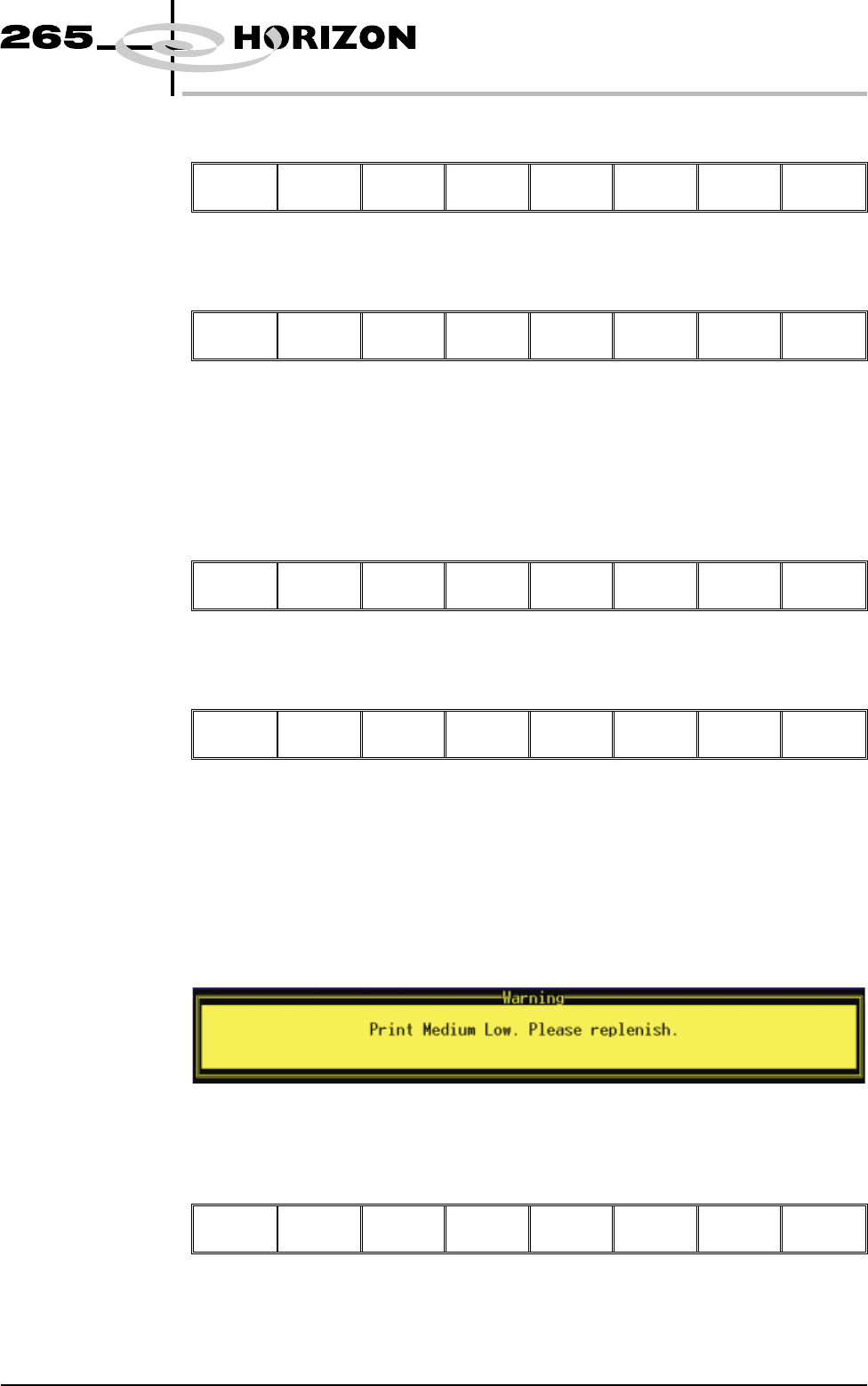
30. Select Setup ProFlow (F4).
Mode Load
Data
Edit
Data
Setup
ProFlow
Change
Screen
Change
Tooling
Change
Language
Exit
31. Select Prime ProFlow (F6).
Change
ProFlow
Load
Cassette
Prime
ProFlow
Exit
If it is possible to carry out the prime ProFlow function the message
‘Performing knead off-image.’ is displayed. If it is not possible the
function is deferred until it is, ie at the start of a print stroke with a board
loaded.
32. Select Exit (F8).
Change
ProFlow
Load
Cassette
Prime
ProFlow
Exit
33. Select Exit (F8).
Mode Load
Data
Edit
Data
Setup
ProFlow
Change
Screen
Change
Tooling
Exit
During a Print Run When the ProFlow cassette needs replenishment a warning window is
automatically displayed on the monitor. The warning window varies, depending
on the setting of the consumable action option in set preference.
If the set preference is set to warn, continue with Step 1. If the set preference is
set to pause go to Step 6. If the set preference is set to suspend go to Step 11.
1. If the set preference is set to warn, the following window is displayed:
The tricoloured beacon shows amber/green.
2. Select Confirm (F1).
Confirm
Software Version 6 User Manual 9.61
CONSUMABLE REPLENISHMENTS
PROFLOW
3. Select End Run (F1).
End
Run
Stop
Cycle
Paste
Load
Clean
Screen
Adjust Knead
Paste
4. Carry out Steps 19-33 of Prior to a Print Run procedure, earlier in this
section.
5. Select Run (F1). The print run resumes.
Run
Head Knead
Paste
Clean
Screen
Adjust Setup Monitor Maint.
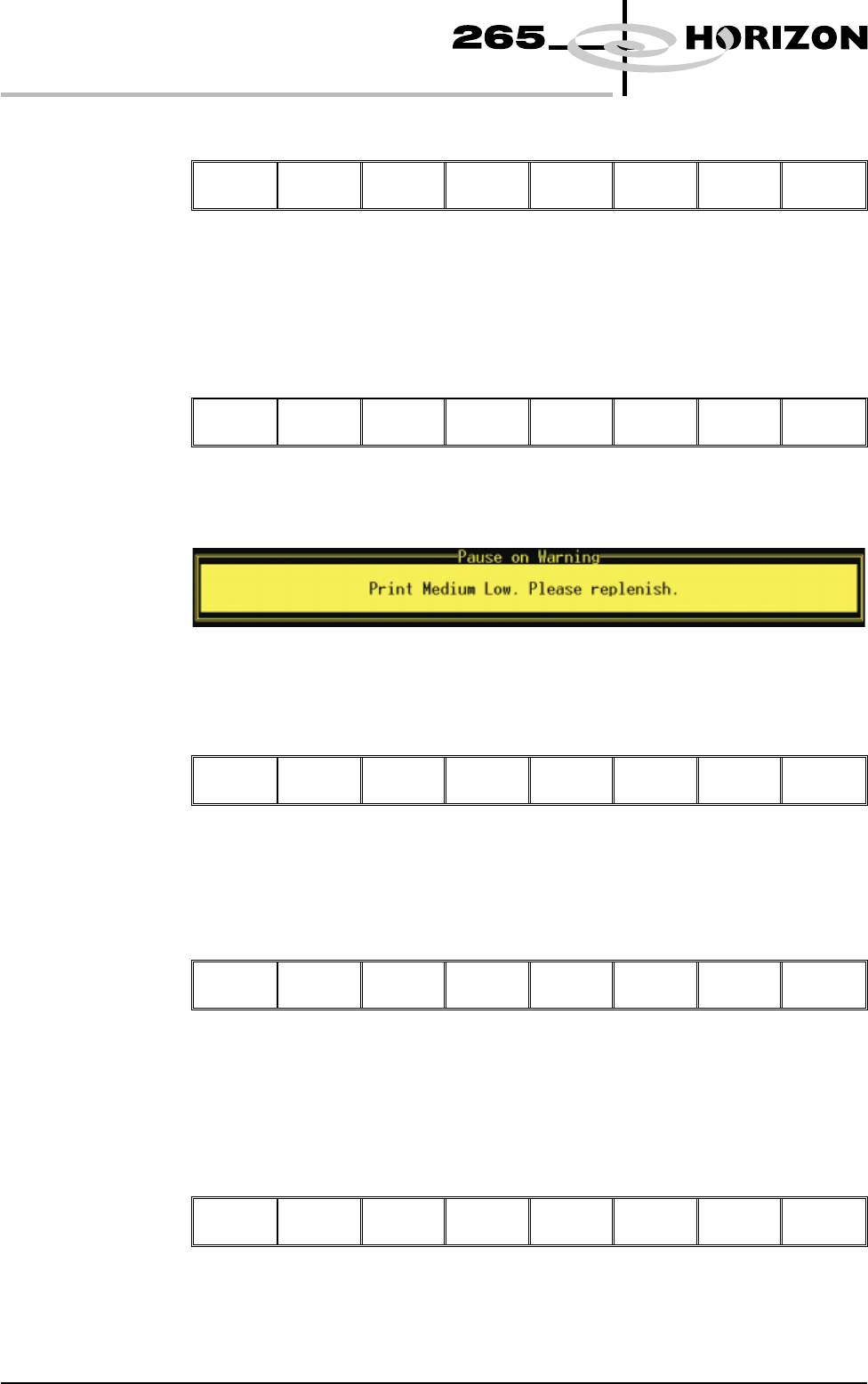
6. If the set preference is set to pause, the following window is displayed:
The tricoloured beacon shows red.
7. Select Refill Paste (F1).
Refill
Paste
Defer
The message ‘Open the cover and change the ProFlow cassette.’ is
displayed.
8. Select Open Cover (F2).
Continue
Open
Cover
9. Carry out Steps 19-33 of Prior to a Print Run procedure, earlier in this
section.
10. Select Continue (F1). The print run resumes.
Continue
Open
Cover
9.62 User Manual Software Version 6
CONSUMABLE REPLENISHMENTS
PROFLOW