Horizon UserManualV6.pdf - 第39页
27. Remove the stencil. 28. Release the toggle levers amd remove the FormFlex setup plate from the stencil. 29. Refit the stencil, ensuring the correct orientation. Software Version 6 User Manual 1.23 MACHINE PROGRAMMING…
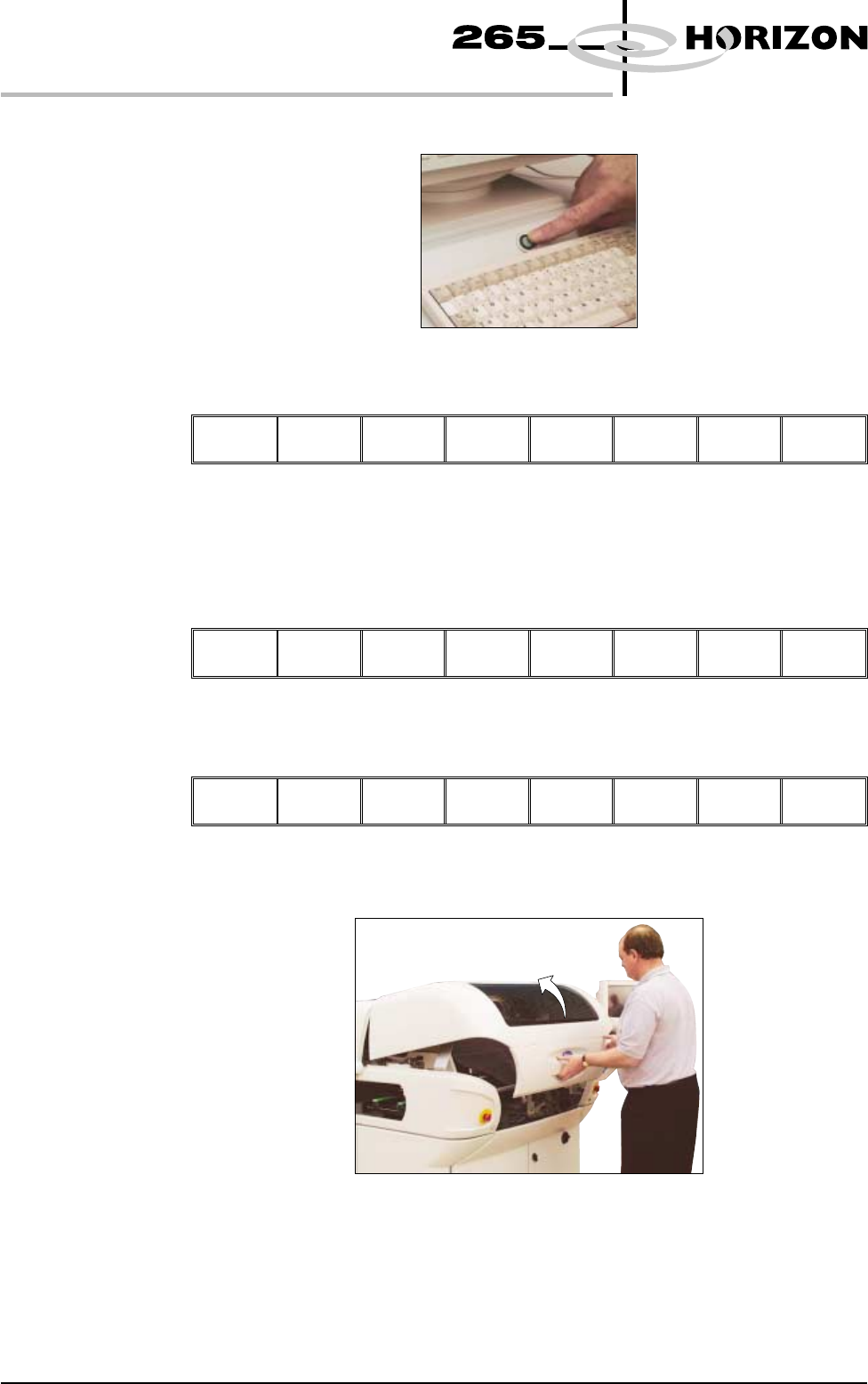
21. Press the System button.
22. Select Exit (F8).
Step
Single
Exit
23. Remove the board from the conveyor.
24. Select Setup (F6).
Run Head Paste
Load
Clean
Screen
Adjust
Setup
Monitor Maint.
25. Select Change Screen (F5).
Mode Load
Data
Edit
Data
Setup
Squeegee
Change
Screen
Change
Tooling
Change
Language
Exit
26. When prompted, open the front printhead cover.
1.22 User Manual Software Version 6
MACHINE PROGRAMMING
STAGE 4C
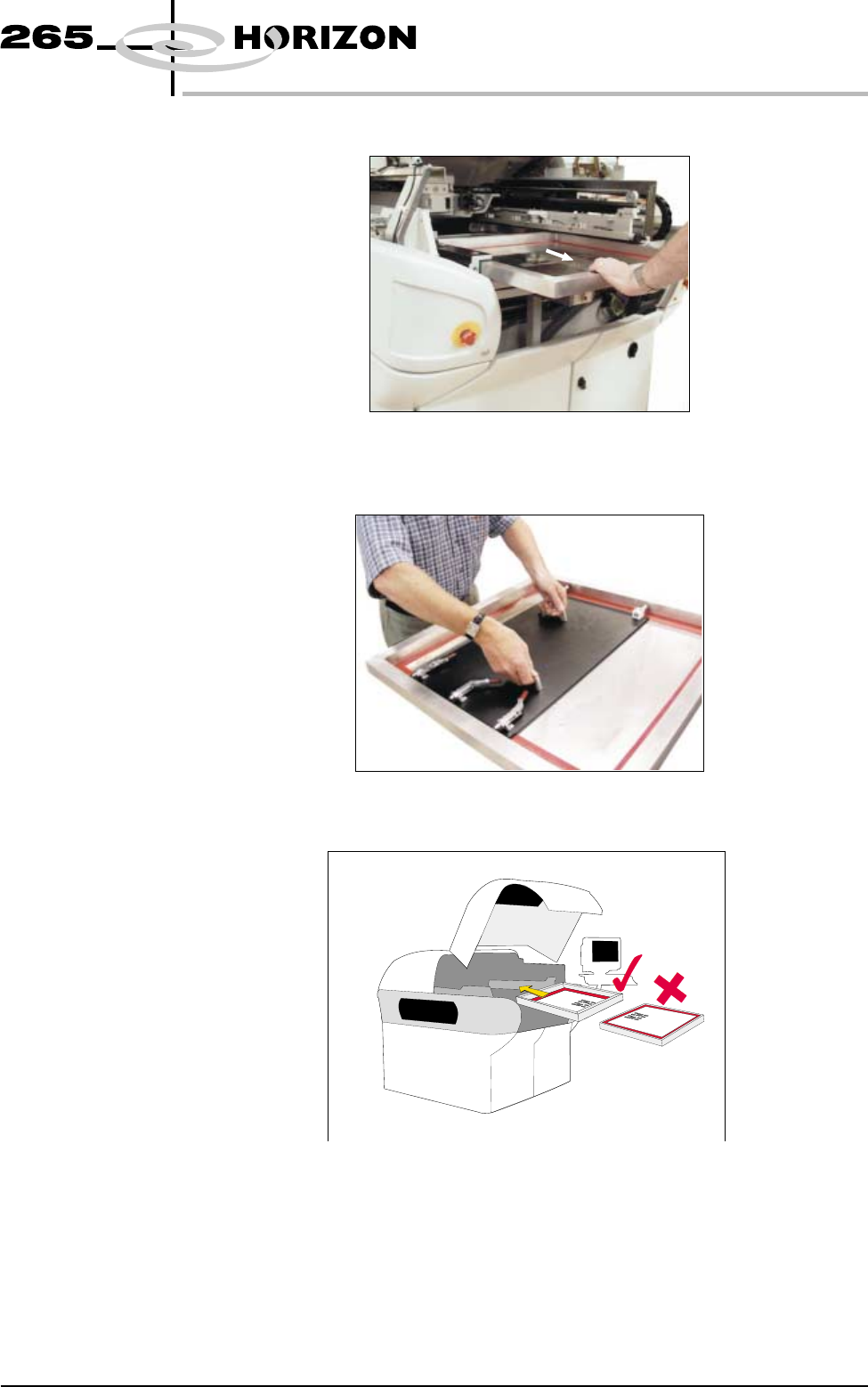
27. Remove the stencil.
28. Release the toggle levers amd remove the FormFlex setup plate from the
stencil.
29. Refit the stencil, ensuring the correct orientation.
Software Version 6 User Manual 1.23
MACHINE PROGRAMMING
STAGE 4C
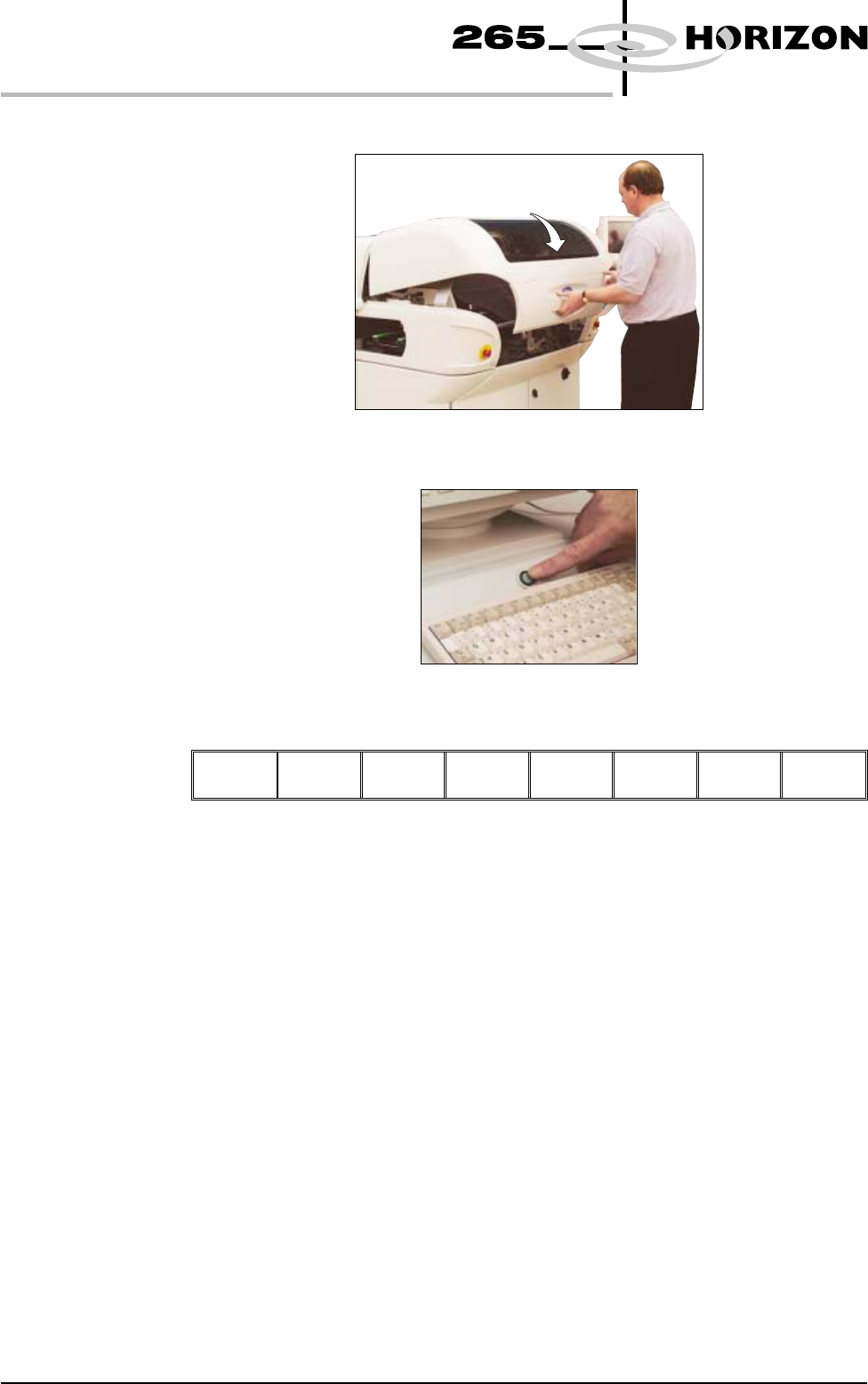
30. Close the front printhead cover.
31. Press the System button.
32. Select Change Screen (F5).
Mode Load
Data
Edit
Data
Setup
Squeegee
Change
Screen
Change
Tooling
Change
Language
Exit
33. Continue with either of the following stages:
•
Stage 4A - Fit Squeegees
•
Stage 4B - ProFlow Setup
34. Go to Stage 6.
1.24 User Manual Software Version 6
MACHINE PROGRAMMING
STAGE 4C