Horizon UserManualV6.pdf - 第57页
31. Select Exit (F8). Adjust Change Screen Board Clamps Set Stop Exit 32. Select Home Position (F7). Open Cover Home Position Exit 33. Select Open Cover (F2). Adjust Open Cover Remove Cleaner Board Stop Full Width Load W…
25. Select Print Height (F7).
Adjust Open
Cover
Remove
Cleaner
Board
Stop
Full
Width
Load
Width
Print
Height
Exit
26. Select Open Cover (F2).
Open
Cover
Home
Position
Exit
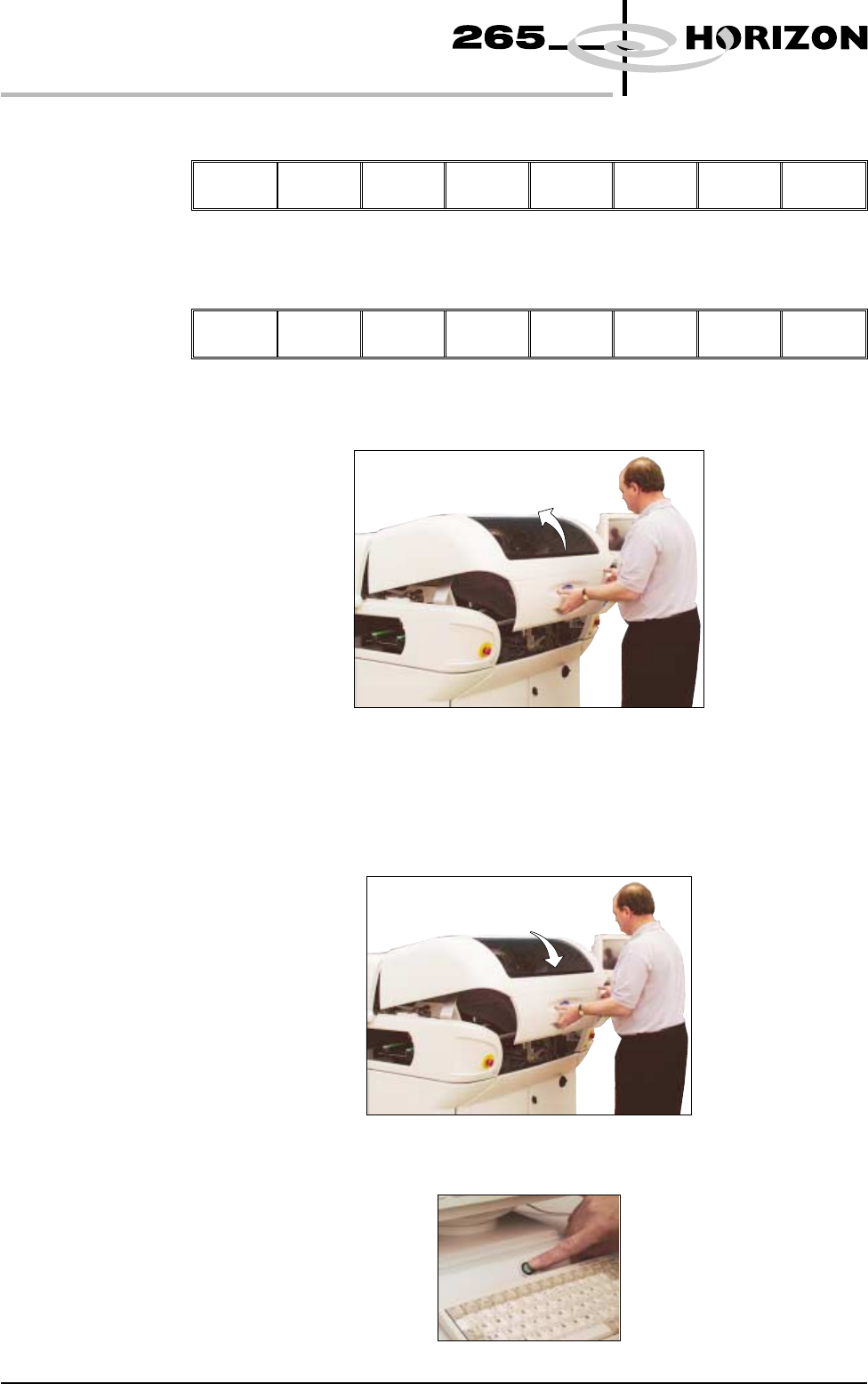
27. Lift the front printhead cover.
28. Check that the setup of the tooling is adequate for the board, adjust as
necessary.
29. Close the front printhead cover.
30. Press the System button.
1.40 User Manual Software Version 6
MACHINE PROGRAMMING
STAGE 5B
31. Select Exit (F8).
Adjust Change
Screen
Board
Clamps
Set
Stop
Exit
32. Select Home Position (F7).
Open
Cover
Home
Position
Exit
33. Select Open Cover (F2).
Adjust
Open
Cover
Remove
Cleaner
Board
Stop
Full
Width
Load
Width
Print
Height
Exit
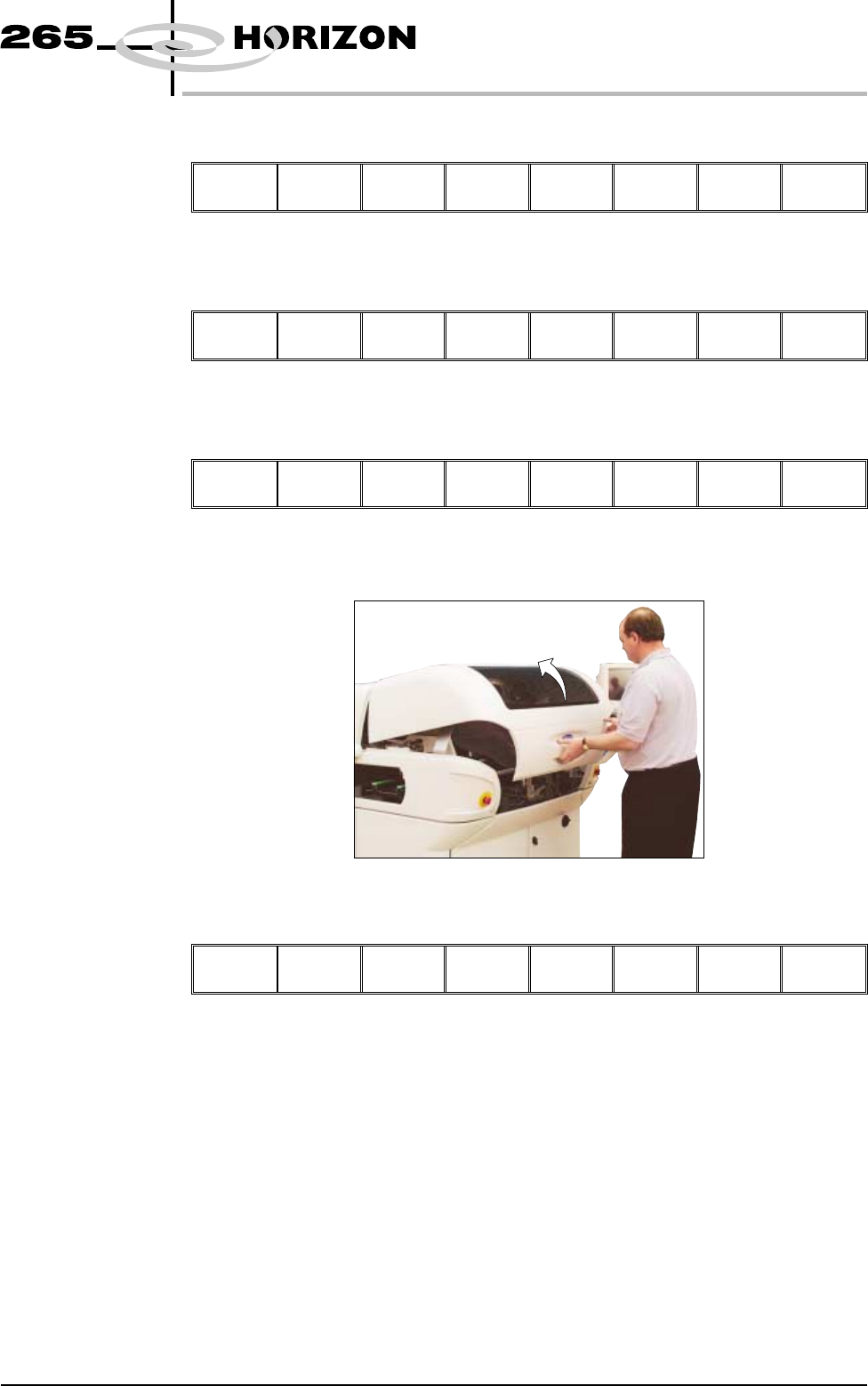
34. Lift the front printhead cover.
35. Select Board Clamps (F3), to open the clamps.
Adjust
Board
Clamps
Set
Stop
Exit
36. Remove the board from the rails.
Software Version 6 User Manual 1.41
MACHINE PROGRAMMING
STAGE 5B
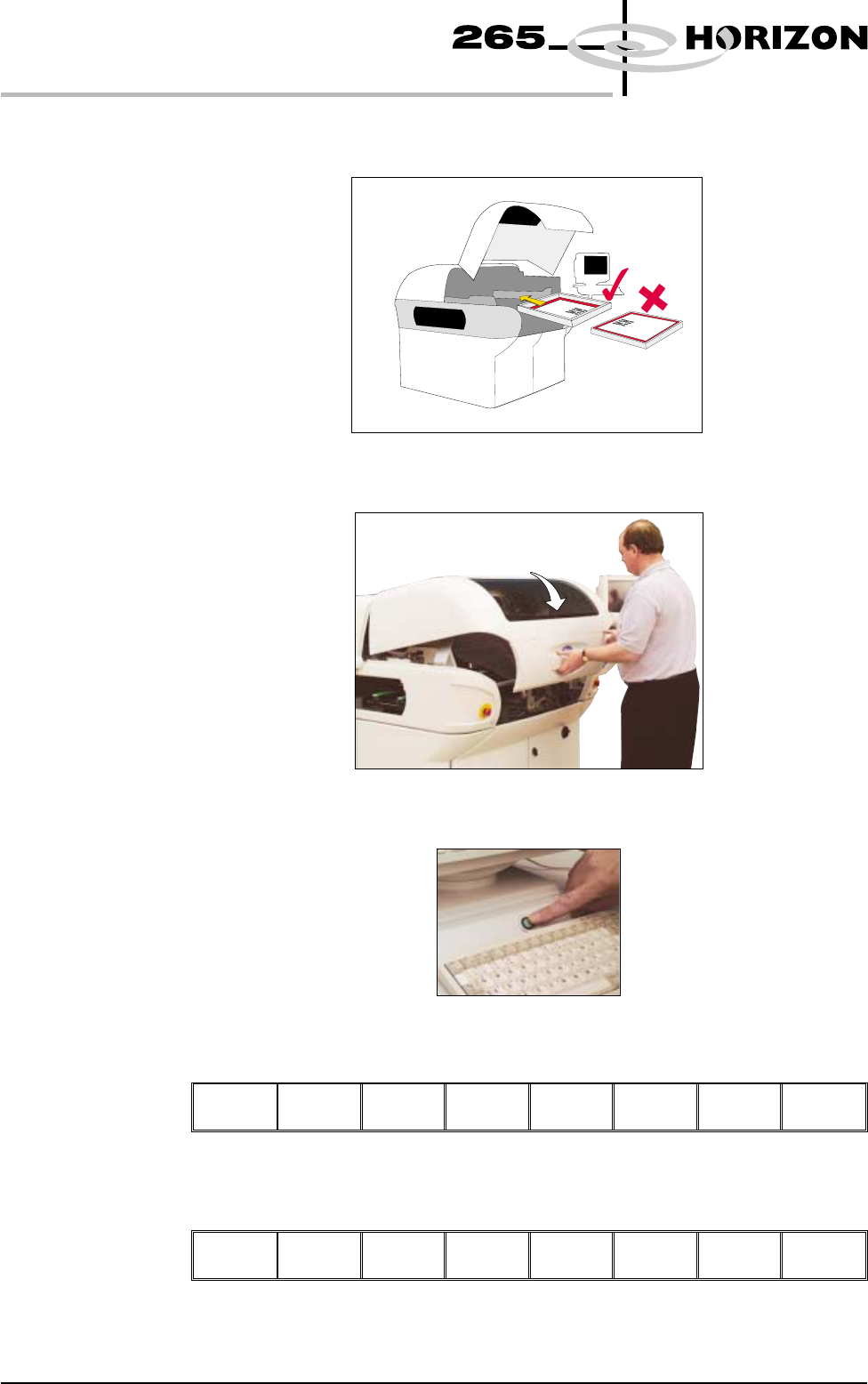
37. Load the appropriate stencil for the product file loaded, ensuring the correct
orientation of the stencil.
38. Lower the front printhead cover.
39. Press the System button.
40. Select Change Screen (F2).
Adjust
Change
Screen
Board
Clamps
Set
Stop
Exit
41. Select Exit (F8).
Adjust Change
Screen
Board
Clamps
Set
Stop
Exit
1.42 User Manual Software Version 6
MACHINE PROGRAMMING
STAGE 5B