Horizon UserManualV6.pdf - 第96页
A histogram is displayed on the monitor and the Fiducial Lighting Parameters window is displayed on the status page. 16. Use the Next, Previous, Incr. and Decr. keys (F4 - F7), to highlight and adjust the lighting parame…
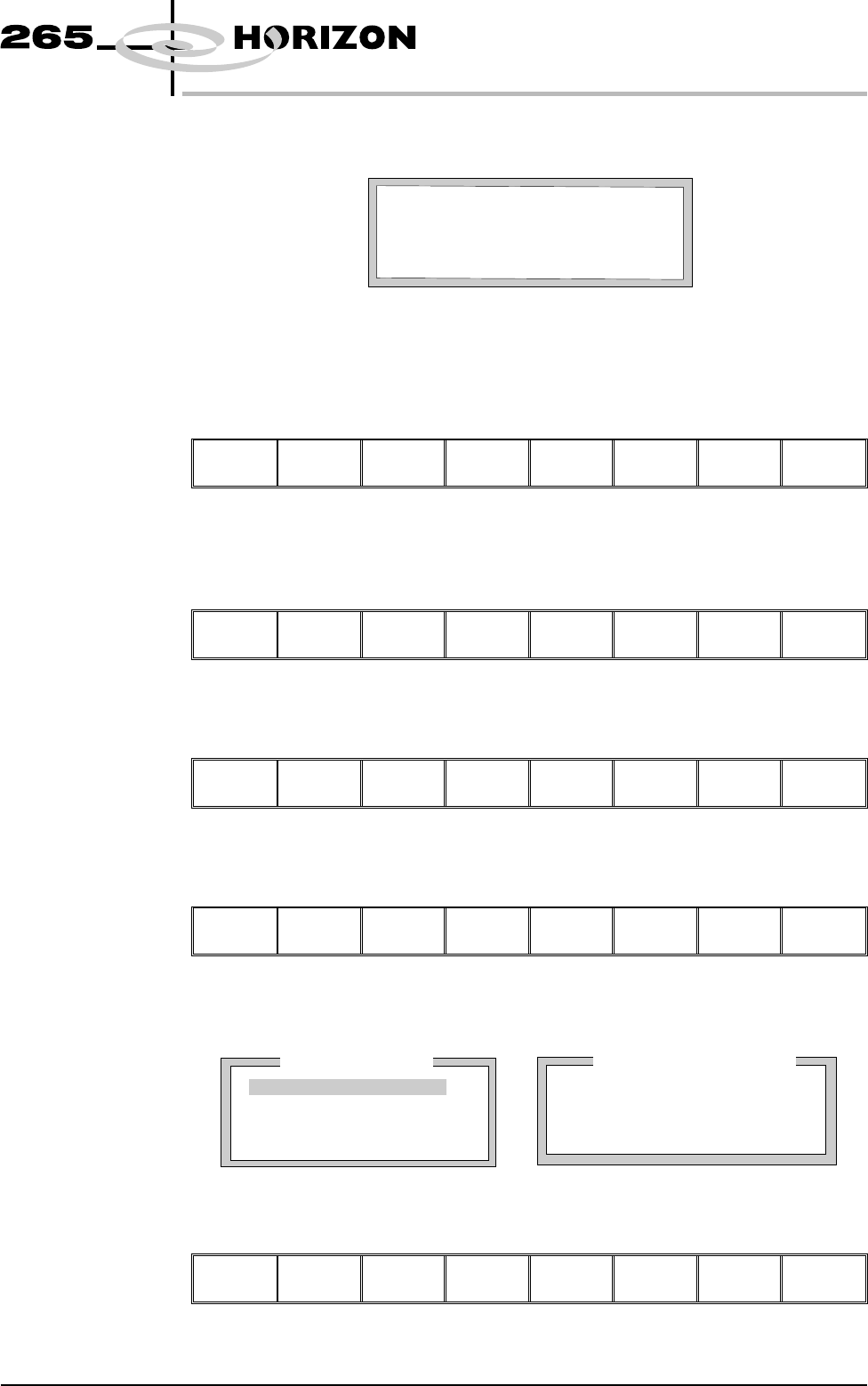
The co-ordinates of the fiducial in the field of view are now displayed on the
screen.
Position the fiducial in the centre of the box graphic.
11. Use the Next and Previous keys (F4 - F5), to highlight each co-ordinate.
Next Previous
Incr. Decr. Exit
12. Use the Incr. And Decr. Keys (F6 - F7), to change the parameter value and
move the fiducial in the field of view.
Next Previous
Incr. Decr.
Exit
13. Select Exit (F8).
Next Previous Incr. Decr.
Exit
14. Select Fiducial Setup (F3).
Step Open
Cover
Fiducial
Setup
Adjust Search
Step
Search
Reset
Single Exit
The monitor displays the following:
15. Select Set Light (F3).
Learn
Fiducial
Locate
Fiducial
Set
Light
Next Previous Incr. Decr. Exit
Software Version 6 User Manual 1.79
MACHINE PROGRAMMING
STAGE 6
Printer Status
Process Parameters
Background
Dark
Accept Score
700
Circle Parameters
Board Fiducial 1
mm
mm
mm
Diameter
Inner Contour
Outer Contour
1.80
0.40
0.40
FiducialType
Circle
BOARDFIDUCIAL1CO-ORDINATES
xxx mm
FIDUCIAL1Y
FIDUCIAL1X
xxx mm
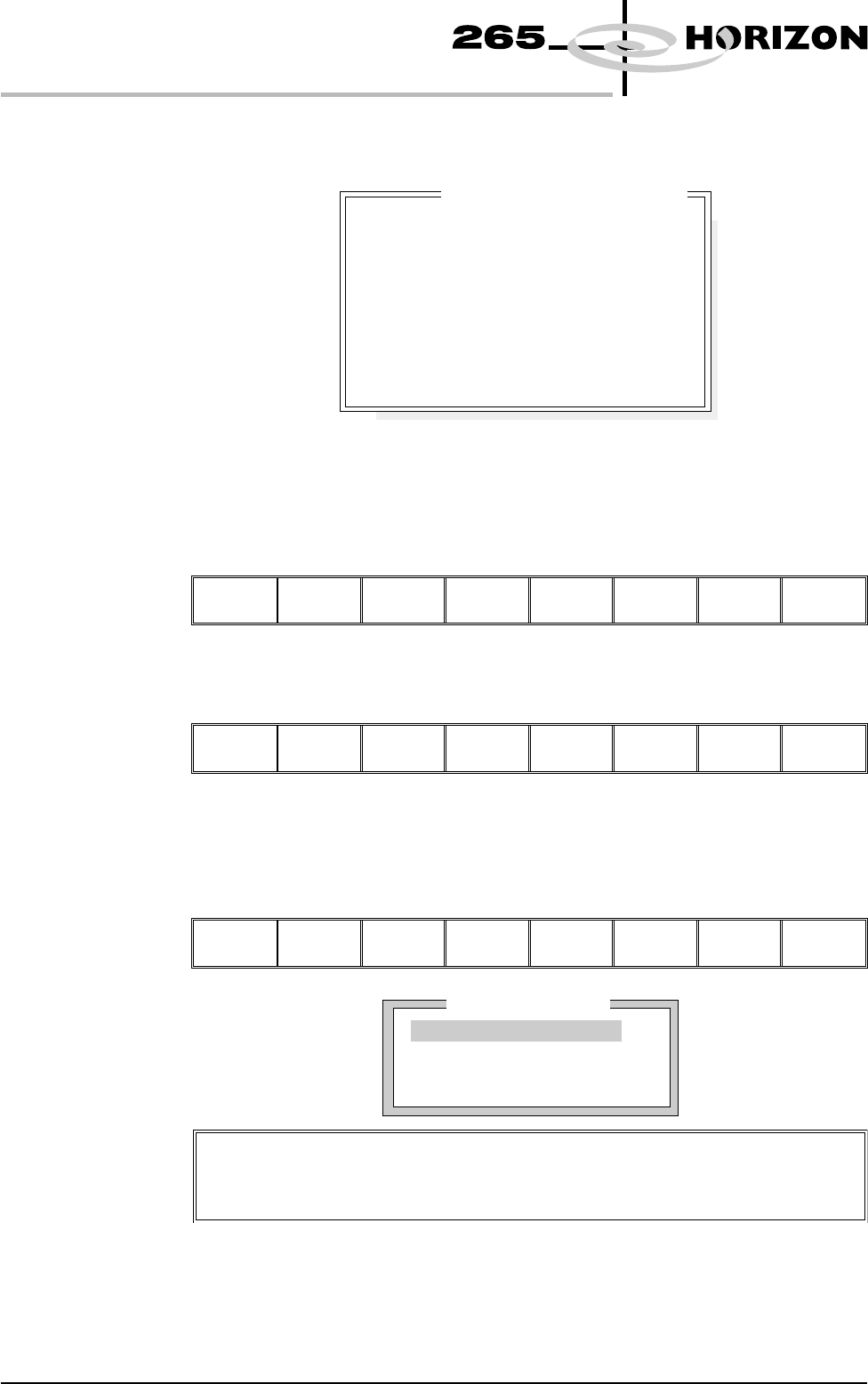
A histogram is displayed on the monitor and the Fiducial Lighting Parameters
window is displayed on the status page.
16. Use the Next, Previous, Incr. and Decr. keys (F4 - F7), to highlight and
adjust the lighting parameters to a level whereby the fiducials are just
whiting out, without blooming, default level 8 is usually adequate for the
majority of setups.
Next Previous Incr. Decr.
Exit
17. Select Exit (F8).
Next Previous Incr. Decr.
Exit
18. Use the Next, Previous, Incr. and Decr. keys (F4 - F7), to highlight and
adjust each of the board fiducial parameters in the left hand box on the
monitor.
Learn
Fiducial
Locate
Fiducial
Set
Light
Next Previous Incr. Decr.
Exit
1.80 User Manual Software Version 6
MACHINE PROGRAMMING
STAGE 6
14
14
14
14
-1.0
-1.5
2.0
2.0
Fiducial Lighting Parameters
Screen On Axis
Screen Off Axis
Board On Axis
Board Off Axis
Window Left
Window Top
Window Width
Window Height
Printer Status
Boar
d
F
id
uc
i
a
l
1
Background
Dark
Accept Score
700
FiducialType
Circle
Video Model
To setup a video model, choose Video Model from the Fiducial Type
Parameter.
19. Select Learn Fiducial (F1).
Learn
Fiducial
Locate
Fiducial
Set
Light
Next Previous Incr. Decr. Exit
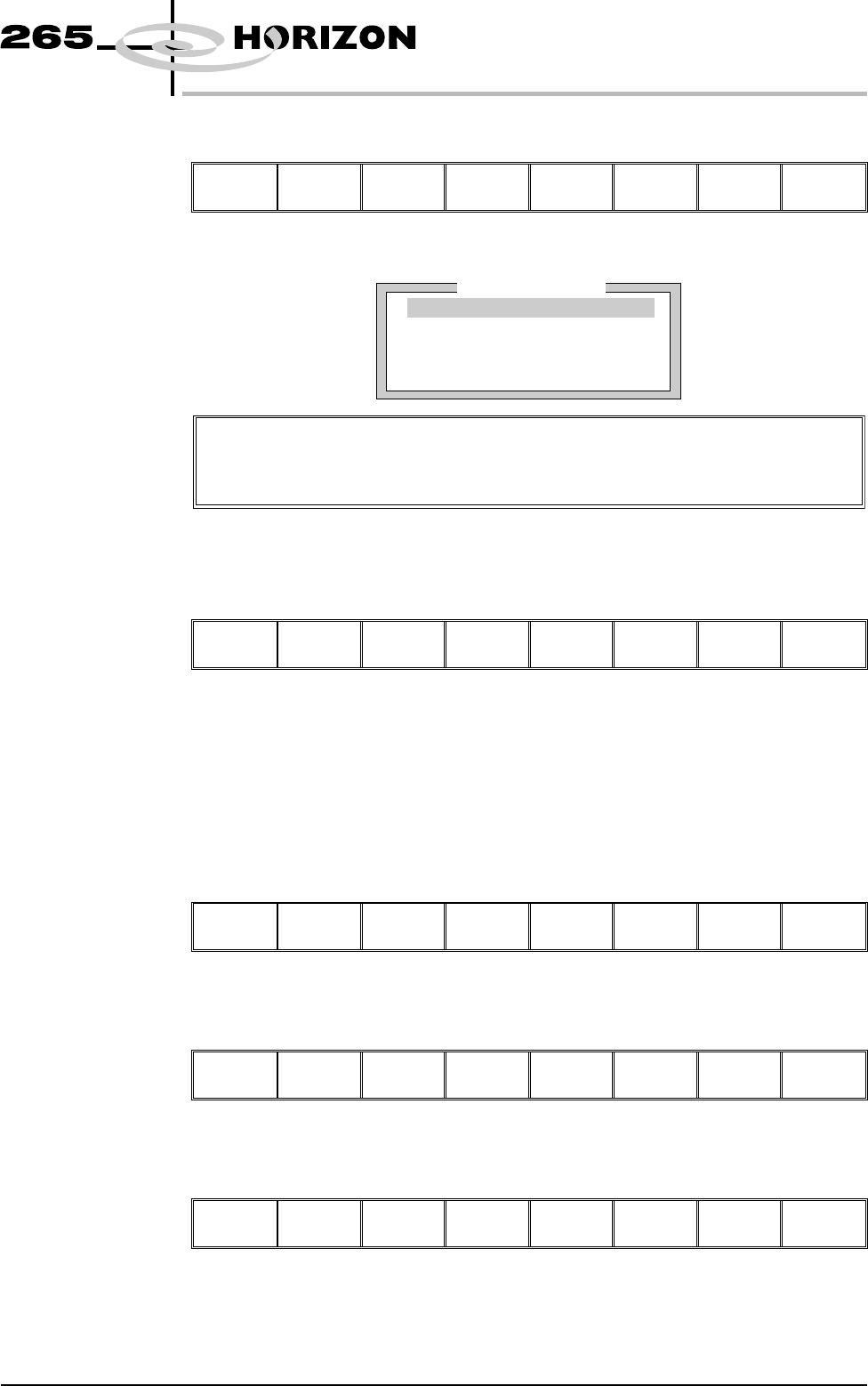
Setup the fiducials appearing in the right hand box on the monitor.
20. Use the Next, Previous, Incr. and Decr. keys (F4 - F7), to highlight and
adjust each circle parameter in turn to obtain the best fit over the fiducial.
Learn
Fiducial
Next Previous Incr. Decr.
Exit
NOTE
Once aligned it may be necessary to change the line fiducial dimension to
achieve a better fit.
21. Select Learn Fiducial (F1). The message ‘Learning Fiducial - Please
Wait’ is displayed in the message prompt bar.
Learn
Fiducial
Next Previous Incr. Decr. Exit
22. Select Exit (F8).
Learn
Fiducial
Next Previous Incr. Decr.
Exit
23. Select Locate Fiducial (F2).
Learn
Fiducial
Locate
Fiducial
Set
Light
Next Previous Incr. Decr. Exit
Software Version 6 User Manual 1.81
MACHINE PROGRAMMING
STAGE 6
Video Model
When using video model the parameters are as follows:
Video Model, Position X, Position Y, Fiducial X, Fiducial Y
Circle Parameters
mm
mm
mm
mm
mm
xxx
xxx
xxx
xxx
xxx
Position X
Position Y
Diameter
Inner Contour
Outer Contour