StackShotManual_1_5.pdf - 第26页
26 3.11 Mode: Distance per Step 3.11.1 Overview The “ Dist/Step ” operating mode lets yo u spe cify the distance to travel per step. 3.11.2 Number of Steps The “ # …
26
3.11 Mode:DistanceperStep
3.11.1 Overview
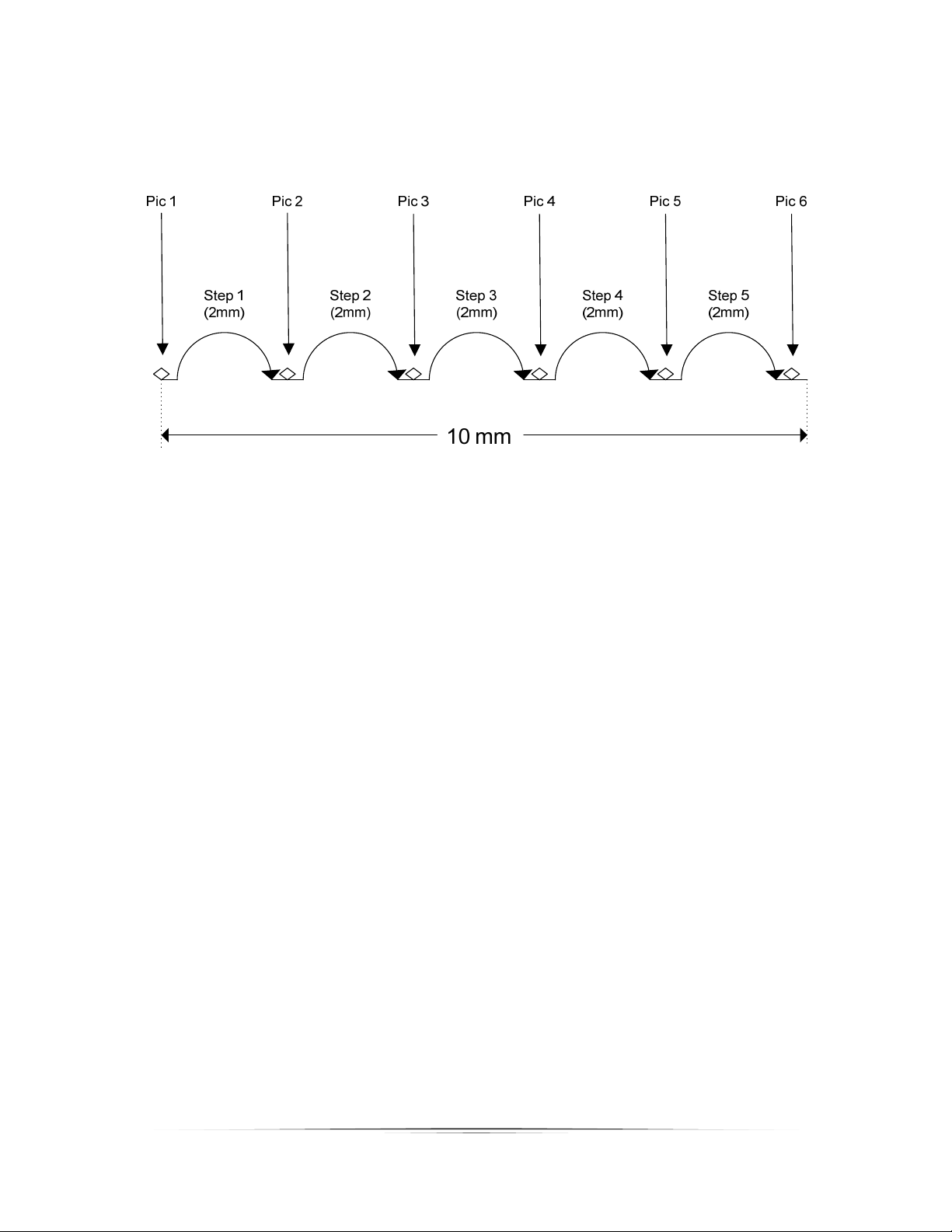
The“Dist/Step”operatingmodeletsyo uspe cifythedistancetotravelperstep.
3.11.2 NumberofSteps
The“#Steps”optionfunctionsidenticallytothe“AutomaticStep”mode.Itisthenumberof
steps(movementsoftherail)inthespecifieddistancebelow.UsetheUP/DOWNbuttonsto
adjustthenumberofstepsdesired.
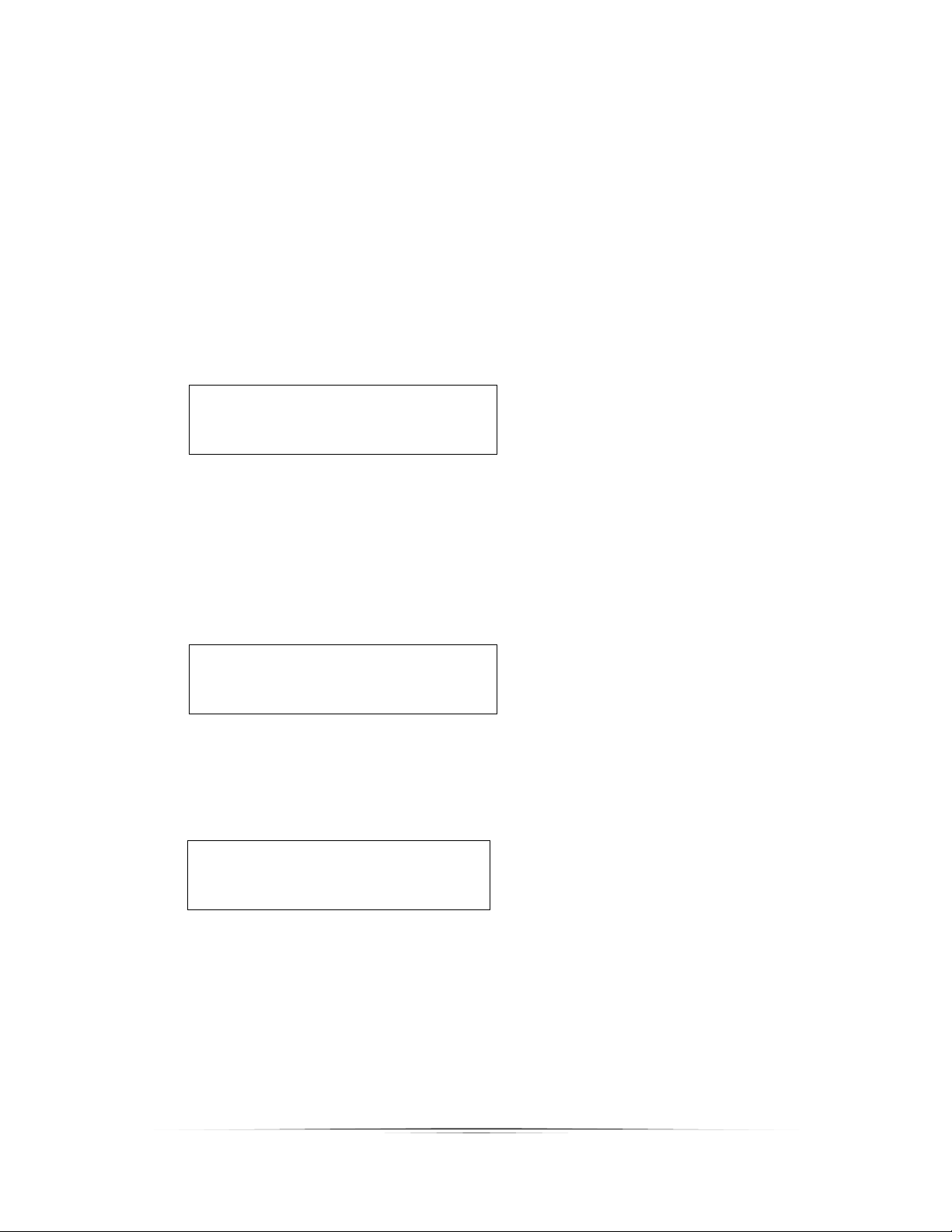
Mode: Dist/Step
> # Steps: 5
Dist/Step: 2.0 mm
Start (up/down)
3.11.3 DistanceperStep
Thedistancetherailtravelsperstep(“Dist/Step”)istheamounttraveledeachtimetherailis
moved.UsetheUP/DOWNbuttonstoadjustthedistance.
Mode: Dist/Step
# Steps: 5
> Dist/Step: 2.0 mm
Start (up/down)
3.11.4 StartingtheSequence
PresstheSELECTbuttonuntilitisnexttothe“Start(up/down)”text.
Mode: Dist/Step
# Steps: 5
Distance: 2.0 mm
> Start (up/down)
Thedirectionthattherailtravelsiscompletelydependentonwhichbuttonyoupresstoinitiate
thesequence.IfyoupresstheUPbutton,therailwillmovetowardthesubject.Ifyoupress
theDOWNbutton,itwillmoveaway.Thisis,ofcourse,basedoffofthestandardorientationof
therailwiththemotorfacingawayfromthesubject.
Pressinganybuttonduringthecapturingprocesswillstopthemotorfrommovingtherailand
abortthesequence.