StackShotManual_1_5.pdf - 第30页
30 3.13 Mode: Continuous Movement 3.13.1 Overview For Continuous mode (“ Co ntinuous ”) you select the total distance the rail will travel. The rail will not stop unti…
29
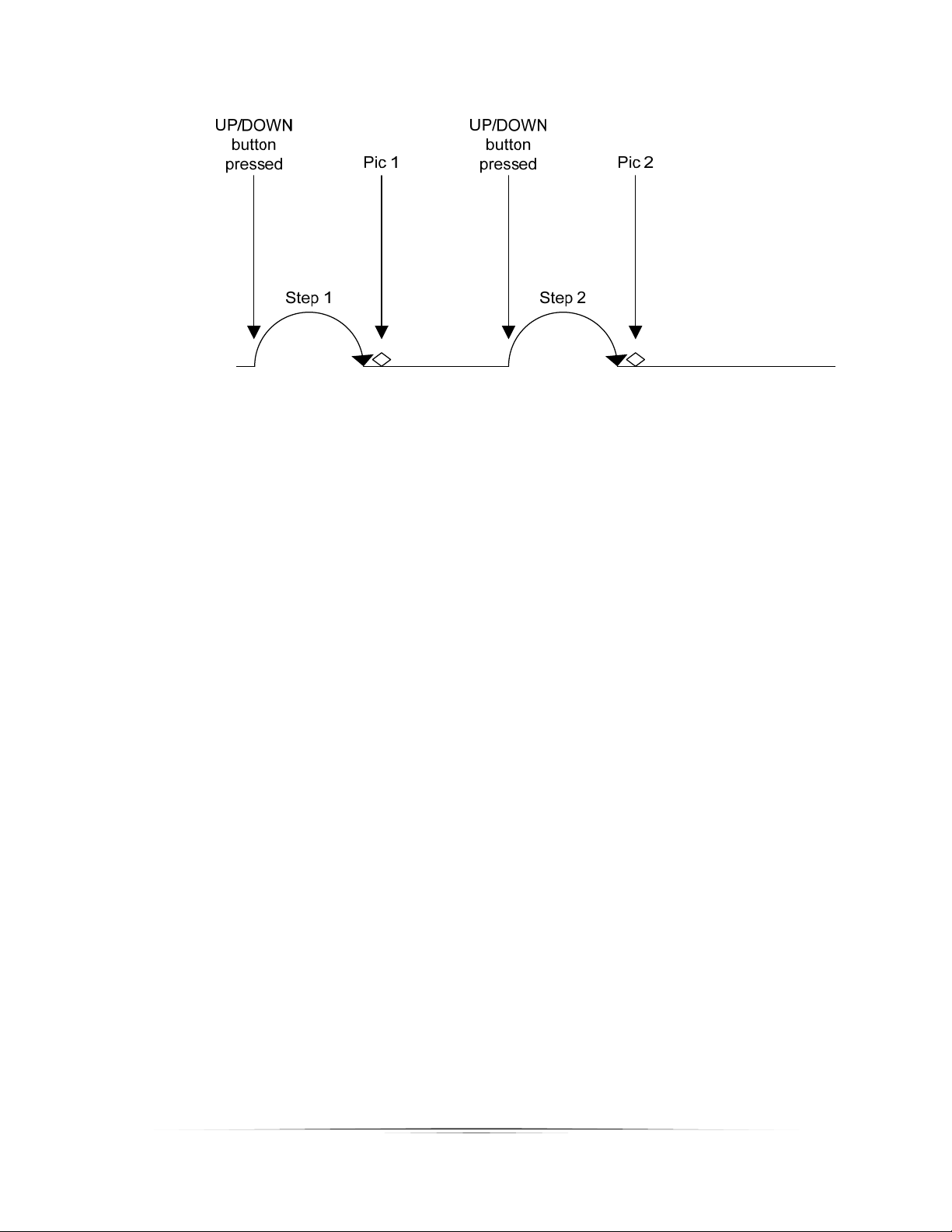
Figure10‐ManualMode

30
3.13 Mode:ContinuousMovement
3.13.1 Overview
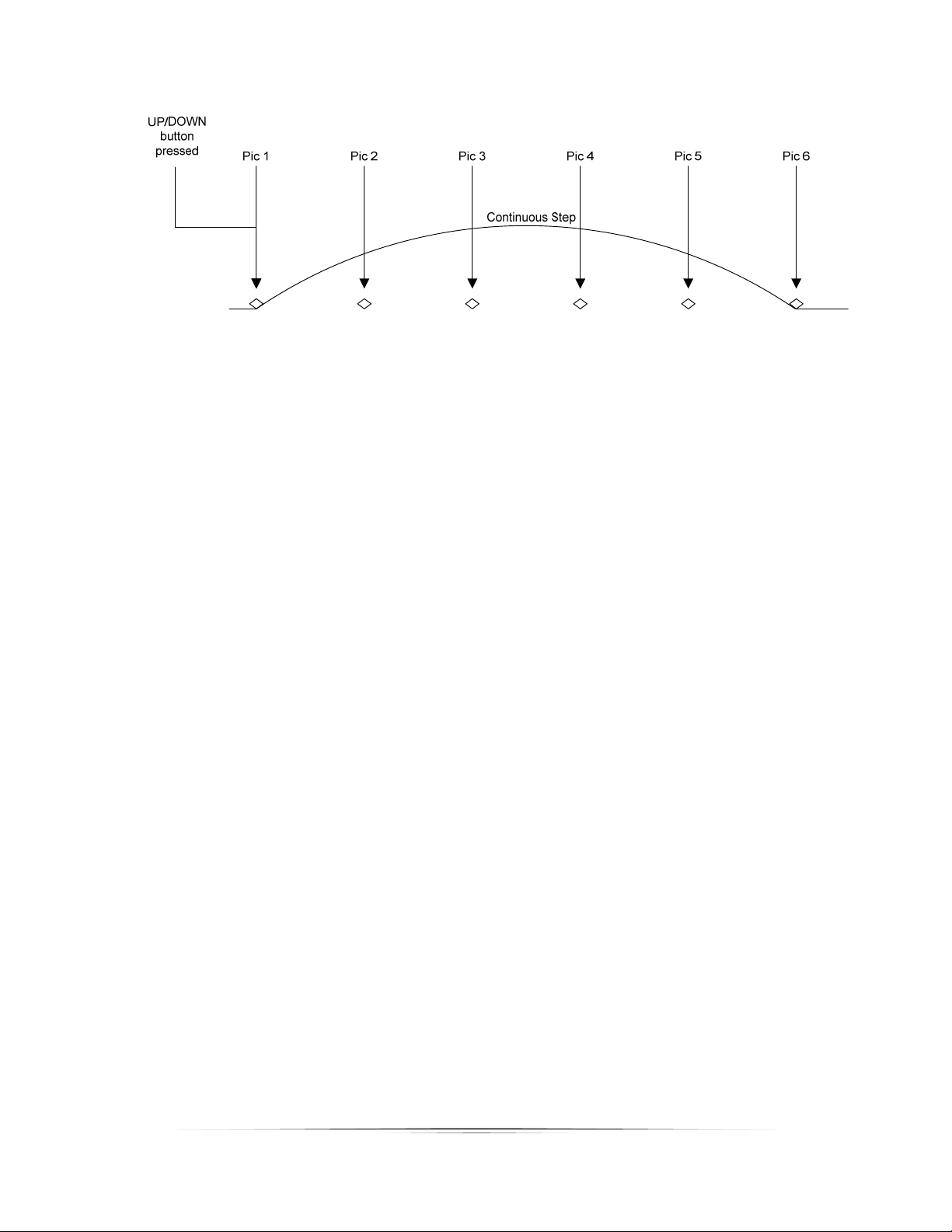
ForContinuousmode(“Continuous”)youselectthetotaldistancetherailwilltravel.Therail
willnotstopuntilitreachesitsfinalposition. Duringthistimetheshuttertriggerwillfire
continuously.Theshuttertriggerpulsetime(“Tpulse”)andtheofftime(“Toff”)ultimatelyset
thenumberofpicturesthatmaybetakenduringtherailmove.Thoseparametersareavailable
underthe“GlobalConfiguration”.Seesection3.3for moredetails.Because the numberof
picturesisdependentuponthetimeselected,apictureatthefinalpositionisnotguaranteed.
Alsokeepinmindthattherailacceleratesandde‐accelerates.Iftheramptimethatissetinthe
“GlobalConfiguration” screenislongitwillaffecttheamountofdistancetraveledbetween
pictures(thetimeisfixedbetweenpictures,notthedistance).
3.13.2 TotalDistance
Totaldistance(“Distance”)specifiesthecompletedistancetomovetherail.
Mode: Continuous
> Distance: 10.0 mm
Start (up/down)
Up=fwd / Down=back
3.13.3 StartingtheSequence
PresstheSELECTbuttonuntilitisnexttothe“Start(up/down)”text.
Mode: Continuous
Distance: 10.0 mm
> Start (up/down)
Up=fwd / Down=back
Thedirectionthattherailtravelsiscompletelydependentonwhichbuttonyoupresstoinitiate
thesequence.IfyoupresstheUPbutton,therailwillmovetowardthesubject.Ifyoupress
theDOWNbutton,itwillmoveaway.
Pressinganybuttonwillstopthemotorfrommovingtherailandabortthesequence.
SeeFigure11belowtoshowhow“Continuous”modeoperates.
31
Figure11‐ContinuousMode