00192809-01 - 第85页
User Manual V 1.15 - Productivity Lift 1 1 Fault information Software version V 40. 1 1 Edition 01/2001 77 )DXOWLQ IRUPDWLRQ Malfunct ions app ear in the lower line of the displ ay in the form of err or messag es. W…
10 Description of interface User Manual V 1.15 - Productivity Lift
10.2 SIEMENS interface definition Software version V 40.11 Edition 01/2001
76

User Manual V 1.15 - Productivity Lift 11 Fault information
Software version V 40.11 Edition 01/2001
77
)DXOWLQIRUPDWLRQ
Malfunctions appear in the lower line of the display in the form of error messages. When the sys-
tem is initialised, the display also shows which function is being initialised. An initialisation is trig-
gered when the system is switched on and by the "F1" key.
0HVVDJHLQWKH
GLVSOD\
SRVVLEOHFDXVHDFWLRQ
Ä&RYHURSHQ³
A cover or door protected by an interlock switch is open
Close cover
Ä(UUZLGWKLQOHW³
The width at the inlet does not tally with the width of the previous unit.
Check the widths and restart the system if necessary.
Ä:LGWKDGMXVW
GHI³
No final position is reached when adjusting the width or the referencing.
Check sensors.
Ä,QWHUORFN
EULGJHG³
The key switch to bridge the safety switch is in the service setting. Automatic
operation is therefore not possible.
Return the safety switch to operation, remove the key and restart the system.
Ä/LIWQRWXS³
Top conveyor is not detected by the sensor in its upper position. Other functions
and processes can not be initiated.
Check the sensors and the drive function.
Ä/LIWQRWGRZQ³
The sensor in its lower position does not detect the shuttle. Other functions and
processes can not be initiated.
Check the sensors and the drive function.
Ä/3EORFNHG
«³
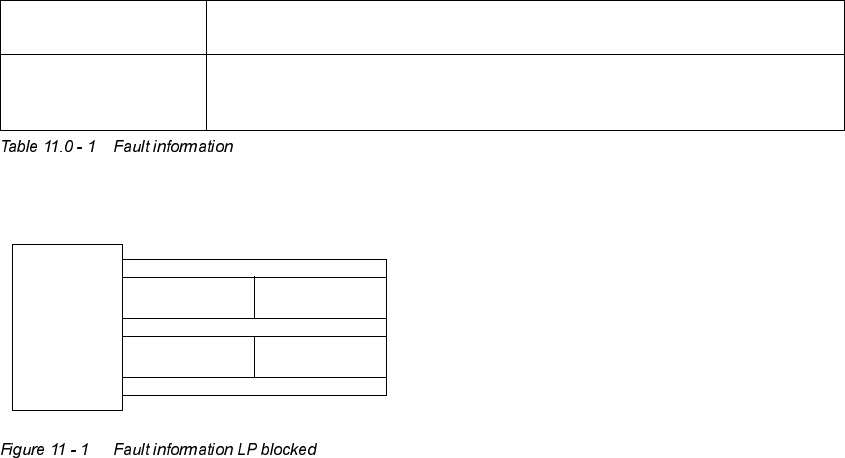
A PCB is blocked in the system. The area containing the PCB is displayed by
the error message (see Figure 11 - 1 Fault information LP blocked):
LF1 =upper belt in the lift
LF2 =lower belt in the lift
TR1 =underfloor conveyor - take-over area
TR2 =underfloor conveyor - hand-over area
Remove the jammed PCB from the area and restart the system.
Ä3&%DQQXDWHG³
The maximum time (Menu chapter 5.5) for the conveyor is run up without the
transfer of the PCB to the following lift
In order to transfer the PCB and to restart the automatic running mode the
signal has to be confirmed by the user with the "Enter" cursor.
Ä(PHUJHQF\VWRS³
Emergency stopping switch pressed or 24V power supply defective.
Unlock emergency stopping switch (two per system) or check the 24V fuse.
Ä5$0(UURU³
System failure
Turn off the main switch, wait 1 minute and turn on again.
Ä)DXOWEHOW³
The underfloor conveyor isn’t in the right position installed.
Check the position.
Ä)DXOWOLIW³
Lift drive defective: Timeout, the Lift doesn’t arrive one of the defined positions
in this time.
Check the function of the drive and the motor controller.
11 Fault information User Manual V 1.15 - Productivity Lift
Software version V 40.11 Edition 01/2001
78
Ä)DXOW6KXWWOH³
The shuttle movement is faulty.
Check the pneumatic air and position of the sensors.
Ä:DLWIRU
LQWHUIDFH³
The arrived signal is not received following the transfer of a PCB.
Check printed circuit board transfer; PCB may have been jammed during
transfer.
/)
75 75