PSV7000_ Owners Manual_096-0460-001B - 第144页
Maintenance ■ The L aser Module 4—38 Data I/O • 096-0640-001B back • a particle (dust) mask • access door key that came with y our PSV7000 1. T urn OFF the subsystems and PSV7000 System power and ensure the main power sw…
■ The Laser Module ◘ Laser Marking Fume Extractor
PSV7000 Owner’s Manual 4—37
back
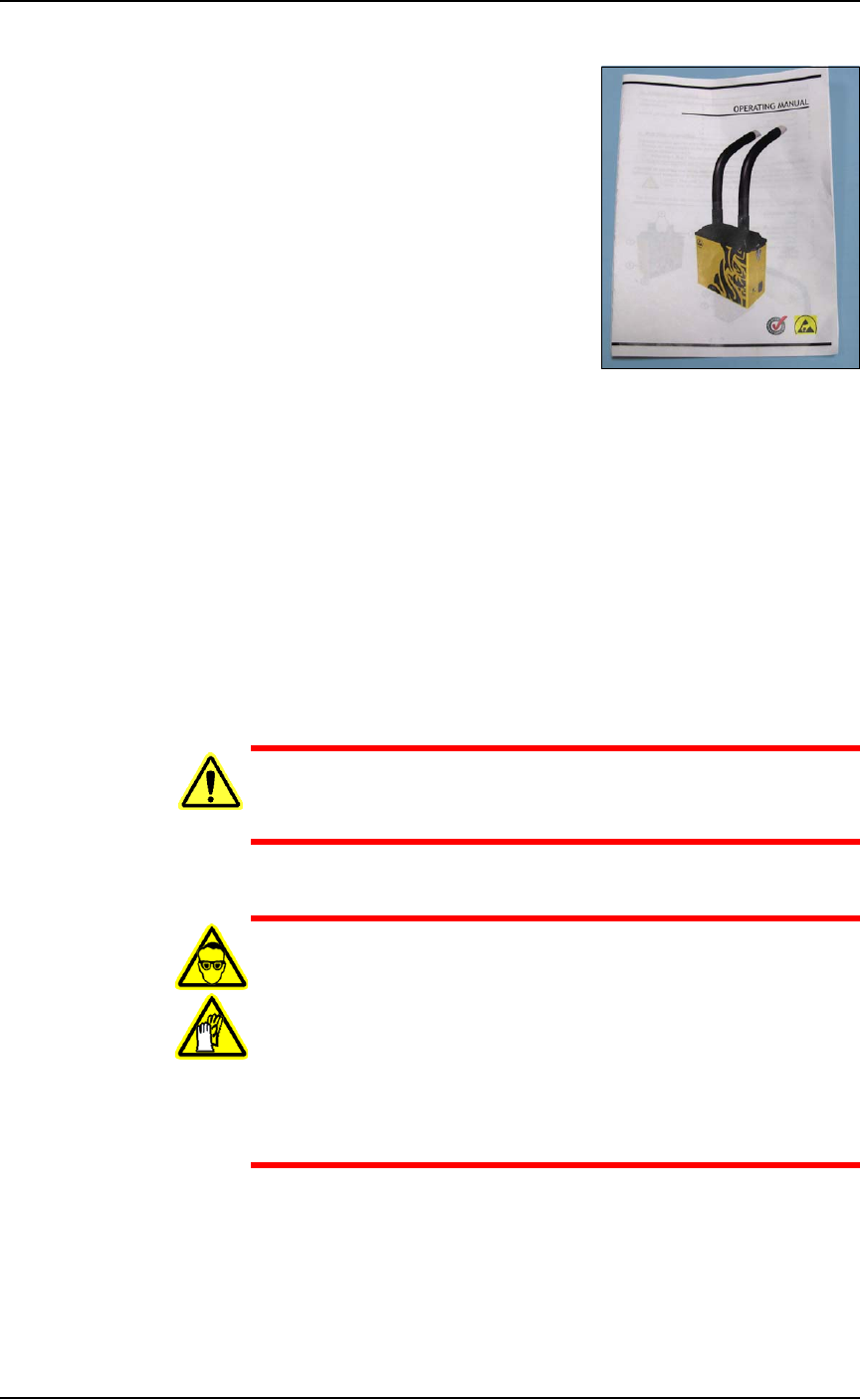
Figure 4-22: The Tiger 130 Manual.
The Handler Computer software monitors the air flow sensor on the
laser filter system. If the sensor detects low air flow, an error message
is displayed on the PSV7000 Monitor:
Insufficient airflow at laser filter.
Verify that the filter is turned on.
Service might be required.
When this error message displays, the laser system will mark up to
ten more devices (as defined in the winAH400.ini file) before the mes-
sage displays again.
WARNING: Health hazard! Failure to replace the laser vac-
uum filters at the required intervals could create a hazardous
operating environment.
WARNING: Hazardous Materials—Possible health hazard!
This procedure involves exposure to hazardous by-products
from the laser marking process. Some device material may be
carcinogenic.
Perform the following procedure only if you have training
regarding laser etching processes or handling hazardous
materials.
Wear safety goggles and disposable protective gloves..
Tools Required for removing the filters
• sealable plastic bag (approximately .06 M
3
[2 cu. ft.])
• protective gloves and goggles
Maintenance ■ The Laser Module
4—38 Data I/O • 096-0640-001B
back
• a particle (dust) mask
• access door key that came with your PSV7000
1. Turn OFF the subsystems and PSV7000 System power and
ensure the main power switch is in the OFF position. See Shutting
Down the PSV7000 System on page 2-7.
2. Open the rear access door on the PSV7000.
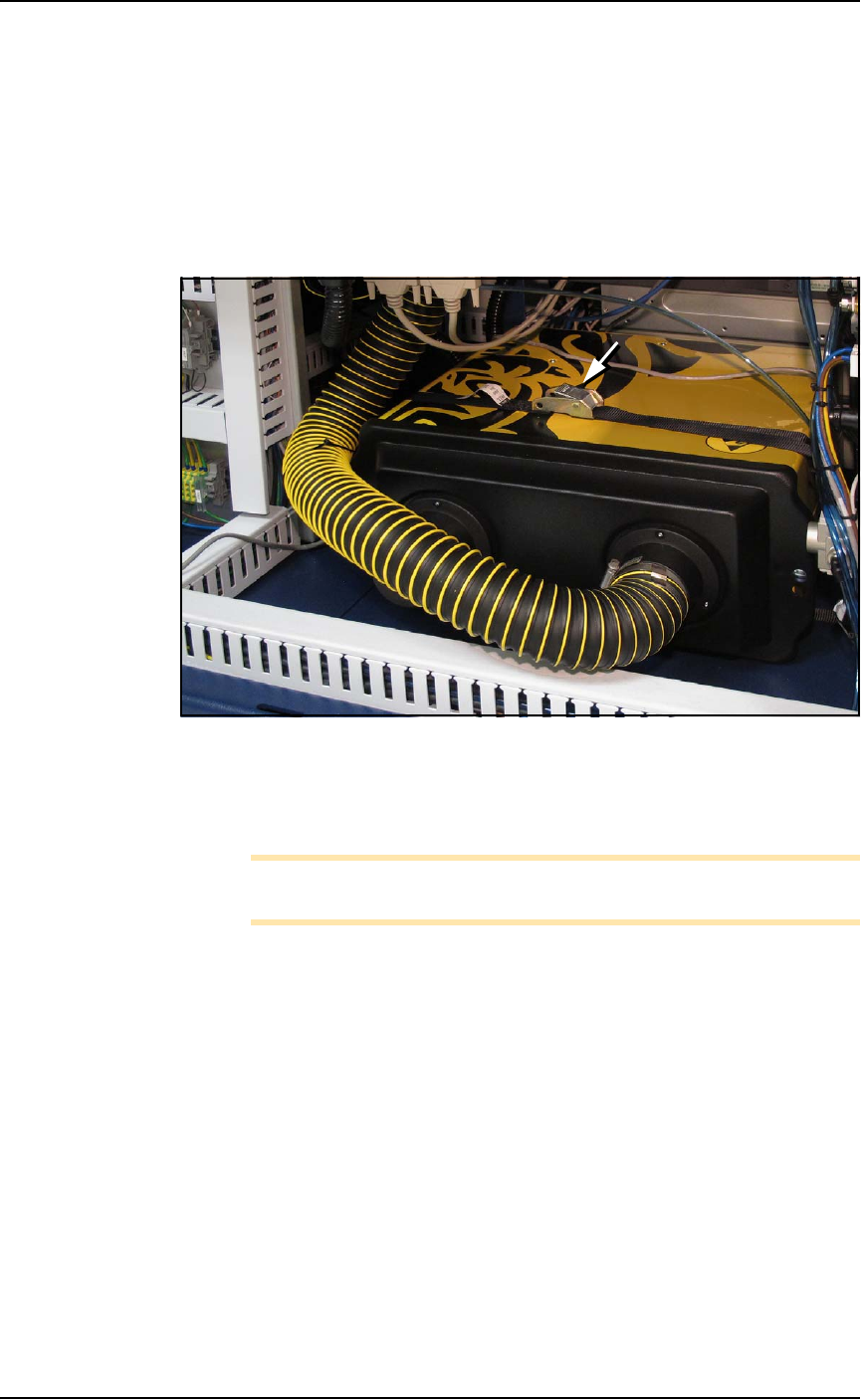
3. Unbuckle the strap securing the Fume Extractor to the machine.
Figure 4-23: The Laser Fume Extractor box is strapped into place. After
unbuckling the strap and removing the lid, the box needs to be raised
for the filters to clear the wire track. Read the warning above before
starting this task.
Note: If the wire cable is removed from the exhaust hose, it needs to
be replaced.
To continue, see the replacement instructions and part numbers of the
Tiger pre-filter and main filter in the Tiger Operating Manual that
came with PSV7000. A PDF copy is included on the CD with this
Owner’s Manual.
■ The Laser Module ◘ Laser Marking Fume Extractor
PSV7000 Owner’s Manual 4—39
back
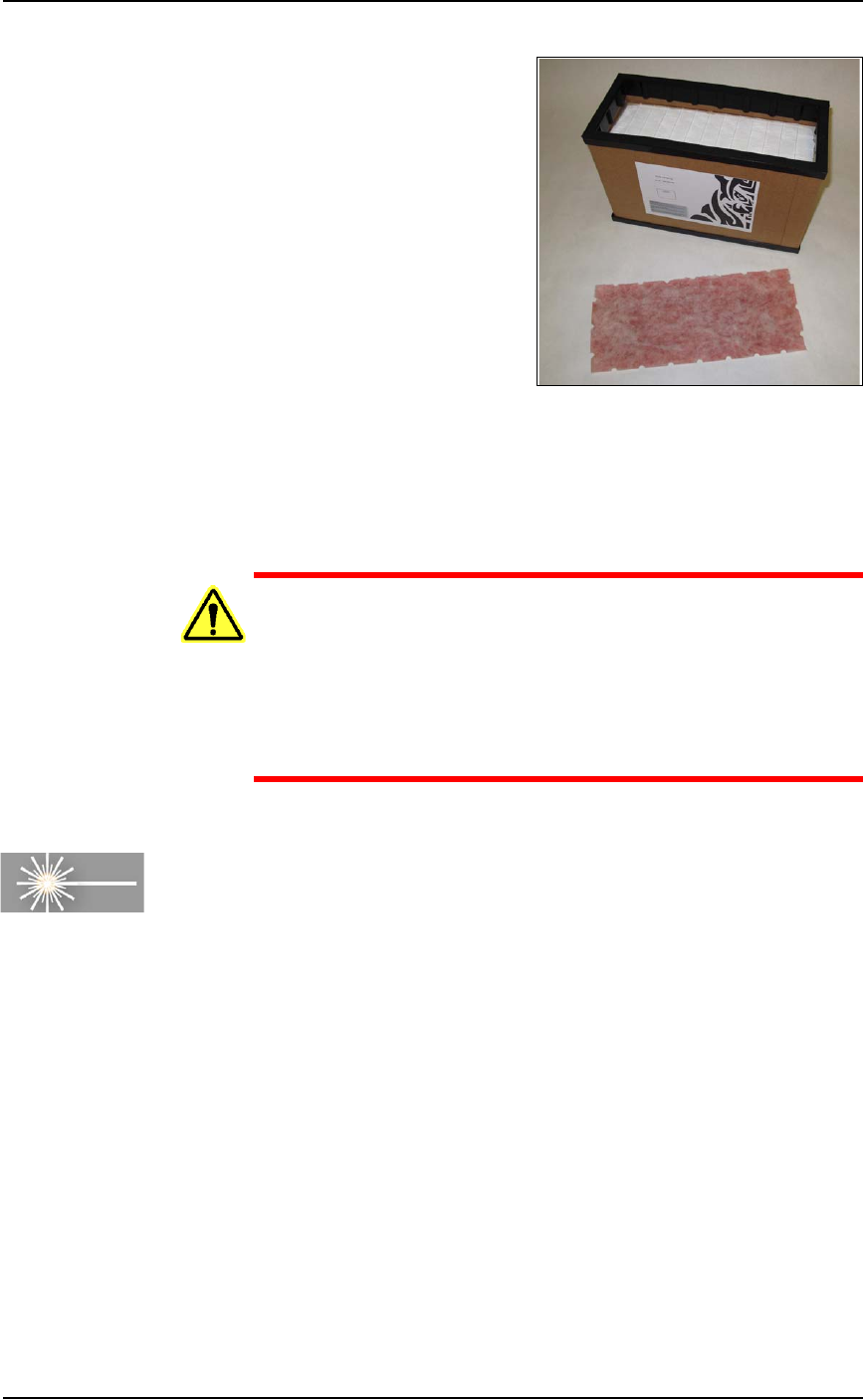
Figure 4-24: The Pre-Filter is removed from the Main Filter.
To finish, place the filters and your gloves in the bag and seal the bag
and dispose of as hazardous waste. Close the access door on
PSV7000.
WARNING: Possible health hazard from toxic materials! Gov-
ernment regulations apply to the storage of hazardous
waste. Ensure that contaminated filters are:
• properly labeled and stored in your hazardous waste stor-
age area
• not stored on your site longer than government regula-
tions allow (the typical limit is 90 days)—check your govern-
ment regulations for hazardous waste storage requirements.
Cleaning the Laser Computer Air Filter
Requirements
• Very small (jeweler's) Phillips screwdriver
[Laser Marking only] The Laser Computer is located above the Han-
dler Computer on the left side of the machine.
In general, clean this filter every year, depending on environment
and amount of use. See the figure below.