PSV7000_ Owners Manual_096-0460-001B - 第73页
■ Safety Messages and Precautions ◘ PSV7000 Owner’s Manual 3—3 back Safety Messages and Precautions For your safety and preventing loss of time and damage to equip- ment, this manual u ses special symbols, paragraphs, a …
Administrative Functions ■
3—2 Data I/O • 096-0460-001B
back
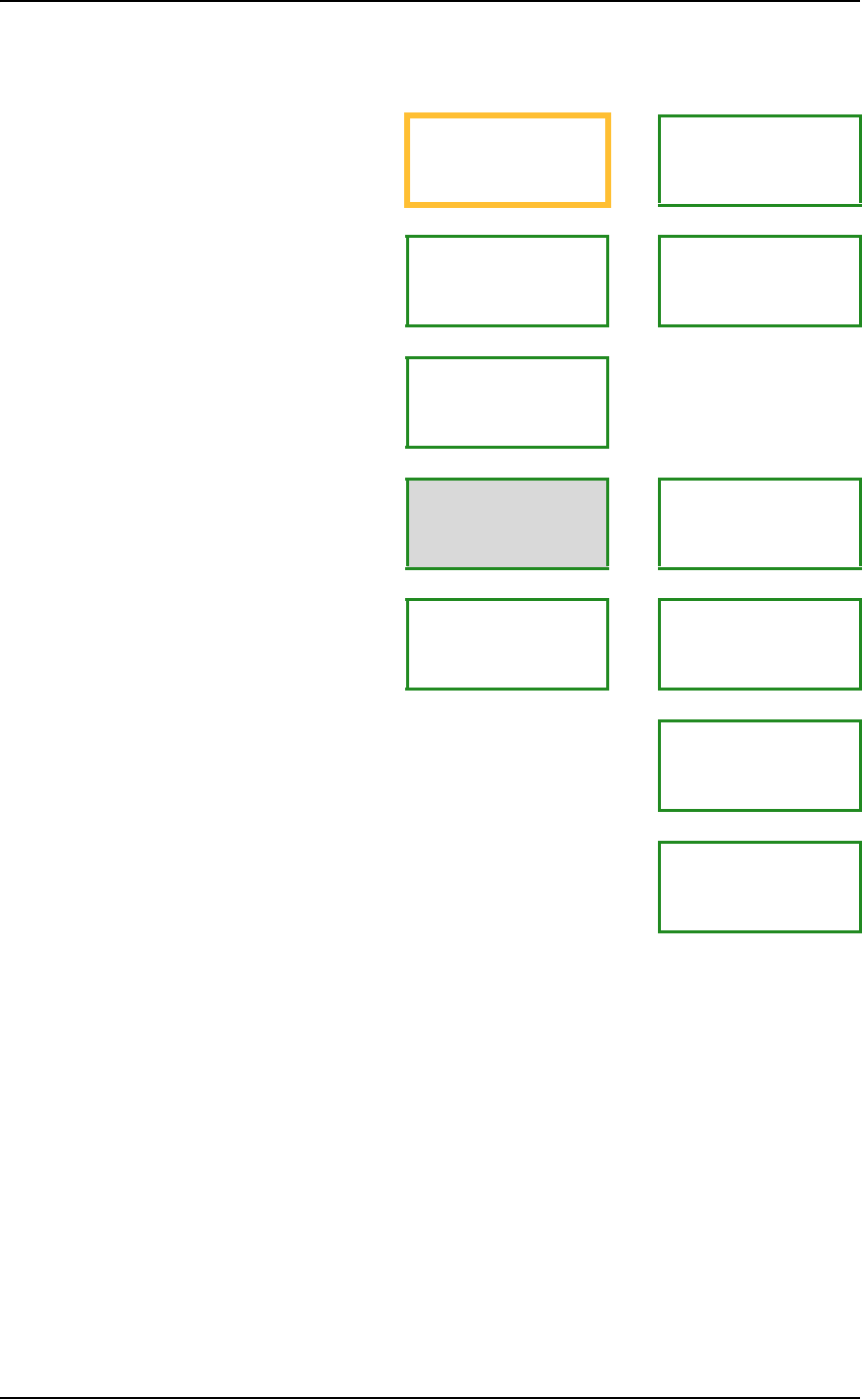
Figure 3-1: Detailed Administrator Functions begin on the next page.
Shaded boxes are activities that are performed once per package type .
Creating a Job—Administrator Functions at a Glance
Safety Precautions
(Optional)
Create security profiles
Create a Task
in TaskLink
(Optional)
Test First
Article
Install media and
optional equipment
Teach the Package File,
(Optional) Monitor
statistics
Maximizing Program-
ming Yields
(Optional) Data File
from a Master Device
(Optional) Marking and
Labeling
(Optional) Automotive
Performance Pak func-
tions

■ Safety Messages and Precautions ◘
PSV7000 Owner’s Manual 3—3
back
Safety Messages and Precautions
For your safety and preventing loss of time and damage to equip-
ment, this manual uses special symbols, paragraphs, and color to call
your attention to hazardous situations and recommend safe practices
to help avoid them.
Refer to Using This Manual on page v (in the Preface) for symbols and
fonts used for safety messages.
Refer to Safety Systems on page 1-4 for safety regarding Emergency
Stops, the safety doors, and ESD.

Administrative Functions ■ Administrator Functions
3—4 Data I/O • 096-0460-001B
back
Administrator Functions
Administrators are responsible for creating Tasks in TaskLink™ and
other functions not generally performed by operators. Administra-
tors would likely perform these functions:
• Editing the winAH400.ini File on page 3-5
• Creating a Task in TaskLink on page 3-5
• Creating Security Profiles on page 3-6
• (Optional) Do a First Article Test on page 3-7
• (Optional) Setting TaskLink to Operator Mode on page 3-8
• Enhanced Yield Programming on page 3-8
• Teaching the Workspace Locations on page 3-9
• Optimize Movetimes on page 3-11
• Monitoring Statistics on page 3-12
• Maximizing Programming Yields on page 3-20
• (Optional) Creating a Data File from a Master Device on page 3-23
• (Optional) Creating a Laser Marking File on page 3-24
• Automotive Performance Pak on page 3-34
These functions are discussed in this section.
Reference List of Operator Functions
These functions for operators are discussed in the separate Opera-
tors Manual. All users, administrators, and operators should know
these procedures.
Checking the System
Installing Input/Output Media
Installing Socket Adapters and Actuator Plates
Installing the Correct Probes
(Optional) Installing the Correct Shuttle Cups
Turning PSV7000 System Power ON
Selecting a Job (Starting AH700 via TaskLink)
(Optional) Preselecting Programmers
Setting Media and Options—the Setup window
Starting Programming
—After Starting a Job...
Stopping the System
Light Tower Interpretation
(Optional) Changing Programmer Status
Turning PSV7000 System Power OFF