PSV7000_ Owners Manual_096-0460-001B - 第93页
■ (Optional) Creating a Data File from a Master Device ◘ Process Errors PSV7000 Owner’s Manual 3—23 back (Optional) Creating a Data File from a Master Device The PSV7000 System can read data fr om a master device and cre…

Administrative Functions ■ Maximizing Programming Yields
3—22 Data I/O • 096-0460-001B
back
Using the wrong data file (selected in TaskLink).
Socket abuse, such as digging failed devices out with sharp
instruments.
Changing to a questionable vendor source. Lower quality
devices tend to produce lower yields.
■ (Optional) Creating a Data File from a Master Device ◘ Process Errors
PSV7000 Owner’s Manual 3—23
back
(Optional) Creating a Data File from
a Master Device
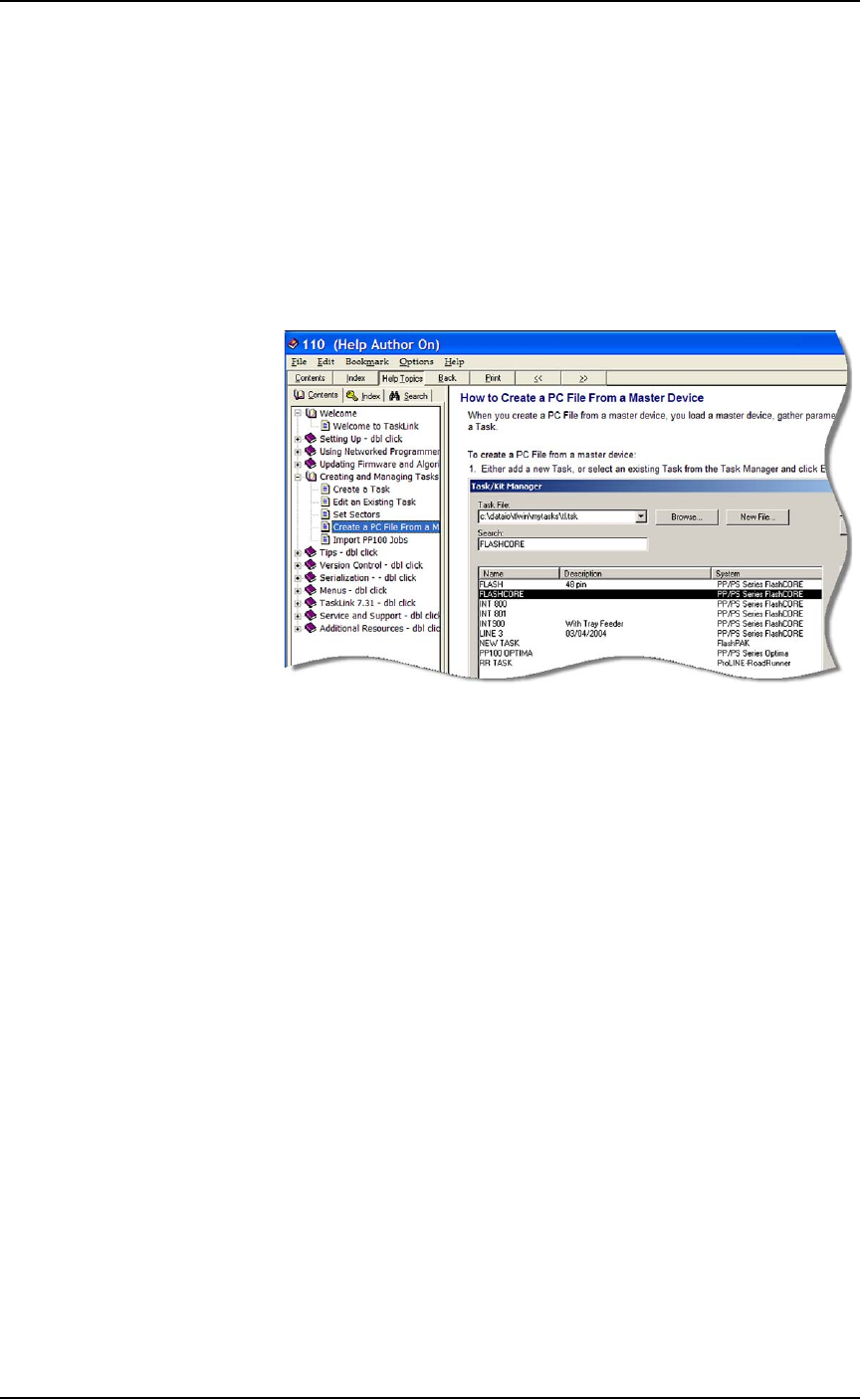
The PSV7000 System can read data from a master device and create a
data file (also called a PC File) that can then be used in programming
jobs.
For complete instructions on creating a data file from a master device,
see TaskLink online Help.
Figure 3-10: TaskLink’s online Help includes steps for creating a
computer file from a master device.
Administrative Functions ■ Marking Options
3—24 Data I/O • 096-0460-001B
back
Marking Options
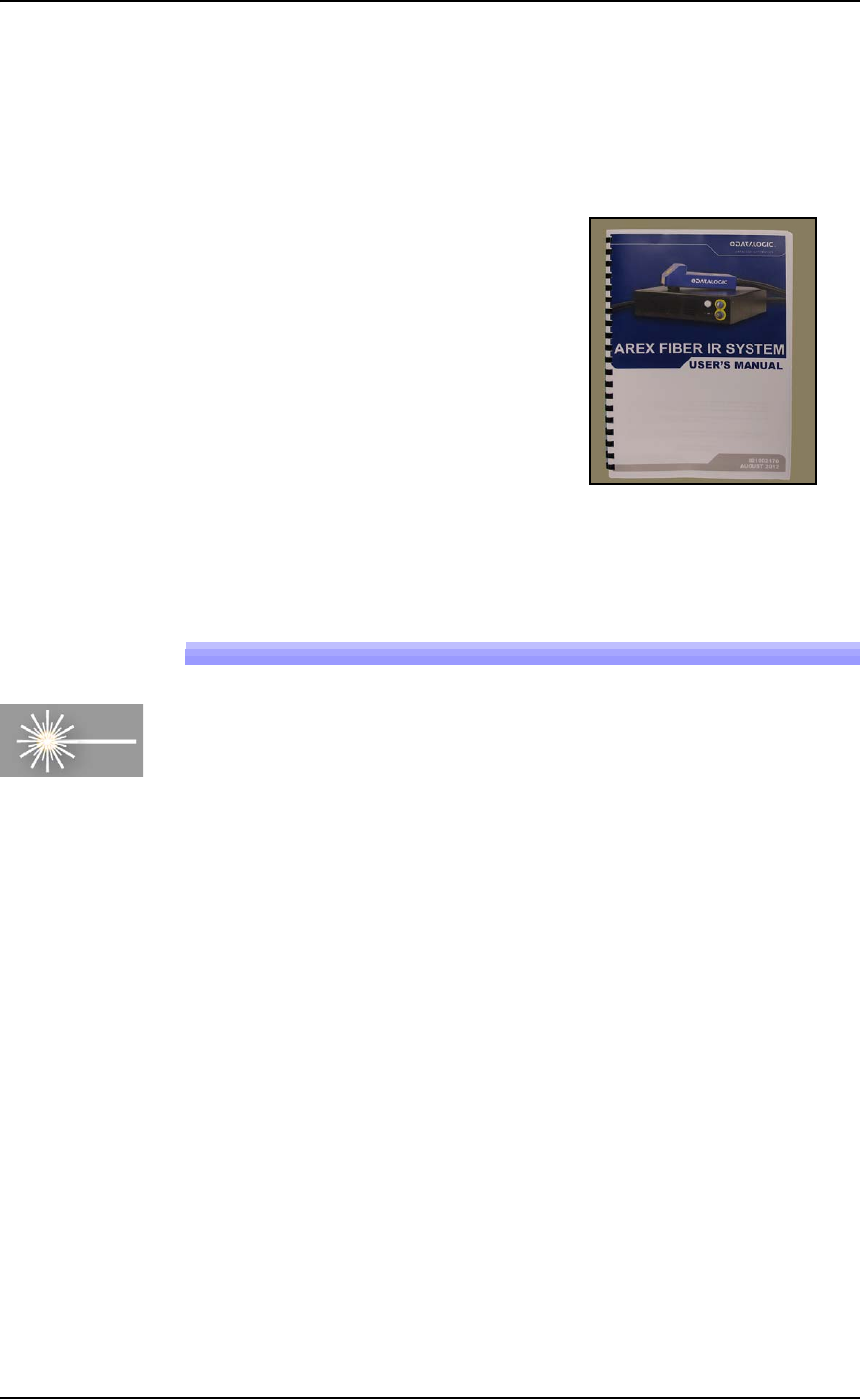
A laser Laser Module is an option which marks the surface of the
devices. It has a separate Operation Manual which came with your
PSV7000 System if it has the option.
Figure 3-11: Manual for the laser device marker.
(Optional) Creating a Laser Marking File
Laser graphics used to mark devices are generated using the Lighter
Editor software included with the Laser Option. It resides in the
Laser Computer. Any style of marking (whether text-based,
graphic-based, or both) can be generated and used for marking
devices. The only limitation is the size of the device to be marked.
For instructions creating an image file for the Laser System, see the
AH700 on-screen Help topic Setting up and Teaching > Create a Laser
Marking File.
Laser