M20_Ope_E.pdf - 第165页
Chapter 5 Libraries 5-15 ● Fiducial Mark (Pattern matching) ① Select the model mark type and center it in camera ’ s field of view. ② Acqu ire the model data with the size of 1.2 times of the mar k. ③ Make a comparison b…
Chapter 5 Libraries
5-14
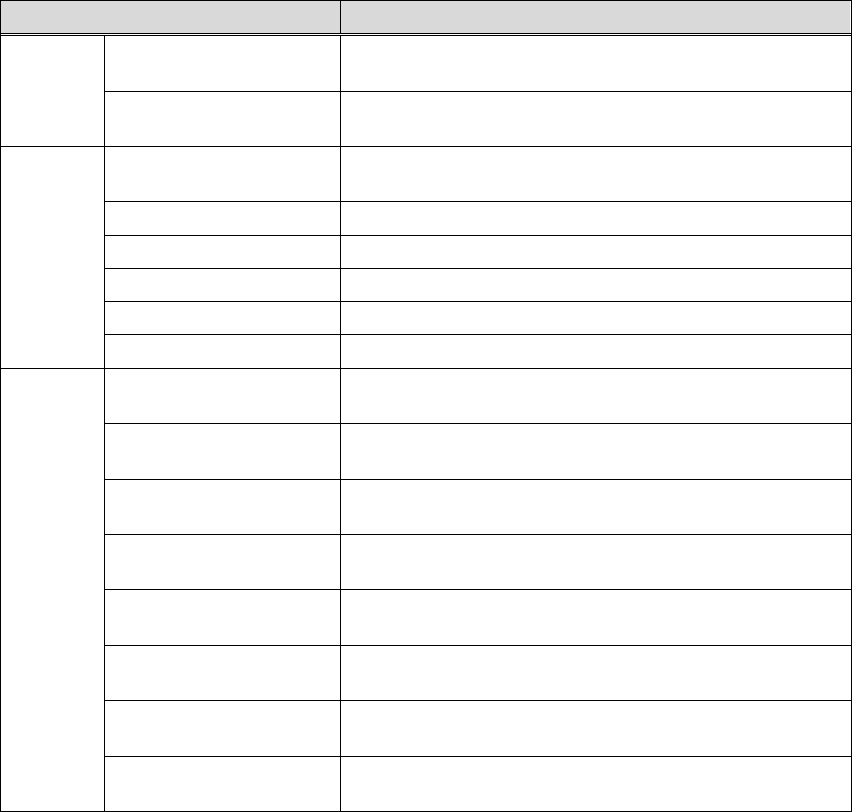
Mode Applicable Components
Partial-matrix BGA components with partial-matrix balls. Multi-view
process is possible.
Partial-staggered BGA components with partial-staggered balls. Multi-view
process is possible.
Connector One-side Leaded (bottom)
Connector components with leads on one side. It is viewed
with the bottom leads on the monitor.
One-side Leaded (left) It is viewed with the left leads on the monitor.
One-side Leaded (top) It is viewed with the top leads on the monitor.
One-side Leaded (right) It is viewed with the right leads on the monitor.
Two-side Leaded (X) It is viewed with the X leads on the monitor.
Two-side Leaded (Y) It is viewed with the Y leads on the monitor.
BGA/CSP Matrix BGA/CSP components with matrix balls of complicated
arrangements. Multi-view process is not available.
Staggered BGA/CSP components with staggered balls of complicated
arrangements. Multi-view process is not available.
XY Dif Pitch Matrix BGA/CSP components with matrix balls of complicated
arrangements. Multi-view process is not available.
XY Dif Pitch Staggered BGA/CSP components with staggered balls of complicated
arrangements. Multi-view process is not available.
White BGA Matrix BGA/CSP components with matrix balls on white substrate.
Others are same as Matrix described above.
White BGA Staggered BGA/CSP components with staggered balls on white
substrate. Others are same as Staggered described above.
White BGA XY Dif Pitch
Matrix
BGA/CSP components with matrix balls on white substrate.
Others are same as XY Dif Pitch Matrix described above.
White BGA XY Dif Pitch
Staggered
BGA/CSP components with staggered balls on white
substrate. Others are same as XY Dif Pitch Staggered above.
Chapter 5 Libraries
5-15
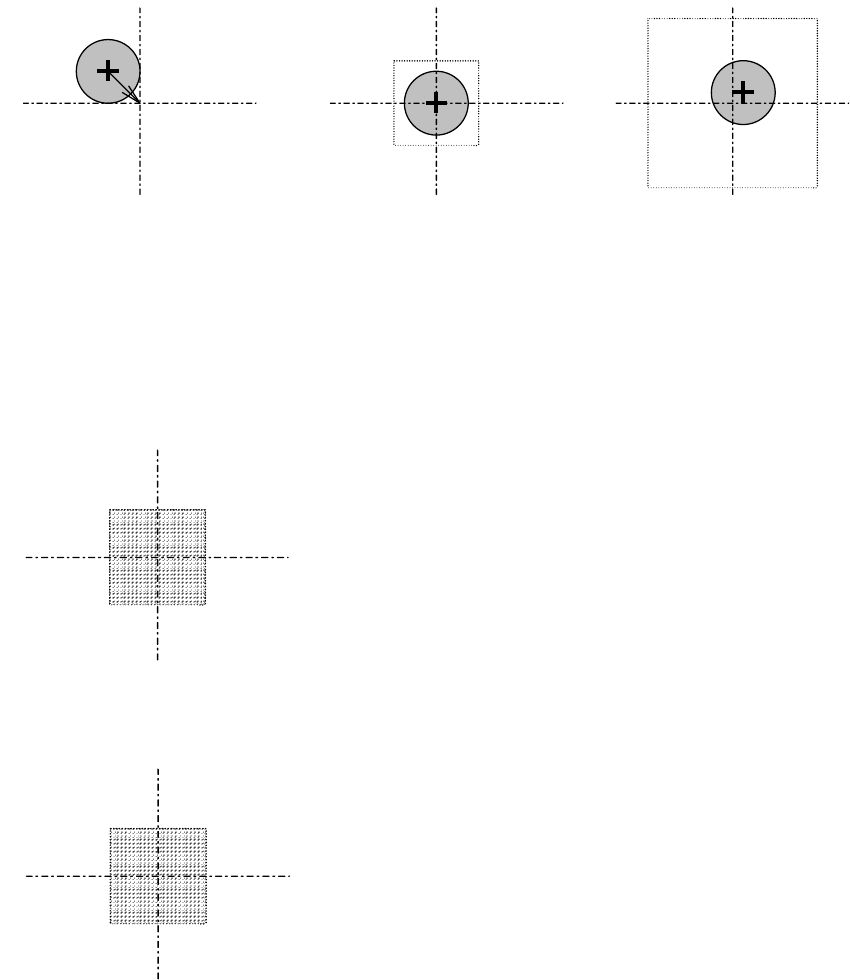
● Fiducial Mark (Pattern matching)
① Select the model mark type and center it in camera’s field of view.
② Acquire the model data with the size of 1.2 times of the mark.
③ Make a comparison between the saved model mark data and the actually-captured mark
image. Match the saved model mark data to the actual one for position correction.
1 2 3
● Fiducial (Center search)
① Select a mark shape. Enter the mark search-area and the mark size.
② The mark center will be calculated from detected mark edges and it will be referred for
fiducial correction.
● Bad Mark (white)
When the average brightness within the specified area is beyond the threshold, OK is issued.
● Bad Mark (black)
When the average brightness within the specified area is under the threshold, OK is issued.
Chapter 5 Libraries
5-16
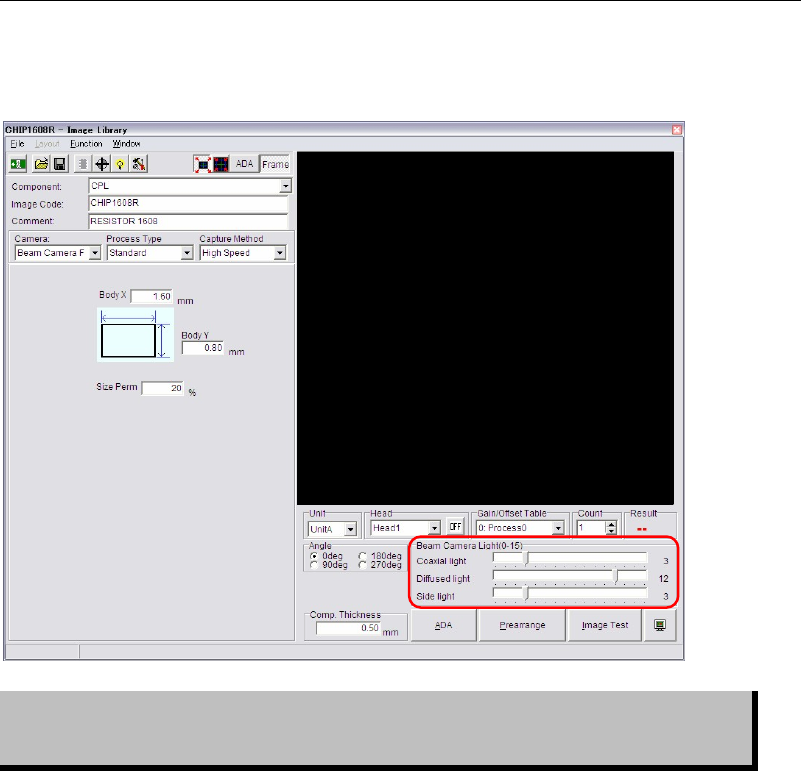
5-1-1-5 Illumination Settings
■ Illumination Settings for component recognition cameras
Illumination settings for component recognition cameras can be made in Image Library edit
window.
Setting of illumination data is critical in ensuring correct image processing. View
of the component varies with illumination settings even if the same component is
monitored.
Note: Beam camera (only for the M7) can capture images of the 8 heads at a time.
Illumination settings for components within one cycle should be the same.
If illumination settings are different among them, the beam camera will capture images one by
one with still capture.