M20_Ope_E.pdf - 第272页
Chapter 6 Coplanarity Checker 6-12 ---Blank page---
Chapter 6 Coplanarity Checker
6-11
6-3 Maintenance
6-3-1 About Maintenance
This chapter explains Daily Maintenance of the Laser sensor. In advance to start Maintenance
job, be sure to turn off the power of the Mounter to stop laser projection.
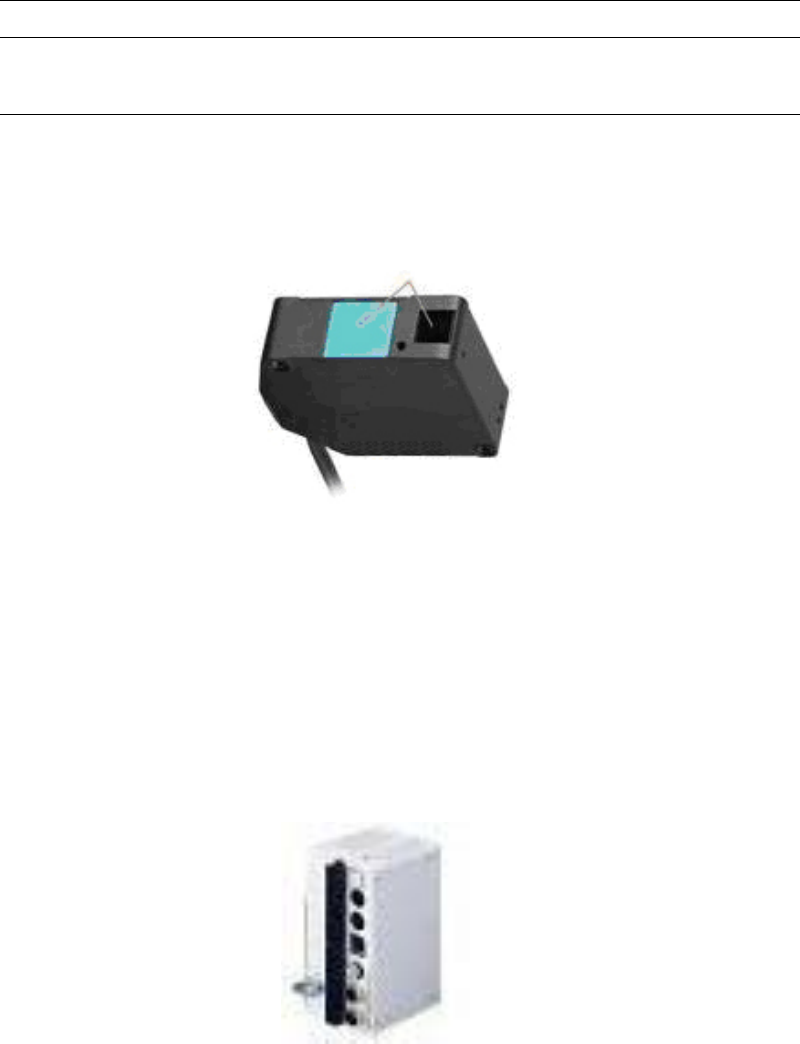
■Cleaning the surfaces of transmitting and receiving windows.
If oil, fingerprints, etc. are on the laser transmitting/receiving windows which may cause beam
refraction, or if dust or dirt which may cause beam blocking is on these windows, it may affect
the measurement accuracy. Clean the windows periodically.
• Blow off larger dust or dirt with a camera lens blower.
• Wipe off smaller dirt, fingerprints, etc. with a soft lens cleaning paper gently.
• For persistent dirt, wipe off carefully with a cleaning paper soaked by a little alcohol.
■Cleaning the controller
Wipe off adhered dirt from the controller with a clean and soft cloth gently.
Chapter 6 Coplanarity Checker
6-12
---Blank page---
Chapter 9 Running a Job
9-1
Chapter 9
Running a Job
Registering the Operator
Pre-operation Check and Initial Settings
Running a Job
Coplanarity Checker (optional)
Intelligent Feeder (optional)
Edit & Teach Mode during a Job Run