M20_Ope_E.pdf - 第273页
Chapter 9 Running a Job 9-1 Chapter 9 Running a Job Registering the Operator Pre-operation Check and Initial Settings Running a Job Coplanarity Checker (optional) Intelligent Feeder (optional) Edit & Teac…
Chapter 6 Coplanarity Checker
6-12
---Blank page---
Chapter 9 Running a Job
9-1
Chapter 9
Running a Job
Registering the Operator
Pre-operation Check and Initial Settings
Running a Job
Coplanarity Checker (optional)
Intelligent Feeder (optional)
Edit & Teach Mode during a Job Run
Chapter 9 Running a Job
9-2
9-1 Registering the Operator
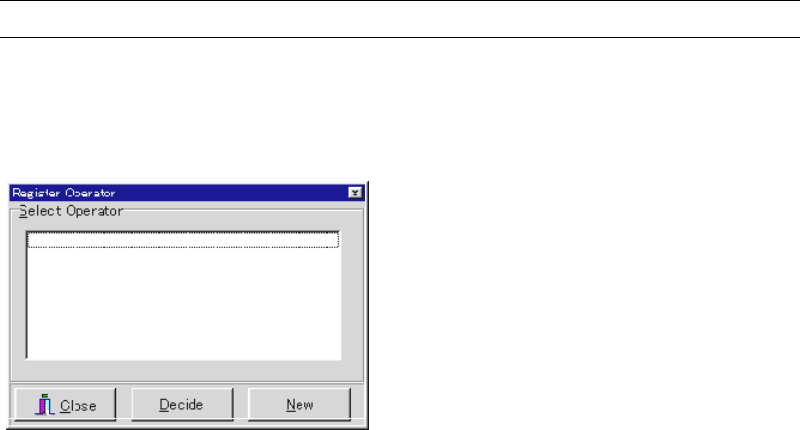
Menu: Management>RegisterOperator
Before executing job run, register the operator(s) here. The registered operator(s) will be
selectable for the Operator field in the Run dialog box.
Action:
① Click <New> button.
② The Operator Entry/Deletion dialog box appears. Under [Operator Entry] field, type an
operator name and click <Register> button. To register more than one operator, repeat
this step as necessary.
③ Click <X> button to close the dialog box.
④ Confirm that the registered operators are displayed in the Register Operator dialog box.
When you click an operator name and then click <Decide> button, it is displayed for the
Operator field in the Run dialog box by default. At the same time, it is entered to the
Operator field of Management>OperatorRecord as the next operator.
⑤ Click <Close> button to close the dialog box.