3OM-1064-001.pdf - 第120页
0D 05 0A BPC-AXIS SERVOMOT OR DRIVER ABNORMAL DA T A SETTING W AS DETECTED. (Cause 1) This is the device’ s self-diagnostic message. (Reset Procedure in the case of Cause 1) Reset Procedure (1) Press the [CLEAR ALARM] ke…
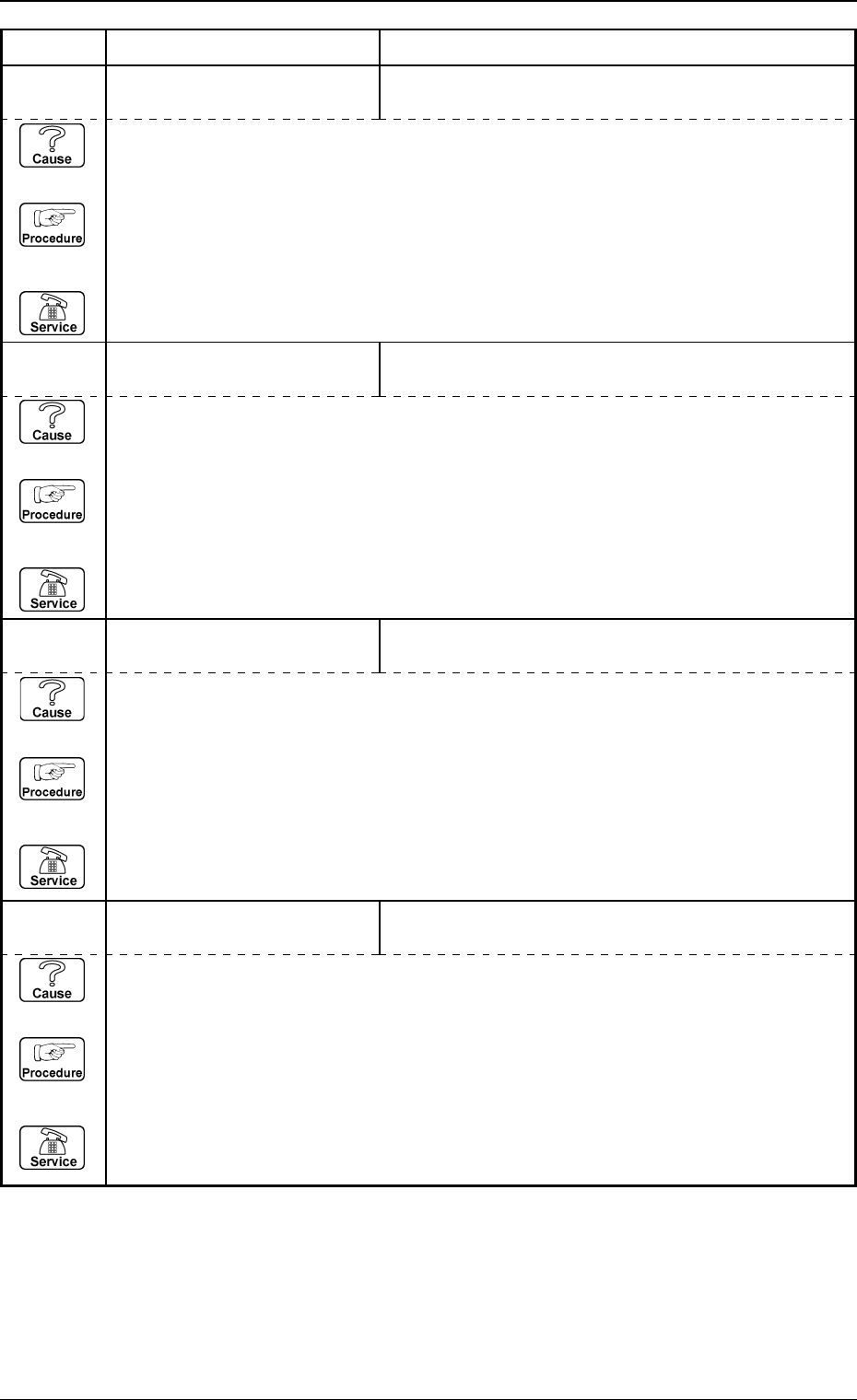
Error Code Display A Display B
0005-002 2-76 Tg0248-PM-ER
3. Trouble Shooting after Error Display
0D 05 08 BPC-AXIS SERVOMOTOR
DRIVER
OVERLOAD WAS DETECTED.
(Cause 1) This is the device’s self-diagnostic message.
(Reset Procedure in the case of Cause 1)
Reset Procedure
(1) Press the [CLEAR ALARM] key and the buzzer stops sounding.
(2) Press the [ZERO] button to return all the axes to their original positions.
(3) Re-start.
(4) If the device can’t be re-started, contact our service personnel.
0D 05 06 BPC-AXIS SERVOMOTOR
DRIVER
OVERSPEEDING OR ENCODER TROUBLE WAS
DETECTED.
(Cause 1) This is the device’s self-diagnostic message.
(Reset Procedure in the case of Cause 1)
Reset Procedure
(1) Press the [CLEAR ALARM] key and the buzzer stops sounding.
(2) Press the [ZERO] button to return all the axes to their original positions.
(3) Re-start.
(4) If the device can’t be re-started, contact our service personnel.
0D 05 05 BPC-AXIS SERVOMOTOR
DRIVER
ABNORMAL POWER LINE VOLTAGE WAS DE-
TECTED.
(Cause 1) This is the device’s self-diagnostic message.
(Reset Procedure in the case of Cause 1)
Reset Procedure
(1) Press the [CLEAR ALARM] key and the buzzer stops sounding.
(2) Press the [ZERO] button to return all the axes to their original positions.
(3) Re-start.
(4) If the device can’t be re-started, contact our service personnel.
0D 05 04 BPC-AXIS SERVOMOTOR
DRIVER
POSITIONING PULSE OVERFLOW WAS DETECTED.
(Cause 1) This is the device’s self-diagnostic message.
(Reset Procedure in the case of Cause 1)
Reset Procedure
(1) Press the [CLEAR ALARM] key and the buzzer stops sounding.
(2) Press the [ZERO] button to return all the axes to their original positions.
(3) Re-start.
(4) If the device can’t be re-started, contact our service personnel.

0D 05 0A BPC-AXIS SERVOMOTOR
DRIVER
ABNORMAL DATA SETTING WAS DETECTED.
(Cause 1) This is the device’s self-diagnostic message.
(Reset Procedure in the case of Cause 1)
Reset Procedure
(1) Press the [CLEAR ALARM] key and the buzzer stops sounding.
(2) Press the [ZERO] button to return all the axes to their original positions.
(3) Re-start.
(4) If the device can’t be re-started, contact our service personnel.
Error Code Display A Display B
0005-002 2-77 Tg0248-PM-ER
3. Trouble Shooting after Error Display
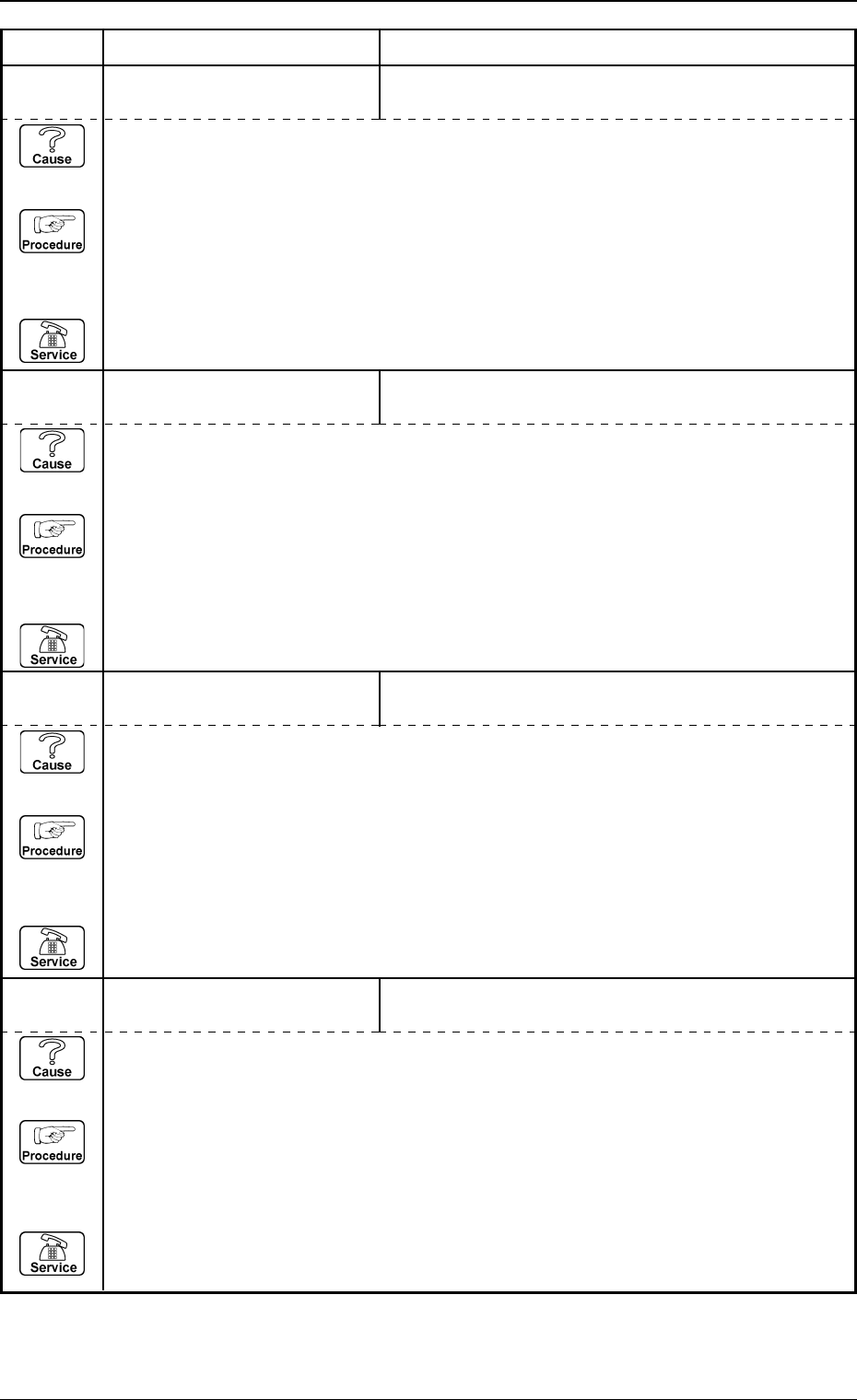
Error Code Display A Display B
0005-002 2-78 Tg0248-PM-ER
3. Trouble Shooting after Error Display
0D 06 04 BPC-AXIS INTERLOCK P.C.B. LOCATION NOT COMPLETED WITHIN SPECI-
FIED TIME.
(Cause 1) Is a correct value set for the width data of a product P.C.B.
(Reset Procedure in the case of Cause 1)
Reset Procedure
(1) Press the [CLEAR ALARM] key and the buzzer stops sounding.
(2) Check if P.C.B. size T is good for the P.C.B..
(3) Press the [ZERO] button to return all the axes to their original positions.
(4) Re-start.
(5) If the device can’t be re-started, contact our service personnel.
0D 06 03 BPC-AXIS INTERLOCK AN ERROR DETECTED IN CONTROL BOARD.
(Cause 1) This is the device’s self-diagnostic message.
(Reset Procedure in the case of Cause 1)
Reset Procedure
(1) Press the [CLEAR ALARM] key and the buzzer stops sounding.
(2) Check the control jamper wires and wiring.
(3) Press the [ZERO] button to return all the axes to their original positions.
(4) Re-start.
(5) If the device can’t be re-started, contact our service personnel.
0D 06 02 BPC-AXIS INTERLOCK “MOTOR RUNNING” SIGNAL DETECTED.
(Cause 1) This is the device’s self-diagnostic message.
(Reset Procedure in the case of Cause 1)
Reset Procedure
(1) Press the [CLEAR ALARM] key and the buzzer stops sounding.
(2) Check the setting of servodrivers and signal lines.
(3) Press the [ZERO] button to return all the axes to their original positions.
(4) Re-start.
(5) If the device can’t be re-started, contact our service personnel.
0D 06 01 BPC-AXIS INTERLOCK L-AXIS NOT AT ORIGIN.
(Cause 1) This is the device’s self-diagnostic message.
(Reset Procedure in the case of Cause 1)
Reset Procedure
(1) Press the [CLEAR ALARM] key and the buzzer stops sounding.
(2) Zero L-axis.
(3) Press the [ZERO] button to return all the axes to their original positions.
(4) Re-start.
(5) If the device can’t be re-started, contact our service personnel.