3OM-1064-001.pdf - 第133页
3. T rouble Shooting after Error Display (Cause 1) This is the device’ s self-diagnostic message. (Reset Procedure in the case of Cause 1) Reset Procedure (1) Press the [CLEAR ALARM] key and the buzzer stops sounding. (2…
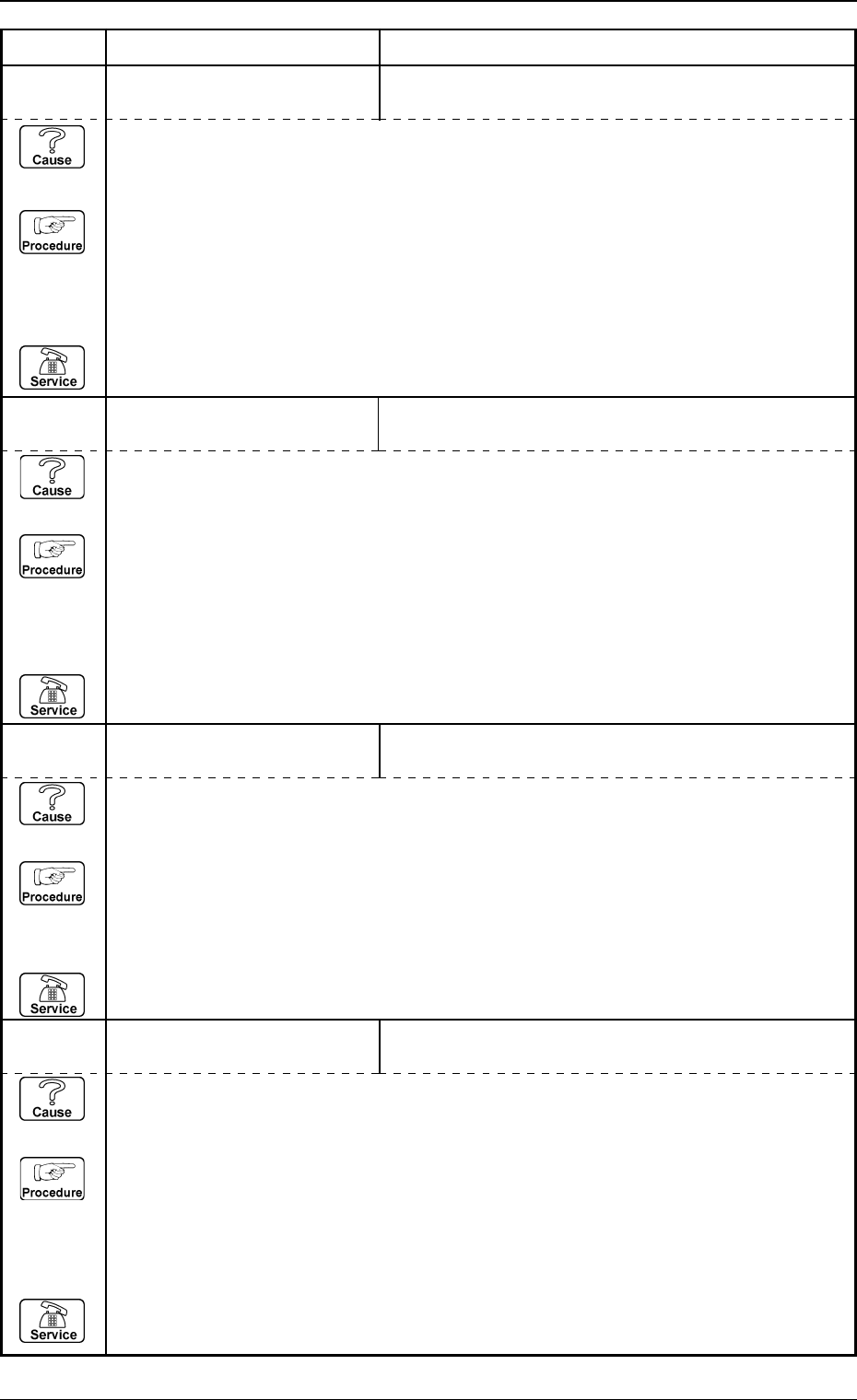
3. Trouble Shooting after Error Display
(Cause 1) This is the device’s self-diagnostic message.
(Reset Procedure in the case of Cause 1)
Reset Procedure
(1) Press the [CLEAR ALARM] key and the buzzer stops sounding.
(3) Press the [ZERO] button to return all the axes to their original positions.
(3) Re-start.
(4) If the device can’t be re-started, contact our service personnel.
22 02 04 TFB1-AXIS TIMING TAPE FEED MOVEMENT NOT COMPLETED WITHIN
SPECIFIED TIME.
(Cause 1) This is the device’s self-diagnostic message.
(Reset Procedure in the case of Cause 1)
Reset Procedure
(1) Press the [CLEAR ALARM] key and the buzzer stops sounding.
(2) Please confirm a sandwiched what for a feeder base/tape feeder lever.
(3) Press the [ZERO] button to return all the axes to their original positions.
(4) Re-start.
(5) If the device can’t be re-started, contact our service personnel.
Error Code Display A Display B
0009-001 2-81-8 Tg0248-PM-ER
22 02 02 TFB1-AXIS TIMING ORIGIN NOT DETECTED AFTER COMPLETION
OF MOVEMENT.
(Cause 1) This is the device’s self-diagnostic message.
(Reset Procedure in the case of Cause 1)
Reset Procedure
(1) Press the [CLEAR ALARM] key and the buzzer stops sounding.
(2) Loss of synchronism in motor may be caused. Check the tape feeder.
(3) Press the [ZERO] button to return all the axes to their original positions.
(4) Re-start.
(5) If the device can’t be re-started, contact our service personnel.
22 02 03 TFB1-AXIS TIMING MACHINE NOT ACTIVATED DUE TO INCOMPLETE
PREVIOUS OPERATION.
22 02 01 TFB1-AXIS TIMING ZEROING OPERATION NOT COMPLETED.
MACHINE NOT ACTIVATED.
(Cause 1) This is the device’s self-diagnostic message.
(Reset Procedure in the case of Cause 1)
Reset Procedure
(1) Press the [CLEAR ALARM] key and the buzzer stops sounding.
(2) Remove NG feeder and zero TFB1-AXIS.
(3) Press the [ZERO] button to return all the axes to their original positions.
(4) Re-start.
(5) If the device can’t be re-started, contact our service personnel.
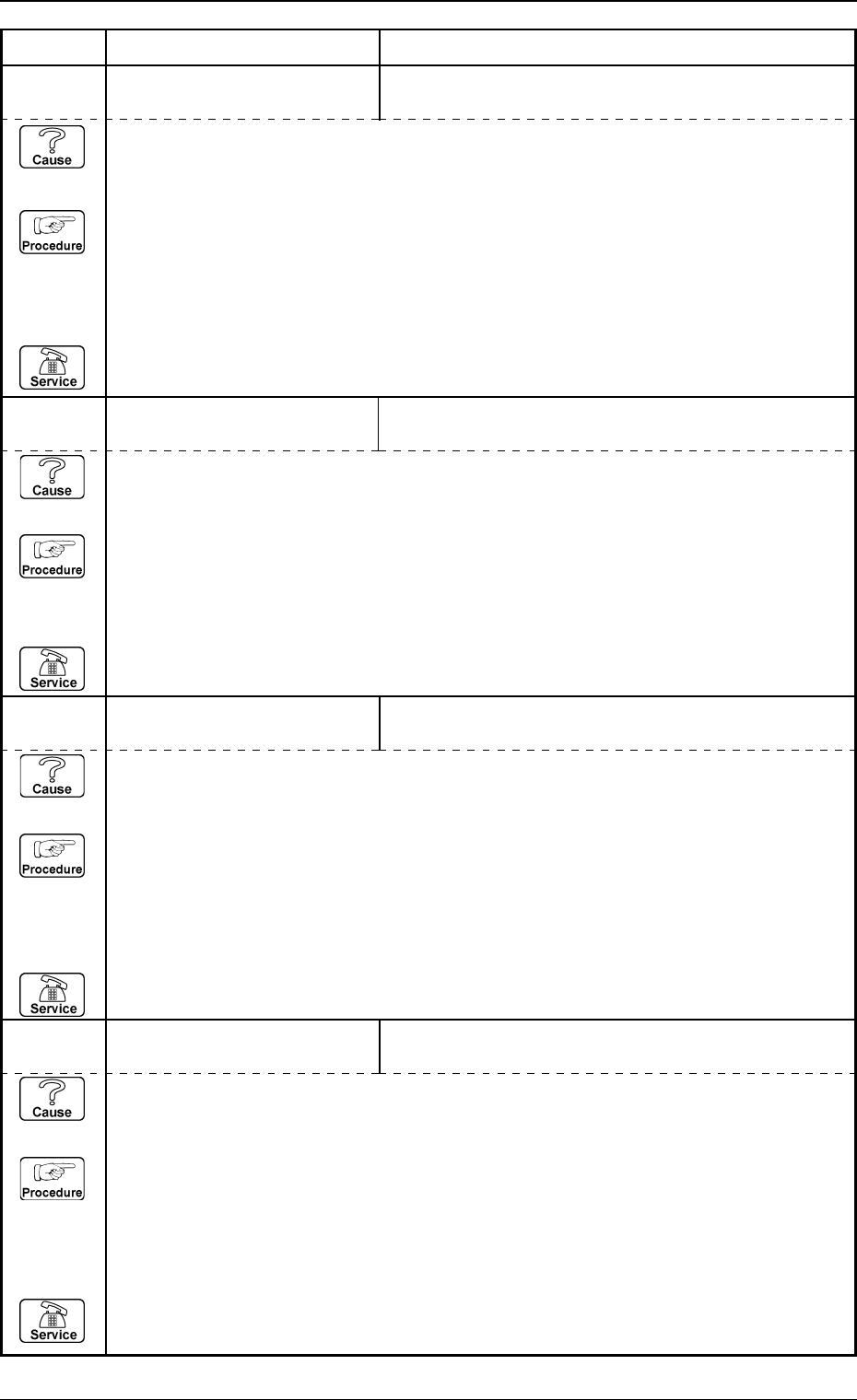
3. Trouble Shooting after Error Display
(Cause 1) This is the device’s self-diagnostic message.
(Reset Procedure in the case of Cause 1)
Reset Procedure
(1) Press the [CLEAR ALARM] key and the buzzer stops sounding.
(2) Check the TFB2 axis driver data.
(3) Press the [ZERO] button to return all the axes to their original positions.
(4) Re-start.
(5) If the device can’t be re-started, contact our service personnel.
22 08 01 TFB1-AXIS POWER ON
MONITOR
CIRCUIT BREAKER (Q252) NOT DETECTED.
(Cause 1) This is the device’s self-diagnostic message.
(Reset Procedure in the case of Cause 1)
Reset Procedure
(1) Press the [CLEAR ALARM] key and the buzzer stops sounding.
(2) Check the circuit breaker (Q252).
(3) Press the [ZERO] button to return all the axes to their original positions.
(4) Re-start.
(5) If the device can’t be re-started, contact our service personnel.
Error Code Display A Display B
0009-001 2-81-9 Tg0248-PM-ER
22 03 01 SEND CYLINDER MACHINE NOT ACTIVATED DUE TO INCOMPLETE
PREVIOUS OPERATION.
(Cause 1) This is the device’s self-diagnostic message.
(Reset Procedure in the case of Cause 1)
Reset Procedure
(1) Press the [CLEAR ALARM] key and the buzzer stops sounding.
(2) Press the [ZERO] button to return all the axes to their original positions.
(3) Re-start.
(4) If the device can’t be re-started, contact our service personnel.
22 07 01 TFB2-AXIS SERVO ABNORMAL DATA SETTING WAS DETECTED.
22 02 05 TFB1-AXIS TIMING TAPE FEED MOVEMENT NOT COMPLETED WITHIN
SPECIFIED TIME.
(Cause 1) This is the device’s self-diagnostic message.
(Reset Procedure in the case of Cause 1)
Reset Procedure
(1) Press the [CLEAR ALARM] key and the buzzer stops sounding.
(2) Please confirm a sandwiched what for a feeder base/tape feeder lever.
(3) Press the [ZERO] button to return all the axes to their original positions.
(4) Re-start.
(5) If the device can’t be re-started, contact our service personnel.
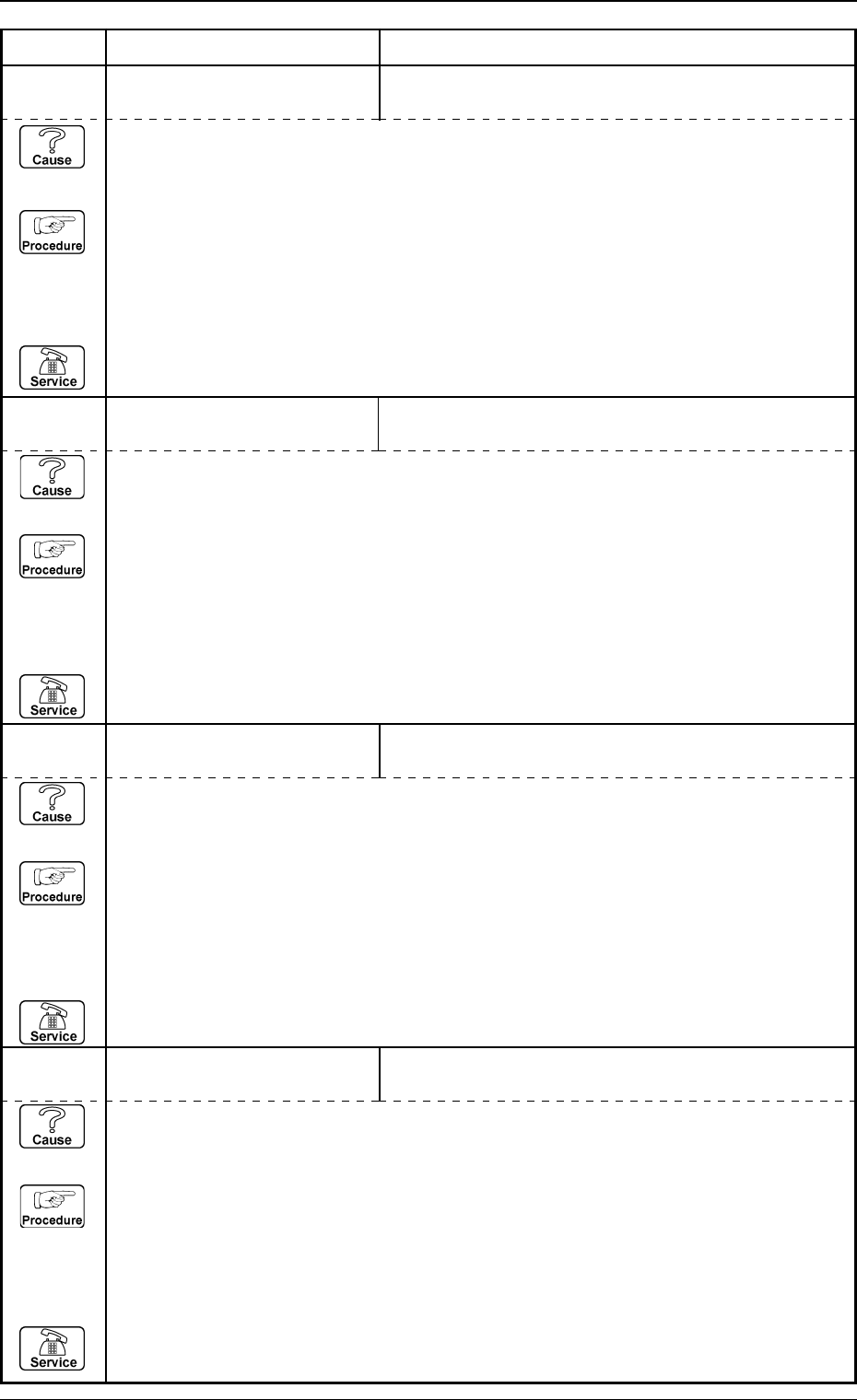
3. Trouble Shooting after Error Display
(Cause 1) This is the device’s self-diagnostic message.
(Reset Procedure in the case of Cause 1)
Reset Procedure
(1) Press the [CLEAR ALARM] key and the buzzer stops sounding.
(2) Check the full/half setting of motor driver (AMPD201).
(3) Press the [ZERO] button to return all the axes to their original positions.
(4) Re-start.
(5) If the device can’t be re-started, contact our service personnel.
23 01 04 TFB2-AXIS ORIGIN TAPE FEED MOVEMENT NOT COMPLETED WITHIN
SPECIFIED TIME.
(Cause 1) This is the device’s self-diagnostic message.
(Reset Procedure in the case of Cause 1)
Reset Procedure
(1) Press the [CLEAR ALARM] key and the buzzer stops sounding.
(2) Please confirm a sandwiched what for a feeder base/tape feeder lever.
(3) Press the [ZERO] button to return all the axes to their original positions.
(4) Re-start.
(5) If the device can’t be re-started, contact our service personnel.
Error Code Display A Display B
0009-001 2-81-10 Tg0248-PM-ER
23 01 02 TFB2-AXIS ORIGIN ORIGIN OFF-EDGE NOT DETECTED.
(Cause 1) This is the device’s self-diagnostic message.
(Reset Procedure in the case of Cause 1)
Reset Procedure
(1) Press the [CLEAR ALARM] key and the buzzer stops sounding.
(2) Check proximity origin sensor (BPH201) and TFB2-AXIS dog.
(3) Press the [ZERO] button to return all the axes to their original positions.
(4) Re-start.
(5) If the device can’t be re-started, contact our service personnel.
23 01 03 TFB2-AXIS ORIGIN ORIGIN NOT DETECTED AFTER ZEROING.
23 01 01 TFB2-AXIS ORIGIN ORIGIN ON-EDGE NOT DETECTED.
(Cause 1) This is the device’s self-diagnostic message.
(Reset Procedure in the case of Cause 1)
Reset Procedure
(1) Press the [CLEAR ALARM] key and the buzzer stops sounding.
(2) Check proximity origin sensor (BPH201) and TFB2-AXIS dog.
(3) Press the [ZERO] button to return all the axes to their original positions.
(4) Re-start.
(5) If the device can’t be re-started, contact our service personnel.