3OM-1064-001.pdf - 第138页
60 01 08 LOAD POWER SHUT-OFF AIR PRESSURE IS TOO LOW .;SP1 OFF (Cause 1) This is the device’ s self-diagnostic message. (Reset Procedure in the case of Cause 1) Reset Procedure (1) Press the [CLEAR ALARM] key and the buz…
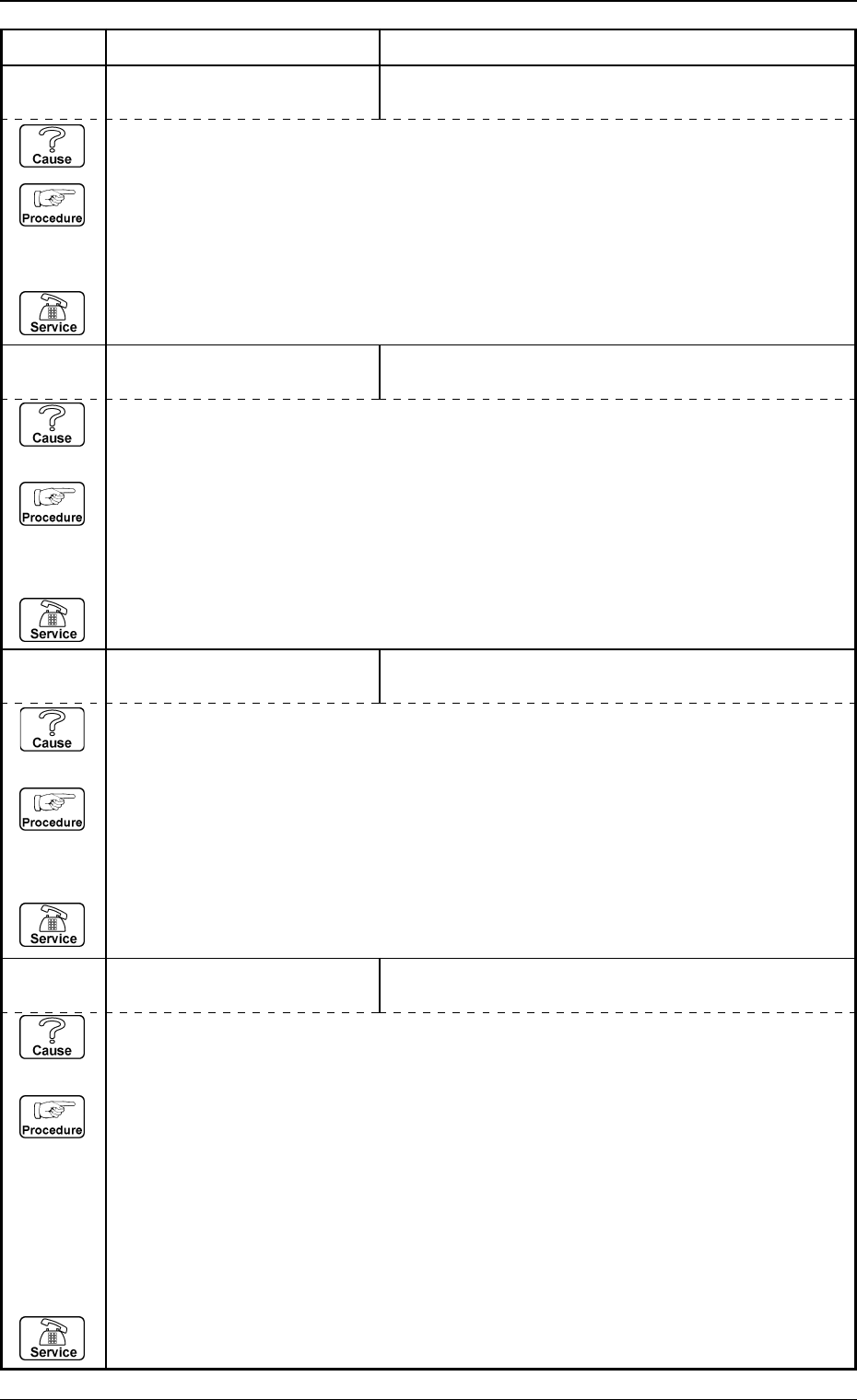
Error Code Display A Display B
3. Trouble Shooting after Error Display
60 01 04 LOAD POWER SHUT-OFF CIRCUIT PROTECTOR IS ACTIVATED.
(Cause 1) This is the device’s self-diagnostic message.
(Reset Procedure in the case of Cause 1)
Reset Procedure
(1) Press the [CLEAR ALARM] key and the buzzer stops sounding.
(2) Check the condition of following CB’s.
• CB (Q204) on primary side of transformer [T1].
• CB (Q101) on secondary side of transformer [T1].
• CB (Q203) for DC power supply.
• CB (Q205) for vacuum pump motor [M1].
(3) Press the [ZERO] button to return all the axes to their original positions.
(4) Re-start.
(5) If the device can’t be re-started, contact our service personnel.
60 01 03 LOAD POWER SHUT-OFF CIRCUIT PROTECTOR IS ACTIVATED.
(Cause 1) This is the device’s self-diagnostic message.
(Reset Procedure in the case of Cause 1)
Reset Procedure
(1) Press the [CLEAR ALARM] key and the buzzer stops sounding.
(2) Check CB (Q111) for power supply to driver of conveyor width changeable axis (PWC).
(3) Press the [ZERO] button to return all the axes to their original positions.
(4) Re-start.
(5) If the device can’t be re-started, contact our service personnel.
60 01 02 LOAD POWER SHUT-OFF CIRCUIT PROTECTOR IS ACTIVATED.
(Cause 1) This is the device’s self-diagnostic message.
(Reset Procedure in the case of Cause 1)
Reset Procedure
(1) Press the [CLEAR ALARM] key and the buzzer stops sounding.
(2) Check CB (Q351A) for power supply to main circuit of buckup UP/DOWN axis (BPC).
(3) Press the [ZERO] button to return all the axes to their original positions.
(4) Re-start.
(5) If the device can’t be re-started, contact our service personnel.
60 01 01 LOAD POWER SHUT-OFF THE [EMERGENCY STOP] BUTTON IS PRESSED.
(Cause 1) This is the device’s self-diagnostic message.
(Reset Procedure in the case of Cause 1)
Reset Procedure
(1) Press the [CLEAR ALARM] key and the buzzer stops sounding.
(2) Press the [ZERO] button to return all the axes to their original positions.
(3) Re-start.
(4) If the device can’t be re-started, contact our service personnel.
0005-002 2-82 Tg0248-PM-ER
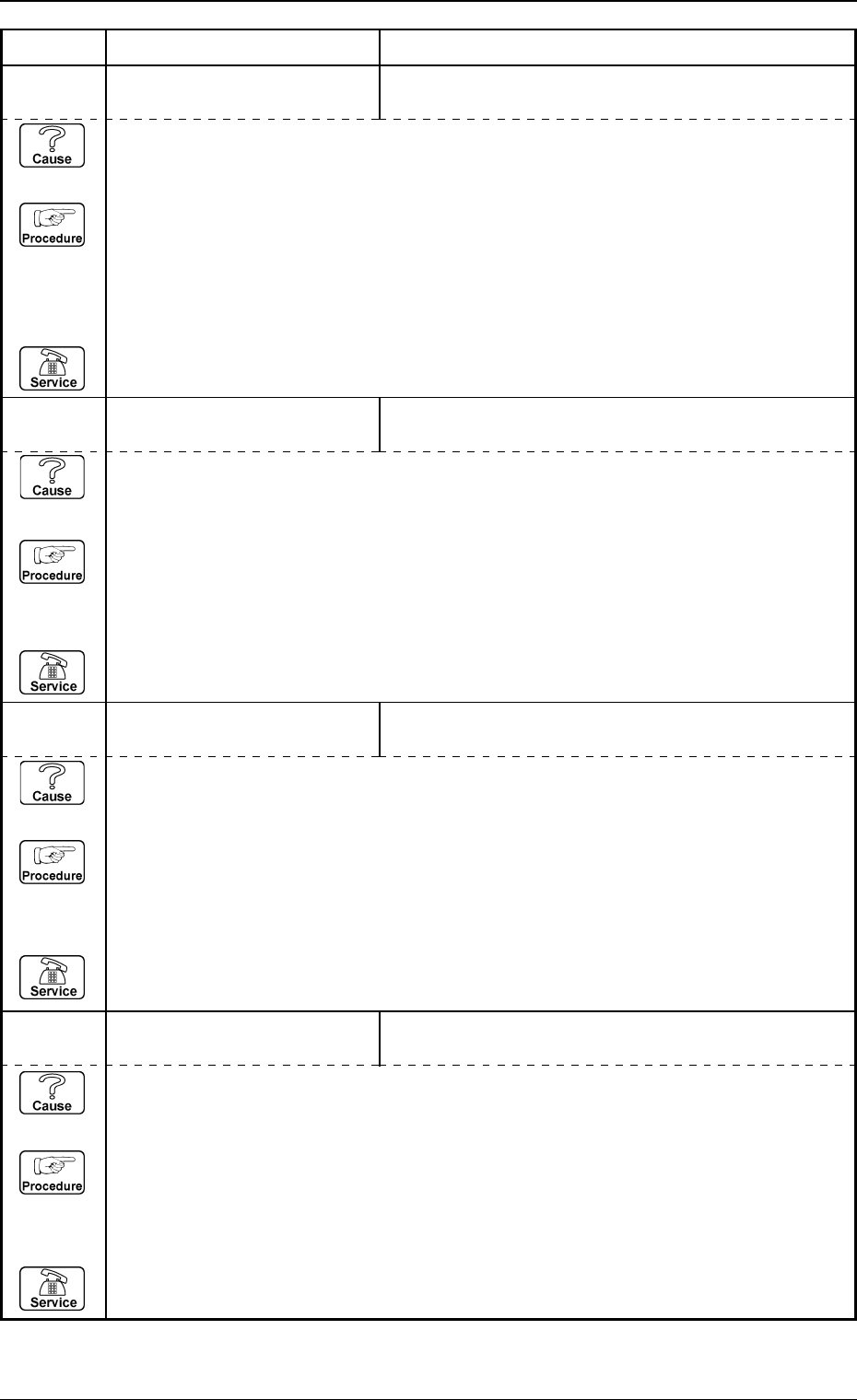
60 01 08 LOAD POWER SHUT-OFF AIR PRESSURE IS TOO LOW.;SP1 OFF
(Cause 1) This is the device’s self-diagnostic message.
(Reset Procedure in the case of Cause 1)
Reset Procedure
(1) Press the [CLEAR ALARM] key and the buzzer stops sounding.
(2) Press the [ZERO] button to return all the axes to their original positions.
(3) Re-start.
(4) If the device can’t be re-started, contact our service personnel.
Error Code Display A Display B
0005-002 2-83 Tg0248-PM-ER
3. Trouble Shooting after Error Display
60 01 05 LOAD POWER SHUT-OFF SDS SYSTEM POWER SUPPLY (+24V) IS SHUT OFF.
(Cause 1) This is the device’s self-diagnostic message.
(Reset Procedure in the case of Cause 1)
Reset Procedure
(1) Press the [CLEAR ALARM] key and the buzzer stops sounding.
(2) Check the output of power supply to SDS [for the bus / interface module] (G05).
(3) Press the [ZERO] button to return all the axes to their original positions.
(4) Re-start.
(5) If the device can’t be re-started, contact our service personnel.
60 01 06 LOAD POWER SHUT-OFF MAINTENANCE COVER (A) WAS OPENED.
(Cause 1) This is the device’s self-diagnostic message.
(Reset Procedure in the case of Cause 1)
Reset Procedure
(1) Press the [CLEAR ALARM] key and the buzzer stops sounding.
(2) Press the [ZERO] button to return all the axes to their original positions.
(3) Re-start.
(4) If the device can’t be re-started, contact our service personnel.
60 01 07 LOAD POWER SHUT-OFF MAINTENANCE COVER (B) WAS OPENED.
(Cause 1) This is the device’s self-diagnostic message.
(Reset Procedure in the case of Cause 1)
Reset Procedure
(1) Press the [CLEAR ALARM] key and the buzzer stops sounding.
(2) Press the [ZERO] button to return all the axes to their original positions.
(3) Re-start.
(4) If the device can’t be re-started, contact our service personnel.
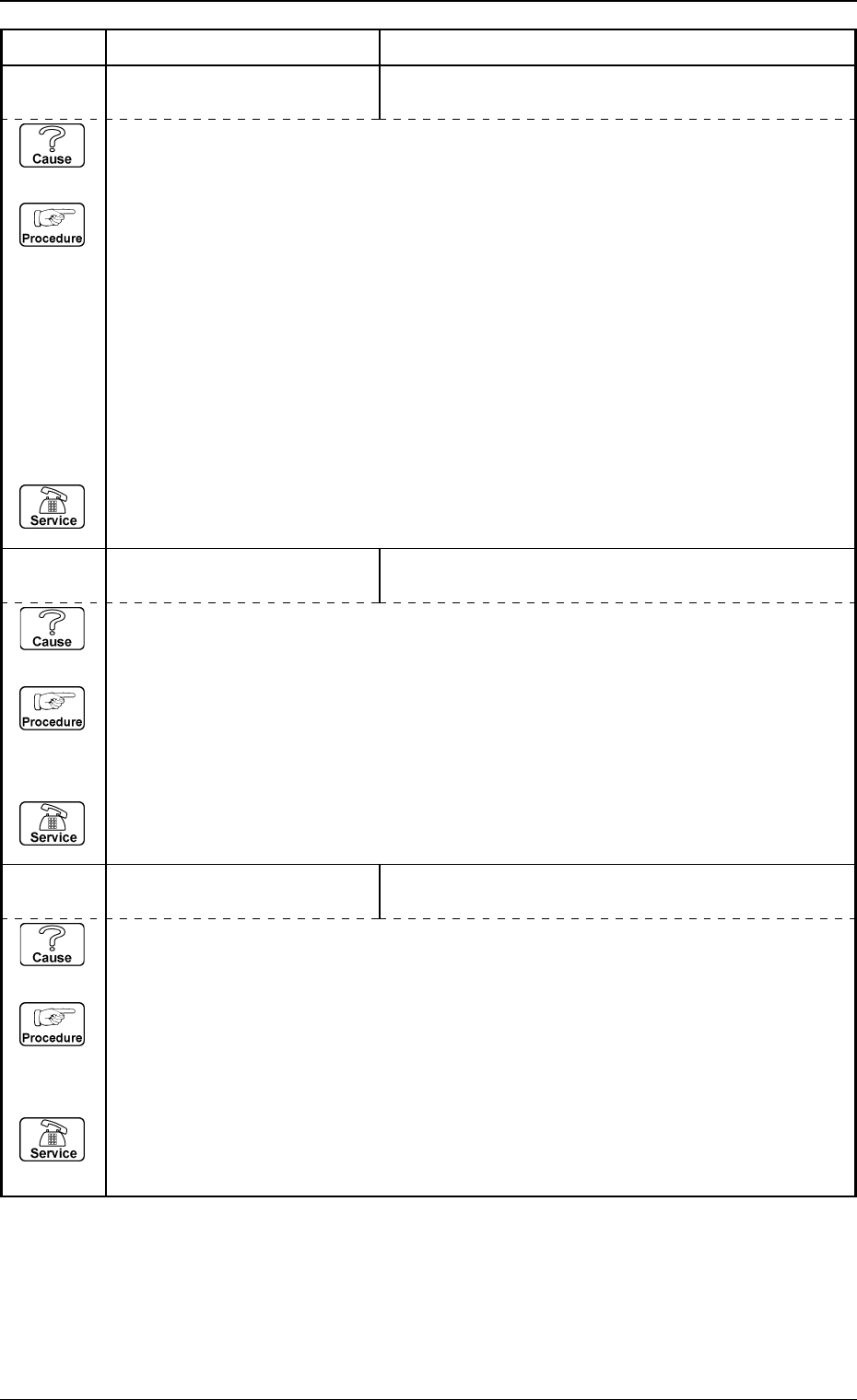
Error Code Display A Display B
0005-002 2-84 Tg0248-PM-ER
3. Trouble Shooting after Error Display
60 02 03 BEAM-A POWER SHUT-OFF FEEDER COVER (A) WAS OPENED.
(Cause 1) This is the device’s self-diagnostic message.
(Reset Procedure in the case of Cause 1)
Reset Procedure
(1) Press the [CLEAR ALARM] key and the buzzer stops sounding.
(2) Press the [ZERO] button to return all the axes to their original positions.
(3) Re-start.
(4) If the device can’t be re-started, contact our service personnel.
60 02 02 BEAM-A POWER SHUT-OFF SAFETY BAR (A) WAS OPENED.
(Cause 1) This is the device’s self-diagnostic message.
(Reset Procedure in the case of Cause 1)
Reset Procedure
(1) Press the [CLEAR ALARM] key and the buzzer stops sounding.
(2) Press the [ZERO] button to return all the axes to their original positions.
(3) Re-start.
(4) If the device can’t be re-started, contact our service personnel.
60 02 01 BEAM-A POWER SHUT-OFF CIRCUIT PROTECTOR FOR BEAM-A SYSTEM IS
ACTIVATED.
(Cause 1) This is the device’s self-diagnostic message.
(Reset Procedure in the case of Cause 1)
Reset Procedure
(1) Press the [CLEAR ALARM] key and the buzzer stops sounding.
(2) Check the condition of following CB’s.
• CB (Q301A) for YA-axis servo main circuit.
• CB (Q302A) for XA-axis servo main circuit.
• CB (Q303A) for LA1-axis servo main circuit.
• CB (Q304A) for LA2-axis servo main circuit.
• CB (Q311A) for servo control power supply.
(3) Press the [ZERO] button to return all the axes to their original positions.
(4) Re-start.
(5) If the device can't be re-started, contact our service personnel.