3OM-1064-001.pdf - 第170页
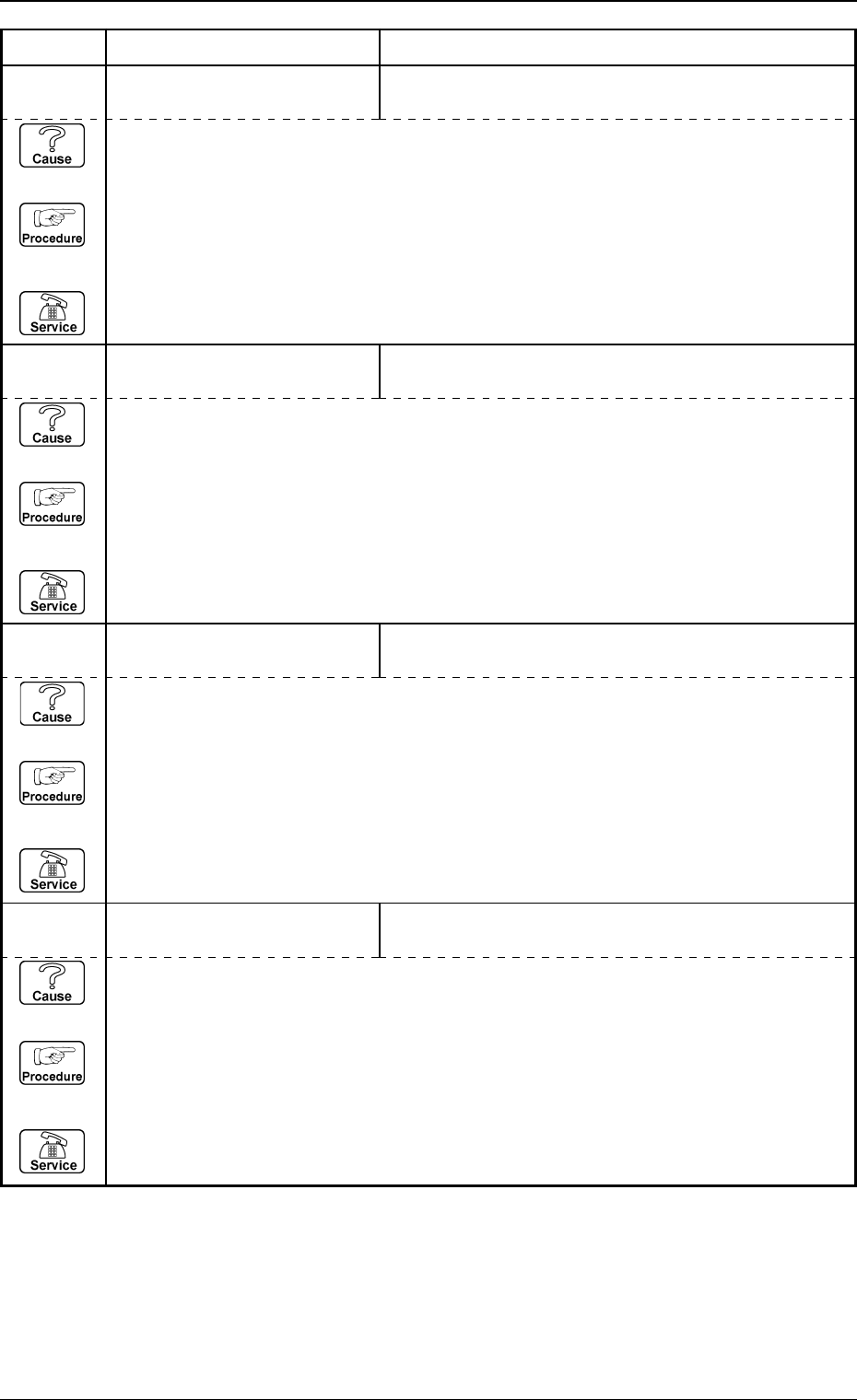
0005-002 2-1 1 1 Tg0248-PM-ER 3. T rouble Shooting after Error Display Error Code Display A Display B 69 02 0A NOZZLE STORE (Cause 1) This is the device’ s self-diagnostic message. (Reset Procedure in the case of Cause 1…
0005-002 2-110 Tg0248-PM-ER
Error Code Display A Display B
3. Trouble Shooting after Error Display
69 02 05 NOZZLE STORE NOZZLE STOCKER A2 NOT CLOSED COMPLETELY
WITHIN SPECIFIED TIME.
(Cause 1) This is the device’s self-diagnostic message.
(Reset Procedure in the case of Cause 1)
Reset Procedure
(1) Press the [CLEAR ALARM] key and the buzzer stops sounding.
(2) Press the [ZERO] button to return all the axes to their original positions.
(3) Re-start.
(4) If the device can’t be re-started, contact our service personnel.
69 02 04 NOZZLE STORE NOZZLE STOCKER A1 NOT CLOSED COMPLETELY
WITHIN SPECIFIED TIME.
(Cause 1) This is the device’s self-diagnostic message.
(Reset Procedure in the case of Cause 1)
Reset Procedure
(1) Press the [CLEAR ALARM] key and the buzzer stops sounding.
(2) Press the [ZERO] button to return all the axes to their original positions.
(3) Re-start.
(4) If the device can’t be re-started, contact our service personnel.
69 02 03 NOZZLE STORE NOZZLE STOCKER B1 NOT OPENED COMPLETELY
WITHIN SPECIFIED TIME.
(Cause 1) This is the device’s self-diagnostic message.
(Reset Procedure in the case of Cause 1)
Reset Procedure
(1) Press the [CLEAR ALARM] key and the buzzer stops sounding.
(2) Press the [ZERO] button to return all the axes to their original positions.
(3) Re-start.
(4) If the device can’t be re-started, contact our service personnel.
69 02 02 NOZZLE STORE NOZZLE STOCKER A2 NOT OPENED COMPLETELY
WITHIN SPECIFIED TIME.
(Cause 1) This is the device’s self-diagnostic message.
(Reset Procedure in the case of Cause 1)
Reset Procedure
(1) Press the [CLEAR ALARM] key and the buzzer stops sounding.
(2) Press the [ZERO] button to return all the axes to their original positions.
(3) Re-start.
(4) If the device can’t be re-started, contact our service personnel.
0005-002 2-111 Tg0248-PM-ER
3. Trouble Shooting after Error Display
Error Code Display A Display B
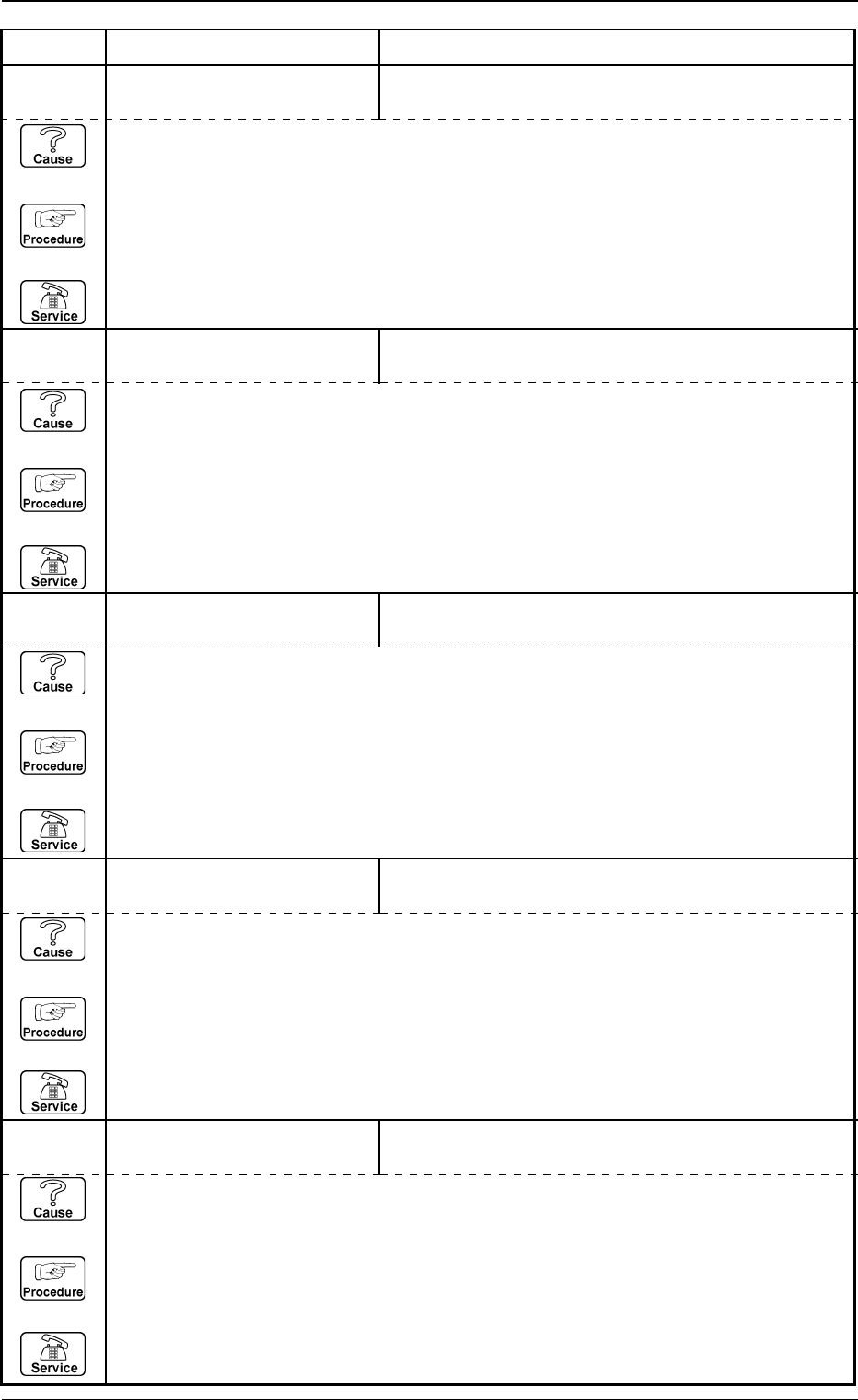
69 02 0A NOZZLE STORE
(Cause 1) This is the device’s self-diagnostic message.
(Reset Procedure in the case of Cause 1)
Reset Procedure
(1) Press the [CLEAR ALARM] key and the buzzer stops sounding.
(2) Press the [ZERO] button to return all the axes to their original positions.
(3) Re-start.
(4) If the device can't be re-started, contact our service personnel.
69 02 09 NOZZLE STORE NOZZLE STOCKER B2 NOT CLOSED COMPLETELY
WITHIN SPECIFIED TIME.
(Cause 1) This is the device’s self-diagnostic message.
(Reset Procedure in the case of Cause 1)
Reset Procedure
(1) Press the [CLEAR ALARM] key and the buzzer stops sounding.
(2) Press the [ZERO] button to return all the axes to their original positions.
(3) Re-start.
(4) If the device can’t be re-started, contact our service personnel.
69 02 08 NOZZLE STORE NOZZLE STOCKER B2 NOT OPENED COMPLETELY
WITHIN SPECIFIED TIME.
(Cause 1) This is the device’s self-diagnostic message.
(Reset Procedure in the case of Cause 1)
Reset Procedure
(1) Press the [CLEAR ALARM] key and the buzzer stops sounding.
(2) Press the [ZERO] button to return all the axes to their original positions.
(3) Re-start.
(4) If the device can’t be re-started, contact our service personnel.
69 02 07 NOZZLE STORE NOZZLE NOT STORED.
(Cause 1) This is the device’s self-diagnostic message.
(Reset Procedure in the case of Cause 1)
Reset Procedure
(1) Press the [CLEAR ALARM] key and the buzzer stops sounding.
(2) Press the [ZERO] button to return all the axes to their original positions.
(3) Re-start.
(4) If the device can’t be re-started, contact our service personnel.
69 02 06 NOZZLE STORE NOZZLE STOCKER B1 NOT CLOSED COMPLETELY
WITHIN SPECIFIED TIME.
(Cause 1) This is the device’s self-diagnostic message.
(Reset Procedure in the case of Cause 1)
Reset Procedure
(1) Press the [CLEAR ALARM] key and the buzzer stops sounding.
(2) Press the [ZERO] button to return all the axes to their original positions.
(3) Re-start.
(4) If the device can’t be re-started, contact our service personnel.
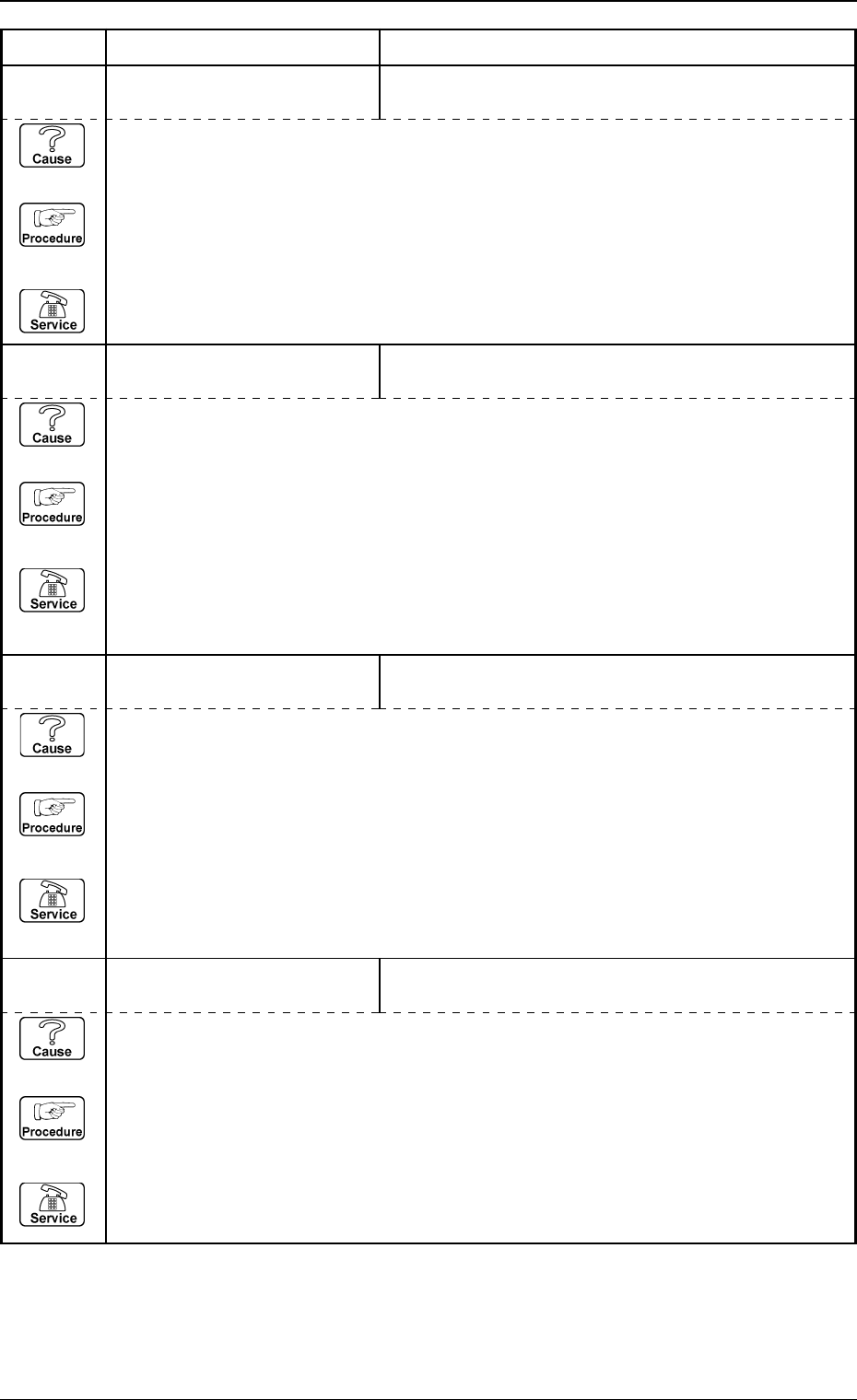
6C 01 05 ILLEGAL OPERATION THE BPC-AXIS IS NOT AT LOCATE POSITION.
(Cause 1) This is the device's self-diagnostic message.
(Reset Procedure in the case of Cause 1)
Reset Procedure
(1) Press the [CLEAR ALARM] key and the buzzer stops sounding.
(2) Press the [ZERO] button to return all the axes to their original positions.
(3) Re-start.
(4) If the device can't be re-started, contact our service personnel.
0005-002 2-112 Tg0248-PM-ER
Error Code Display A Display B
3. Trouble Shooting after Error Display
6C 01 04 ILLEGAL OPERATION OPERATION SW WAS SWITCHED DURING MACHINE
OPERATION.
(Cause 1) This is the device's self-diagnostic message.
(Reset Procedure in the case of Cause 1)
Reset Procedure
(1) Press the [CLEAR ALARM] key and the buzzer stops sounding.
(2) Set the [OPERATION/SET UP] switch to the “OPERATION” mode.
(3) Press the [ZERO] button to return all the axes to their original positions.
(4) Re-start.
(5) If the device can't be re-started, contact our service personnel.
6C 01 03 ILLEGAL OPERATION P.C.B. REMOVED FROM CONVEYOR.
(Cause 1) This is the device's self-diagnostic message.
(Reset Procedure in the case of Cause 1)
Reset Procedure
(1) Press the [CLEAR ALARM] key and the buzzer stops sounding.
(2) Set the [OPERATION/SET UP] switch to the “OPERATION” mode.
(3) Press the [ZERO] button to return all the axes to their original positions.
(4) Re-start.
(5) If the device can't be re-started, contact our service personnel.
6C 01 02 ILLEGAL OPERATION P.C.B. IS PUT ON THE CONVEYOR.
(Cause 1) This is the device's self-diagnostic message.
(Reset Procedure in the case of Cause 1)
Reset Procedure
(1) Press the [CLEAR ALARM] key and the buzzer stops sounding.
(2) Press the [ZERO] button to return all the axes to their original positions.
(3) Re-start.
(4) If the device can't be re-started, contact our service personnel.