3OM-1064-001.pdf - 第181页
0005-002 2-119 Tg0248-PM-ER Error Code Display A Display B 3. T rouble Shooting after Error Display 6D 08 01 HEAD ROT A TION OFFSET XXXXXXXX JIG NOZZLE NOT RECOGNIZED THROUGH COMPO- NENT RECOGNITION CAMERA. (Cause 1) Thi…
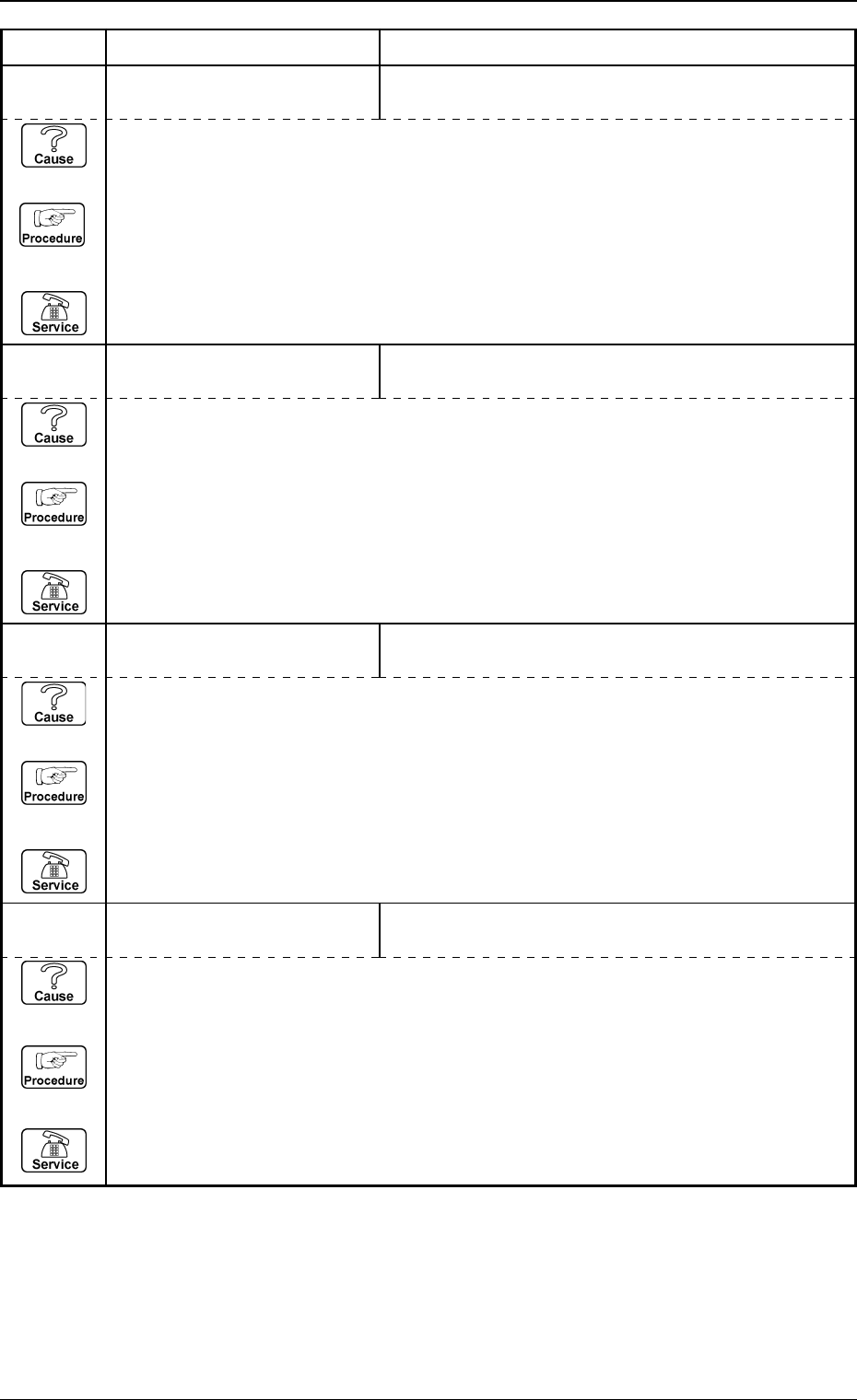
0005-002 2-118 Tg0248-PM-ER
Error Code Display A Display B
3. Trouble Shooting after Error Display
6D 05 03 TEACH COMP. CAMR. OFFSET
XXXXXXXX
CHECKER MARK NOT RECOGNIZED BETWEEN
COMPONENT RECOGNITION CAMERA.
(Cause 1) This is the device’s self-diagnostic message.
(Reset Procedure in the case of Cause 1)
Reset Procedure
(1) Press the [CLEAR ALARM] key and the buzzer stops sounding.
(2) Press the [ZERO] button to return all the axes to their original positions.
(3) Re-start.
(4) If the device can’t be re-started, contact our service personnel.
6D 05 02 TEACH COMP. CAMR. OFFSET
XXXXXXXX
JIG COMPONENT NOT RECOGNIZED THROUGH
P.E.C. RECOGNITION CAMERA.
(Cause 1) This is the device’s self-diagnostic message.
(Reset Procedure in the case of Cause 1)
Reset Procedure
(1) Press the [CLEAR ALARM] key and the buzzer stops sounding.
(2) Press the [ZERO] button to return all the axes to their original positions.
(3) Re-start.
(4) If the device can’t be re-started, contact our service personnel.
6D 05 01 TEACH COMP. CAMR. OFFSET
XXXXXXXX
JIG COMPONENT NOT RECOGNIZED THROUGH
COMPONENT RECOGNITION CAMERA.
(Cause 1) This is the device’s self-diagnostic message.
(Reset Procedure in the case of Cause 1)
Reset Procedure
(1) Press the [CLEAR ALARM] key and the buzzer stops sounding.
(2) Press the [ZERO] button to return all the axes to their original positions.
(3) Re-start.
(4) If the device can’t be re-started, contact our service personnel.
6D 04 02 TEACH COMP. CAMR. MAG.
XXXXXXXX
(Cause 1) This is the device’s self-diagnostic message.
(Reset Procedure in the case of Cause 1)
Reset Procedure
(1) Press the [CLEAR ALARM] key and the buzzer stops sounding.
(2) Press the [ZERO] button to return all the axes to their original positions.
(3) Re-start.
(4) If the device can’t be re-started, contact our service personnel.
Note: Refer to “Section 4 Recognition Error Codes”.
0005-002 2-119 Tg0248-PM-ER
Error Code Display A Display B
3. Trouble Shooting after Error Display
6D 08 01 HEAD ROTATION OFFSET
XXXXXXXX
JIG NOZZLE NOT RECOGNIZED THROUGH COMPO-
NENT RECOGNITION CAMERA.
(Cause 1) This is the device’s self-diagnostic message.
(Reset Procedure in the case of Cause 1)
Reset Procedure
(1) Press the [CLEAR ALARM] key and the buzzer stops sounding.
(2) Press the [ZERO] button to return all the axes to their original positions.
(3) Re-start.
(4) If the device can’t be re-started, contact our service personnel.
Note: Refer to “Section 4 Recognition Error Codes”.
6D 07 02 TEACH HEAD OFFSET
XXXXXXXX
JIG COMPONENT NOT RECOGNIZED THROUGH
P.E.C. RECOGNITION CAMERA.
(Cause 1) This is the device’s self-diagnostic message.
(Reset Procedure in the case of Cause 1)
Reset Procedure
(1) Press the [CLEAR ALARM] key and the buzzer stops sounding.
(2) Press the [ZERO] button to return all the axes to their original positions.
(3) Re-start.
(4) If the device can’t be re-started, contact our service personnel.
6D 07 01 TEACH HEAD OFFSET
XXXXXXXX
JIG COMPONENT NOT RECOGNIZED THROUGH
COMPONENT RECOGNITION CAMERA.
(Cause 1) This is the device’s self-diagnostic message.
(Reset Procedure in the case of Cause 1)
Reset Procedure
(1) Press the [CLEAR ALARM] key and the buzzer stops sounding.
(2) Press the [ZERO] button to return all the axes to their original positions.
(3) Re-start.
(4) If the device can’t be re-started, contact our service personnel.
6D 06 01 TEACH HEAD ROTATION CTR
XXXXXXXX
JIG COMPONENT NOT RECOGNIZED THROUGH
COMPONENT RECOGNITION CAMERA.
(Cause 1) This is the device’s self-diagnostic message.
(Reset Procedure in the case of Cause 1)
Reset Procedure
(1) Press the [CLEAR ALARM] key and the buzzer stops sounding.
(2) Press the [ZERO] button to return all the axes to their original positions.
(3) Re-start.
(4) If the device can’t be re-started, contact our service personnel.
0005-002 2-120 Tg0248-PM-ER
3. Trouble Shooting after Error Display
Error Code Display A Display B
6D 0A 02 TEACH CAMERA SHUTTER
SPEED XXXXXXXX
TEACHING RESULT IS OUT OF TOLERANCE.
(Cause 1) This is the device’s self-diagnostic message.
(Reset Procedure in the case of Cause 1)
Reset Procedure
(1) Press the [CLEAR ALARM] key and the buzzer stops sounding.
(2) Press the [ZERO] button to return all the axes to their original positions.
(3) Re-start.
(4) If the device can’t be re-started, contact our service personnel.
Note: Refer to “Section 4 Recognition Error Codes”.
6D 0A 01 TEACH CAMERA SHUTTER
SPEED XXXXXXXX
RECOGNITION ERROR OCCURRED DURING
TEACHING.
(Cause 1) This is the device’s self-diagnostic message.
(Reset Procedure in the case of Cause 1)
Reset Procedure
(1) Press the [CLEAR ALARM] key and the buzzer stops sounding.
(2) Press the [ZERO] button to return all the axes to their original positions.
(3) Re-start.
(4) If the device can’t be re-started, contact our service personnel.
6D 09 02 TEACH CAMERA REFERENCE
GAIN/LEVEL XXXXXXXX
TEACHING RESULT IS OUT OF TOLERANCE.
(Cause 1) This is the device’s self-diagnostic message.
(Reset Procedure in the case of Cause 1)
Reset Procedure
(1) Press the [CLEAR ALARM] key and the buzzer stops sounding.
(2) Press the [ZERO] button to return all the axes to their original positions.
(3) Re-start.
(4) If the device can’t be re-started, contact our service personnel.
6D 09 01 TEACH CAMERA REFERENCE
GAIN/LEVEL XXXXXXXX
RECOGNITION ERROR OCCURRED DURING TEACH-
ING.
(Cause 1) This is the device’s self-diagnostic message.
(Reset Procedure in the case of Cause 1)
Reset Procedure
(1) Press the [CLEAR ALARM] key and the buzzer stops sounding.
(2) Press the [ZERO] button to return all the axes to their original positions.
(3) Re-start.
(4) If the device can’t be re-started, contact our service personnel.