3OM-1064-001.pdf - 第208页
3. Control-to-Control Communication Error Code and List of Error Messages 0005-002 4-12 Tg0248-PM-ER Error Code Display A Display B 10310001 TRANSFERRING THE CAM- ERA GAIN / LEVEL DA T A “GAIN T ABLE” EXCEEDS THE RANGE O…
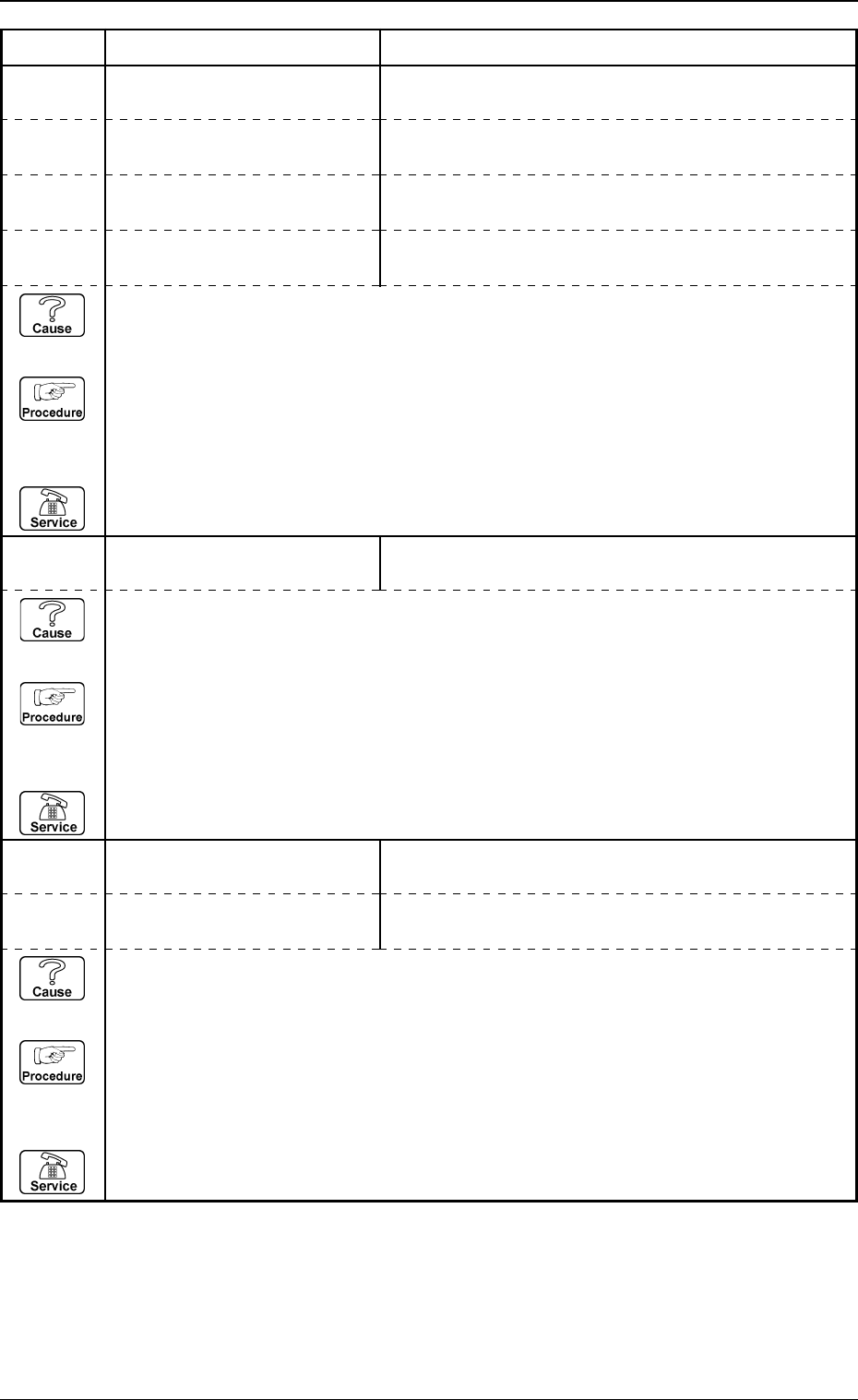
3. Control-to-Control Communication Error Code and List of Error Messages
0005-002 4-11 Tg0248-PM-ER
Error Code Display A Display B
10200000 LIGHTING ON “LIGHTING UNIT NO.” EXCEEDS THE RANGE OF
SETTING.
10200001 LIGHTING ON “HEAD NO.” EXCEEDS THE RANGE OF SETTING.
10200002 LIGHTING ON “COMPONENT NO.” EXCEEDS THE RANGE OF
SETTING.
10200003 LIGHTING ON
“HEAD LIGHTING CONTROL FLAG” EXCEEDS THE
RANGE OF SETTING.
10210000 LIGHTING OFF “LIGHTING UNIT NO.” EXCEEDS THE RANGE OF
SETTING.
(Cause 1) This is the device’s self-diagnostic message.
(Reset Procedure in the case of Cause 1)
Reset Procedure
(1) Press the [CLEAR ALARM] key and the buzzer stops sounding.
(2) Press the [ZERO] button to return all the axes to their original positions.
(3) Re-start.
(4) If the device can’t be re-started, contact our service personnel.
10220000 SETTING THE LIGHTING
CONTROL BOARD
“MODE” EXCEEDS THE RANGE OF SETTING.
10220001 SETTING THE LIGHTING
CONTROL BOARD
“INITIAL TEMPERATURE” EXCEEDS THE RANGE OF
SETTING.
(Cause 1) This is the device’s self-diagnostic message.
(Reset Procedure in the case of Cause 1)
Reset Procedure
(1) Press the [CLEAR ALARM] key and the buzzer stops sounding.
(2) Press the [ZERO] button to return all the axes to their original positions.
(3) Re-start.
(4) If the device can’t be re-started, contact our service personnel.
(Cause 1) This is the device’s self-diagnostic message.
(Reset Procedure in the case of Cause 1)
Reset Procedure
(1) Press the [CLEAR ALARM] key and the buzzer stops sounding.
(2) Press the [ZERO] button to return all the axes to their original positions.
(3) Re-start.
(4) If the device can’t be re-started, contact our service personnel.
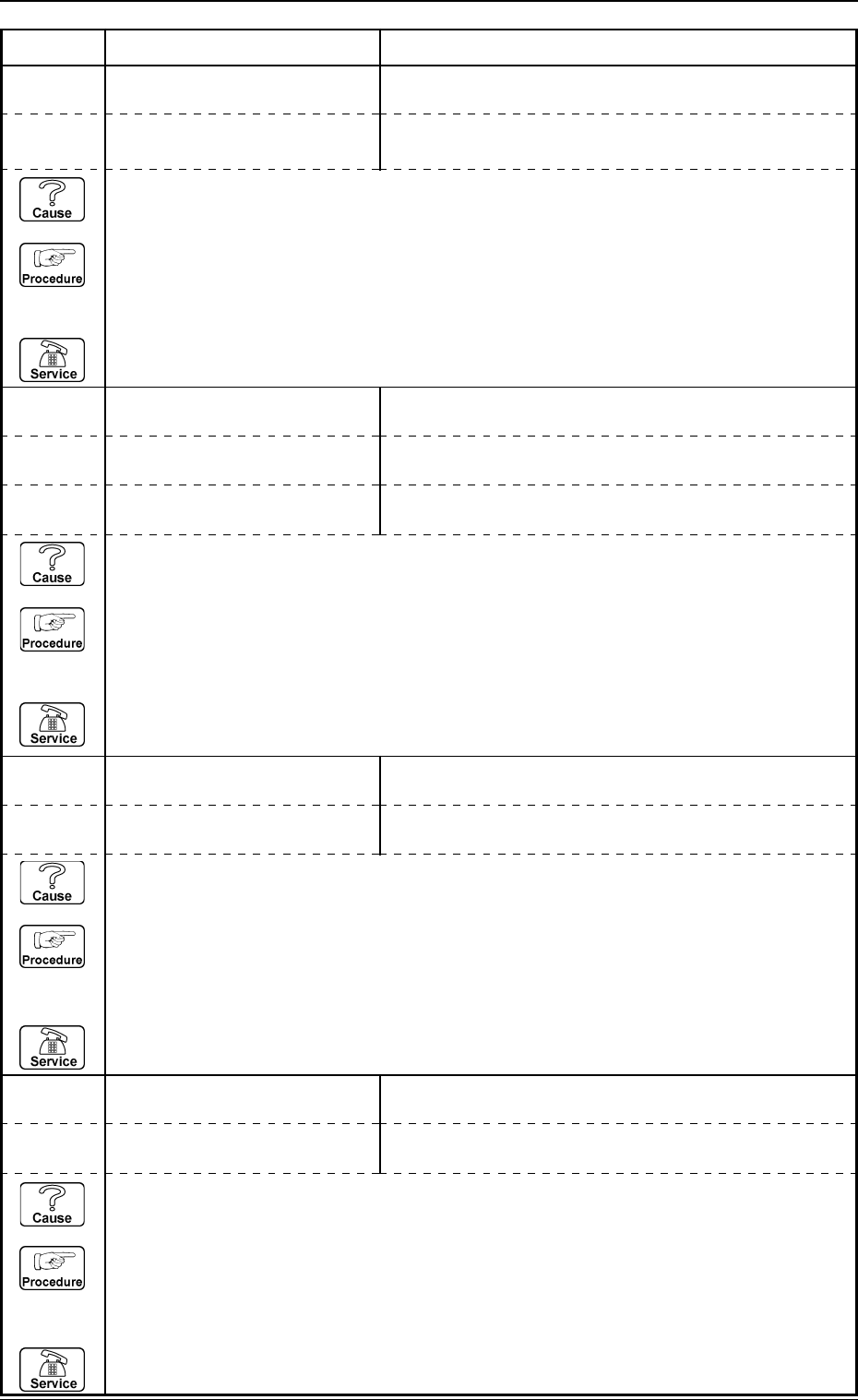
3. Control-to-Control Communication Error Code and List of Error Messages
0005-002 4-12 Tg0248-PM-ER
Error Code Display A Display B
10310001 TRANSFERRING THE CAM-
ERA GAIN / LEVEL DATA
“GAIN TABLE” EXCEEDS THE RANGE OF SETTING.
10310000 TRANSFERRING THE CAM-
ERA GAIN / LEVEL DATA
“CAMERA NO.” EXCEEDS THE RANGE OF SETTING.
10310002 TRANSFERRING THE CAM-
ERA GAIN / LEVEL DATA
“GAIN” OR “LEVEL” EXCEEDS THE RANGE OF
SETTING.
“CAMERA MAGNIFICATION” EXCEEDS THE RANGE OF
SETTING.
10300000 TRANSFERRING THE CAM-
ERA MAGNIFICATION DATA
“CAMERA NO.” EXCEEDS THE RANGE OF SETTING.
10300001 TRANSFERRING THE CAM-
ERA MAGNIFICATION DATA
10330001 TRANSFERRING THE
BRIGHTNESS DATA
“INITIAL TEMPERATURE” EXCEEDS THE RANGE OF
SETTING.
10330000 TRANSFERRING THE
BRIGHTNESS DATA
“BRIGHTNESS” EXCEEDS THE RANGE OF SETTING.
10320000 TRANSFERRING THE CAM-
ERA SHUTTER SPEED DATA
“CAMERA NO.” EXCEEDS THE RANGE OF SETTING.
10320001 TRANSFERRING THE CAM-
ERA SHUTTER SPEED DATA
“SHUTTER SPEED” EXCEEDS THE RANGE OF
SETTING.
(Cause 1) This is the device’s self-diagnostic message.
(Reset Procedure in the case of Cause 1)
Reset Procedure
(1) Press the [CLEAR ALARM] key and the buzzer stops sounding.
(2) Press the [ZERO] button to return all the axes to their original positions.
(3) Re-start.
(4) If the device can’t be re-started, contact our service personnel.
(Cause 1) This is the device’s self-diagnostic message.
(Reset Procedure in the case of Cause 1)
Reset Procedure
(1) Press the [CLEAR ALARM] key and the buzzer stops sounding.
(2) Press the [ZERO] button to return all the axes to their original positions.
(3) Re-start.
(4) If the device can’t be re-started, contact our service personnel.
(Cause 1) This is the device’s self-diagnostic message.
(Reset Procedure in the case of Cause 1)
Reset Procedure
(1) Press the [CLEAR ALARM] key and the buzzer stops sounding.
(2) Press the [ZERO] button to return all the axes to their original positions.
(3) Re-start.
(4) If the device can’t be re-started, contact our service personnel.
(Cause 1) This is the device’s self-diagnostic message.
(Reset Procedure in the case of Cause 1)
Reset Procedure
(1) Press the [CLEAR ALARM] key and the buzzer stops sounding.
(2) Press the [ZERO] button to return all the axes to their original positions.
(3) Re-start.
(4) If the device can’t be re-started, contact our service personnel.
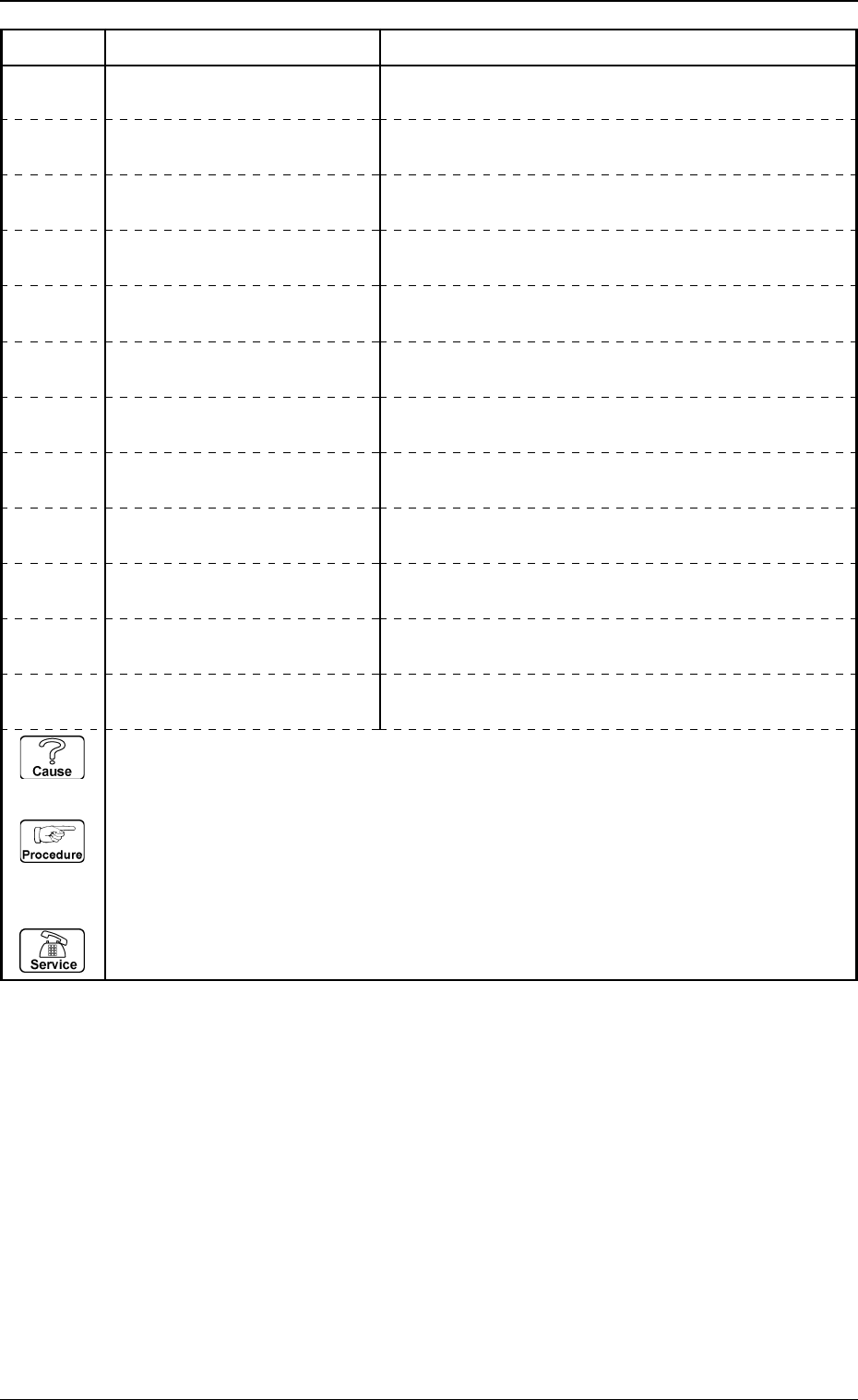
3. Control-to-Control Communication Error Code and List of Error Messages
0005-002 4-13 Tg0248-PM-ER
Error Code Display A Display B
10340001 TRANSFERRING THE
NOZZLE RECOGNITION DATA
“NOZZLE TYPE” EXCEEDS THE RANGE OF SETTING.
10340000 TRANSFERRING THE
NOZZLE RECOGNITION DATA
“NOZZLE ID” EXCEEDS THE RANGE OF SETTING.
10340002 TRANSFERRING THE
NOZZLE RECOGNITION DATA
“TIP POLARITY EXISTENCE” EXCEEDS THE RANGE
OF SETTING.
10340003 TRANSFERRING THE
NOZZLE RECOGNITION DATA
“NOZZLE LENGTH” EXCEEDS THE RANGE OF
SETTING.
10340004 TRANSFERRING THE
NOZZLE RECOGNITION DATA
“NOZZLE OUTER SIZE” EXCEEDS THE RANGE OF
SETTING.
10340005 TRANSFERRING THE
NOZZLE RECOGNITION DATA
10340006 TRANSFERRING THE
NOZZLE RECOGNITION DATA
“FIDUCIAL MARK IMAGE” EXCEEDS THE RANGE OF
SETTING.
10340007 TRANSFERRING THE
NOZZLE RECOGNITION DATA
“LIGHTING METHOD” EXCEEDS THE RANGE OF
SETTING.
10340008 TRANSFERRING THE
NOZZLE RECOGNITION DATA
“V-GROOVE SIZE” EXCEEDS THE RANGE OF
SETTING.
“ECCENTRIC DISTANCE” EXCEEDS THE RANGE OF
SETTING.
10340010 TRANSFERRING THE
NOZZLE RECOGNITION DATA
“PICK-UP HOLE SIZE” EXCEEDS THE RANGE OF
SETTING.
10340011 TRANSFERRING THE
NOZZLE RECOGNITION DATA
“PICK-UP HOLE POSITION” EXCEEDS THE RANGE
OF SETTING.
“NOZZLE INNER SIZE” EXCEEDS THE RANGE OF
SETTING.
10340009 TRANSFERRING THE
NOZZLE RECOGNITION DATA
(Cause 1) This is the device’s self-diagnostic message.
(Reset Procedure in the case of Cause 1)
Reset Procedure
(1) Press the [CLEAR ALARM] key and the buzzer stops sounding.
(2) Press the [ZERO] button to return all the axes to their original positions.
(3) Re-start.
(4) If the device can’t be re-started, contact our service personnel.