3OM-1064-001.pdf - 第240页
(Cause 1) An improper vacuum nozzle is selected for the component or vice versa. (Cause 2) W rong parameters (edge data) are set for the selected component in the component library data. (Cause 3) W rong parameters are s…
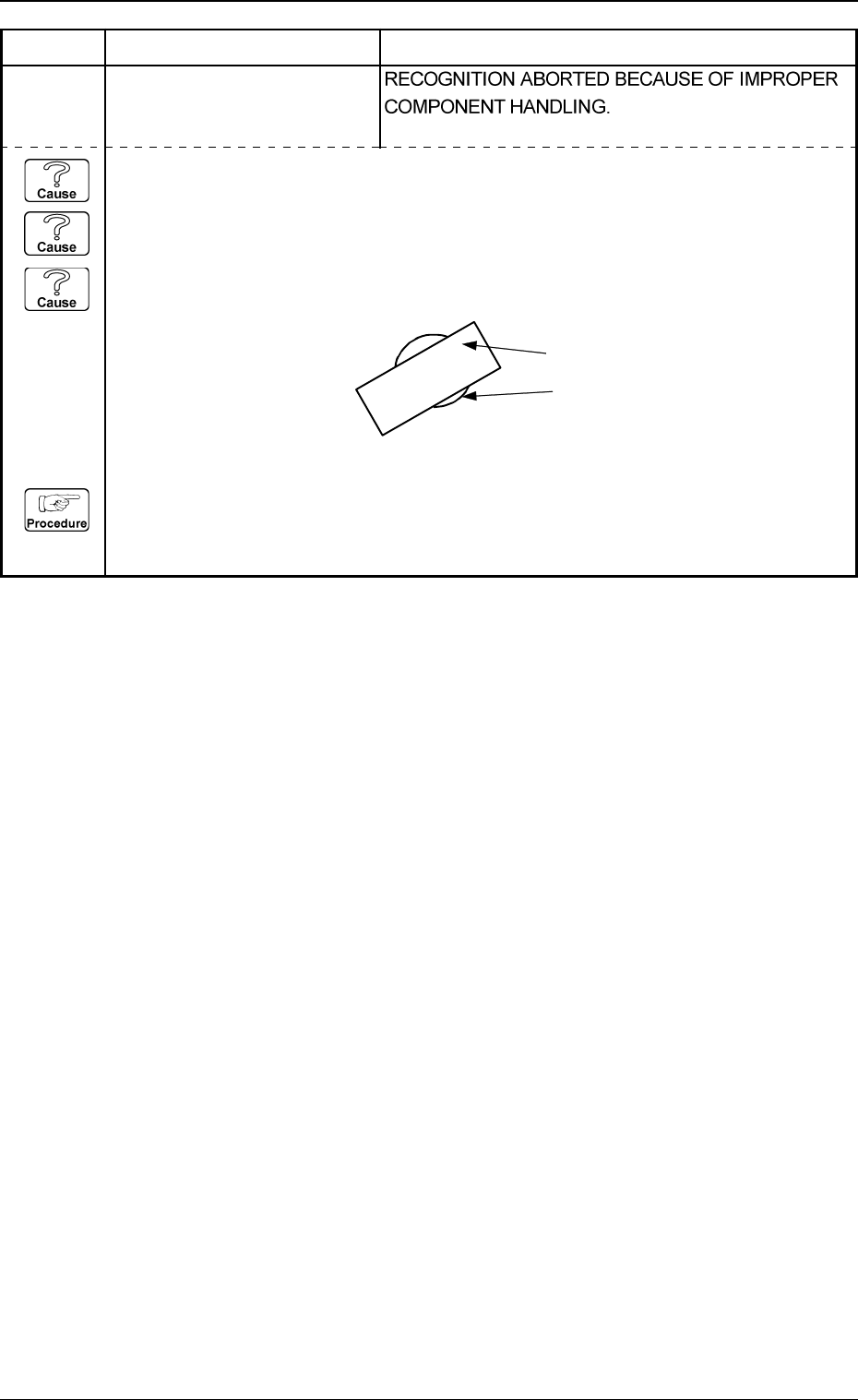
(Cause 1) An improper vacuum nozzle is selected for the components or vice versa.
(Cause 2) The component is bent due to weak vacuum suction force.
(Cause 3) When a component is picked up, the pick-up positions (X and Y) and angle have
shifted greatly from the correct ones.
(Reset Procedure in the case of Causes 1, 2 and 3)
Reset Procedure
(1) Check the selected component and vacuum nozzle.
(2) Check the vacuum pressure.
5. Component Recognition Error Code and List of Error Messages
0103-001 4-41-1 Tg0248-PM-ER
Error Code Display A Display B
2032X001 ANGLE DETECTION ERROR
Note: X represents “1 through
4, 8 and 9”.
Component
Vacuum Nozzle
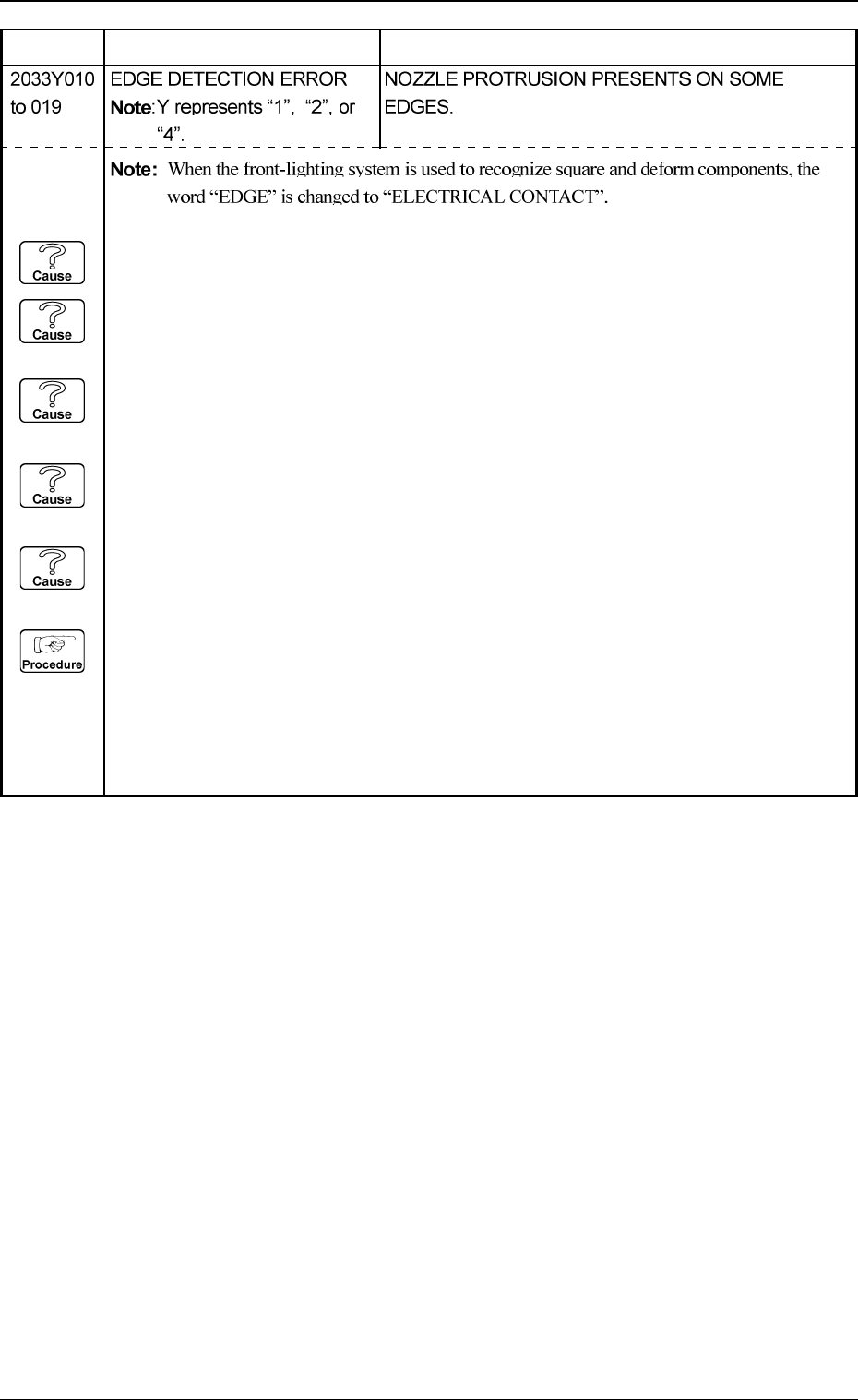
(Cause 1) An improper vacuum nozzle is selected for the component or vice versa.
(Cause 2) Wrong parameters (edge data) are set for the selected component in the component
library data.
(Cause 3) Wrong parameters are set for the component outward length X, Y and tolerance of the
selected component.
(Cause 4) An improper parameter is set in the "DIRECTION" data box of the label "LEAD
DATA".
(Cause 5) The pick-up position is shifted too much.
(Reset Procedure in the case of Causes 1, 2, 3, 4 and 5)
Reset Procedure
(1) Check the selected component and the vacuum nozzle.
(2) Check if the feeder (B) offset data is correct.
(3) Check the edges of the selected component and the parameters set as “EDGE DATA” in the
component library data.
(4) If wrong parameters are set in the component library data, correct them.
5. Component Recognition Error Code and List of Error Messages
Error Code Display A Display B
0103-003 4-42 Tg0248-PM-ER
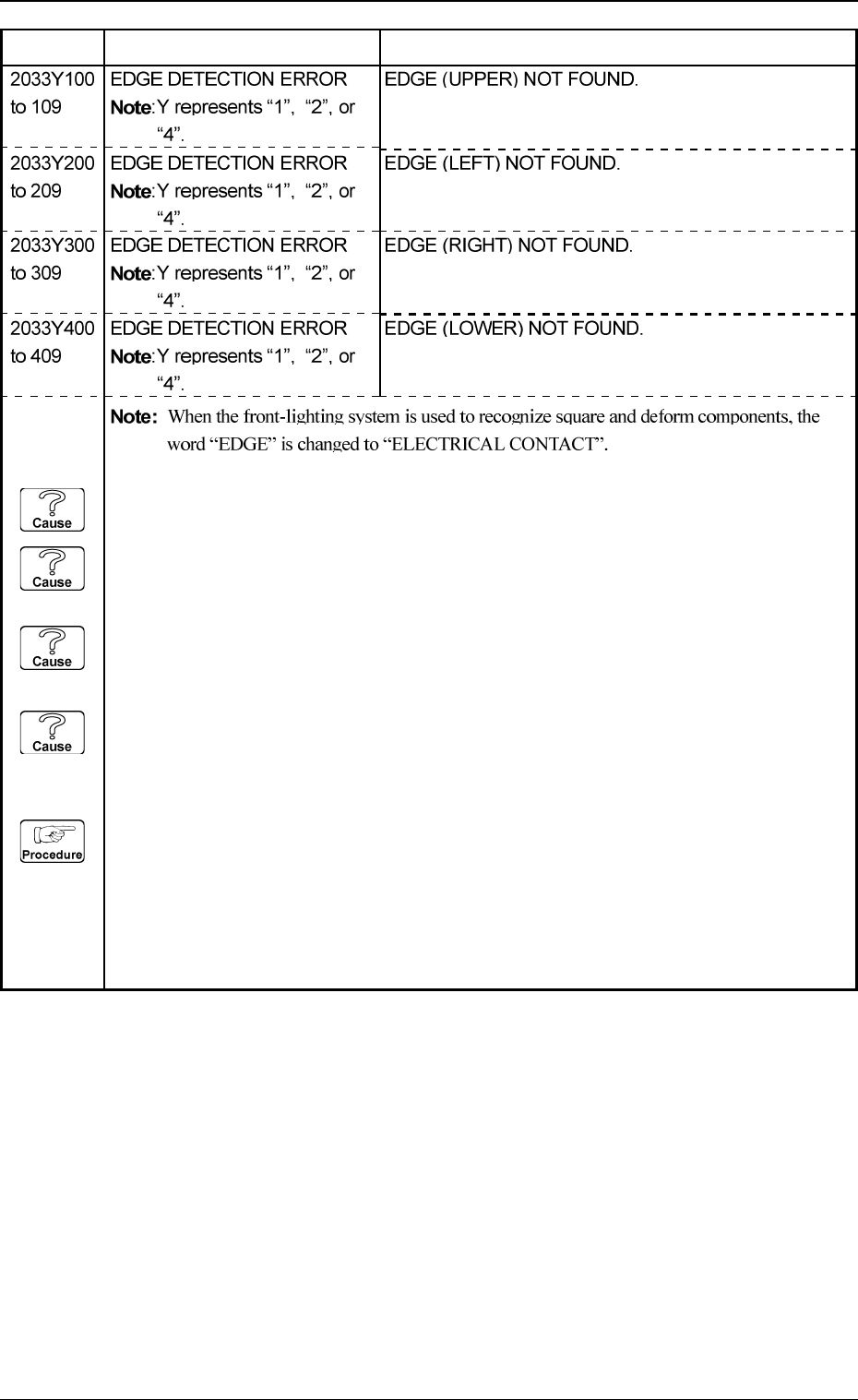
(Cause 1) An improper vacuum nozzle is selected for the component or vice versa.
(Cause 2) Wrong parameters (edge data) are set for the selected component in the component
library data.
(Cause 3) Improper parameters are set in the "DETECT X POSN" and "DETECT Y POSN" data
boxes.
(Cause 4) Dirt and dust, etc., have adhered to the nozzle diffusion plate and the head lighting unit
in the vicinity of the edges.
(Reset Procedure in the case of Causes 1, 2, 3 and 4)
Reset Procedure
(1) Check the selected component and the vacuum nozzle.
(2) Check if the feeder (B) offset data is correct.
(3) Check the edges of the selected component and the parameters set as “EDGE DATA” in the
component library data.
(4) If wrong parameters are set in the component library data, correct them.
5. Component Recognition Error Code and List of Error Messages
Error Code Display A Display B
0103-001 4-42-1 Tg0248-PM-ER