3OM-1064-001.pdf - 第285页
0103-001 4-56-1 Tg0248-PM-ER 5. Component Recognition Error Code and List of Error Messages Error Code Display A Display B 20672237 COMPONENT DETECTION ERROR SOME UNDETECT ABLE BALLS EXIST IN A ROW OR A COLUMN OUTSIDE TH…
0103-003 4-56 Tg0248-PM-ER
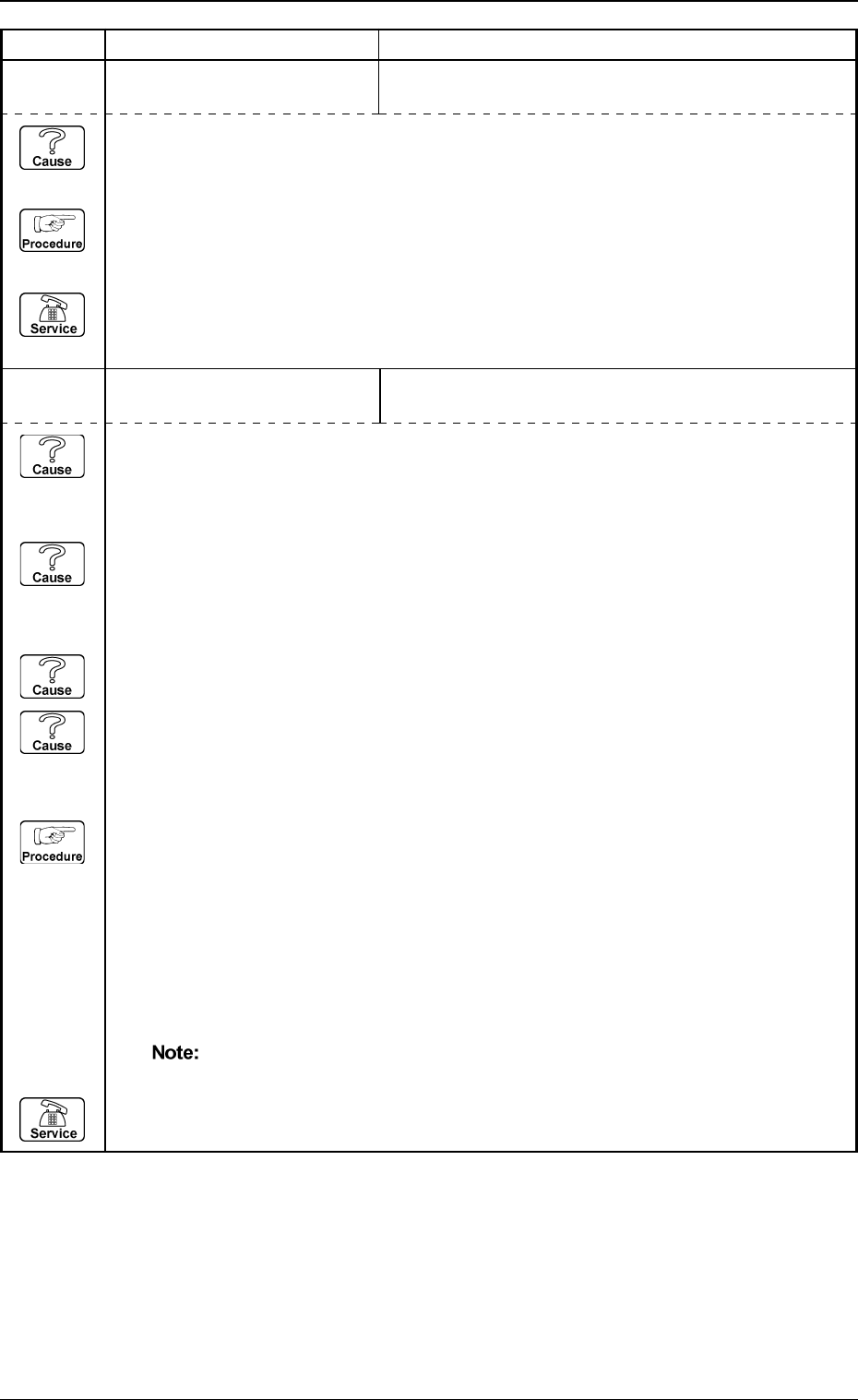
5. Component Recognition Error Code and List of Error Messages
Error Code Display A Display B
20672236 COMPONENT DETECTION
ERROR
SOME BALLS CANNOT BE DETECTED.
20672235 COMPONENT DETECTION
ERROR
UNSPECIFIED BALLS ARE DETECTED.
(Cause 1) This is the device’s self-diagnostic message.
(Reset Procedure in the case of Cause 1)
Reset Procedure
(1) Press the [ZERO] button to return all the axes to their original positions.
(2) Re-start.
(3) If the device can’t be re-started, contact our service personnel.
(Cause 1) Wrong parameters are set in the "# OF ROWS" and "# OF COLS" data boxes of the
label "MISSING BALL DATA".
(The data can be checked through component recognition test.)
(Cause 2) A wrong parameter is set in the "BALL DIAMETER" data box.
(When the ball diameter differs greatly, a larger or a smaller ball among the detected
balls may be omitted as non-objective one.)
(Cause 3) The lighting is dark.
(Cause 4) Dirt, etc., have adhered to the cover glass in the fixed lighting unit.
(This can be checked through the recognition monitor.)
(Reset Procedure in the case of Causes 1, 2, 3 and 4)
Reset Procedure
(1) Press the [ZERO] button to return all the axes to their original positions.
(2) Set "MANUAL (FRONT LTG)" in the "LTG MODE" data box to increase the brightness of
the lighting and perform the recognition. When the cause of this error lies apparently in the
lighting system and cannot be avoided even after the lighting is adjusted, set "MANUAL" in
the "RECOG DATA SET" data box and "2 (No Recognition on All Balls)" in the "RECOG
LEVEL" data box at the "CMPNT LIBRARY [RECOG]" display and then perform the
recognition.
The recognition is not implemented on all balls.
(3) Re-start.
(4) If the device can’t be re-started, contact our service personnel.
0103-001 4-56-1 Tg0248-PM-ER
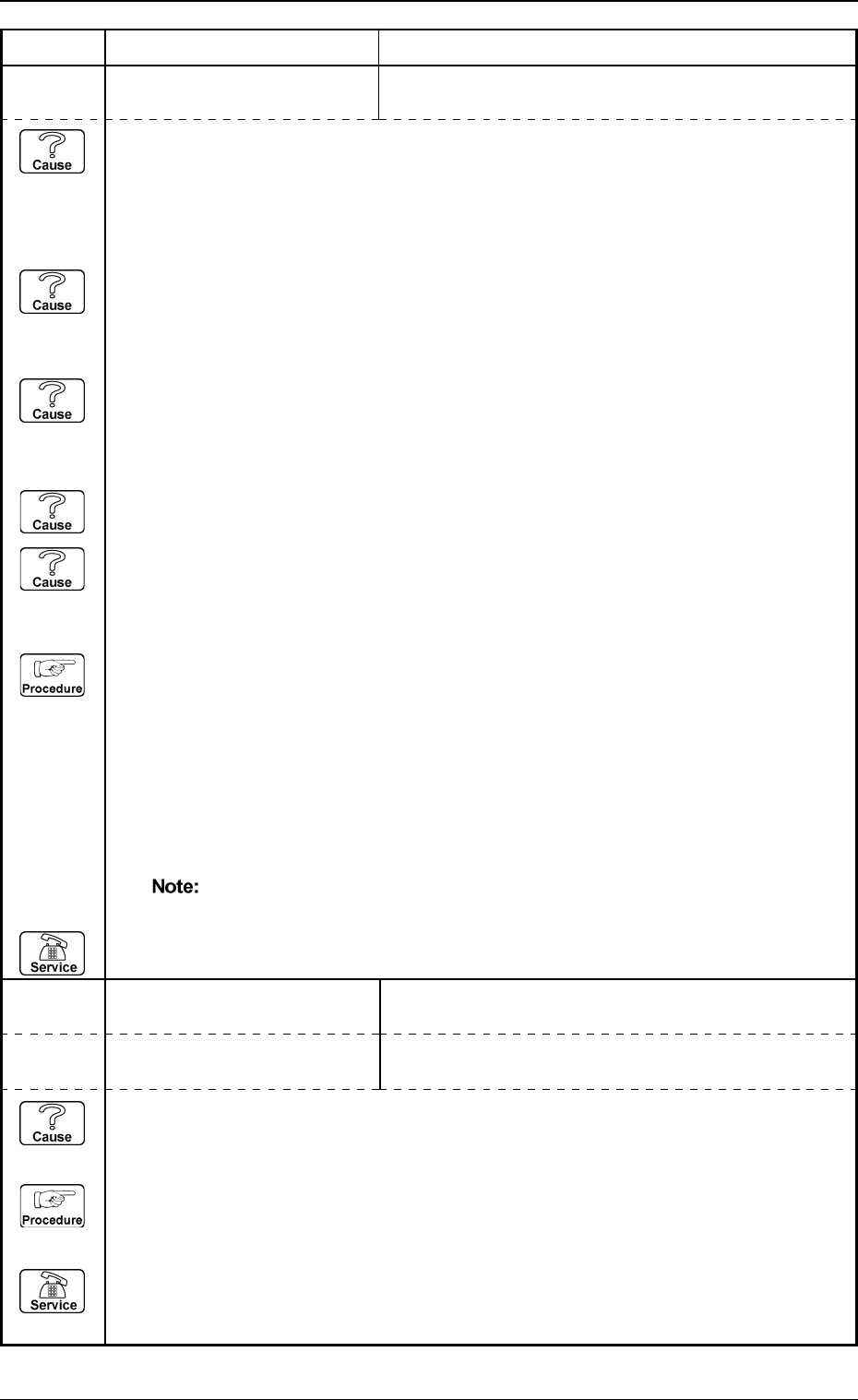
5. Component Recognition Error Code and List of Error Messages
Error Code Display A Display B
20672237 COMPONENT DETECTION
ERROR
SOME UNDETECTABLE BALLS EXIST IN A ROW OR
A COLUMN OUTSIDE THE GROUP.
20672238 COMPONENT DETECTION
ERROR
AN UNDETECTABLE ROW OR COLUMN EXISTS
OUTSIDE THE GROUP.
20672239 COMPONENT DETECTION
ERROR
THE DETECTED BALL POSITION DOES NOT MATCH
THE POSITION DATA.
(Cause 1) The pick-up position and the angle are shifted greatly.
(When the pick-up position and the angle are shifted greatly, this error may occur
because the balls outside the group are excluded from the inspected position, disabling
the detection.)
(Cause 2) Wrong parameters are set in the "# OF ROWS" and "# OF COLS" data boxes of the
label "MISSING BALL DATA".
(This can be checked through component recognition test.)
(Cause 3) A wrong parameter is set in the "BALL DIAMETER" data box.
[When the ball diameter differs greatly, a larger (or a smaller) ball among the detected
balls may be omitted as non-objective one.]
(Cause 4) The lighting is dark.
(Cause 5) Dirt, etc., have adhered to the cover glass in the fixed lighting unit.
(This can be checked through the recognition monitor.)
(Reset Procedure in the case of Causes 1, 2, 3, 4 and 5)
Reset Procedure
(1) Press the [ZERO] button to return all the axes to their original positions.
(2) Set "MANUAL (FRONT LTG)" in the "LTG MODE" data box to increase the brightness of
the lighting and perform the recognition. When the cause of this error lies apparently in the
lighting system and cannot be avoided even after the lighting is adjusted, set "MANUAL" in
the "RECOG DATA SET" data box and "2 (No Recognition on All Balls)" in the "RECOG
LEVEL" data box at the "CMPNT LIBRARY [RECOG]" display and then perform the
recognition.
The recognition is not implemented on all balls.
(3) Re-start.
(4) If the device can’t be re-started, contact our service personnel.
(Cause 1) This is the device’s self-diagnostic message.
(Reset Procedure in the case of Cause 1)
Reset Procedure
(1) Press the [ZERO] button to return all the axes to their original positions.
(2) Re-start.
(3) If the device can’t be re-started, contact our service personnel.
0103-001 4-56-2 Tg0248-PM-ER
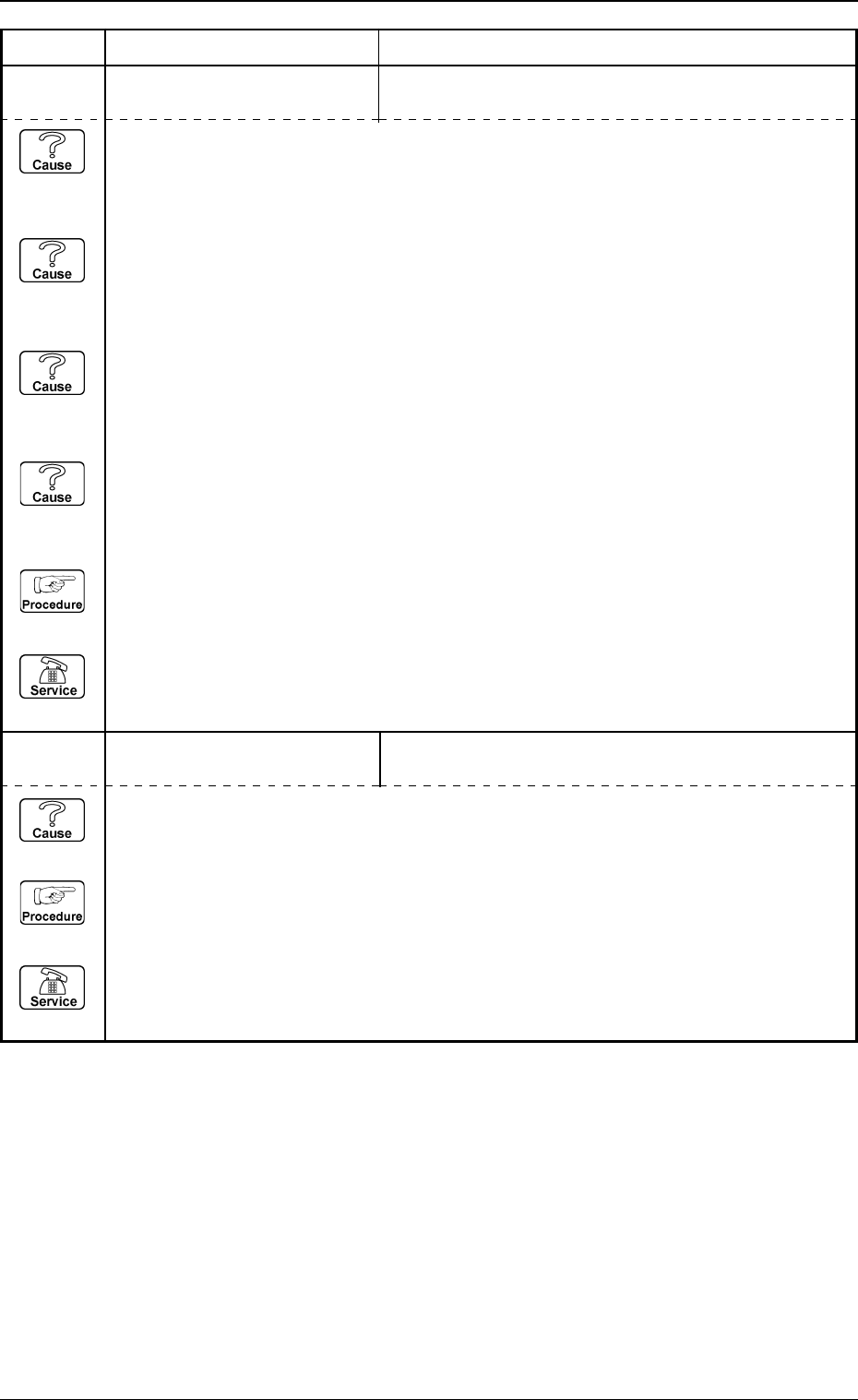
5. Component Recognition Error Code and List of Error Messages
Error Code Display A Display B
20672241 COMPONENT DETECTION
ERROR
BALL POSITION WAS OUT OF TOLERANCE.
20672240 COMPONENT DETECTION
ERROR
POSITIONING ABORTED BECAUSE THE BALLS
CANNOT BE DETECTED ADEQUATELY.
(Cause 1) The pick-up position and the angle are shifted greatly.
(When the pick-up position and the angle are shifted greatly, this error may occur
because the balls are excluded from the inspected position, disabling the detection.)
(Cause 2) Wrong parameters are set in the "# OF ROWS", "# OF COLS", and "PITCH" data
boxes.
(This can be checked through component recognition test.)
(Cause 3) The component thickness and the camera magnification are not suitable.
(This error may occur because the entire image (the image captured by the camera) of
the component is large or small.)
(Cause 4) Dirt, etc., have adhered to the cover glass in the fixed lighting unit.
(This can be checked through the recognition monitor.)
(Reset Procedure in the case of Causes 1, 2, 3 and 4)
Reset Procedure
(1) Press the [ZERO] button to return all the axes to their original positions.
(2) Re-start.
(3) If the device can’t be re-started, contact our service personnel.
(Cause 1) This is the device’s self-diagnostic message.
(Reset Procedure in the case of Cause 1)
Reset Procedure
(1) Press the [ZERO] button to return all the axes to their original positions.
(2) Re-start.
(3) If the device can’t be re-started, contact our service personnel.