3OM-1064-001.pdf - 第297页
9. Camera Magnification T eaching Error Code and List of Error Messages Shown below are the contents of error codes which might be issued in the camera magnification teaching processing. Detail Code ID Code of Recognitio…
0009-003 4-65 Tg0248-PM-ER
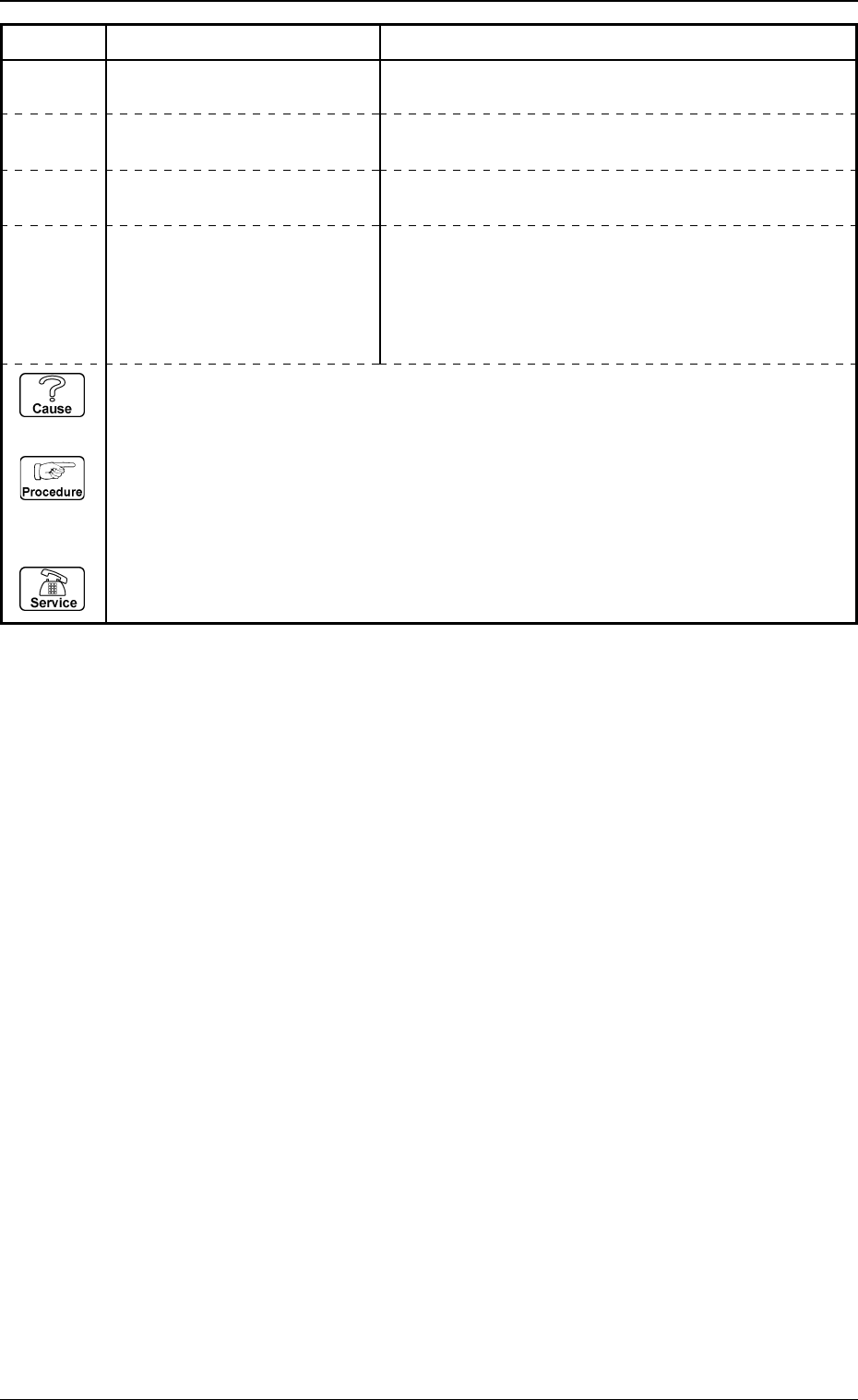
8. Character Recognition Error Code and List of Error Messages
Error Code Display A Display B
32010000 CHARACTER RECOGNITION NOZZLE NOT STORED.
ALL CHARACTER WAS NOT FOUND.
32XXXXXX CHARACTER RECOGNITION
except the
above-
described
codes
ETC.
32890002 CHARACTER RECOGNITION
(Cause 1) This is the device’s self-diagnostic message.
(Reset Procedure in the case of Cause 1)
Reset Procedure
(1) Press the [CLEAR ALARM] key and the buzzer stops sounding.
(2) Press the [ZERO] button to return all the axes to their original positions.
(3) Re-start.
(4) If the device can’t be re-started, contact our service personnel.
32890001 CHARACTER RECOGNITION LOCATED MARK WAS NOT FOUND.
9. Camera Magnification Teaching Error Code and
List of Error Messages
Shown below are the contents of error codes which might be issued in the
camera magnification teaching processing.
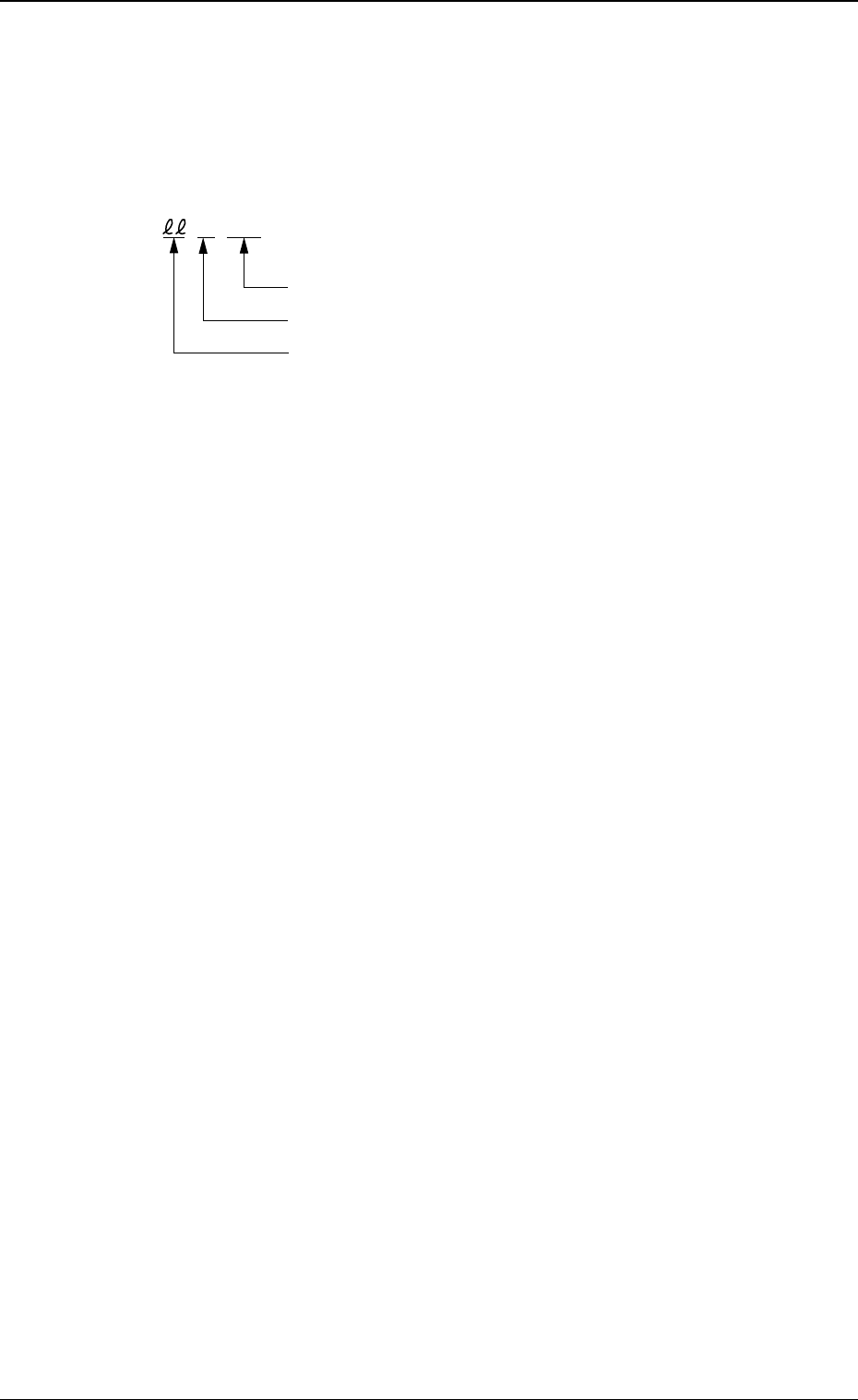
Detail Code
ID Code of Recognition Function (60)
Error ID Code (00
.
67)
ccccss
9. Camera Magnification Teaching Error Code and List of Error Messages
0005-002 4-66 Tg0248-PM-ER
0005-002 4-67 Tg0248-PM-ER
9. Camera Magnification Teaching Error Code and List of Error Messages
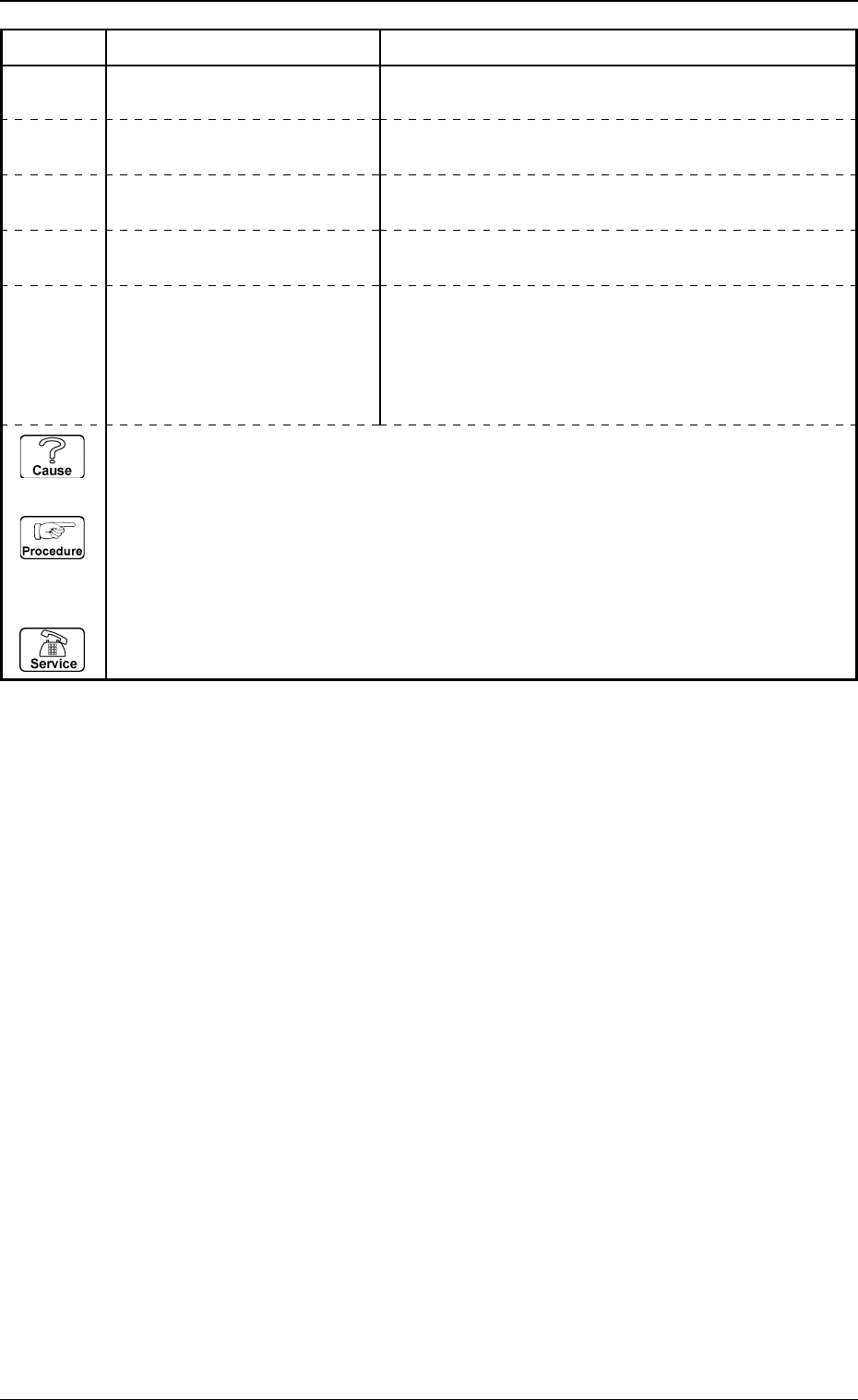
Error Code Display A Display B
60000000 TEACH CAMERA MAGNIFICA-
TION ERROR
THERE IS A BIG DIFFERENCE X AND Y IN THE
RESULT OF MAGNIFICATION.
THE MEASURED MAGNIFICATION DOES NOT MEET
THE SPECIFICATIONS OF THE MACHINE.
60XXXXXX TEACH CAMERA MAGNIFICA-
except the TION ERROR
above-
described
codes
ETC.
60000001 TEACH CAMERA MAGNIFICA-
TION ERROR
CONTRAST BETWEEN DOT AND BACKGROUND IS
TOO LOW.
60676030 TEACH CAMERA MAGNIFICA-
TION ERROR
THE DOTS CANNOT BE DETECTED ADEQUATELY.
60676031 TEACH CAMERA MAGNIFICA-
TION ERROR
(Cause 1) This is the device’s self-diagnostic message.
(Reset Procedure in the case of Cause 1)
Reset Procedure
(1) Press the [CLEAR ALARM] key and the buzzer stops sounding.
(2) Press the [ZERO] button to return all the axes to their original positions.
(3) Re-start.
(4) If the device can’t be re-started, contact our service personnel.