3OM-1064-001.pdf - 第51页
01 05 01 XA-AXIS SERVOMOT OR DRIVER ABNORMAL DA T A SETTING W AS DETECTED. Error Code Display A Display B 01 05 02 XA-AXIS SERVOMOT OR DRIVER OVERCURRENT W AS DETECTED. (Cause 1) This is the device’ s self-diagnostic mes…
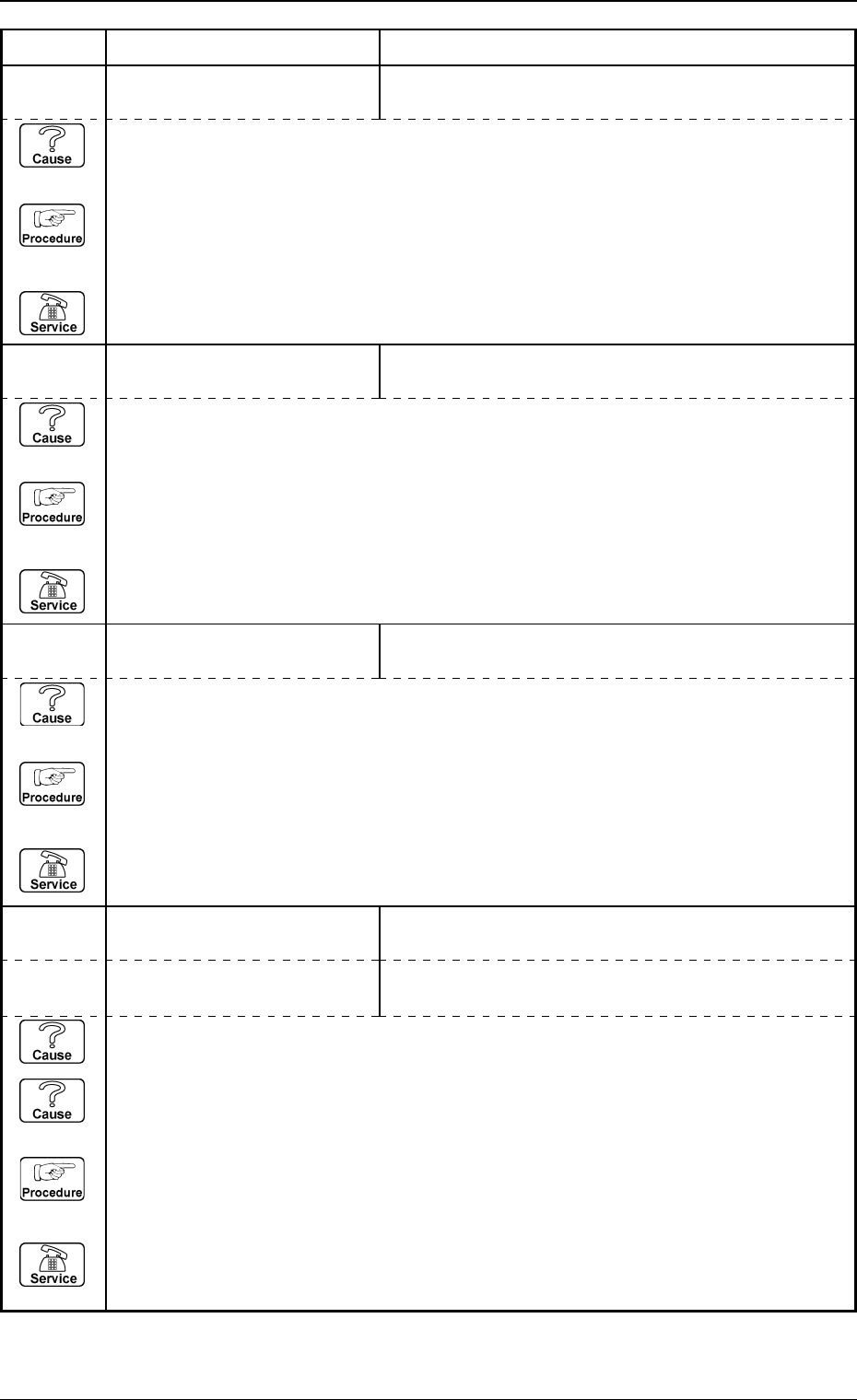
01 02 01 XA-AXIS TIMING PREVIOUS TASK WAS NOT COMPLETED. UNABLE
TO CONTINUE.
Error Code Display A Display B
(Cause 1) This is the device’s self-diagnostic message.
(Reset Procedure in the case of Cause 1)
Reset Procedure
(1) Press the [CLEAR ALARM] key and the buzzer stops sounding.
(2) Press the [ZERO] button to return all the axes to their original positions.
(3) Re-start.
(4) If the device can’t be re-started, contact our service personnel.
01 03 01 XA-AXIS DATA TARGET LOCATION VALUE IS OUT OF RANGE.
(Cause 1) This is the device’s self-diagnostic message.
(Reset Procedure in the case of Cause 1)
Reset Procedure
(1) Press the [CLEAR ALARM] key and the buzzer stops sounding.
(2) Press the [ZERO] button to return all the axes to their original positions.
(3) Re-start.
(4) If the device can’t be re-started, contact our service personnel.
01 03 02 XA-AXIS DATA CORRECTION VALUE IS OUT OF FEEDER (B) OFF-
SET RANGE.
(Cause 1) This is the device’s self-diagnostic message.
(Reset Procedure in the case of Cause 1)
Reset Procedure
(1) Press the [CLEAR ALARM] key and the buzzer stops sounding.
(2) Press the [ZERO] button to return all the axes to their original positions.
(3) Re-start.
(4) If the device can’t be re-started, contact our service personnel.
0005-002 2-10 Tg0248-PM-ER
3. Trouble Shooting after Error Display
(Cause 1) It may run away due to noise or overcurrent.
(Cause 2) The sensor may be defective.
(Reset Procedure in the case of Causes 1 and 2)
Reset Procedure
(1) Press the [CLEAR ALARM] key and the buzzer stops sounding.
(2) Press the [ZERO] button to return all the axes to their original positions.
(3) Re-start.
(4) If the device can’t be re-started, contact our service personnel.
01 04 01 XA-AXIS LIMIT LIMIT ERROR (+) IS DETECTED.
;C(A)-BPH025 E / NR
01 04 02 XA-AXIS LIMIT LIMIT ERROR (−) IS DETECTED.
;C(A)-BPH026 E / NR
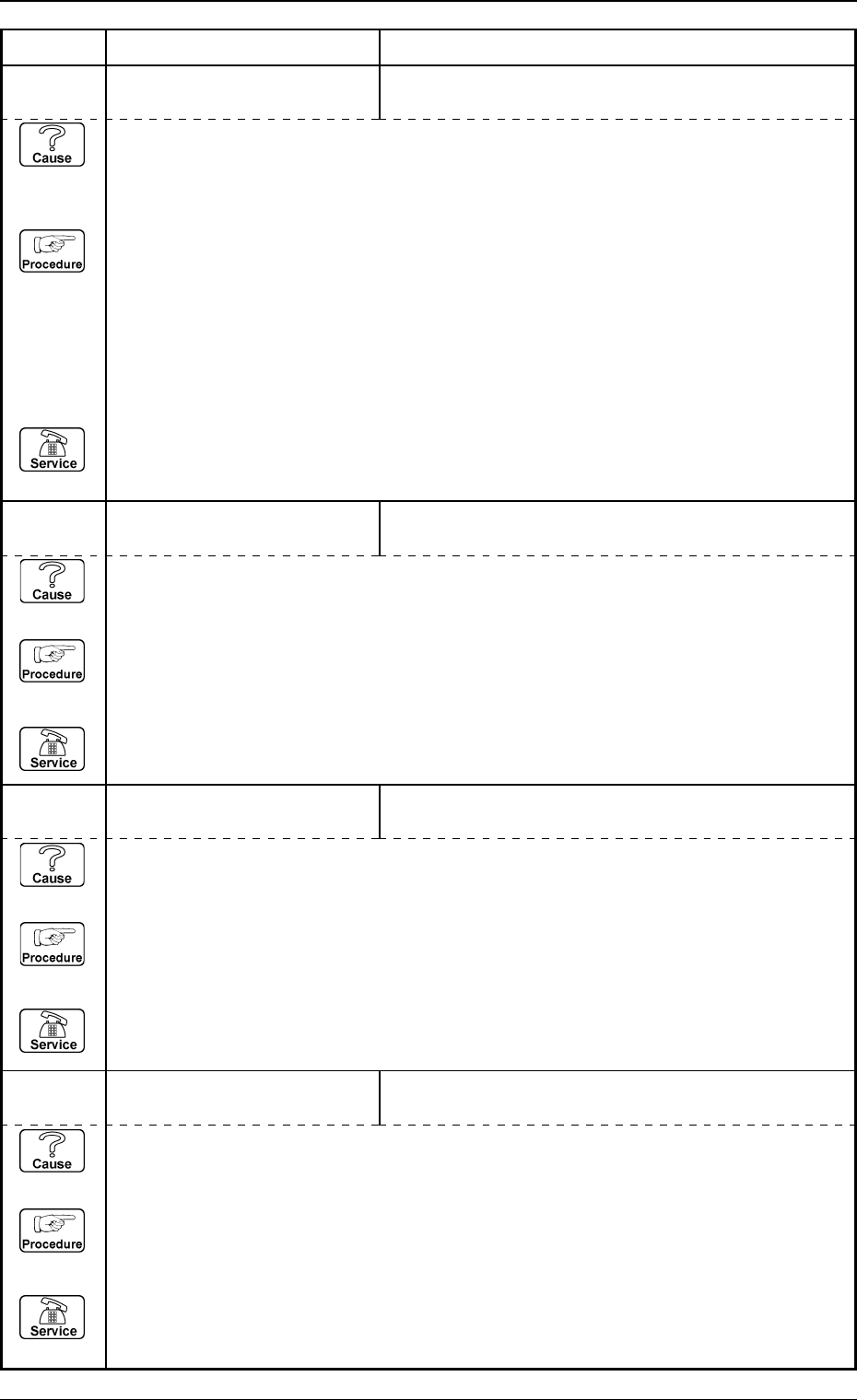
01 05 01 XA-AXIS SERVOMOTOR
DRIVER
ABNORMAL DATA SETTING WAS DETECTED.
Error Code Display A Display B
01 05 02 XA-AXIS SERVOMOTOR
DRIVER
OVERCURRENT WAS DETECTED.
(Cause 1) This is the device’s self-diagnostic message.
(Reset Procedure in the case of Cause 1)
Reset Procedure
(1) Press the [CLEAR ALARM] key and the buzzer stops sounding.
(2) Press the [ZERO] button to return all the axes to their original positions.
(3) Re-start.
(4) If the device can’t be re-started, contact our service personnel.
01 05 03 XA-AXIS SERVOMOTOR
DRIVER
FUSE BLEW.
(Cause 1) This is the device’s self-diagnostic message.
(Reset Procedure in the case of Cause 1)
Reset Procedure
(1) Press the [CLEAR ALARM] key and the buzzer stops sounding.
(2) Press the [ZERO] button to return all the axes to their original positions.
(3) Re-start.
(4) If the device can’t be re-started, contact our service personnel.
01 05 04 XA-AXIS SERVOMOTOR
DRIVER
POSITIONING PULSE OVERFLOW WAS DETECTED.
(Cause 1) This is the device’s self-diagnostic message.
(Reset Procedure in the case of Cause 1)
Reset Procedure
(1) Press the [CLEAR ALARM] key and the buzzer stops sounding.
(2) Press the [ZERO] button to return all the axes to their original positions.
(3) Re-start.
(4) If the device can’t be re-started, contact our service personnel.
0005-002 2-11 Tg0248-PM-ER
3. Trouble Shooting after Error Display
(Cause 1) Overcurrent or overload may occur in the servo pack or the motor signal cable connec-
tion may be defective.
(Reset Procedure in the case of Cause 1)
Reset Procedure
(1) Check for overload.
• Turn off the power and move the XY beam manually.
If it is very heavy or will not move, it is overloaded.
Check if any component has dropped in the ball screw or linear guide and contact our
service personnel.
• Check the connections between the sections of the motor and signal cable.
Turn off the power and check for loose connector by hand.
If there is any, contact our service personnel.
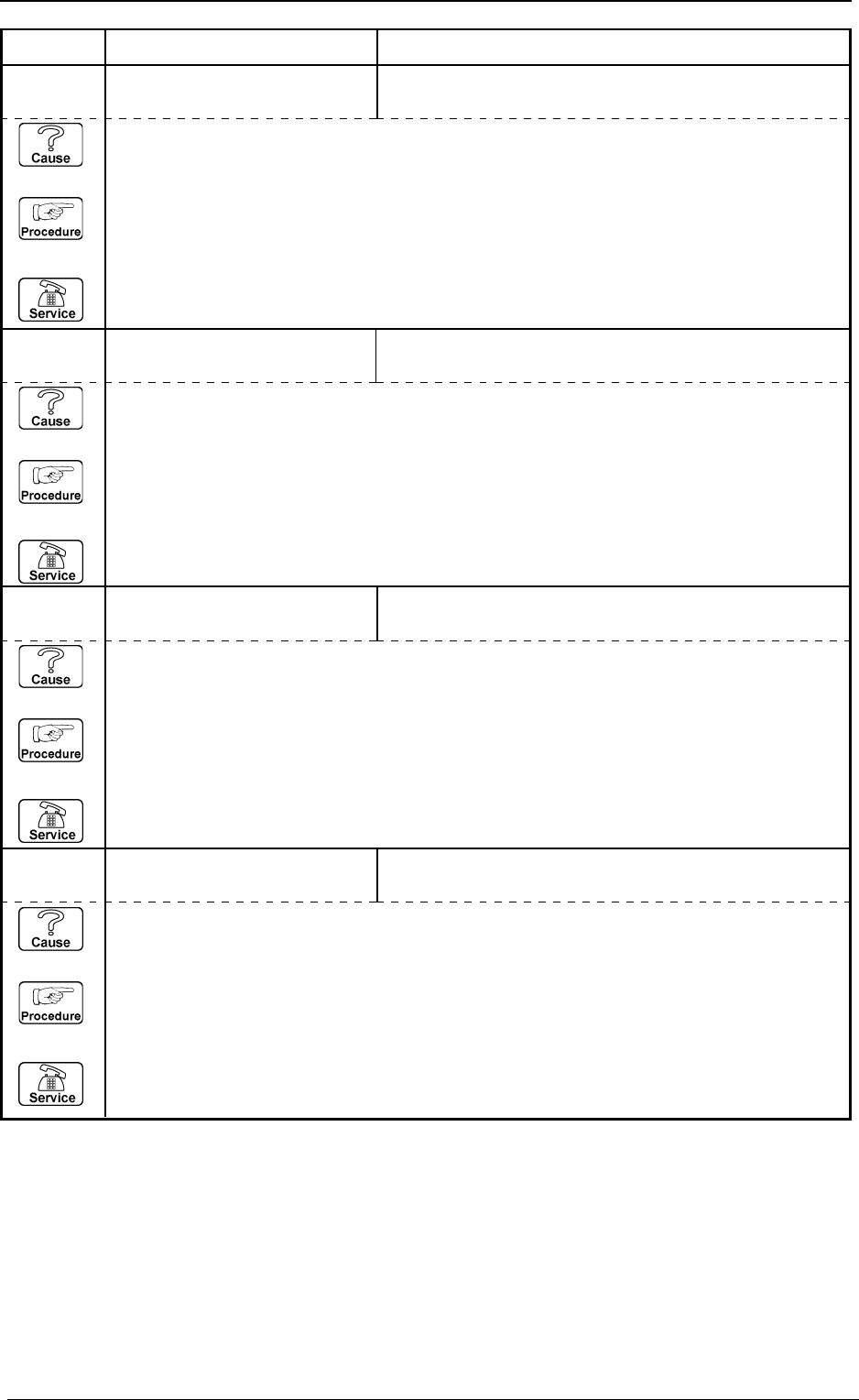
01 05 05 XA-AXIS SERVOMOTOR
DRIVER
ABNORMAL POWER LINE VOLTAGE WAS DE-
TECTED.
Error Code Display A Display B
(Cause 1) This is the device’s self-diagnostic message.
(Reset Procedure in the case of Cause 1)
Reset Procedure
(1) Press the [CLEAR ALARM] key and the buzzer stops sounding.
(2) Press the [ZERO] button to return all the axes to their original positions.
(3) Re-start.
(4) If the device can’t be re-started, contact our service personnel.
01 05 06 XA-AXIS SERVOMOTOR
DRIVER
OVERSPEEDING OR ENCODER TROUBLE WAS
DETECTED.
(Cause 1) This is the device’s self-diagnostic message.
(Reset Procedure in the case of Cause 1)
Reset Procedure
(1) Press the [CLEAR ALARM] key and the buzzer stops sounding.
(2) Press the [ZERO] button to return all the axes to their original positions.
(3) Re-start.
(4) If the device can’t be re-started, contact our service personnel.
01 05 08 XA-AXIS SERVOMOTOR
DRIVER
OVERLOAD WAS DETECTED.
(Cause 1) This is the device’s self-diagnostic message.
(Reset Procedure in the case of Cause 1)
Reset Procedure
(1) Press the [CLEAR ALARM] key and the buzzer stops sounding.
(2) Press the [ZERO] button to return all the axes to their original positions.
(3) Re-start.
(4) If the device can’t be re-started, contact our service personnel.
01 05 10 XA-AXIS SERVOMOTOR
DRIVER
MOTOR CONTROLLER STATUS: ALARM DETECTED.
(Cause 1) This is the device’s self-diagnostic message.
(Reset Procedure in the case of Cause 1)
Reset Procedure
(1) Press the [CLEAR ALARM] key and the buzzer stops sounding.
(2) Press the [ZERO] button to return all the axes to their original positions.
(3) Re-start.
(4) If the device can’t be re-started, contact our service personnel.
3. Trouble Shooting after Error Display
0009-003 2-12 Tg0248-PM-ER