3OM-1064-001.pdf - 第9页
Section 1 T roubleshooting 0005-002 1-1 Tg0248-PM-ER
Check Items in Operation
0005-002 6 Tg0248-PM-ER
Check Items in Operation
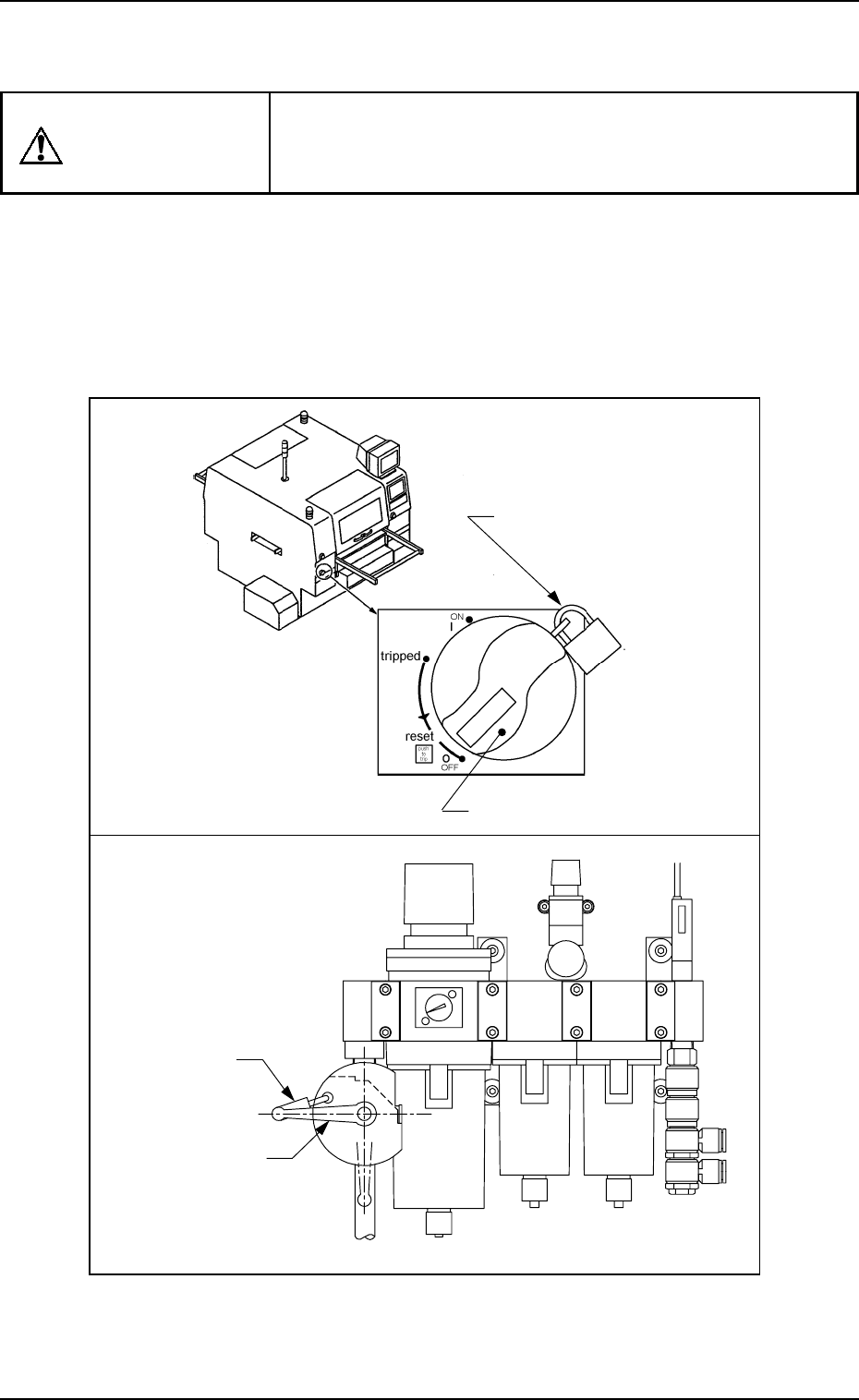
WARNING
Before performing operation, turn off the power
and the air sources and lock the power breaker
using the padlock according to need.
• Designate a personnel who can have charge of the padlock key.
•
If the provided padlock is lost or damaged, purchase its substitute.
Padlock
Main Valve
Power Breaker
Padlock
(No. 2500 30 MM)

Section 1
Troubleshooting
0005-002 1-1 Tg0248-PM-ER
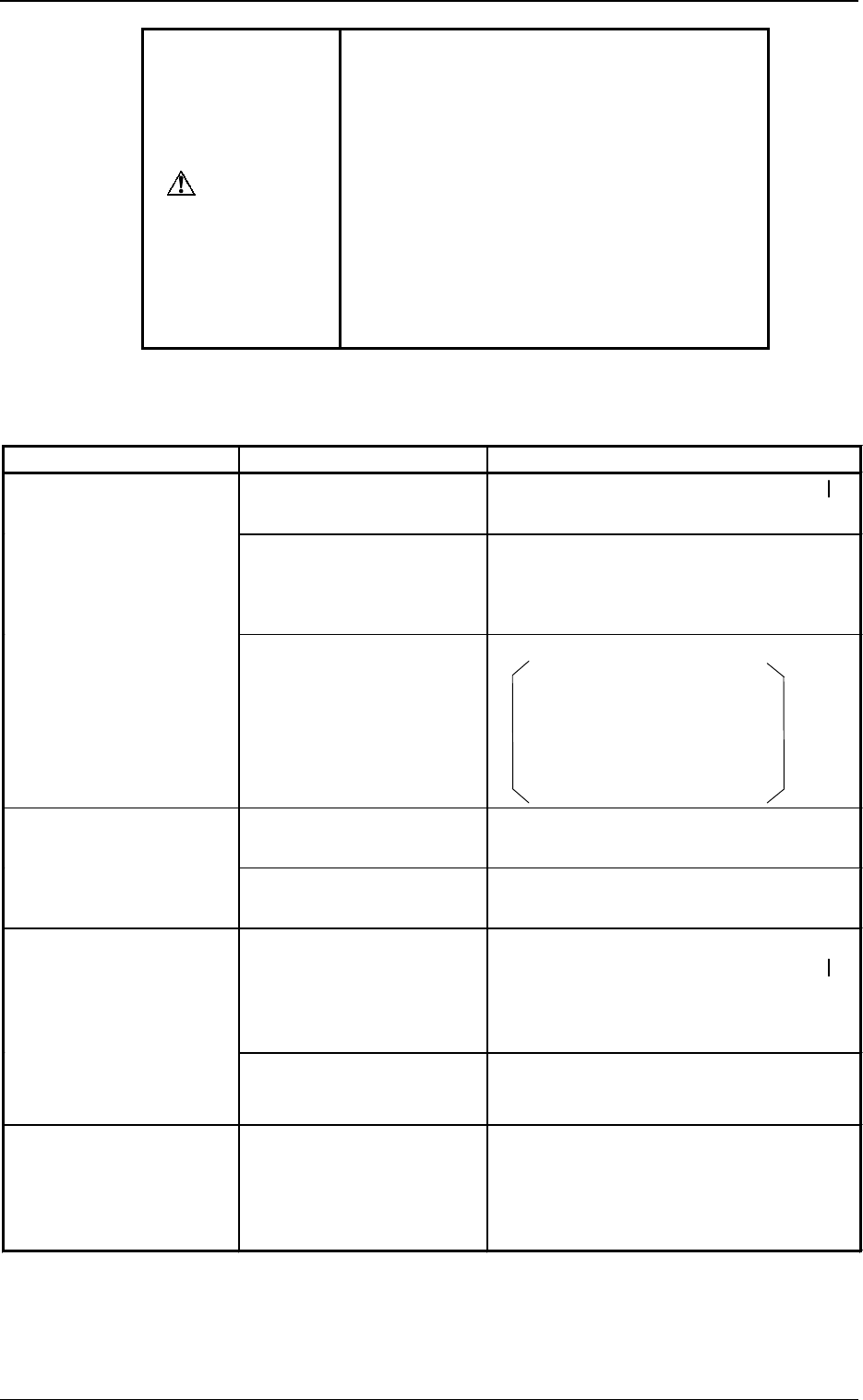
WARNING
•
In principle, the machine should be operated
by only one person for troubleshooting.
If there are more than one, ensure good com-
munication by giving loud verbal instructions.
•
Troubleshoot the machine carefully, protect-
ing your hands from moving mechanisms
when the machine is powered up.
•
When the [OPERATION/SET UP] switch is
set to the "SET UP" side, it becomes pos-
sible to operate the machine with the main-
tenance cover open. Be sure to pay a spe-
cial caution while operating the machine.
1. Cause and Remedy of Simple Trouble
0005-002 1-2 Tg0248-PM-ER
Table 1.1
1. Cause and Remedy of Simple Trouble
Trouble Cause Remedy
• The power breaker crank
is kept OFF (
{
).
• Set the power breaker crank to “ON” ( ).
• Power is not supplied to
the connection terminal of
the primary power supply
unit.
• Supply power to the connection terminal
of the primary power supply unit.
Although the [POWER
ON] button on the
operation panel is pressed,
power is not supplied.
• Adequate air pressure is
not set.
• Check the air pressure.
Main Pressure:
0.49 MPa (5 kgf/cm
2
)
Air Blowing Pressure:
0.015 MPa (0.15 kgf/cm
2
)
Pressure Switch:
0.39 MPa (4 kgf/cm
2
)
• The air source cock is
closed.
• Open the air source cock.
The main pressure is “0
(zero)”.
• Air does not reach the air
source cock.
• Check the air hose, etc.
• Power is not supplied. • Power up the machine as follows.
Set the power breaker crank to “ON” ( ).
Press and hold the [POWER ON] button
on the operation panel for more than 1
second.
Nothing is displayed on the
touch screen.
• The screen saver function
is activated.
• Touch the screen.
The operation panel and
the touch screen are un-
available for operation.
• Operation availability is
locked on the opposite
side.
• (The operation lock
(HD06) lamp is ON.)
• Press the [PNL CHANGE] button on the
opposite side and press the same button on
the other side (on the panel to be oper-
ated).