N7201A652E.pdf - 第386页
NPM- TT2 EJM1E E-MB-05O-05 5-1-1 -9 Setting information 8 Unit setting Option setting 5 Operating procedure 5-1-1 ● Default : OFF ■ Feeder No. Item name Function w hen [ON] is selec ted 27 Trans unit scre en(Step Exchang…
NPM-TT2 EJM1EE-MB-05O-05
5-1-1-8
Setting information 7
System
administration
● Default :OFF
■ Feeder
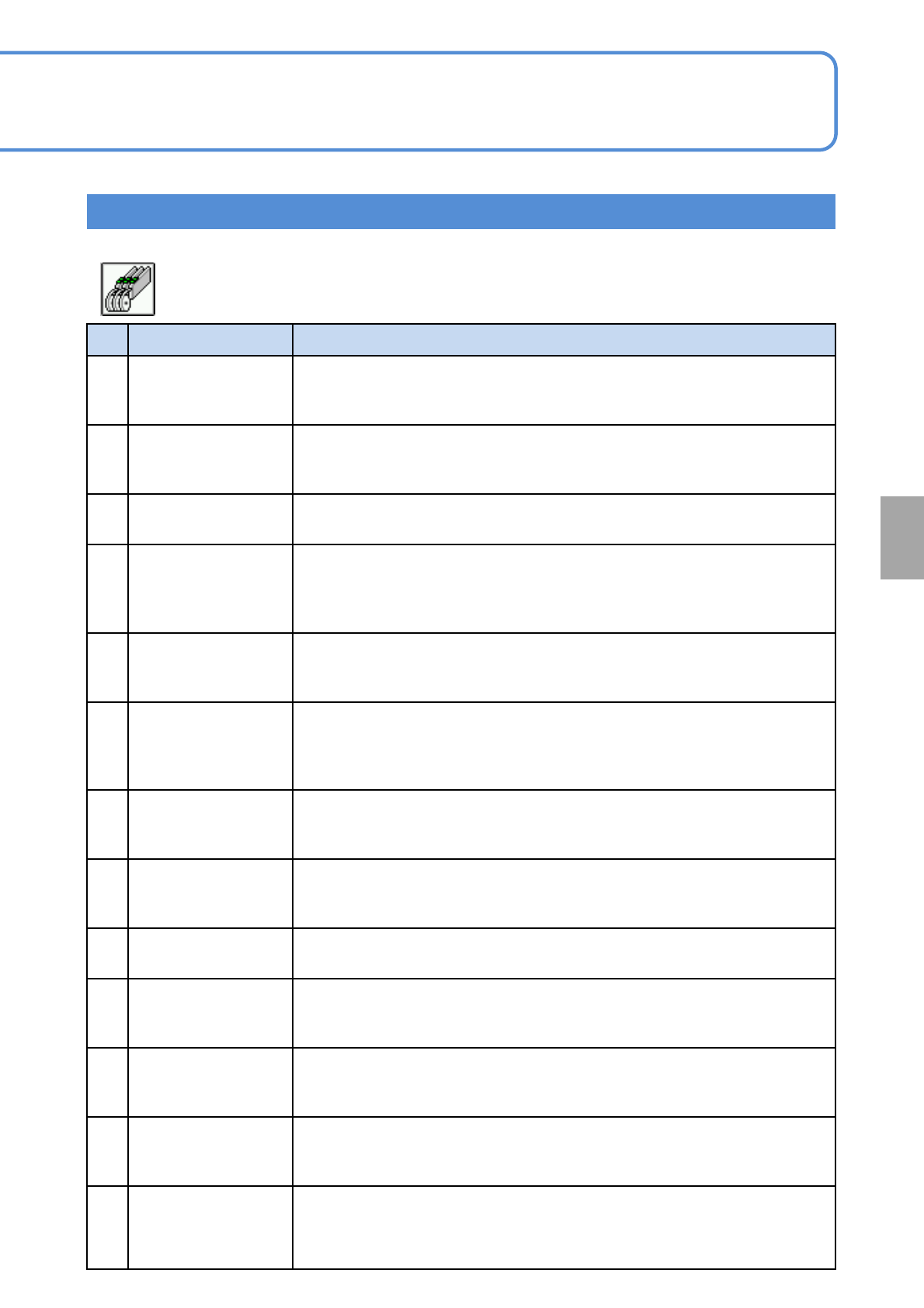
No. Item name Function when [ON] is selected
14
All arranged
components supply
target
Allows loading of tape feeders that contain any parts registered in the
arrangement list.
15
Auto Cart Height
Measure
When several feeder carts are used for one machine, pickup rate lowers due
to variation in the height of cart. To prevent this problem, this option
measures the height of reference post automatically to make correction.
16 Stop at S-tape sense
Causes the machine a single stop if the splicing tape is detected, and
displays an error message “Splicing tape detection stop”.
17
Trans material empty
check of syringe
(front)
(Currently unused)
Detects material empty of the syringe (supply tables A to D) by the sensor
mounted on the transfer unit.
18
Trans material empty
check of syringe(rear)
(Currently unused)
Detects material empty of the syringe (supply tables A to D) by the sensor
mounted on the transfer unit.
19
Feeder mark
recognition
Recognizes the mark at the retainer of the feeder tape, to perform pickup
position teaching automatically.
Pickup position teaching is not required for transparent embossed tape and
12 mm or wider feeder parts.
20
Disused Feeder LED
Blink at AutoProd
Start
At the start of running blink the green LED of unused feeder in the production.
So that it can be noticed by one glance.
21
Certify Feeder First
Pick Up Pos Teach
after Change over
Displays the screen that shows the feeder pickup position after production
changeover. Confirm the pickup position before the first pickup.
22
Confirm stock parts
verification again
Displays a window for confirming the target parts when parts with stock have
been collated.
23
8mm feeder(paper)
gap correct function
If a recognition error has occurred with a part that requires pocket recognition
at the start of recognition, the tape is fed by a half pitch automatically. If the
part is present, correction is made after the pocket is recognized again.
24
Pick up position teach
Parts shape display
Displays a frame showing the shape of part on the Pickup position teach
screen (Arrange - PartsPrepare - Feeder - Pickup pos) and Pickup position
check error screen.
25
Prevention of feeder
over-exposure
Changes the input range for the second origin offset according to the size of
the flat chip (to prevent values beyond the half of the part size from being set
as the second origin offset).
26
Prevention of 1mm
pitch next parts over-
exposure
Applicable only to components of feed pitch 1 mm. This function prevents the
next component from being exposed. Each time at the pickup position T, the
target learned value is reset to return the tape feed to origin. Then, the pickup
position is corrected with respect to the feeder cover mark.
NPM-TT2 EJM1EE-MB-05O-05
5-1-1-9
Setting information 8
Unit
setting
Option setting 5
Operating procedure
5-1-1
● Default :OFF
■ Feeder
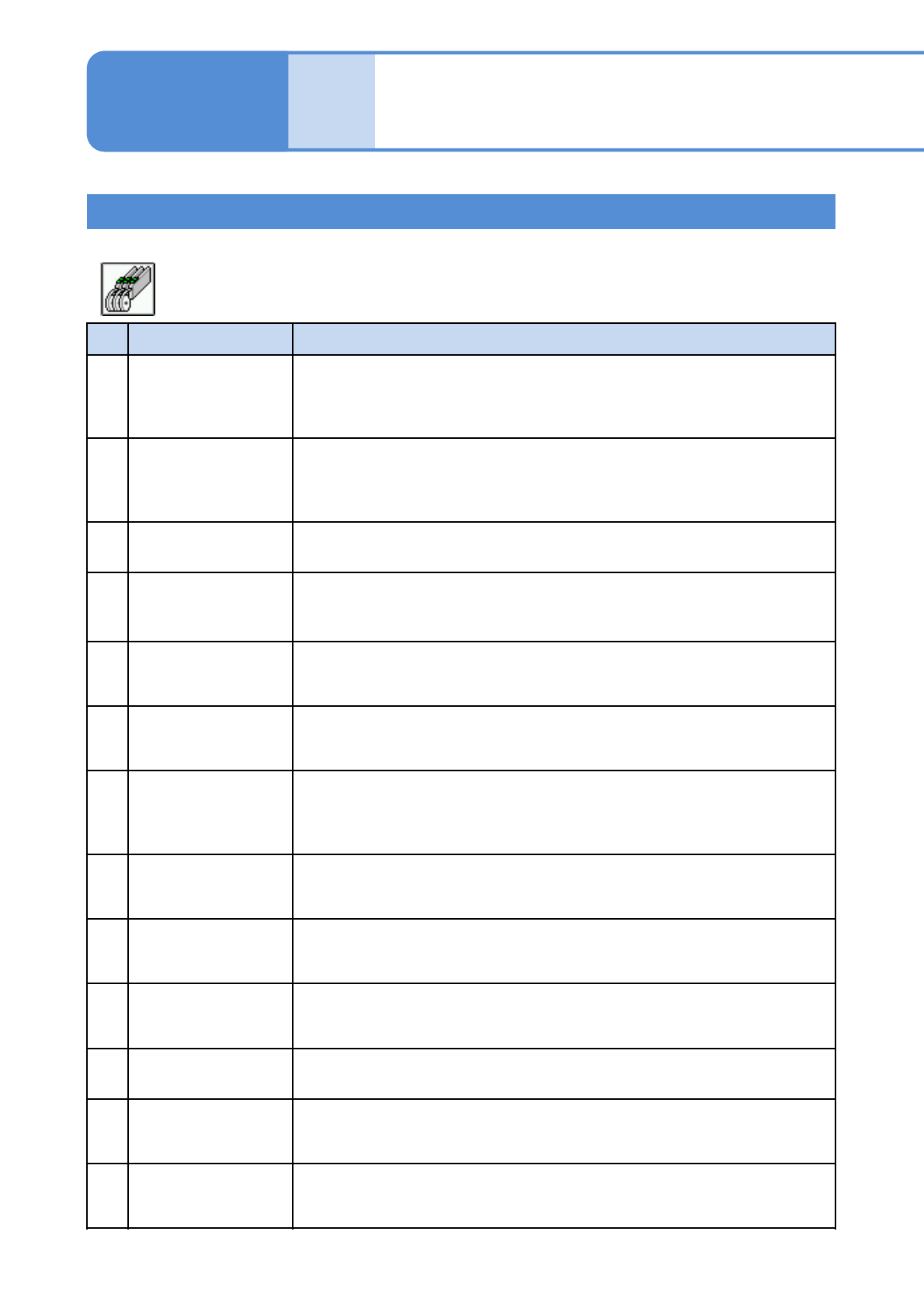
No. Item name Function when [ON] is selected
27
Trans unit
screen(Step
Exchange) operation
limited
Disables operation buttons other than the transfer supply time setting buttons
when the Operator mode is selected.
28
Feeder defective rate
warning (specified
count)
If the feeder error rate among the 100 most recent pickups is more than the
specified defective feeder rate, a warning is displayed. If the setting is OFF,
error rate from the start of automatic operation is calculated, and a warning is
displayed if the specified defective feeder rate is exceeded.
29
Thin Type Single
Feeder
Allows the thin type single feeders to be used.
30
Pickup position teach
before the production
start
Causes all machines to perform pickup position teaching before starting
production.
31
Display pickup
position teach when
occurred feeder error
Moves the head to the pickup position of the tape feeder if the machine comes
to a single stop due to any of the following feeder errors.
32
Product Continue
when No Splicing
Check
If a “no splicing check” error has occurred, this option allows the machine to
continue operation with the feeders containing the mountable components,
and then stops operation.
33
Force whole feed after
splicing tape detected
For the reels specified as “whole feed” in the production data, even if joint
detection is canceled when stopped due to “No splicing check”, whole feed is
carried out without fail when the detection position comes to the pickup
position.
34
Tape guide check
again
Conduct a tape guide check again after the insertion or removal of AL (auto
load) feeder, regardless of whether you have conducted a tape guide check
before the removal of the AL feeder.
35
Feeder pulling and
inserting monitoring in
arrangement
When “Feeder parts collation (parts loaded) 2” is enabled, feeders are
checked even during setup. If any feeder has been inserted or removed,
operation cannot be started until components are verified.
36
Save pickup position
when feeder error
occurred
The image on the pickup position recognition error screen that has been
shown by the “Pickup position display at feeder errors” function is captured
and saved in the LNB.
37
Pickup again in start
up tape status
When the “Pickup error recovery” function is used, recovery for pickup error is
carried out even during tape feed start.
38
Adjacent lane pickup
position teach when
inserting feeder
The feeders on the left and right of the inserted feeder are also subject to
pickup position teaching.
39
Large parts pickup
position Auto teach
extend
When pickup position auto teaching for 12 mm or wider feeders is performed,
the feed hole is recognized followed by the pocket. Teaching is finished if
either of them is recognized successfully.
NPM-TT2 EJM1EE-MB-05O-05
5-1-1-10
Setting information 9
System
administration
Setting information 9
● Default :OFF
■ Feeder
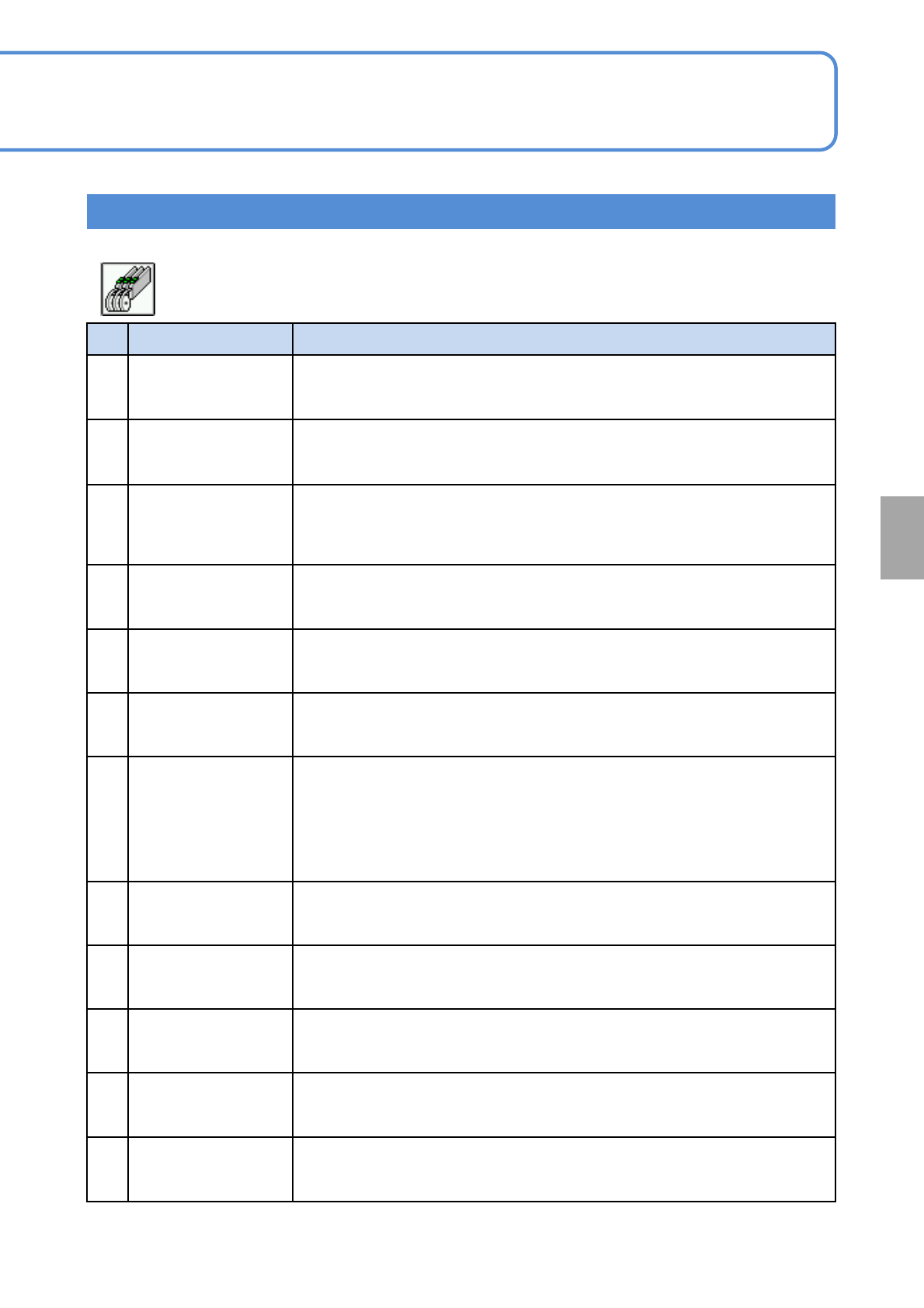
No. Item name Function when [ON] is selected
40
Clear feeder memory
when downloading
prod data
Automatically clears the memory of feeders loaded in the slots when
production data is downloaded.
41
Pickup height auto
measure(flow)
If “Auto height measure (flow)” in the mount condition data (part data) is ON
for 16-nozzle head, pickup height is measured automatically. Applicable to
components of 1.0 mm or less in width.
42
All arranged
components
unverified feeder
alert target
Shows “Unverified feeder warning” also for feeders not used for production if
they can be verified. Setting is enabled only if both “Unverified feeder
warning” and “All parts in arrange list subject to supply (feeder)” are ON.
43 Group verification
Allows multiple sticks to be verified as a group when the stackable stick
feeders are used.
44
Wire stackable stick
feeder (front side)
Allows the use of wire-driven stackable stick feeder installed on the front side
and disallows the removal of a feeder cart from the front side.
45
Wire stackable stick
feeder (rear side)
Allows the use of wire-driven stackable stick feeder installed on the rear side
and disallows the removal of a feeder cart from the rear side.
46
Substituted parts
splicing can't be
allowed
Not allows for splicing if substituted parts are different in parts data from
original parts. When reels that differ in parts data from each other are spliced
together, due to splicing variations, such as the ones in splicing tape
attachment position, there will be a difference in timing between parts change
and parts data change. The difference can result in a recognition error or
other error.
47
Splicing length stop
suspension
If it is ON the button which removes all the feeders of the selected table from
the splicing length stop object is added to the production screen.
48
Splicing length stop
every reel suspension
When it is ON add the button that can be removed from the splicing length
stop object to the production screen in the feeder lane of the select table.
49
Material empty check
of trans table (front)
The material empty of the transfer table(front) is checked with the sensor
during auto running.
50
Material empty check
of trans table (rear)
The material empty of the transfer table(rear) is checked with the sensor
during auto running.
51
Display the multiple
RoadRunner
application
Prefer pickup to RoadRunner which finished the supply preparation when
using multiple RoadRunner.