N7201A652E.pdf - 第398页
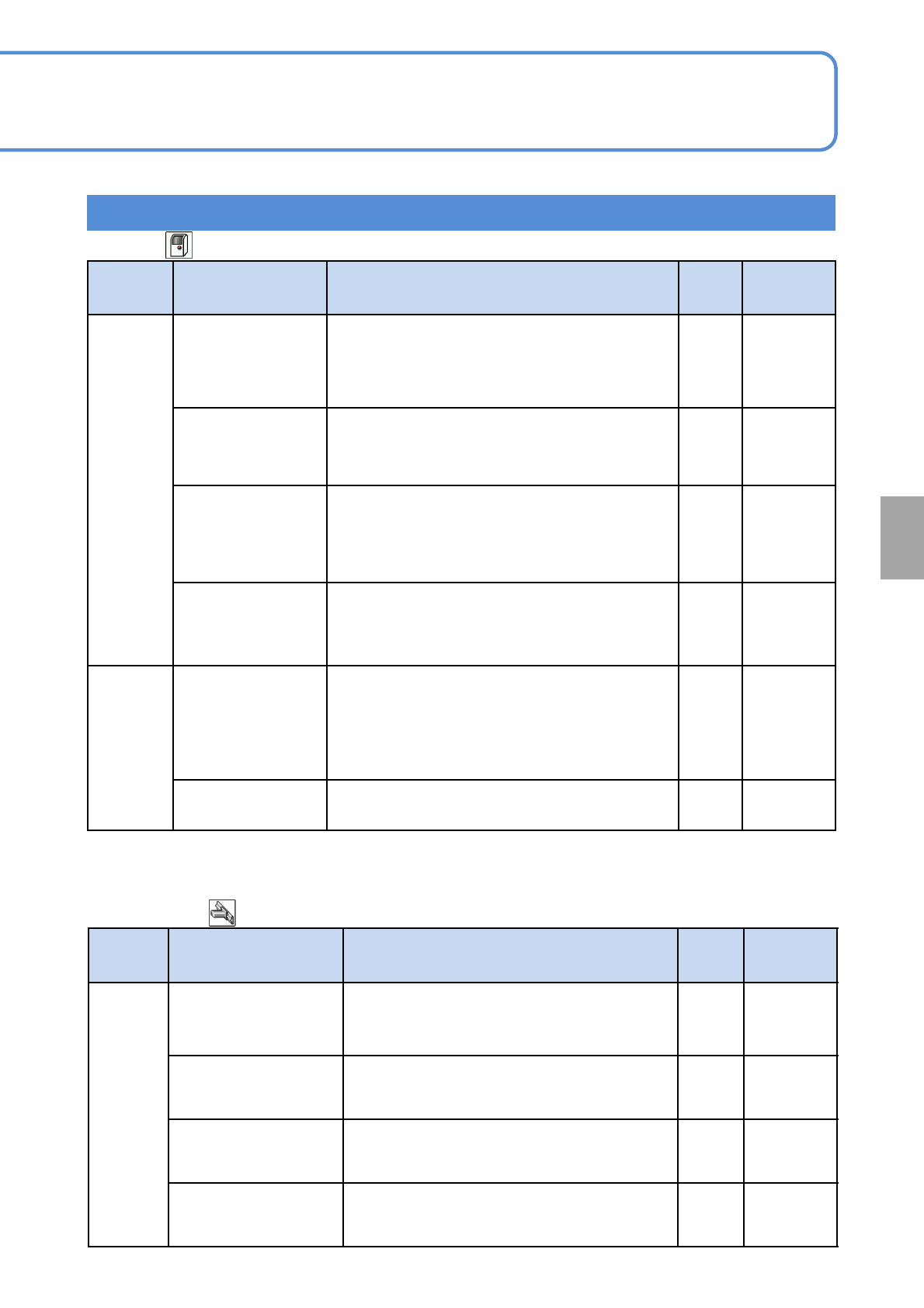
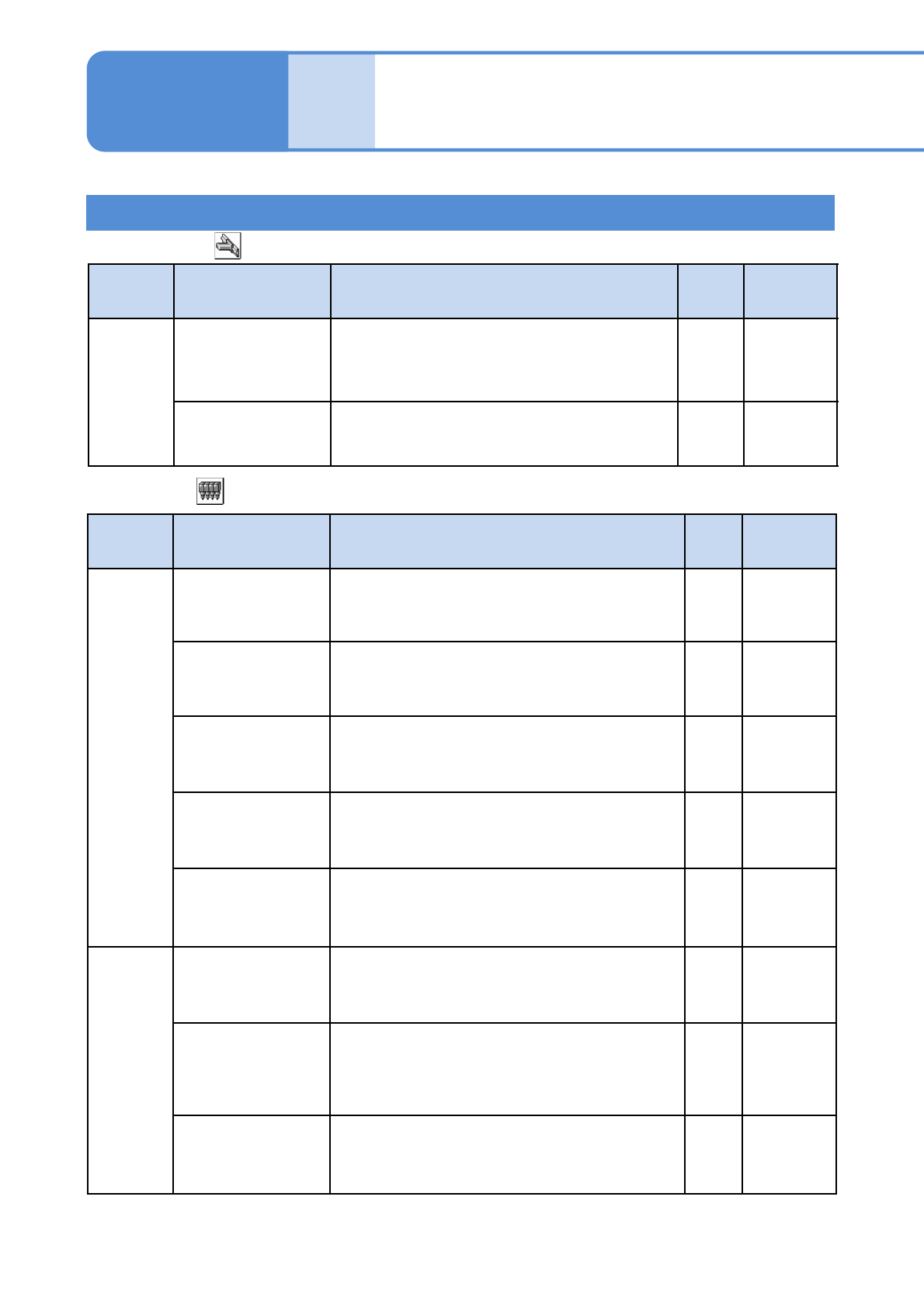
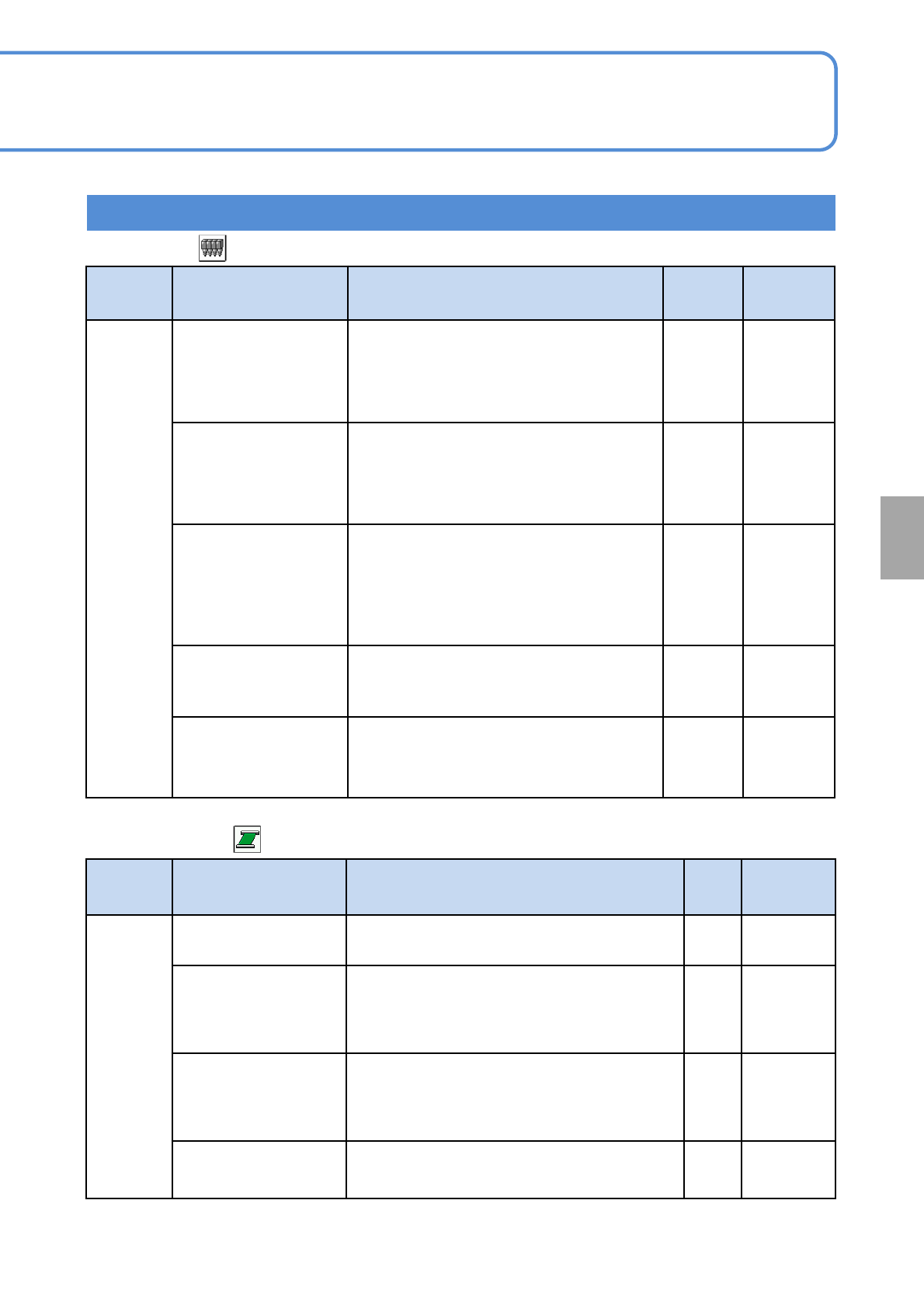
NPM- TT2 EJM1E E-MB-05O-05 Unit setting Action par ameter setting 2 5-1-2 -3 Setting information 2 Operating procedure 5-1-2 ■ Head (1/2) T ype Item Description Initial value Setting range Mechanic Placement down 2nd spe…
NPM-TT2 EJM1EE-MB-05O-05
5-1-2-2
Setting information 1
System
administration
Type Item Description Initial
value
Setting
range
Timer
Prod. end waiting
time [s]
When this set time elapses after the entry of the
production end signal, or when a PCB is loaded,
the machine judges it as the completion of
production. Thus, all the PCBs inside the
machine are unloaded, and auto run ends.
10 0 to 60
Buzzer stop time[s]
(0,100: special)
When this set time has elapsed, the buzzer stops
automatically.
●When ‘0’ is set, it does not stop until the buzzer stop
key is pressed. When ‘100’ is set, it does not stop.
0 0 to 100
Op. mode auto. log
off time [min]
The current mode is automatically changed to the
operator mode if no action is taken within the set
time period. (Except during production or calibration)
●When ‘0’ is set, it is not changed to the operator
mode.
0.0 0 to 60.0
Teach image confirm
time[s]
If ‘Auto feed mode’ is used for checking an image on
the placement coordinate teach screen, each time the
specified amount of time set here has passed, the
head automatically moves to the next placement point .
11 to 10
Determine
Max value of operate
ratio icon[%]
The operating rate of face icons on the indication
monitor screen is defined.
(For example)If enter the 60 icon display changes as
the threshold 15/30/45/60.)
(→P. 3-2-1 ‘How to check the screen in production
when stationary’)
80 0 to 100
Accuracy judge value
Cpk
Modify the value of accuracy judge value Cpk.
1
0.01 to
3.00
■Whole
■XY unit (1/2)
Type Item Description Initial
value
Setting
range
Timer
Time-lapse change
calibration interval
time(min)[s]
Set the minimum measure interval time in time-
lapse change calibration. There is initial value of
measure interval time.
180 1 to 5400
Time-lapse change
calibration interval
time(max)[s]
Set the maximum measure interval time in time-
lapse change calibration.
5400 1 to 5400
Time-lapse change
calibration machine stop
elapsing time[s]
Do time-lapse change calibration when machine
stop time exceeds this time.
300 1 to 1200
Time-lapse change
calibration machine stop
elapsing time(reset)[s]
Do time-lapse change calibration and initialize
interval time when machine stop time exceeds this
time.
1200 1 to 1200
NPM-TT2 EJM1EE-MB-05O-05
Unit
setting
Action parameter
setting 2
5-1-2-3
Setting information 2
Operating procedure
5-1-2
■Head (1/2)
Type Item Description Initial
value
Setting
range
Mechanic
Placement down
2nd speed
(Standard) [mm/s]
The lowering speed on the 2nd step when moving down
two steps for placement.
●For the 3-nozzle head only
10 3.0 to 100.0
Placement down
2nd speed (Low)
[mm/s]
The lowering speed on the 2nd step when moving down
two steps for placement under a placement load.
●For the 3-nozzle head only
5 3.0 to 100.0
Placement 2nd up
1st speed [mm/s]
The rising speed on the 1st step when moving up two
steps for transcription/placement of a transcription
component.
●For the 3-nozzle head only
5 3.0 to 100.0
Nozzle 2D code
recognition luminosity
adjustment coefficient
(F)
This is a coefficient used to adjust the lamp luminosity
for nozzle 2D code recognition on the front side.
The product of standard luminosity multiplied by this
coefficient will be set as the luminosity at recognition.
1.00 0.5 to 1.50
Nozzle 2D code
recognition luminosity
adjustment coefficient
(R)
This is a coefficient used to adjust the lamp luminosity
for nozzle 2D code recognition on the rear side.
The product of standard luminosity multiplied by this
coefficient will be set as the luminosity at recognition.
1.00 0.5 to 1.50
Determine
Bad nozzle error
rate [%]
This is a criterion used to judge nozzles good or bad.
The nozzle whose error rate has reached this value or
more is determined to be a bad nozzle, which will not
be used in automatic operation.
20 0.1 to 100.0
Bad head error rate
[%]
This is a criterion used to judge heads good or bad.
The head whose error rate has reached this value or
more is determined to be a bad head, which will not be
used in automatic operation.
●For 8/3-nozzle heads only
20 1.0 to 100.0
Nozzle clean
quantity [piece]
Set the frequency with which the nozzles are cleaned
during automatic operation. When the production count
reaches this value, a forced blow cleans the nozzles of
heads.
0 0 to 200
■XY unit (2/2)
Type Item Description Initial
value
Setting
range
Determine
Time-lapse change
calibration interval
threshold[mm]
If the amount of deviation relative to the previous
measurement result exceeds the setting value,
shorten the interval time. The interval time is
lengthened if it does not exceed the setting value.
1 0.01 to 1.50
Time-lapse change
calibration error
threshold[mm]
If the amount of deviation relative to the previous
measurement result exceeds the setting value,
the machine comes to a single error stop.
1.5 0.01 to 1.50
NPM-TT2 EJM1EE-MB-05O-05
5-1-2-4
Setting information 3
System
administration
Type Item Description Initial
value
Setting
range
Determine
8-nozzle head filter
clogging detection
Value
This is a criterion for detecting filter clogging.
If, in filter clogging check, the vacuum
sensor value has exceeded this value, the
filter is determined to be clogged.
●For 8-nozzle head only
-84 -100 to 0
3-nozzle head filter
clogging detection
Value
This is a criterion for detecting filter clogging.
If, in filter clogging check, the vacuum
sensor value has exceeded this value, the
filter is determined to be clogged.
●For 3-nozzle head only
-90 -100 to 0
After ejecting adhesion
check parts size
After component is ejected, if the larger
component size of either L or W is less than
the value, and if it is reflection component,
the ejection OK component is checked for
multi-recognition camera adhesion to detect
ejection error.
0.0
0.0 to
150.0
Threshold value of
rotate center check[mm]
This value sets the range for rotation center
check to be made when correcting changes
over time.
0.0 0.0 to 0.50
Reflective nozzle
diameter check
threshold [%]
This is a threshold value for determining an
error in reflective nozzle diameter check.
25 5 to 30
■Head (2/2)
■Conveyor(1/4)
Type Item Description Initial
value
Setting
range
Mechanic
PcbRecogErrInchingVa
lue[mm]
The area where the inching operation is
enabled on an PCB recognition error.
50to 20
Support pin keep
number[pin/Lane]
(Lane1)
The number of support pins being present in
the machine (Lane1)
●Displayed when automatic change
specifications are selected for the support pin.
00 to 30
Support pin keep
number[pin/Lane]
(Lane2)
The number of support pins being present in
the machine (Lane2)
●Displayed when automatic change
specifications are selected for the support pin.
00 to 30
Decelerate adjust
value[mm]
Set this value if a PCB is easy to slip out during
transport due to PCB material matter.
0 0 to 100