CP-842E-842ME System Reference-SYS-CP842-10E.pdf - 第37页
Machine System >> Basic Operation SYS-CP842-1.0E 4-1 4. Machine System This part explains the machine fun ctions accessed using the touch screen, and how to use them. 4.1 Basic Operation The machine and its functio…

The Machine >> Glossary
3-14
SYS-CP842-1.0E
machine configuration data
Data that is used specifically for machine settings that vary depending on require-
ments. Configuration data allows the operator to change the display at the signal
tower, and to specify the use of functions such as nozzle statictical processing and
automatic pick-up offset. Machine configuration data and calibration data are collec-
tively referred to as machine data, which is called Proper data for machines other
than those in the PCC group (refer to section 1.2, Whats New About the Machine Sys-
tem). See also calibration data.
multiboard panel
A panel that is composed of several identical smaller boards which are separated
when assembly is complete.
nozzle holder
A nozzle holder is attached to the end of each of the sixteen placing heads on the tur-
ret. Each nozzle holder can hold up to six different nozzles (see also turret).
Pallet Change Unit (PCU)
Trolley style device used to transfer device pallets on and off the machine.
production program
The operating instructions that enable the machine to assemble all, or a specified por-
tion of the panel. In Fujis host system FujiCam, a production program is referred to
as a recipe.
recovery
The action of reexecuting a pick-up sequence which was not successfully performed at
the previous attempt. The number of recovery attempts and the mode of recovery are
user specified.
skip mark
A mark on the panel which makes it possible to prevent the machine from placing
parts on a specific board of a multiboard panel. If the machine detects a skip mark at
the specified position on the board, it knows assembly for that board is not required.
touch screen
The interface on the machine which allows the operator to execute the machine com-
mands by touching the appropriate button on the screen.
XY-table
The main conveyor onto which the panel(s) is loaded during assembly.
virtual keyboard
This is a keyboard which displays on the touch screen. It is used to enter passwords,
etc.
Machine System >> Basic Operation
SYS-CP842-1.0E 4-1
4. Machine System
This part explains the machine functions accessed using the touch screen, and how to
use them.
4.1 Basic Operation
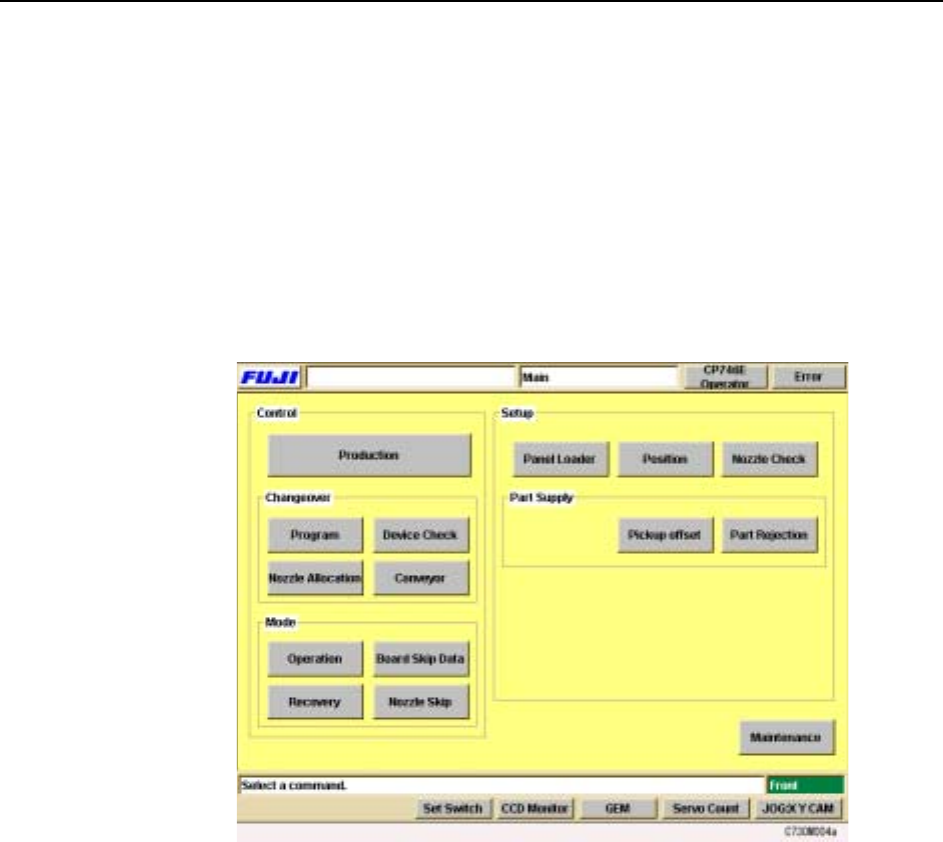
The machine and its functions are controlled by means of the command hierarchy
operated using the touch panel. This chapter explains the functions operated using
the touch panel and how to use them. The [Main] screen shown below is where all
operation of the machine begins. This screen displays after the machine is started up
and the operator has logged on to the system.
Machine System >> Basic Operation
4-2
SYS-CP842-1.0E
4.1.1 Getting Started
Starting the Machine and Displaying the [Main] Screen
Although most of the explanations in this chapter start from the [Main] screen, this is
not the first screen that displays when the machine is started. Carry out the following
procedure to start the machine and display the [Main] screen.
Procedure
1 Start the host system connected to the machine.
2 Set the circuit breaker on the machine to the ON position.
3 Open the transformer box cover and turn on the UPS (Uninterrupted Power-
Supply) switch. The POWER ON lamp lights.
4 Press the EMERGENCY STOP button.
Caution:For safety reasons, the EMERGENCY STOP button should always be pressed
before turning on the power to the machine.
5 Push the SYSTEM ON button to start the machine.
6 The machine boots up and the red [Error] screen displays, release the EMER-
GENCY STOP button which was pushed in.
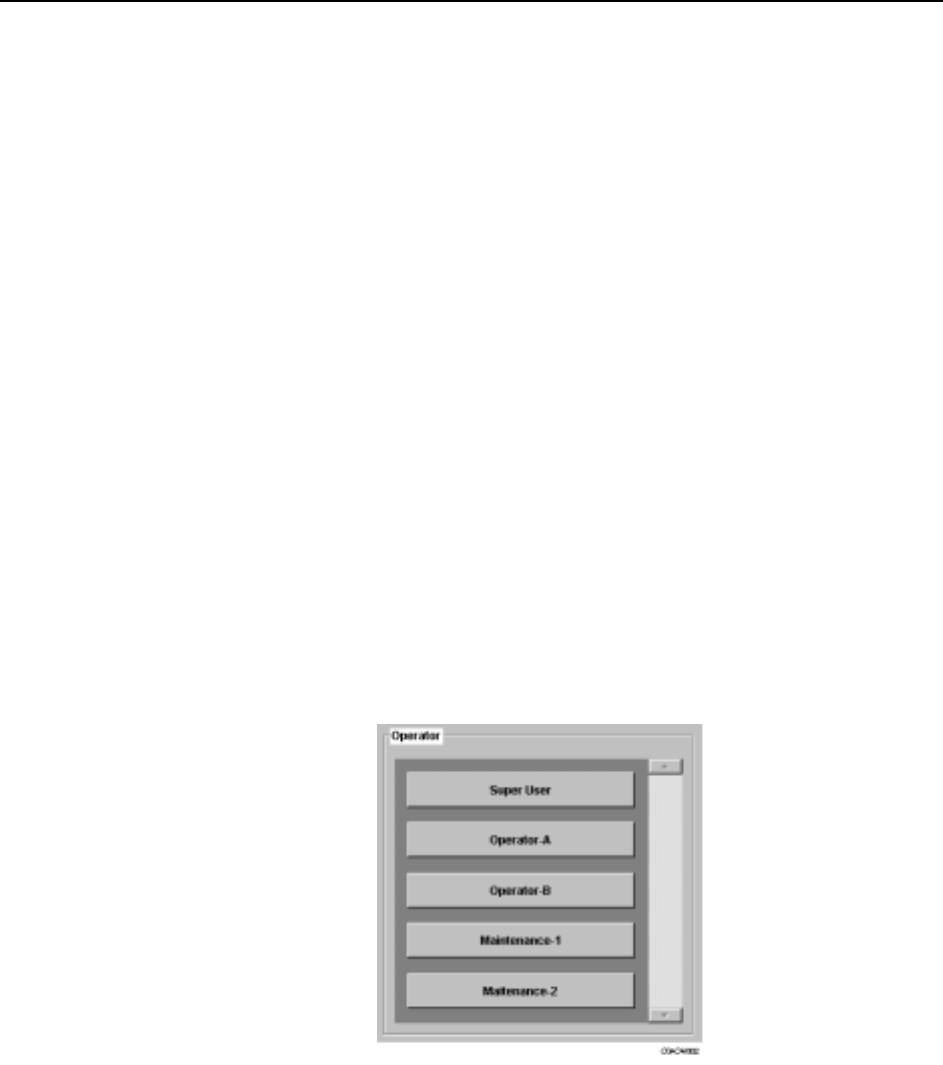
7 Push the READY ON button and select your user name from the list which dis-
plays. You will be requested to enter your password using the virtual keyboard
which displays. After entering your password, press [Enter] to log on.
8 The [Main] screen displays.