SOM-2080-001_w.pdf - 第6页
Contents 3 Page SOM-2080 1005-001 Before Use ............................................................................................. 1 Contents ......................................................................…
2
SOM-2080
1005-001
2. This instruction manual describes items not included in the instruction manual for the
machine body. Please use this instruction manual together with the instruction manual
for the machine body.
•
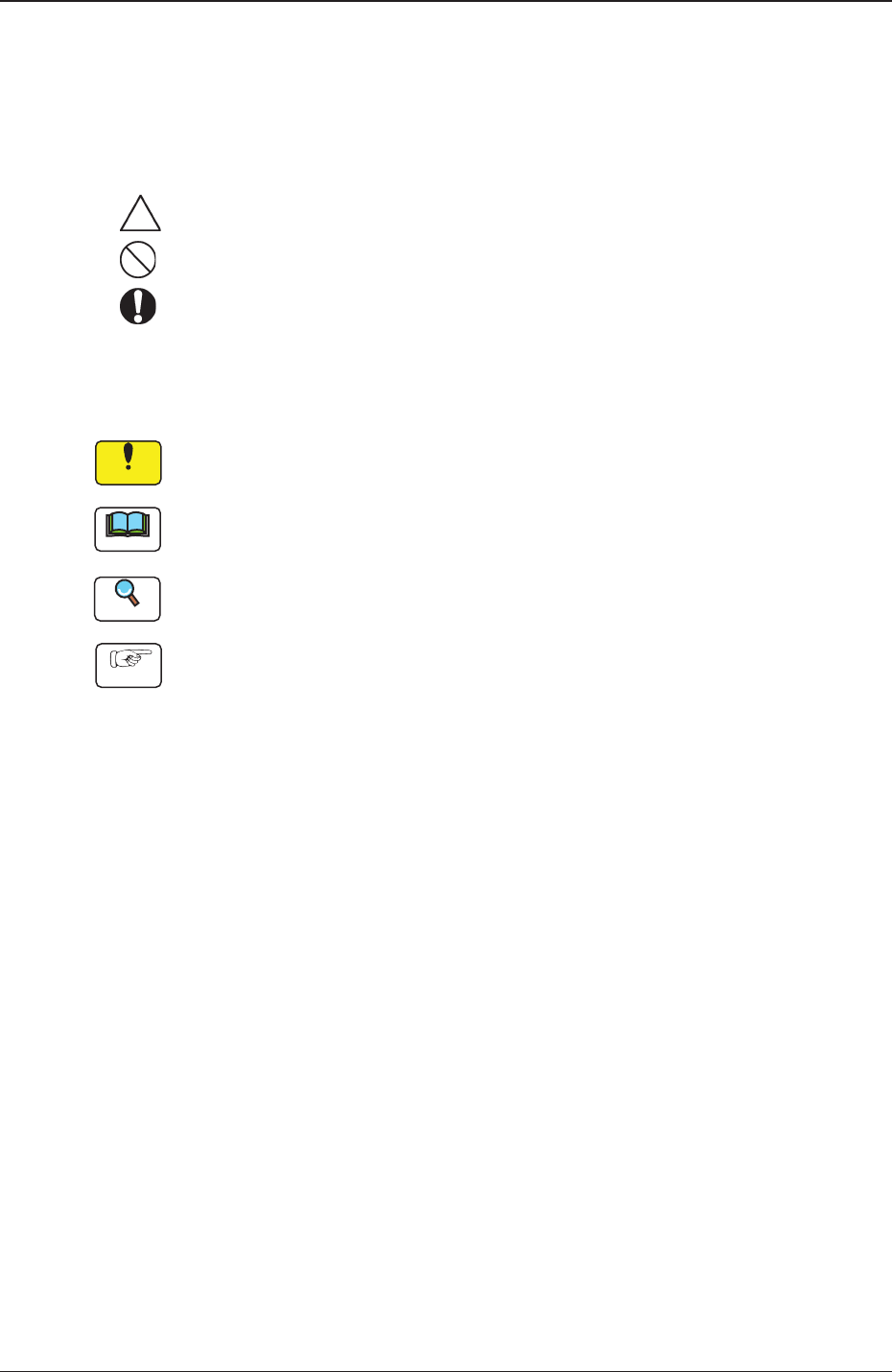
Identifying Alert Icons
: This symbol mark represents danger or prompts warning.
: This symbol mark represents prohibited operations.
: This symbol mark represents forced operations or instructions.
•
Identifying Icons in Manual
Notice
This icon shows an important precautionary or a regulatory item.
Note
This icon shows the descriptions for correct operations of the machine.
Reference
This icon shows the items to be referred to.
Procedure
This icon shows the operation procedures.

Contents
3
Page
SOM-2080
1005-001
Before Use ............................................................................................. 1
Contents .............................................................................................. 3
1. Scope ............................................................................................. 4
2. Function ......................................................................................... 4
3. Error Message Language Change-Over ........................................ 4
4. Description of Error ID (Example) .................................................. 5
5. Error IDs and Controlled Areas ...................................................... 6
6. Error IDs and Remedial Procedures .............................................. 7
6.1 Safety Devices ........................................................................ 7
6.2 Data ........................................................................................ 15
6.3 Conveyor ................................................................................ 17
6.4 Tray Feeder ............................................................................ 36
6.5 Tray Feeder 2 ......................................................................... 68
6.6 Recognition Communication ................................................... 98
6.7 PEC Recognition .................................................................... 99
6.8 Component Recognition ......................................................... 101
6.9 Automatic Setup ..................................................................... 103
6.10 Head-Related Errors ............................................................... 114
6.11 Others ..................................................................................... 116
6.12 Pickup Error ............................................................................ 131
6.13 Automatic Operation Error ...................................................... 133
6.14 Automatic Teaching ................................................................ 137
6.15 Test ......................................................................................... 146
6.16 V.Bend Detection System Error .............................................. 148
6.17 Barcode Detection .................................................................. 151
6.18 ACV ........................................................................................ 153
6.19 Machine Information ............................................................... 160
6.20 System Error ........................................................................... 175
4
SOM-2080
1. Scope
This specially designed function enables the operator to display the device
error messages displayed in the "Device Error" window or "Recall" window,
in Portuguese.
2. Function
•
This function displays the device error messages in Portuguese.
Notice
The messages except for the error messages are to be displayed in
English.
•
Simple Change-over Available from Portuguese to English
3. Error Message Language Change-Over
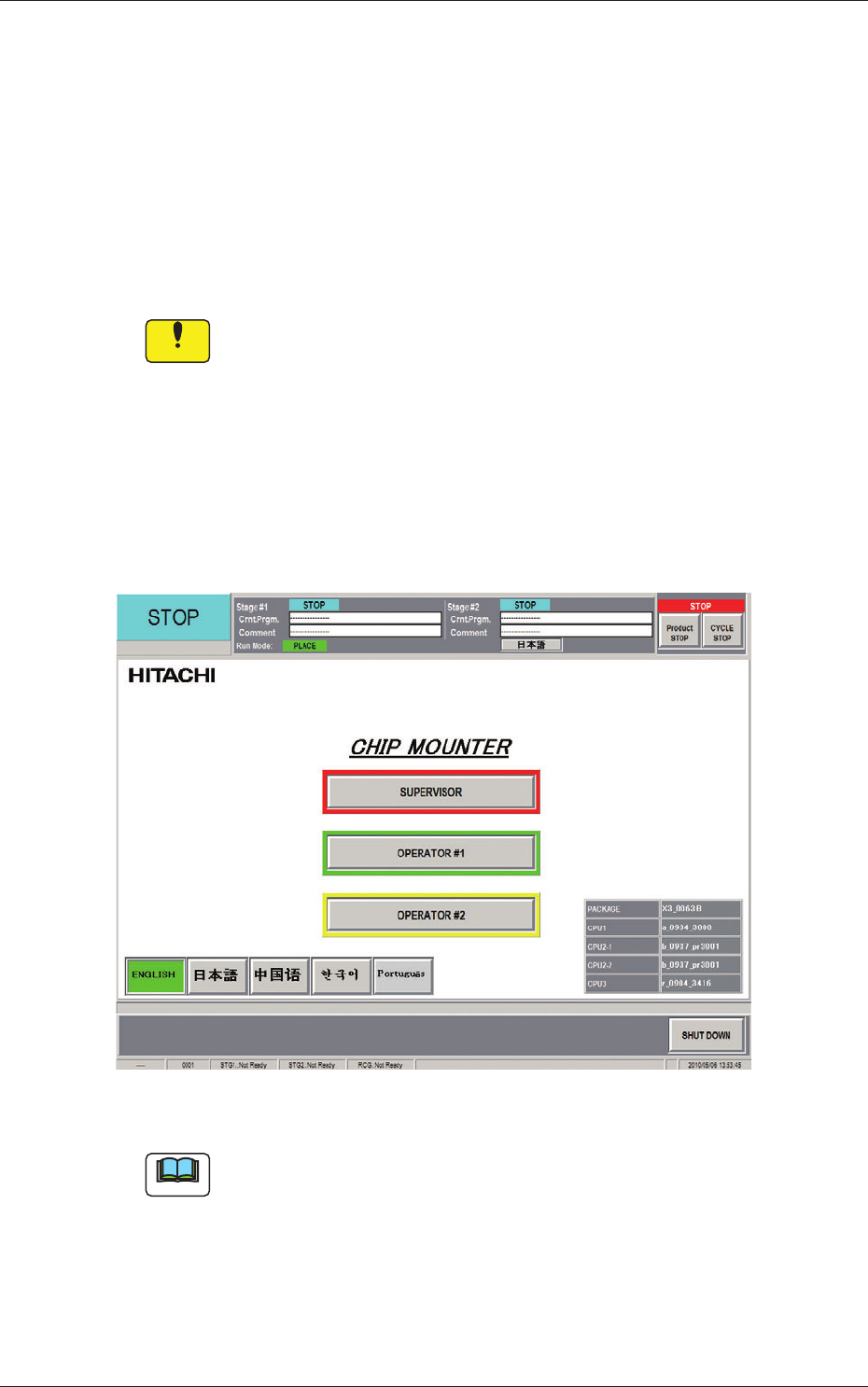
Press the [Portugués] button in the "Log-in" window. The corresponding
error messages are displayed in Portuguese.
Fig.1 "Log-in" window
Note
When the [English] button is pressed while the error messages are
displayed in Portuguese, simple change-over to the display in English is
available.
1005-001
1. Scope