00192231-09_VD_SSW 407.05_de en.pdf - 第79页
Software Version Description, Station Software Version 407.05 07/2008 Edition Welcome Fig.: Welcome Screen Choose Next for the registration screen to be displayed. 79 of 104
Software Version Description, Station Software Version 407.05 07/2008 Edition
9.3.2.3 Installation Program
• Turn on the station.
• When the Windows screen appears, keep the Shift key depressed to prevent the system from booting
automatically.
• Log in as an administrator!
• Once you have inserted the CD into the CD-ROM drive, the installation will start with the language
selection.
Language Selection
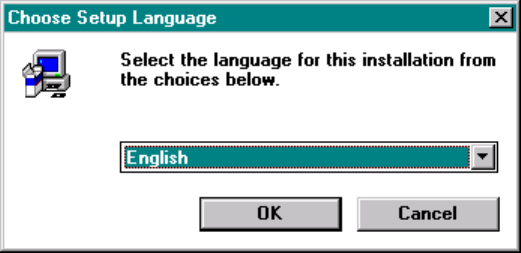
In the first screen a query is displayed asking you in which language the installation program is to
communicate with you. You can select between German and English.
Fig: Language Selection
Choose OK to reach the welcome screen.
78 of 104
Software Version Description, Station Software Version 407.05 07/2008 Edition
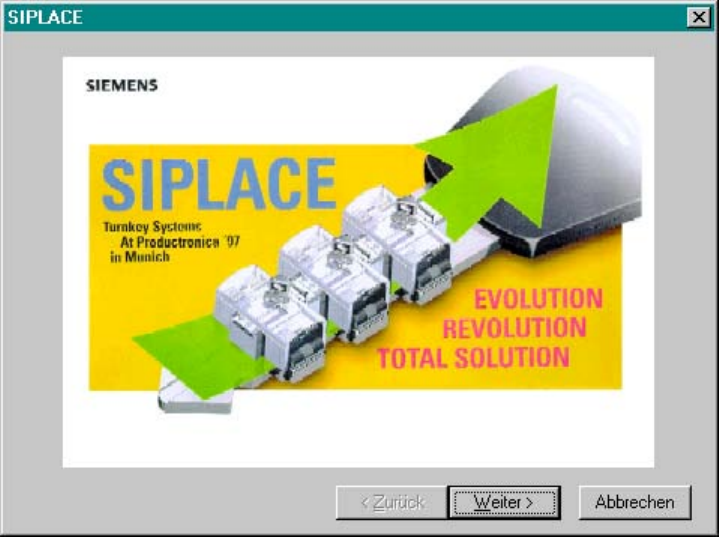
Welcome
Fig.: Welcome Screen
Choose Next for the registration screen to be displayed.
79 of 104
Software Version Description, Station Software Version 407.05 07/2008 Edition
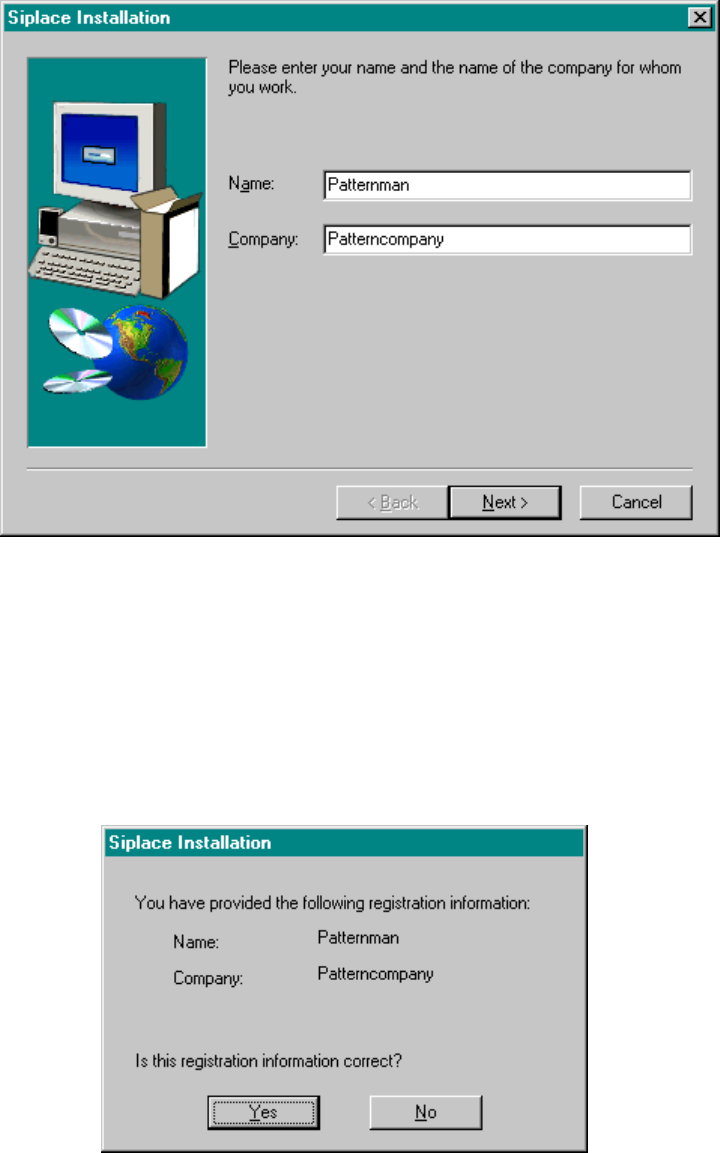
Registration
Here, you will be prompted for your name and the name of your company. The information you enter here
will be stored in a log file created by the installation program.
Fig.: Registration Screen
Registration Confirmation
In this window you can review your entries. Depending upon whether you reply with Yes or No, the entry
procedure will either be repeated or the actual query procedure will be activated.
Fig.: Registration Confirmation
80 of 104