00192231-09_VD_SSW 407.05_de en.pdf - 第81页
Software Version Description, Station Software Version 407.05 07/2008 Edition Warning messages This screen draws the operator's attention onc e again to specific requirements that are indispensable for troublefree…
Software Version Description, Station Software Version 407.05 07/2008 Edition
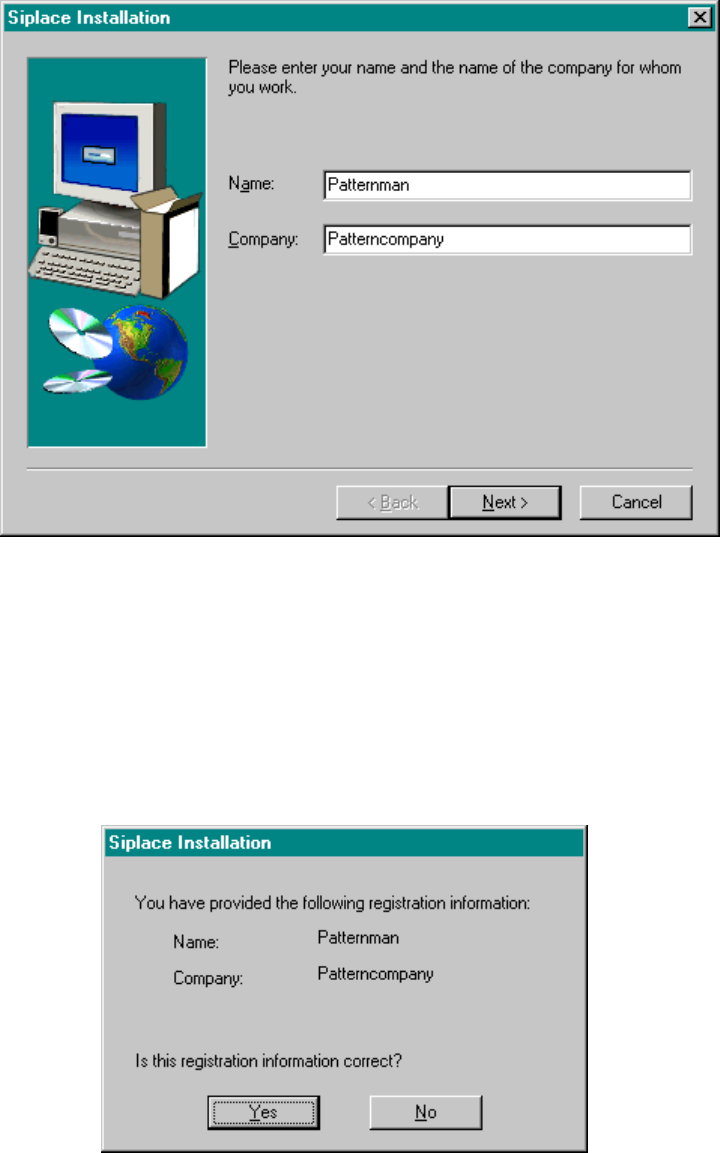
Registration
Here, you will be prompted for your name and the name of your company. The information you enter here
will be stored in a log file created by the installation program.
Fig.: Registration Screen
Registration Confirmation
In this window you can review your entries. Depending upon whether you reply with Yes or No, the entry
procedure will either be repeated or the actual query procedure will be activated.
Fig.: Registration Confirmation
80 of 104
Software Version Description, Station Software Version 407.05 07/2008 Edition
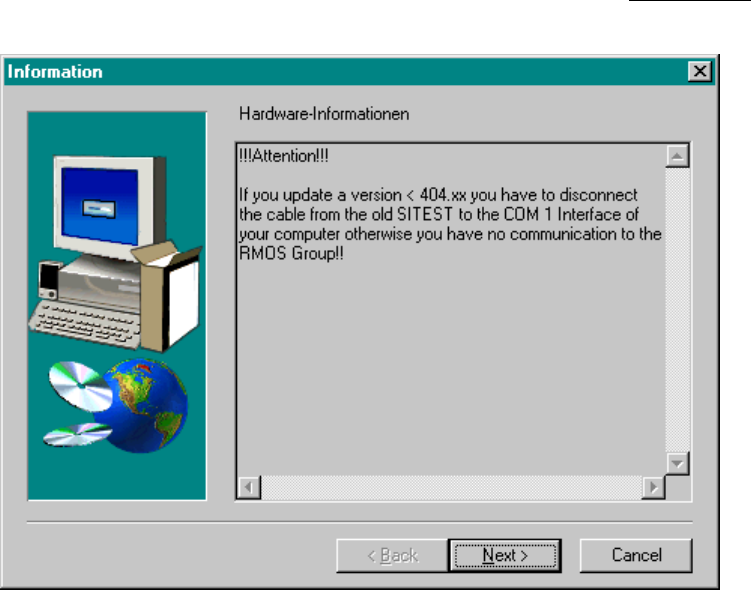
Warning messages
This screen draws the
operator's attention once again to specific requirements that are indispensable
for
troublefree operation.
Fig.: Warning Messages
81 of 104
Software Version Description, Station Software Version 407.05 07/2008 Edition
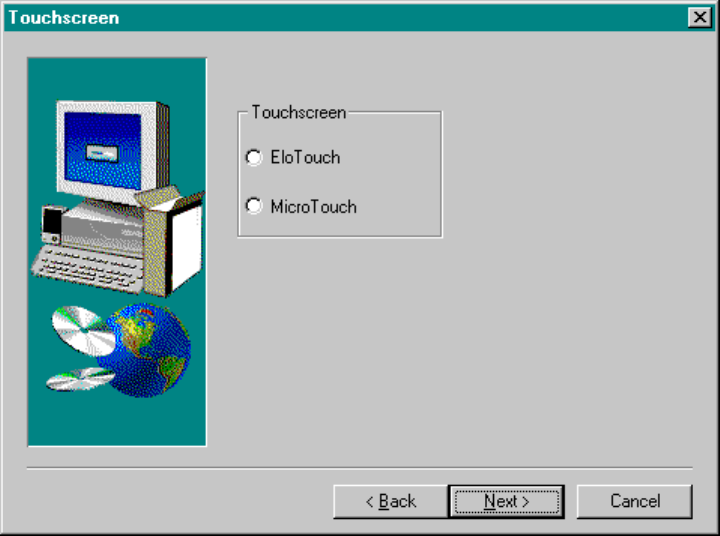
Touchscreen Selection
In the following screen you will be asked for the touchscreen type you are using. Based on this entry, drivers
will be installed on your computer. If the current installation is an update, no entries need to be made at this
point.
Note: The touchscreen type is identified on a decal located on the monitor.
Fig.: Touchscreen Selection
Caution: When installing the station software under Windows XP, the touchscreen must first have
been installed by the operating system. The relevant selection window is only offered for
the Windows NT operating system.
82 of 104